

The biggest fear gamers have about antivirus is simple: it will protect the PC and punish performance. Nobody wants random pop-ups, long boot times, louder fans, or a dip in FPS right before a ranked match. Security matters, but smooth play matters too.
That’s why the best antivirus software for gaming PC setups has to do two jobs at once. It needs strong protection, low system impact, quiet background scans, and a real gaming mode that stays out of the way. In this guide, you’ll see which options stand out in 2026, what features actually matter for gamers, and which pick makes sense for your budget and play style.
What gamers should look for before installing antivirus
Before comparing brands, focus on how antivirus behaves on a gaming rig. A flashy feature list means little if the app eats memory or starts a full scan in the middle of a match.
Low CPU and RAM use should come first. Games already fight for system resources, especially on mid-range PCs. When antivirus runs lightly in the background, your system stays responsive during downloads, Discord calls, streaming, and gameplay.
Real-time protection still matters, because gamers click more than they think. Mod files, cheat installers, fake patches, cracked launchers, shady Discord links, and phishing pages are common traps. Safe browsing tools help block those bad links before they land. A solid firewall adds another layer, which helps when you’re always online.
Ransomware defense is worth checking too. Game saves, clips, screenshots, and personal files can all be locked by malware. If you want a broader look at how modern suites handle file-locking threats, PCMag’s 2026 ransomware protection roundup offers useful context.
Update behavior also matters. Good antivirus updates quietly and fast. Bad antivirus grabs bandwidth, restarts services at the wrong time, or nags you during full-screen play.
Low system impact matters more than long feature lists
Most gamers don’t need every extra tool under the sun. They need protection that doesn’t feel like a backpack full of bricks.
Pay attention to startup load, background scans, and memory use. Some suites feel fine once you’re in Windows, but they slow boot time or stack too many services at launch. Others stay light and pause heavy tasks when a game runs in full-screen mode.
That trade-off matters more than people think. A suite with ten bonus tools can look like a bargain, yet still be a poor fit if it causes stutter in shooters or longer asset-loading times in big open-world games.
Game mode, silent mode, and smart notifications make a big difference
Game mode sounds like marketing, but a good one helps. It should mute alerts, delay scans, and stop update prompts while you play. That’s useful during online matches, but it’s just as helpful when you stream, watch cutscenes, or use a second monitor.
Smart notifications are part of the same story. You want the antivirus to warn you about real danger, not remind you to upgrade during a boss fight.
If your antivirus steals frames during a match, it solves one problem by creating another.
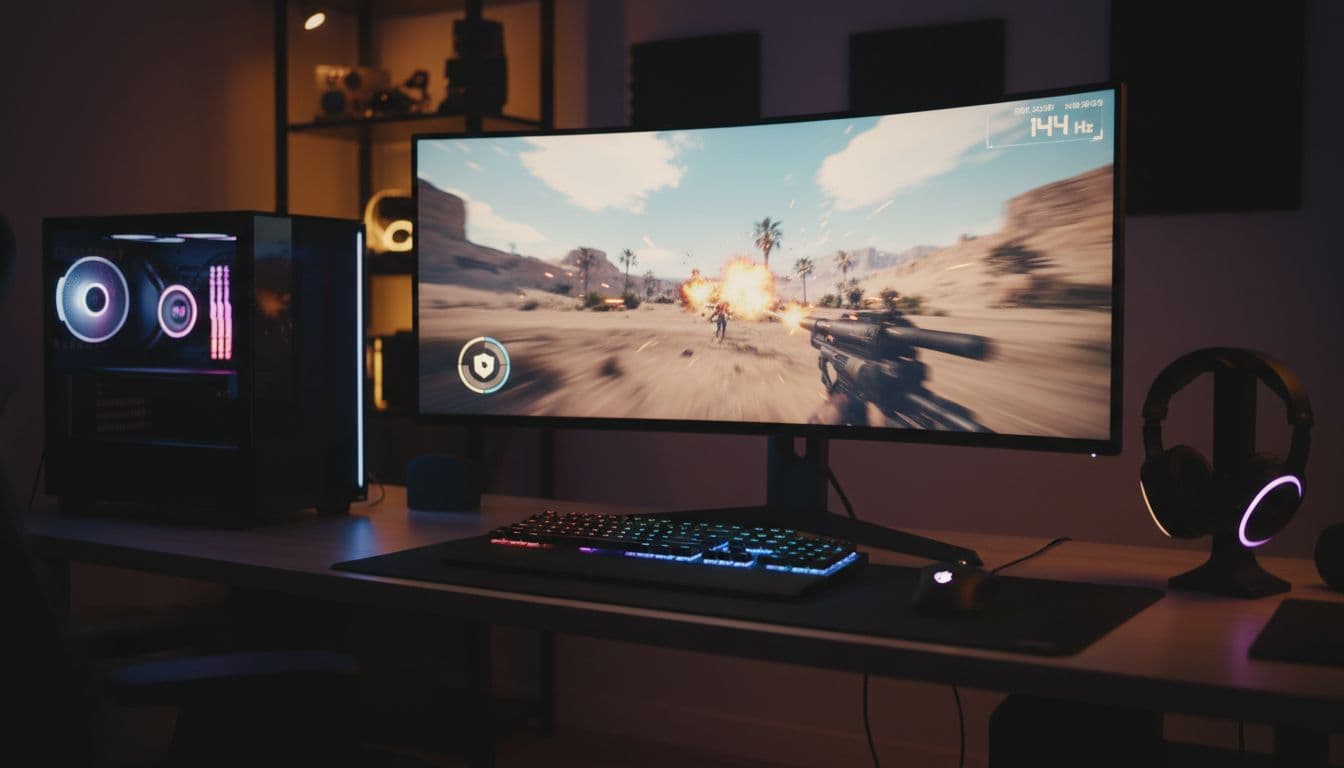
Best antivirus software for gaming PC users in 2026
In 2026, the top picks for gamers are Norton 360, Panda Dome, and Bitdefender, with McAfee, Avast, and Surfshark also worth a look for certain needs. Some gaming-first comparisons lean toward Panda for the lightest touch, while Norton stands out as the best overall bundle for most players.
Here’s the quick view before the deeper breakdown.
| Antivirus | Best for | Performance impact | Standout extra |
|---|---|---|---|
| Norton 360 for Gamers | Most players | Low to medium | Game Optimizer, VPN |
| Panda Dome | Lowest system impact | Very low | Auto gaming mode |
| Bitdefender | Best value | Very low | Strong core protection |
| McAfee | Multi-device homes | Medium | Broad device coverage |
| Avast | Familiar tools | Low | Gaming mode |
| Surfshark | Privacy-first users | Varies by plan | VPN bundle |
The short version is clear: Norton wins on all-around value, Panda is best when performance comes first, and Bitdefender gives excellent protection for the money.
Norton 360 for Gamers is the best overall pick for most players
Norton 360 for Gamers is the safest recommendation for the widest group of gamers. It gives strong malware protection, a gaming-focused mode, and useful extras that many players actually use, especially the bundled VPN.
Its Game Optimizer is a big reason it stands out. Instead of just muting alerts, Norton also tries to reduce interference from background tasks so your system can focus on the game. That won’t magically boost weak hardware, but it can help keep things cleaner during play. PCMag’s best security suites for 2026 also reflects how strong the suite category has become for users who want more than plain antivirus.
The downside is price and weight. Norton is not the lightest option here, and some players won’t use every extra in the bundle. Still, if you want one install that covers malware, browsing risks, account safety, and VPN use, it’s the best overall pick for most gaming PCs.
Panda Dome is a smart choice if you want very light protection
Panda Dome earns attention because it stays out of the way. In current 2026 comparisons, it performs very well for gamers who care most about low resource use and smooth play.
That light touch shows up in everyday use. Scans are quick, the interface is easy to learn, and the automatic gaming mode helps pause interruptions without much setup. For someone who wants to install antivirus once and forget about it, that matters a lot.
Panda also adds extras like a VPN, password manager, and cleanup tools. Those are nice bonuses, but the real reason gamers like it is performance. PCMag’s Panda Dome Complete review gives more detail on the suite’s feature mix and how it behaves in practice.
If you mostly play competitive titles and want the software to stay quiet, Panda is hard to ignore.
Bitdefender offers strong security with very little slowdown
Bitdefender hits the sweet spot between price, protection, and low overhead. It’s one of the easiest picks for gamers who want strong security without paying for a giant bundle.
Its strength is balance. Bitdefender runs lightly, scores well for malware blocking, and includes helpful tools like scam protection and firewall features in the right tiers. It also tends to stay quiet in the background, which is exactly what gamers want.
That’s why it works so well as a value choice. You get serious protection without much slowdown, and you don’t feel buried under extras you’ll never open. If you want a broader view of how leading antivirus tools stack up this year, PCMag’s best antivirus software for 2026 is a useful reference point.
Other good options worth a look, McAfee, Avast, and Surfshark
McAfee makes sense in multi-device households. If you’re covering a gaming PC, a laptop, and family phones, the wider licensing can be attractive. The trade-off is that it tends to feel less nimble than Panda or Bitdefender.
Avast remains a decent option for people who like familiar tools and a built-in gaming mode. It has a friendly layout and generally low impact, so it still fits plenty of casual setups.
Surfshark is different. It’s strongest as a privacy play because of its VPN focus. That can be useful for public Wi-Fi or travel, but you should check the plan details closely. The VPN by itself is not a full antivirus replacement.
Which antivirus is best for your type of gaming setup
The right choice depends on how you use your PC, not just which name tops a roundup.
Best pick for competitive gamers who want every frame possible
For esports players, low overhead matters most. Small dips in frame rate feel bigger on high refresh displays, and pop-ups during a round are brutal.
Panda Dome is the best fit if you want the lightest feel. Bitdefender is right there too, especially if you want stronger core security for the price. Both make more sense than a heavier suite when your main goal is pure play performance.
Best pick for casual gamers who want strong protection and easy setup
Casual gamers usually want something simple. Install it, let it update, and get back to playing.
That’s where Norton 360 and Panda Dome shine. Norton is better if you like an all-in-one bundle with more account and privacy tools. Panda is better if you want a cleaner, lighter experience with less fuss.
Best pick if you also want extras like a VPN, password manager, or cleanup tools
Extras are worth paying for only if you’ll use them. A bundled VPN helps if you game on public Wi-Fi, travel often, or want more privacy. A password manager is useful if you juggle Steam, Discord, email, and game publisher accounts.
Norton offers the strongest all-around bundle here. Panda gives you lighter protection with handy extras. If privacy is your main concern, Surfshark can make sense, but only as part of a plan that matches your security needs.
Common antivirus mistakes that can slow down a gaming PC
Even good antivirus can feel bad when it’s set up poorly.
Running two antivirus programs at the same time can cause problems
This is one of the most common mistakes. Two real-time scanners often fight over the same files, scan each other’s activity, and throw false alerts.
As a result, CPU use jumps, load times stretch, and crashes become more likely. In some cases, you end up less secure because the tools conflict instead of helping.
Bad scan settings and too many startup apps can hurt game performance
Full scans should run when you’re away from the PC, not during your gaming hours. If your antivirus allows it, schedule scans for overnight or other idle times.
Startup cleanup also helps. Many gaming PCs run too many launchers, overlays, RGB tools, and helper apps before a game even starts. Antivirus gets blamed for the slowdown, but the startup pile is often the real issue.
You can also use exclusions carefully for trusted game folders or launchers, but only when you know the source is safe. Keep your GPU drivers, Windows install, and antivirus updated too, because old software creates problems that feel like antivirus lag.
Final take
If you want the safest all-around choice, Norton 360 is still the best overall pick for most gamers. If the goal is the lightest possible protection, Panda Dome stands out. If you want the best value, Bitdefender is hard to beat.
The right answer depends on what you care about most, frame rate, extras, or price. Pick the tool that fits your setup, then tune the scan settings so your PC feels protected, not weighed down.