

Endpoint attacks still hit hard in 2026 because work happens everywhere now. Staff use home Wi-Fi, cloud apps, personal phones, and laptops that rarely sit inside one office network. Add ransomware to that mix, and one weak device can feel like an unlocked side door.
That is why endpoint protection software matters. In plain terms, it protects the laptops, desktops, servers, and mobile devices people use every day. The best endpoint protection software doesn’t only block malware, it also spots strange behavior and helps stop damage fast.
The tricky part is choosing well. The right fit depends on your company size, your IT skills, your device mix, and how much you can spend without piling on tools you won’t use.
How to tell if an endpoint protection platform is actually worth your money
Before you compare brands, decide what good protection looks like for your team. A cheap tool that misses attacks costs more later.
Look for prevention, detection, and fast response in one tool
Basic antivirus works like a door lock. It checks known bad files and blocks what it recognizes. That still helps, but it isn’t enough on its own.
A stronger endpoint protection platform adds behavior monitoring. Instead of waiting for a known file signature, it watches for suspicious actions, such as mass file encryption, odd scripts, or credential theft attempts. That matters because many attacks now change shape to avoid old-school scans.
Ransomware protection should be clear and easy to verify. Look for rollback, tamper protection, and policy controls for risky apps. Then check for EDR, short for endpoint detection and response. EDR gives your team a timeline of what happened, where it spread, and what to isolate first.
Automated response also saves time. Good tools can kill a malicious process, quarantine a file, or isolate a device from the network before an attack moves sideways.
If a product only tells you something bad happened, it’s too late. You want a tool that can also act.
If you want a sense of how modern platforms compare, these recent 2026 platform comparisons show how much the market has moved beyond simple antivirus.
Make sure it fits your systems, staff, and daily workflow
Power means less if your team can’t run the product well. That is where many buying mistakes start.
First, check platform support. Windows coverage is easy to find. macOS and Linux support often looks good in sales copy, but the depth can vary. Some tools offer strong policy control on Windows and thinner features elsewhere. If your company uses mixed devices, that gap matters.
Next, look at management. A cloud console is often easier for remote teams because admins can deploy agents, update policies, and review alerts from anywhere. Setup should be clear, reporting should be readable, and alerts should help you act, not drown you.
Policy controls also matter. Can you set different rules for executives, developers, and shared devices? Can you link the tool with Microsoft 365, SIEM tools, or ticketing apps? Those small workflow details shape daily use far more than marketing claims do.
In short, buy the tool your team can tune and trust. A complex platform with weak follow-through is like owning a race car for a school run.
The best endpoint protection software to consider right now
March 2026 reviews and market roundups keep pointing to a familiar shortlist. The names below stand out because they balance protection, response, and real-world admin value across different business sizes.
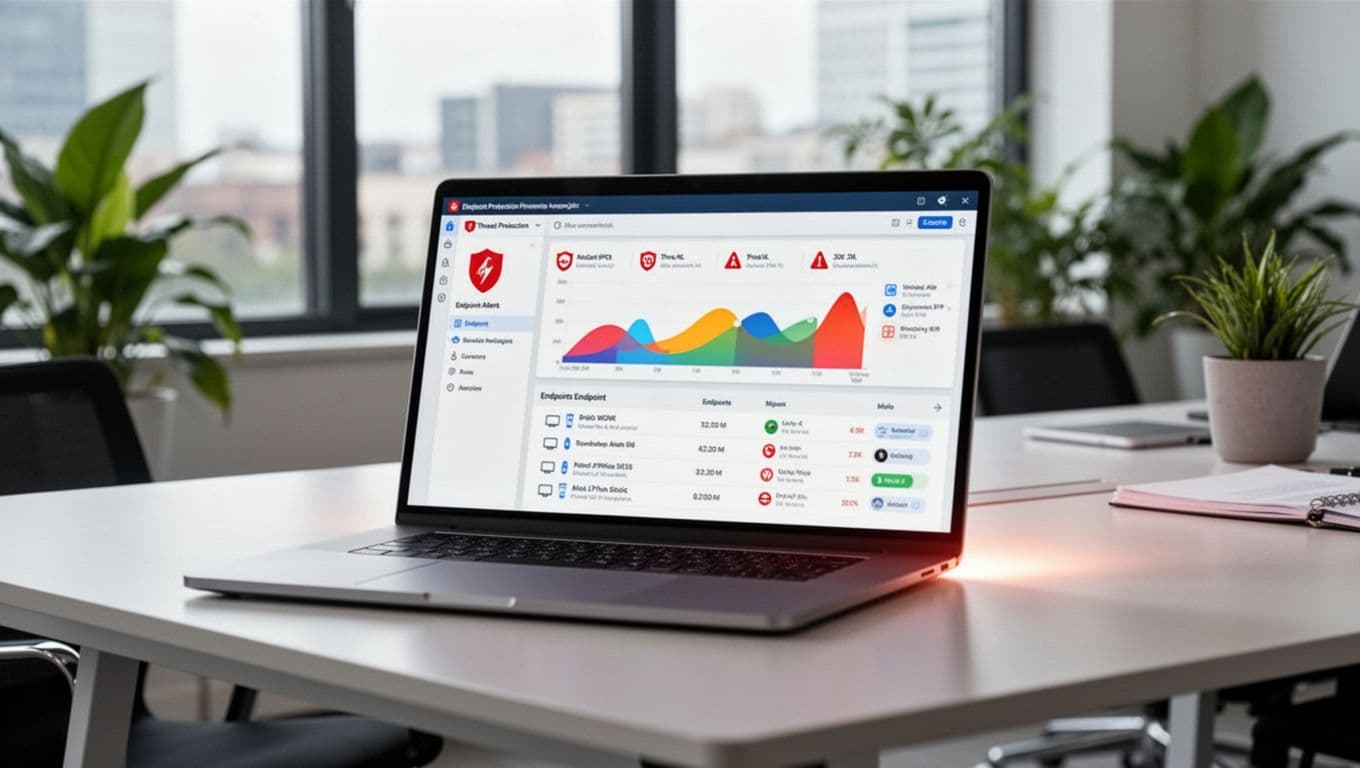
Acronis Cyber Protect Cloud, best if you want security and backup together
Acronis stands out because it combines endpoint protection and backup in one platform. That all-in-one approach can reduce tool sprawl, which is a big win for SMBs and busy IT teams. Instead of stitching together separate products, you manage protection, recovery, and response from a single service.
Its appeal goes beyond bundling. Acronis includes EDR features and has held a strong review position in current 2026 market snapshots. That makes it more than a backup product with a security add-on.
The tradeoff is pricing visibility. Public pricing is limited, so most teams need a quote. Still, if you want fewer vendors and a simpler stack, Acronis is one of the most practical options on the list.
SentinelOne and CrowdStrike, strong picks for advanced threat defense
These two often come up first when companies want serious threat defense. SentinelOne is known for AI-driven autonomous response and strong zero-day protection. It is often a good fit for teams that want the agent to do more on its own, especially when time and staff are tight.
CrowdStrike earns praise for cloud-native speed, broad threat intelligence, and enterprise scale. Large organizations often like its visibility and strong detection depth. It is built for environments where fast triage and rich telemetry matter every day.
Both tools tend to sit in the premium tier. That doesn’t make them overpriced, but it does mean you should be honest about your needs. A small company with no security staff may not use every advanced feature. For a useful side-by-side view, see this 2026 comparison of CrowdStrike, SentinelOne, and Defender.
Microsoft Defender for Endpoint, a smart choice for Microsoft-heavy teams
Microsoft Defender for Endpoint makes the most sense when your business already runs on Microsoft 365 and Windows. In that setup, the value can be hard to ignore because the product ties into the tools your staff already uses.
It brings behavior monitoring, automated investigation, vulnerability insight, and response actions that work well inside the Microsoft stack. For many IT teams, that means less friction and better cost value than buying a separate platform from scratch.
The limit is also clear. If your environment has a lot of non-Microsoft systems, or if you want a vendor-agnostic console first, Defender may feel less natural. It can still cover multiple operating systems, but its sweet spot remains the Microsoft ecosystem. Broader endpoint security roundups for 2026 often place Defender high when stack alignment is strong.
Sophos, ESET, and Trend Micro, good options for ease, coverage, or hybrid environments
Sophos is a solid choice for teams that want a clean admin experience and strong ransomware protection. Recent 2026 review data also shows it remains highly rated by users, which helps explain its steady popularity with mid-size businesses.
ESET keeps its reputation for dependable cross-platform coverage and traditional endpoint strength. If you want good protection without chasing every flashy feature, ESET often feels steady and familiar in a good way.
Trend Micro fits best when protection needs stretch across endpoints, servers, and hybrid cloud setups. Its broader view can help organizations that don’t want endpoint security to live in a silo. If you want another outside perspective, these March 2026 rankings and review snapshots give a quick read on how the category is lining up.
How to choose the right option for your team size and risk level
A shortlist is useful, but the buying decision gets easier when you match the tool to your daily reality. Size, risk, and staff skill change what “best” means.

Best fits for small businesses, mid-size teams, and large enterprises
Small businesses usually need simplicity first. If one person handles IT, a platform like Acronis or Sophos can make more sense than a tool built for a full security team. Bundled value matters here because it reduces both cost and admin time.
Mid-size teams often need a better balance. They want stronger control, but they don’t want to babysit alerts all day. Defender can work well for Microsoft-heavy shops, while ESET or Sophos may suit mixed device fleets that want easier management.
Enterprises care more about scale, automation, threat hunting, and centralized visibility. That is where CrowdStrike and SentinelOne often shine. Trend Micro also deserves a look when endpoint protection needs to connect with hybrid cloud and wider infrastructure controls.
The pattern is simple. As risk and complexity rise, automation and visibility matter more. As staffing gets thinner, ease of use matters more.
Questions to ask before you sign a contract
Ask vendors how deployment works in the real world. Can you roll out agents remotely? How long does full setup take? What breaks most often during onboarding?
Then ask about alerts and response. Which actions are automated? Can the tool isolate a device, stop a process, or roll back changes without manual work? Also ask how well macOS and Linux are covered, not just whether they are “supported.”
Support and pricing deserve blunt questions too. What help is included? How does pricing change when your endpoint count grows? Is there an added fee for EDR, threat hunting, or retention?
Finally, test before you buy. Run a trial or proof of concept. Check alert quality, policy setup, and reporting. Then compare what your team sees with outside feedback from top endpoint security platforms for 2026. Vendor demos look polished. Daily use tells the truth.
No single product wins for every business, and that is the whole point. The right platform matches your risk level, your environment, and the people who will manage it every day.
If your team is small, simple tools with strong core protection often win. If your risk is high or your environment is large, deeper response and visibility become worth the extra cost.
Start with a shortlist of two or three vendors, then test them side by side. A short trial will tell you more than any feature page, and it is the fastest path to choosing endpoint protection you will trust.