

A missed change order can wipe out a week of profit. For a small contractor, that kind of mistake hurts fast.
That’s why construction project management software for small business matters. You need one place for schedules, files, budgets, and crew updates, not a mess of texts, spreadsheets, and paper folders. The right system won’t make construction easy, but it can make the work far less chaotic.
Why small construction businesses need different software
Small firms don’t have the same needs as a national GC. You’re often wearing three hats before lunch. You might estimate jobs in the morning, answer vendor calls at noon, and solve a field issue before dinner. Because of that, software has to save time on day one.
Big, complex platforms often bury simple tasks under layers of setup. That’s a problem when your office manager also handles payroll, or when the owner still approves every purchase. In other words, a good fit isn’t the tool with the most features. It’s the one your team will use without groaning.
The biggest pain points are usually familiar. Information lives in too many places. Crews don’t always see the latest plans. Job costs trail behind real spending. Then the office and field teams start working from different versions of the truth.
Good software fixes that by creating a shared job record. Everyone checks the same schedule. Photos land in the same folder. Change orders, RFIs, daily logs, and invoices stop floating around in separate apps.
If you’re still comparing options, these recent software reviews can help you spot the difference between broad platforms and tools built for contractors.
The best software for a small business doesn’t impress in a demo alone. It proves itself on a busy Tuesday.
Price also matters, but sticker price isn’t the full story. Cheap software gets expensive if your crew avoids it. On the other hand, a higher monthly fee can pay for itself if it cuts rework, missed billing, or wasted trips to the jobsite.
The features that matter most in daily work
Most small contractors don’t need every bell and whistle. They need a short list of features that hold the job together.
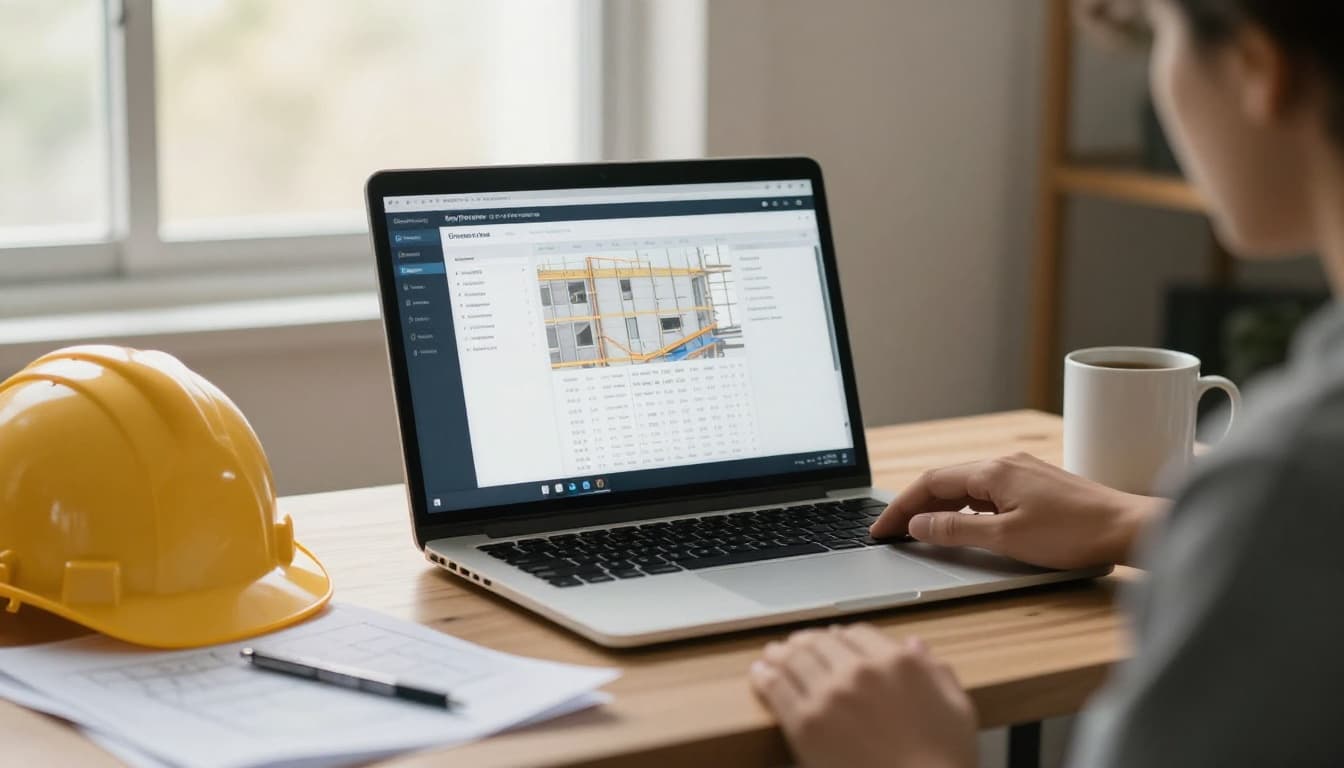
Here’s a quick way to think about feature priority:
| Feature | Why it matters for small business | What to watch for |
|---|---|---|
| Scheduling | Keeps jobs moving and crews aligned | Overly complex setup |
| Job costing | Shows where profit slips away | Weak cost-code detail |
| Mobile app | Helps field crews update work fast | Poor offline access |
| Document storage | Prevents lost plans and photos | Confusing folder structure |
| Change orders and RFIs | Reduces approval delays | Too many manual steps |
| Time tracking | Ties labor to jobs accurately | Hard clock-in process |
The takeaway is simple: ease of use matters as much as raw capability.
Scheduling should feel clear, not like solving a puzzle. You want drag-and-drop updates, crew assignments, and reminders that people will see. Job costing should connect labor, materials, and subs in a way you can read quickly. If you have to export three reports to learn whether a job still makes money, the system is too clunky.
Mobile access is another must. Field teams rarely sit at desks. They need to upload photos, check plans, log time, and note delays from a phone or tablet. Some providers focus hard on field reporting, which is why many small contractors look at options like small business construction management software from Raken.
Document control also matters more than people expect. Think of it like a jobsite toolbox. If every tool has a place, work moves. If nothing is where it should be, everyone wastes time looking around.
Finally, don’t ignore accounting connections. You may not need full ERP depth, but you do need clean data flow between jobs and books. That’s how you avoid billing late or finding cost overruns after the project ends.
How software helps the office and the field stay in sync
The real value shows up when software cuts back-and-forth. Office staff want better records. Field crews want fewer interruptions. Good construction project management software for small business gives both sides what they need.

Picture a small remodel company running four jobs at once. Without software, the superintendent texts progress photos, the office updates a spreadsheet, and the owner calls twice to confirm labor hours. That process works until it doesn’t. One wrong number, one missed text, and the whole picture goes fuzzy.
With a shared system, the superintendent logs today’s work from the site. Photos attach to the job file. Labor hours post to the correct project. The office sees updates in near real time, so billing and scheduling stay current.
That same flow helps with customer communication. When clients ask for a status update, you can answer with facts, not guesswork. You know what was done, what’s approved, and what’s next.
Software also helps with risk. Daily logs, safety notes, signed approvals, and photo records create a paper trail when disputes pop up. Small businesses feel those disputes hard because they don’t have deep admin teams.
If you want a broader look at the market, this roundup of 2026 construction software platforms shows how many tools now focus on mobile-first use and better job visibility.
Still, software only helps if crews can use it fast. A field app should need a few taps, not a training class. If the app feels like office software squeezed onto a phone, adoption will stall. Then you’re back to chasing updates by text.
How to choose and roll out software without slowing the business
Picking software can feel like buying a truck. You can admire features all day, but what matters is how it performs under load. The wrong choice becomes one more thing your team works around.
Start with your current bottleneck. Is scheduling the issue? Are change orders slipping? Do you need cleaner job costing? Pick the pain that costs the most money or time. Then judge each platform against that problem first.
Next, look at your team size and workflow. A five-person residential contractor has different needs than a 30-person commercial subcontractor. Some systems shine with estimating and client selections. Others focus on field logs and crew reports. Reviews with real pricing and contractor feedback can help you sort hype from fit.

During demos, ask plain questions:
- Can a foreman upload photos in seconds?
- How do change orders move from draft to approval?
- What does the mobile app do offline?
- How long does setup usually take for a company your size?
Also, test support before you buy. Fast help matters when payroll hours won’t sync on Friday afternoon.
Rollout should stay simple. Start with one active job, not every project at once. Move your schedule, contacts, files, and cost codes into the system. Then train the people who will use it most often. Keep the training short and tied to daily tasks. “How to log labor” beats an hour-long tour of tabs nobody needs yet.
One focused guide to construction project management software for small business makes the same point clearly: small teams win when they standardize a few key workflows first.
After launch, track a few signs of progress. Are daily logs submitted on time? Are invoices going out faster? Are fewer people asking for the latest plan set? Those are signs the software is doing real work, not sitting on the shelf.
The right software should feel like less work
When job details live in ten places, every delay gets bigger. That’s the trap small construction companies know too well.
The best construction project management software for small business brings schedules, costs, documents, and field updates into one system your team will use. Simple beats bloated every time.
Pick the tool that solves your biggest problem first, then roll it out on one job and build from there. If the software saves time on a busy Tuesday, you’ve made the right call.