

Too many apps, too many alerts, and not enough context, that’s the AppSec problem most teams face now. You might have strong scanners in place, yet still struggle to answer one simple question: what should we fix first?
That gap is where application security posture management tools come in. They pull signals from code, cloud, packages, secrets, and runtime sources into one risk view, so teams can act on what lowers real business risk. Let’s look at what these tools do, which features matter, how to compare options, and where they fit in a modern AppSec program.
What application security posture management tools actually do
Application security posture management tools sit above your scanners, not in place of them. Think of them as the control tower, while SAST, DAST, SCA, IaC, and cloud tools are the planes sending data in.
Their job is to collect findings, connect them to real applications and owners, and help teams decide what matters now. That matches the broad Gartner view of ASPM tools, which centers on collecting, analyzing, and prioritizing risk across the software life cycle.
Without that context, security teams often drown in alerts. With it, they can see the difference between a high-severity issue buried in a test app and a lower-scored flaw exposed in production on a business-critical service.
How ASPM turns scattered findings into one clear risk picture
Most organizations already own several security products. The hard part isn’t finding more issues. It’s stitching those findings into one story.
ASPM tools ingest data from source control, ticketing systems, CI/CD, SAST, DAST, SCA, secrets scanning, IaC scanners, and often CNAPP or CSPM feeds. Then they deduplicate repeated alerts, map findings to assets, and attach business context such as owner, environment, internet exposure, and fix status.
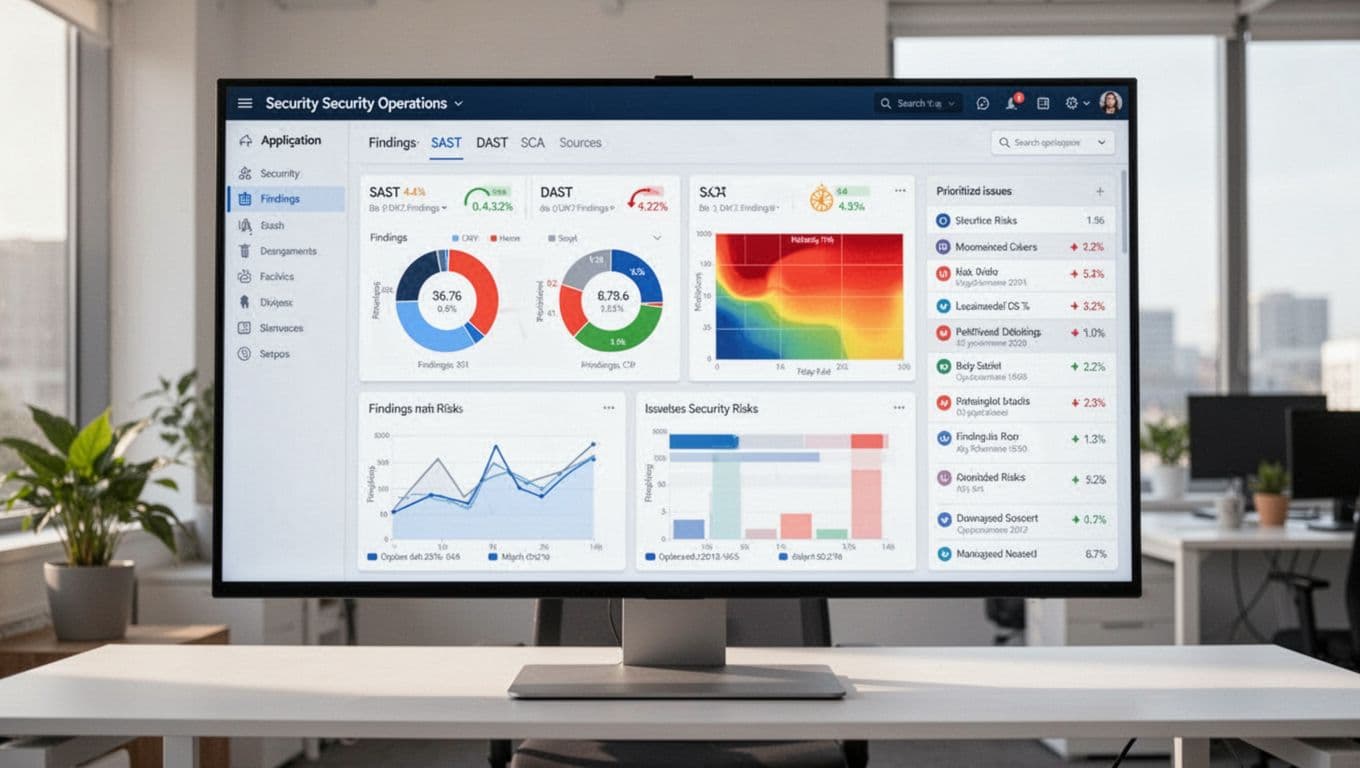
Picture a single vulnerable package showing up in SCA, an exposed container image, and a runtime alert. A good ASPM platform links those dots instead of showing three separate problems. That gives you one risk with better context, not three noisy tickets. For a current market snapshot, this ASPM tools overview shows how vendors position that unifying role.
Where ASPM fits in the software development lifecycle
ASPM supports decisions from code commit to production. Early in the cycle, it helps triage findings before they flood developers. Later, it helps security and engineering track remediation, approve exceptions, and report on trends over time.
In practice, that means a security lead can see which teams own the riskiest services. A developer can get a routed ticket with clear evidence and suggested fixes. Meanwhile, leaders can track whether risk is dropping, not only whether scans are running.
ASPM also helps when security work spans teams. One issue may touch application code, cloud config, and an open source library. Rather than bouncing between tools, the platform becomes the shared workspace for triage and follow-up.
The features that make an ASPM tool worth using
Many products promise broad visibility. That sounds good, but visibility alone doesn’t solve alert fatigue.
The best application security posture management tools reduce noise and speed up action. If a platform can’t help your team make faster, better decisions, it may become one more dashboard people ignore.
Strong integrations are the foundation of good posture management
Integrations make or break posture management. If the tool can’t connect to your real stack, the rest of the pitch doesn’t matter.
Look for native support for code repositories, CI/CD platforms, cloud providers, ticketing systems, scanners, and collaboration tools. Also check API quality, setup time, and how much custom work the rollout needs. A product with flashy screenshots but weak connectors will stall fast. This ASPM features and evaluation guide is useful background when you start comparing integration depth.
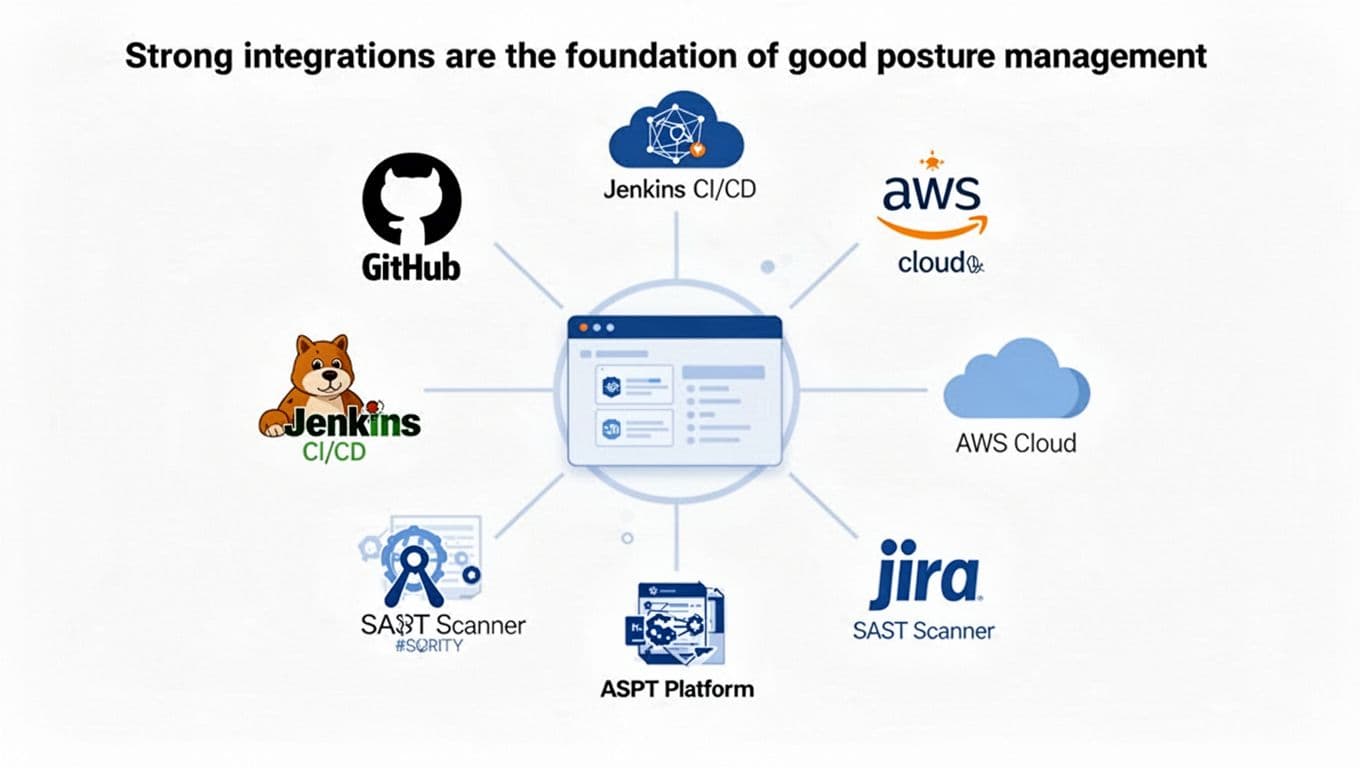
Strong integrations also improve trust. When developers see the right repo, branch, service owner, and ticket status attached to a finding, they stop treating security data like guesswork.
Risk-based prioritization should point teams to the few issues that matter most
Severity scores still matter, but they are only a starting point. A CVSS 9.8 issue with no reachable path or no exposed asset may matter less today than a reachable medium-severity flaw in a public-facing payment service.
Good prioritization blends technical and business context. Useful signals include exploitability, internet exposure, reachable code, access to sensitive data, business criticality, active runtime evidence, and whether a fix already exists. This discussion of prioritization in ASPM captures why raw severity alone falls short.
The best prioritization engine doesn’t tell you everything that’s wrong. It tells you what deserves attention this week.
That difference is where teams get real value. Fewer alerts is nice. Better decisions are the point.
Developer workflows and remediation guidance drive adoption
Even the smartest risk engine fails if it creates extra work. Developers already live in pull requests, issue trackers, and chat tools. So findings should meet them there.
Look for clean ticket creation, ownership mapping, policy-based routing, remediation guidance, and links back to the source evidence. Some platforms also help with exception workflows, which matters when a team has a valid reason to defer a fix. The smoother that process feels, the more likely teams are to use it instead of working around it.
Low friction matters because AppSec success depends on repeat use. If the tool helps a team fix problems without slowing releases, adoption follows.
How to compare application security posture management tools without getting lost in vendor claims
Vendor messaging often sounds the same. Everyone promises visibility, smarter triage, and faster remediation.
A better way to compare options is to focus on coverage, signal quality, speed to value, and proof that the tool improves decisions. If you need a broad starting point, these peer reviews of ASPM tools can help frame the market, but your environment should drive the shortlist.
This quick framework keeps evaluation grounded:
| Area | What to ask |
|---|---|
| Coverage | Does it connect to our scanners, repos, cloud, and ticketing stack? |
| Signal quality | Does it remove duplicates and map findings to real apps and owners? |
| Prioritization | Does it use reachability, exposure, and business context, not only severity? |
| Workflow fit | Can developers act in the tools they already use? |
A short table like this won’t choose the winner, but it will keep demos honest.
Start with your environment, not the feature checklist
A startup with a few cloud-native apps doesn’t need the same tool a global enterprise needs. Team size, cloud maturity, app inventory, compliance demands, and current scanner sprawl all shape the right fit.
If you already have strong scanning coverage but weak triage, focus on correlation and routing. If your asset inventory is messy, prioritize application mapping and ownership data. Some teams also need strong audit trails because reporting matters as much as remediation.
In other words, don’t buy the platform with the longest feature page. Buy the one that solves your most expensive bottleneck.
Use a pilot to test noise reduction, context quality, and time to triage
A pilot should answer a few direct questions. Did duplicate findings drop? Did the platform identify the riskiest issues better than your current process? Did it cover the apps you care about most? Could teams set it up without months of services work?
Also watch how quickly people can move from alert to action. If triage still takes too long, or if developers can’t tell who owns a finding, the pilot exposed a weak fit.
Short proofs of concept work best when you use real apps, real scanners, and real workflows. Marketing demos are polished. Your backlog is the truth.
Common mistakes teams make when rolling out ASPM tools
Buying the platform is the easy part. The hard part starts when you try to make it useful every day.
Rollouts usually fail for simple reasons, not fancy ones. Teams expect the wrong outcome, skip ownership work, or forget to give leaders a clear view of progress.
Treating ASPM like a scanner instead of a decision layer
This is the biggest mistake. Teams expect a new flood of findings, then wonder why the tool feels underwhelming.
ASPM is most valuable when it connects existing tools and sharpens decisions. It should show how issues relate, who owns them, and which fixes lower the most risk first. If you judge it only by how many new alerts it creates, you’ll miss the point.
That misunderstanding also hurts adoption. Security expects discovery. Engineering expects clarity. If the platform doesn’t serve both, it turns into shelfware.
Ignoring ownership, workflows, and executive reporting
Risk data without ownership goes nowhere. If findings aren’t mapped to the right team, tickets pile up in the wrong queue. Then remediation slows, and trust drops.
Reporting matters too. Leaders need simple trends they can act on, such as coverage, remediation speed, reopened issues, and overall risk reduction. If the tool can’t show whether the program is getting healthier, budget conversations get harder.
A strong rollout ties findings to teams, routes work cleanly, and tracks progress over time. That’s how posture management becomes part of the program instead of a side project.
Security teams don’t need another pile of alerts. They need application security posture management tools that cut through noise, show real risk, and help teams fix what matters faster.
Focus on integrations, context, prioritization, and workflow fit. If a tool supports both security goals and developer speed, it’s doing its job.
The best next step is simple: pilot one against your real environment and judge it by better decisions, not bigger dashboards.