
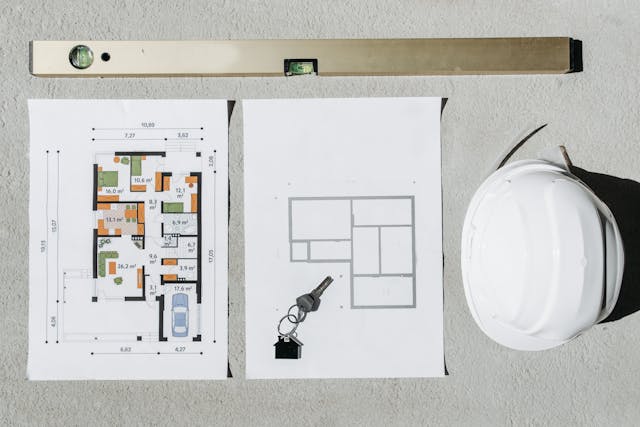
When a project has dozens of moving parts, what slips first, the deadline, the budget, or the handoff between teams?
That pressure is normal in real estate. You may be juggling contractors, lenders, permits, leases, change orders, and owner updates at the same time. Real estate project management software helps pull those threads into one place, so work stays visible and people stay aligned.
The right platform won’t fix a weak process by itself. Still, it can make a solid team much more consistent, and that’s where the value starts.
What real estate project management software actually does
In plain English, this software helps real estate teams plan work, assign tasks, track money, store documents, and report progress without jumping across five different systems.
It’s used across development, construction, renovations, tenant improvements, leasing projects, and portfolio-level planning. Unlike a basic task app, it connects the schedule, budget, files, approvals, and updates in one shared workspace. Many teams compare real estate project management options because general tools often miss the details that matter in property work.
The day-to-day problems it helps solve
Real estate projects rarely fail because of one huge mistake. More often, they drift off course through small misses that pile up.
A drawing sits in someone’s inbox. A permit file lives on one laptop. A vendor invoice gets approved late. Meanwhile, the schedule shifts, but the budget forecast doesn’t.
That’s where project software earns its keep. It gives teams one source of truth for dates, files, approvals, and status updates. As a result, it’s easier to catch a late task before it becomes a delayed opening or missed close.
If your schedule, budget, and approvals live in separate places, problems hide in the gaps.
It also helps with change orders, field questions, and owner reporting. Instead of chasing updates through calls and email chains, teams can see what changed, who approved it, and what still needs action.
Who gets the most value from using it
Developers use it to track a project from pre-development through delivery. Owners get cleaner visibility into cost, risk, and timeline. Project managers use it to keep work assigned, moving, and documented.
Construction teams benefit because on-site updates can tie back to the main schedule and file set. Property managers often use it during renovations, turnovers, and capital projects, then connect that work to ongoing operations. For teams comparing operations tools too, this roundup of property management software platforms shows how needs can differ after a building is live.
Architects gain faster access to current drawings and review cycles. Investors get clearer reports without waiting for manual spreadsheets. Each group sees the same project from a different angle, but the best software keeps those views connected.
The features that make the biggest difference on real estate projects
Feature lists can look impressive in a demo. What matters more is whether the tool supports how your team already works, or how it should work with fewer gaps.
A helpful buying lens is simple: can the system keep dates, dollars, documents, and decisions tied together? If yes, the software has a real shot at improving daily work.
Scheduling and task tracking that keep projects moving
A real estate schedule is more than a calendar. It needs tasks, milestones, dependencies, due dates, and owners. When one activity slips, the team should see what moves next.
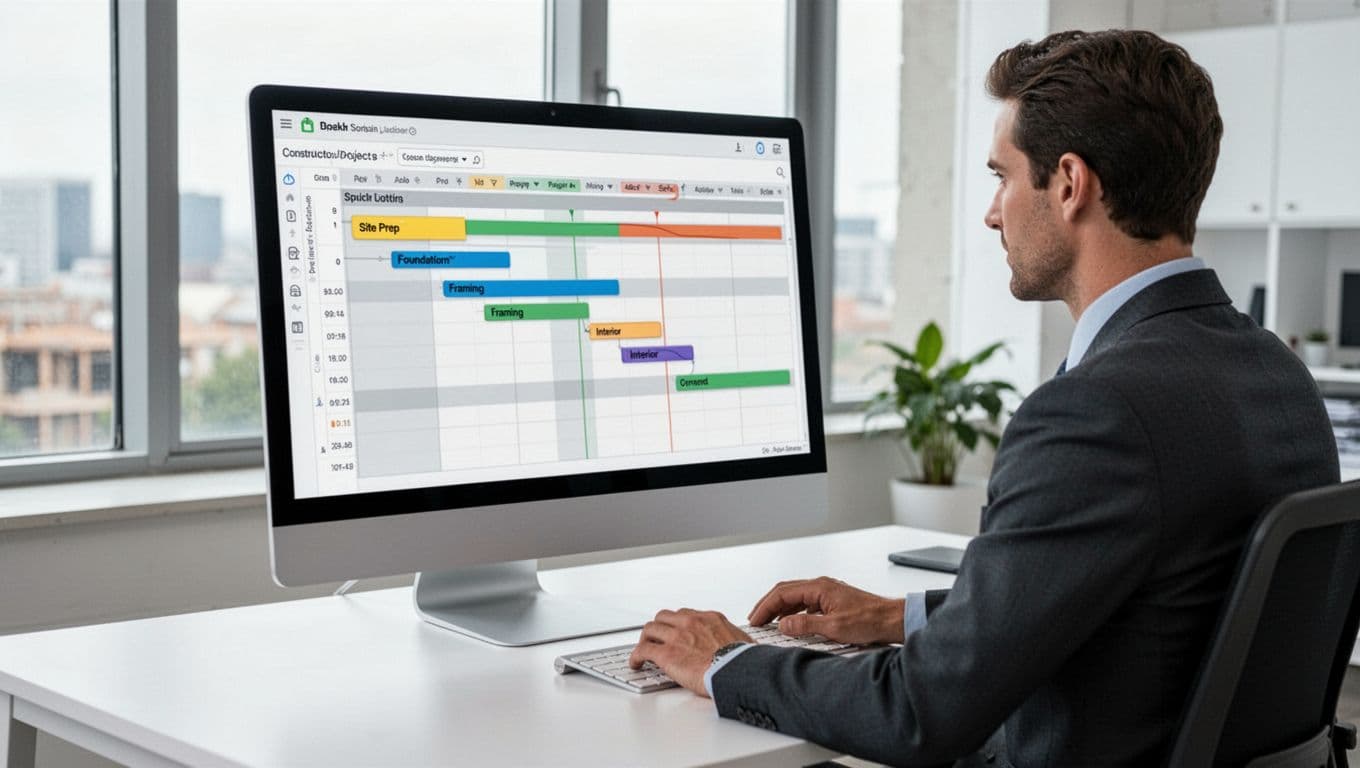
Good scheduling tools make accountability clear. They show who owns each task, when a handoff should happen, and which deadlines matter most. That helps teams spot delays early, while there’s still time to adjust crews, vendors, or approvals.
Look for timeline views, milestone tracking, shared calendars, and reminders that people will use. A broad feature guide for real estate software can help you separate must-haves from nice extras.
Budgeting, cost tracking, and reporting you can trust
Budget trouble usually starts before anyone says the project is over budget. Costs creep in through small misses, late approvals, and weak forecasting.
That’s why budget vs. actual tracking matters. Teams should be able to compare planned costs against current spend, review invoice status, approve changes, and update forecasts without rebuilding reports by hand.
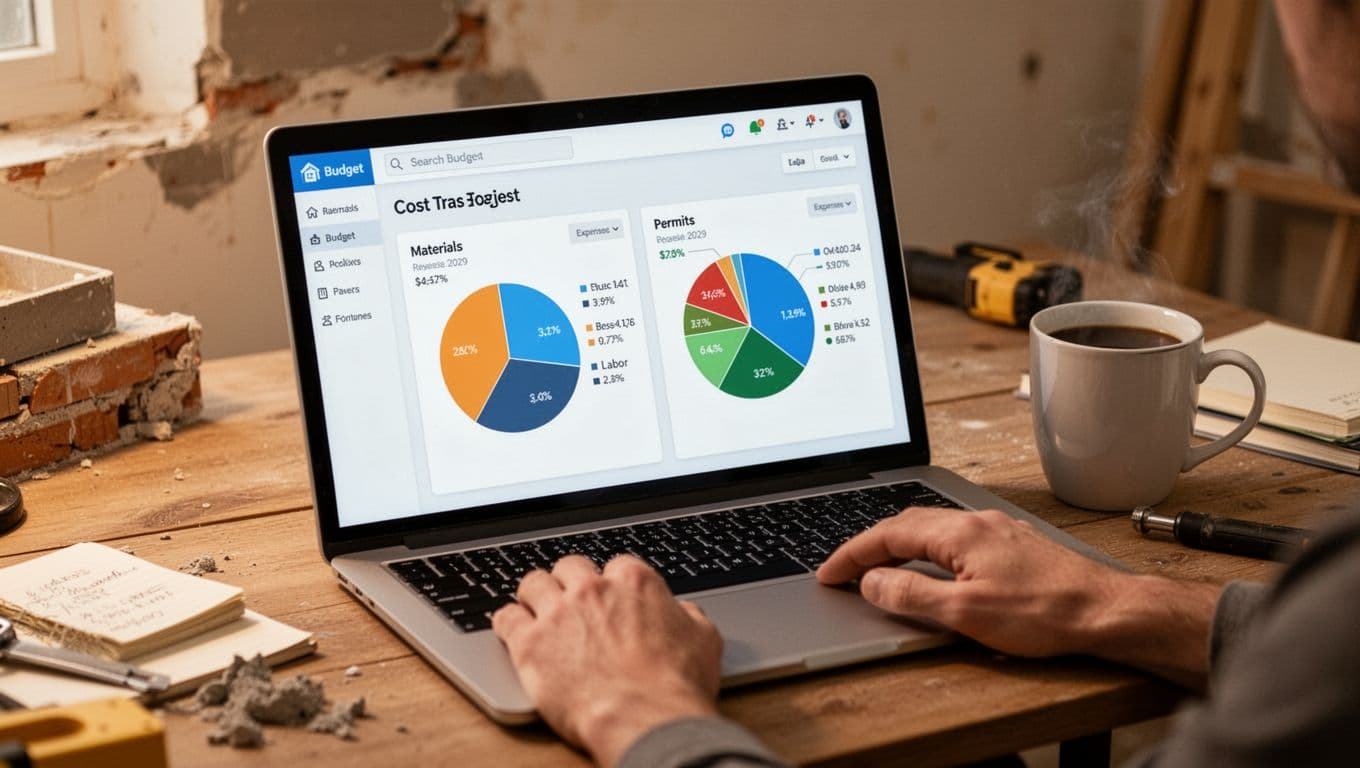
Clear reporting also helps owner groups and investors. They don’t want a wall of data. They want to know what changed, what it means, and where attention is needed now.
When reports pull from live project data, meetings get shorter and decisions get faster. That’s a big shift from month-end surprises.
Document control, collaboration, and mobile access
Real estate work runs on documents. Contracts, permits, drawings, photos, meeting notes, RFIs, and punch items all need a home.
Without document control, teams waste time asking the same questions. Worse, someone may act on an old file. Version history and permission controls reduce that risk, especially when outside partners join the project.
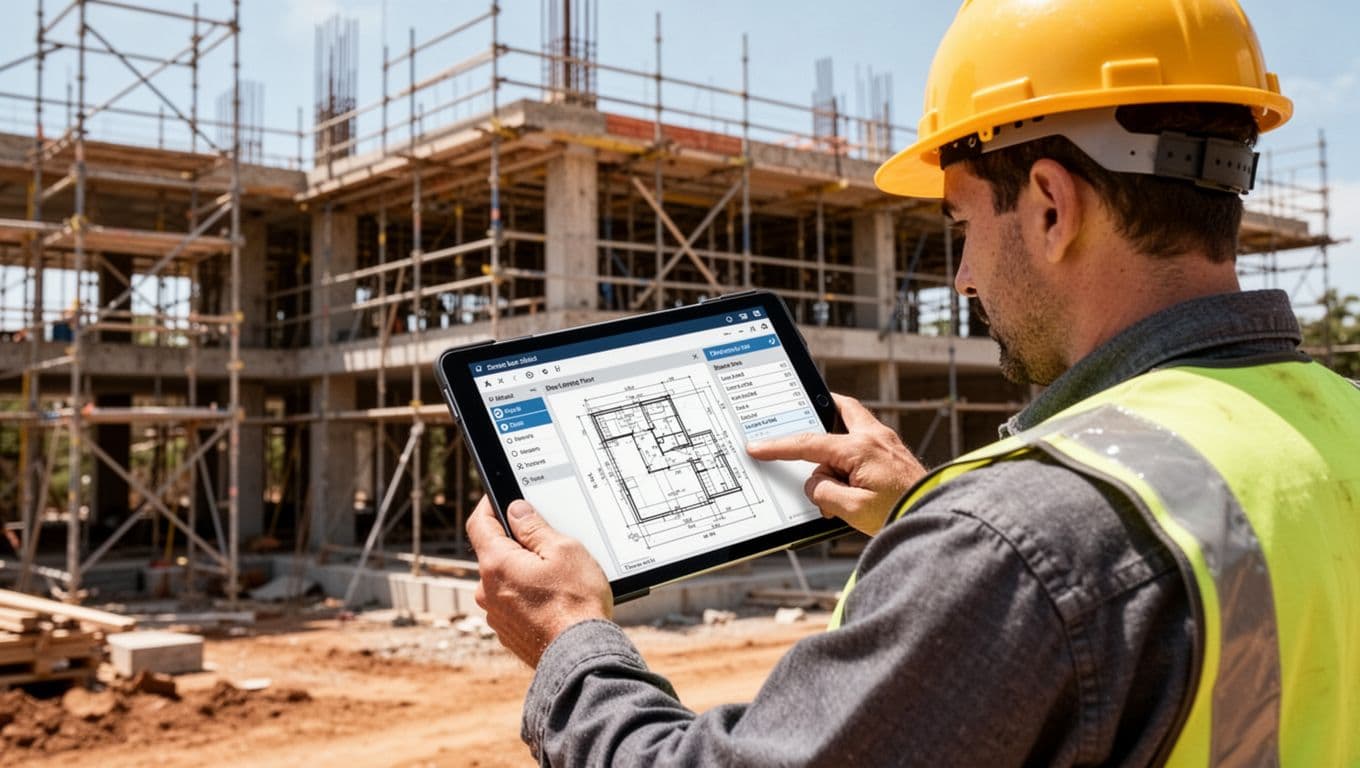
Mobile access matters because real work doesn’t happen only at a desk. On-site teams need to upload photos, review plans, and update status from the field. Remote owners and investors need quick access too, without waiting for someone to send a file later.
How to choose the best real estate project management software for your team
Choosing a platform gets easier when you ignore the sales pitch for a minute and focus on your actual workflow.
The best fit is rarely the tool with the longest feature list. It’s the one your team will use every day without friction.
Start with your workflow, team size, and project type
A small renovation company doesn’t need the same setup as a commercial developer with multi-site projects. A property owner handling capital projects may care more about approvals and reporting than deep field tools.
Start by mapping your pain points. Where do delays start? Which files go missing? Who still relies on email or spreadsheets for key updates?
That exercise shows what the software must solve first. It also keeps you from buying a platform built for a different kind of team. If you’re still sorting through the market, these developer-focused software comparisons can help frame the choices.
Look at integrations, ease of use, and total cost
Integrations matter because no project tool works alone. You may need it to connect with accounting software, cloud storage, CRM systems, or property operations tools.
Ease of use matters even more. If field staff, vendors, or executives avoid the system, adoption drops fast. Then the software becomes another place where data goes to die.
Total cost includes more than the monthly fee. Think about setup time, training, support, admin work, and any custom work needed after launch. A lower sticker price can still cost more if the team struggles to use it.
What results to expect after implementation, and common mistakes to avoid
Good software can improve project control. It can’t replace clear ownership, clean data, and a shared process.
Set realistic goals early. Teams usually improve step by step, not overnight.
The wins most teams see in the first few months
Most teams notice better visibility first. People stop asking where things stand because the answer is already in the system.
Communication often gets faster too. Updates live in one place, files are easier to find, and fewer tasks fall through the cracks. Reporting also gets cleaner because leaders aren’t waiting on manual status checks from every team member.

Deadline control can improve within the first quarter, especially when milestones and dependencies are set up well. The gains may look small at first, but they add up across an entire pipeline of projects.
Mistakes that make good software underperform
Poor onboarding hurts adoption fast. If people don’t know where to click, what to update, or why it matters, they go back to old habits.
Messy data causes another common problem. If budgets, task lists, or file names are inconsistent, the system becomes harder to trust. Too many tools can also create noise. When teams split work across several apps, no one sees the full picture.
Unclear ownership slows everything down. Every workflow needs a named owner, especially for approvals, reporting, and system upkeep. Weak process standards create the same issue. If each project team uses the platform differently, reports become messy and comparisons break down.
These technology implementation mistakes show why rollout planning matters as much as software selection. Keep the process simple, train by role, and clean up your data early.
The best real estate project management software isn’t the flashiest option. It’s the one that matches your workflow, fits your budget, and supports how your team wants to grow.
Start with the basics that matter most, dates, costs, documents, and accountability. Then test usability with real users before you commit.
Pick the tool that helps people work better every day. That’s how projects stay on track when the pressure rises.