

Too much product data can feel like staring at a crowded dashboard and still missing the one signal that matters. You can track clicks, taps, sessions, and users all day, yet still struggle to answer a simple question: what should the team do next?
That’s where best product analytics tools stand out. They turn behavior into usable answers for product, growth, UX, and marketing teams, especially across web and mobile apps.
The hard part isn’t finding a tool. It’s picking one that fits your product, your workflow, and the questions you need answered every week.
What to look for before you compare product analytics tools
A product analytics platform should help your team move faster, not add another layer of confusion. Before you compare brand names, get clear on what success looks like. Otherwise, every demo will sound good.
Start with your product, team size, and goals
A startup with one product manager and one engineer has different needs than a mature SaaS company with data analysts, growth leads, and mobile teams. That sounds obvious, but many teams still buy for future complexity instead of current use.
First, map your main goal. Maybe you want to improve activation. Maybe churn is rising. Maybe feature adoption is flat. Or maybe nobody can explain why some users stick while others vanish after week one.
Those goals shape the tool you need. If you care most about onboarding funnels, look for strong event tracking and path analysis. If retention matters most, cohort reports and long-term trend views matter more. If your team ships fast, feature flags and experiments may save time.
Recent market comparisons of product analytics tools show the same pattern: the best choice depends less on brand popularity and more on fit.
A powerful analytics tool won’t fix messy tracking plans. Clean events still matter.
Focus on the features that save time and drive better decisions
Most teams need a core set of features. That includes event tracking, funnels, user paths, cohorts, retention reports, dashboards, and alerts. These answer basic but important questions, like where users drop off and what behavior predicts long-term value.
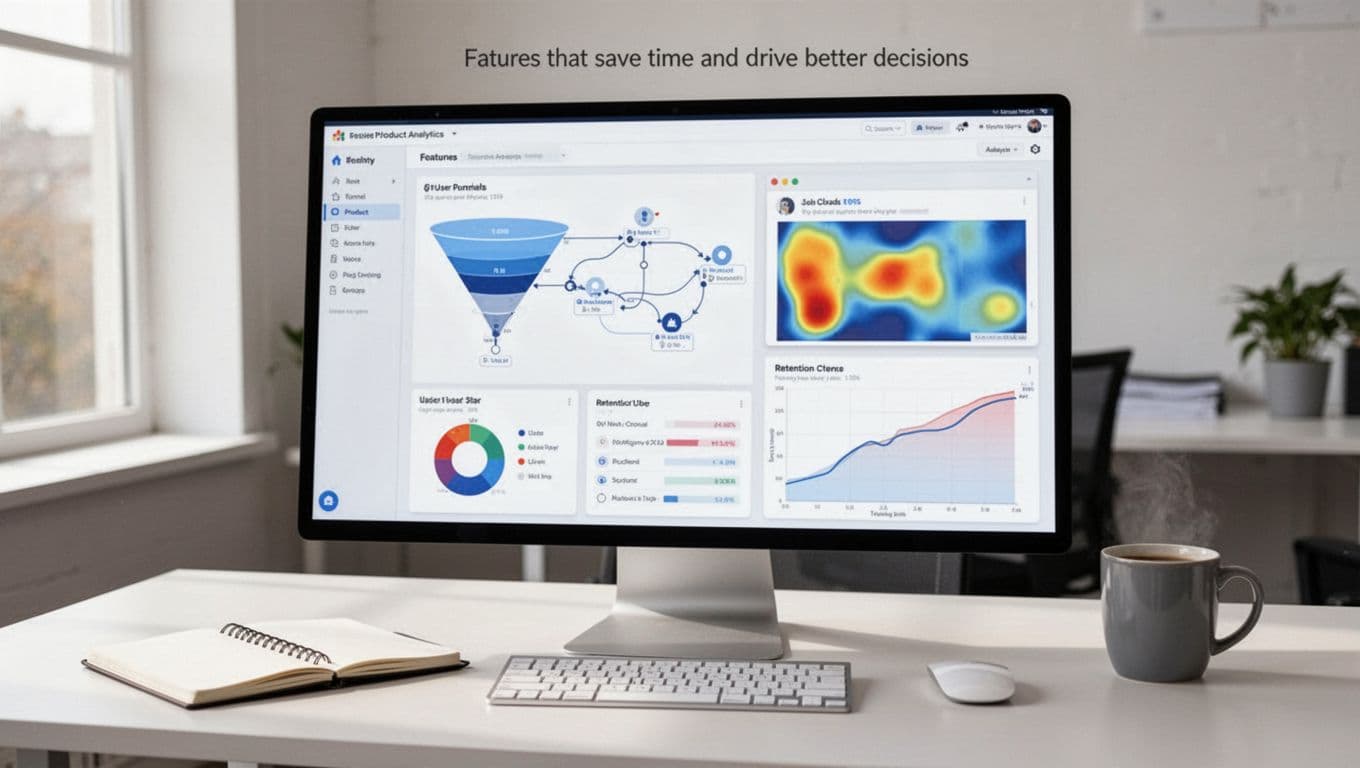
Then come the time-savers. Session replay and heatmaps help teams add context to raw event data. Feature flags and experimentation tools help you test changes without waiting on a bigger stack. Meanwhile, auto-capture can reduce engineering work, though it can also create noise if nobody governs the data.
Don’t ignore the boring parts. Data governance, privacy controls, setup effort, and integrations often decide whether a tool works in real life. A platform may look great in a demo, but if it fights your CDP, warehouse, CRM, or BI stack, your team will feel that friction every day.
Best product analytics tools worth considering this year
Most teams don’t need the “best” tool on paper. They need the one that makes answers easier to find and easier to trust.

Mixpanel for deep event analysis and retention reporting
Mixpanel is a strong fit for teams that live in event data. Its funnels, cohorts, retention reports, and segmentation tools make it easy to explore behavior without writing SQL every time.
That makes it especially useful for product-led SaaS teams that want self-serve insights. You can compare activated users to churned users, spot drop-off points, and track feature adoption with precision. Still, Mixpanel works best when event naming stays clean. If your instrumentation is messy, the tool can feel harder than it should. These Mixpanel reviews give a helpful outside view of that trade-off.
Amplitude for product teams that want advanced behavioral insights
Amplitude often appeals to teams that want more depth around journeys, governance, and enterprise-level controls. It’s strong at showing how user actions connect across sessions, features, and conversion points.
That depth is useful for larger product orgs. In addition, teams that pair analytics with experimentation often like how Amplitude connects those workflows. The trade-off is complexity. Smaller teams may find it heavier than they need, especially if nobody owns analytics day to day.
PostHog for teams that want product analytics plus developer-friendly tools
PostHog stands out because it offers more than analytics. You also get feature flags, session replay, experiments, and other tools in one product family. For developer-led teams, that can feel like a toolbox instead of a single app.
Its open-source roots and hosting options also matter for teams that care about control. On the other hand, that flexibility can bring more setup choices than some teams want. If your goal is simple reporting with minimal overhead, PostHog may feel broad before it feels easy.
Pendo for in-app guidance and product analytics in one platform
Pendo works well for teams that want analytics plus in-app guides, onboarding help, and feedback tools in one place. That mix is useful when product teams also need to drive adoption, not only measure it.
The result is a platform that can connect behavior with action. If users stall, you can guide them inside the app. That’s powerful for larger SaaS products with many flows and roles. Still, scope and pricing may fit bigger product organizations better than lean startups. An outside review of Pendo Analytics can help frame that balance.
Heap for teams that want faster setup and automatic data capture
Heap is often the first name people mention when they want lower engineering lift. Its auto-capture model can speed up setup and let teams ask new questions later, even if they didn’t define every event upfront.
That flexibility is useful when teams move fast or lack developer time. It also helps with retroactive analysis. Still, automatic capture isn’t a free pass. Without naming rules, saved definitions, and regular cleanup, reports can turn into a junk drawer. Heap is best for teams willing to pair speed with discipline.
Best product analytics tools for web and mobile apps
Platform fit matters because web products and mobile apps don’t fail in the same places. A web SaaS team might care most about onboarding steps and account setup. A mobile team may care more about retention after updates, session quality, and in-app engagement.
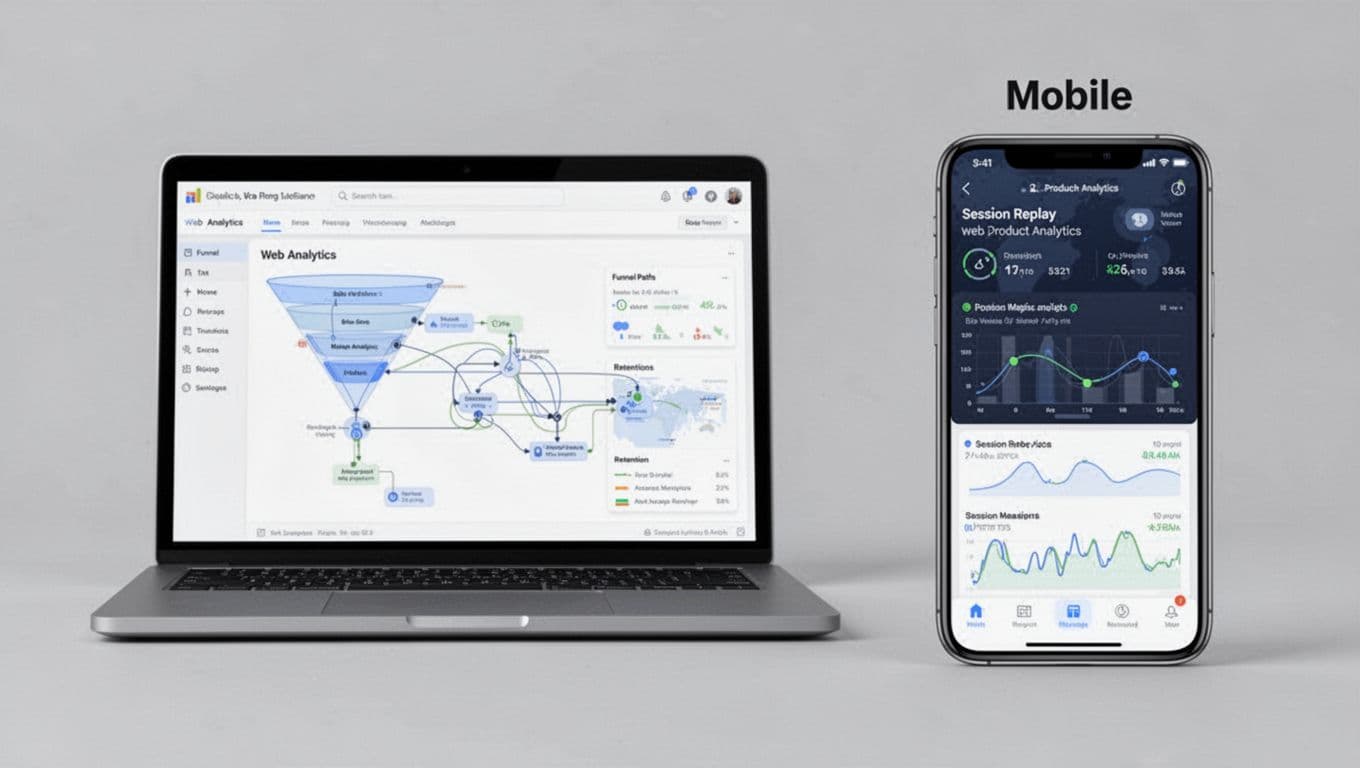
This quick view helps narrow the list:
| Platform fit | Strong options | Why they fit |
|---|---|---|
| Web products and SaaS | Mixpanel, Heap, Pendo, Amplitude | Strong funnels, onboarding, feature use, account journeys |
| Mobile apps | Amplitude, Mixpanel, UXCam, Firebase Analytics | Good event depth, retention views, app behavior tracking |
| Both web and mobile | Amplitude, Mixpanel, Heap | Cross-platform event analysis and journey reporting |
The takeaway is simple: start with your main product surface, then check whether the tool stays strong when your stack grows.
Best picks for web products and SaaS platforms
For web-based products, Mixpanel and Heap are often strong first looks. Mixpanel gives clear visibility into funnels, retention, and feature usage. Heap reduces setup friction, which helps lean teams get answers sooner.
Pendo fits well when you also want in-app guidance. That matters for B2B SaaS products with long onboarding flows, admin roles, or complex handoffs. Amplitude also works here, especially for teams that want deeper journey analysis across many user segments.
If you support sales-led or hybrid growth, pick a tool that handles account-level context well. Individual events matter, but so does understanding how teams, seats, or plans behave over time.
Best picks for mobile apps that need event data and user journey insights
Mobile analytics often puts more pressure on retention and release impact. You need to know what changed after an app update, where users stop returning, and which in-app actions predict loyalty.
Amplitude is a natural fit for that job because it’s strong at behavioral flows and long-term trends. Mixpanel also works well for mobile teams that want fast, flexible event analysis. For added visual context, tools like UXCam can help explain behavior with replays and session details. Meanwhile, Firebase Analytics can make sense for teams already deep in the Google app stack.
If you’re comparing options for app-heavy products, these 2026 product analytics software rankings are useful as a secondary reference. Still, practical fit matters more than list position.
How to choose the right tool for your budget, data stack, and team workflow
A tool can look impressive in a demo and still fail in daily use. That usually happens when cost rises too fast, setup drags on, or nobody feels responsible for the data.

Match the tool to your budget and expected data volume
Pricing rarely stays simple for long. Many vendors start with free or low-cost plans, then charge more as event volume, seats, integrations, and add-ons rise. So look past entry pricing.
Estimate how many events you’ll send six months from now, not only today. Also check whether session replay, warehouse sync, experimentation, or premium support cost extra. A tool that looks cheap upfront can become expensive once your product grows.
Check integrations, implementation effort, and who will own the tool
Your analytics platform has to work with the rest of your stack. That may include a CDP, data warehouse, CRM, BI tool, or experimentation platform. If integrations are weak, teams start exporting CSVs and building side systems, which defeats the point.
Ownership matters too. When product owns the tool, ease of use often matters most. When data teams own it, governance and model quality rise in importance. If engineering owns setup, implementation speed and maintenance effort take center stage. The best tool is the one your team will trust, maintain, and keep using after the trial ends.
The best product analytics tools don’t win because they have the longest feature list. They win because they help your team answer real product questions with less friction.
Shortlist two or three tools, then test them against the same use cases: activation, retention, feature adoption, and reporting speed. Compare setup effort, insight quality, and total cost.
Pick the tool that makes good decisions feel easier, because that’s what analytics is supposed to do.