




Missed deadlines rarely start with bad effort. They usually start with scattered work, hidden feedback, unclear owners, and budgets tracked in three places.
That’s why agency project management software matters. The right tool gives your team one place to plan, assign, review, track time, and deliver client work without the usual scramble.
Before you compare brands or pricing, it helps to know what a good system should handle every day.
What agency project management software should help your team do every day
Agencies don’t run on simple to-do lists. They run on deadlines, handoffs, revisions, billable hours, and client expectations that can shift mid-project.
A basic task app may look clean at first. Still, once you manage retainers, one-off projects, and shared resources, you need more structure.
Keep projects, tasks, and deadlines clear for the whole team
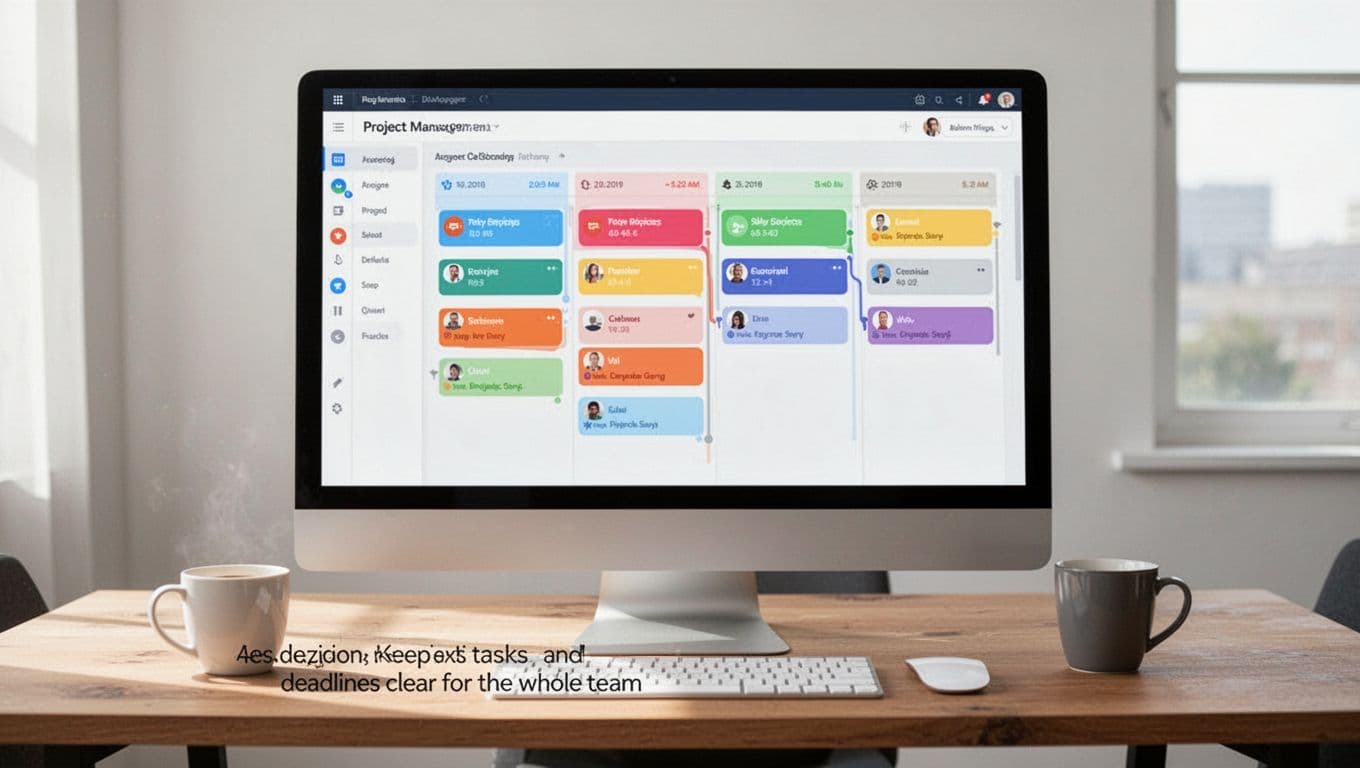
At the most basic level, the software should make work visible. That means every project has a clear owner, each task has a due date, and everyone can see status without asking for an update in Slack.
When that visibility is missing, work feels like a relay race with no baton. Designers wait on copy. Developers miss a handoff. Account managers chase updates instead of moving work forward.
Good agency project management software fixes that by showing what’s due, what’s blocked, and who owns the next step. It should also support recurring work, because agencies repeat more than they think. Monthly reports, ad refreshes, content calendars, QA checks, and retainer tasks all need a repeatable flow.
Status tracking matters too, but only if it’s simple. Teams shouldn’t have to guess whether “in review” means internal review, client review, or waiting on approval. Clear stages cut follow-up messages and reduce missed handoffs.
Agency-focused platforms often combine task views, resource planning, billing, and client collaboration in one place. That’s the idea behind Ravetree’s agency project management overview, and it shows why agencies often outgrow generic tools.
Track time, budgets, and billable work without extra spreadsheets
Clarity alone won’t protect profit. You also need to know how long work takes, how much budget is left, and whether a project is drifting out of scope.
That’s where time tracking and budget monitoring stop being admin work and start being business tools. If time lives in a separate app, budgets live in a spreadsheet, and project plans live somewhere else, you’ll spot problems too late.
A better setup ties planned hours to actual time. Then project leads can see when a retainer is almost used up, when a fixed-fee project is slipping, or when a client request needs a change order.
This also helps invoicing. When time entries are tied to tasks and projects, finance teams don’t have to clean up vague notes at the end of the month. As a result, invoices go out faster and feel easier to defend.
The features that make the best agency project management software worth the cost
Feature lists can get noisy fast. What matters is whether the tool helps you deliver work on time, protect team energy, and keep clients informed without extra admin.
The best features earn their keep every week, not only during setup.
Workload and resource planning that stops team burnout
Agencies often miss deadlines long before the deadline shows up. The warning signs appear earlier, in overloaded schedules, hidden bottlenecks, and specialists booked past capacity.
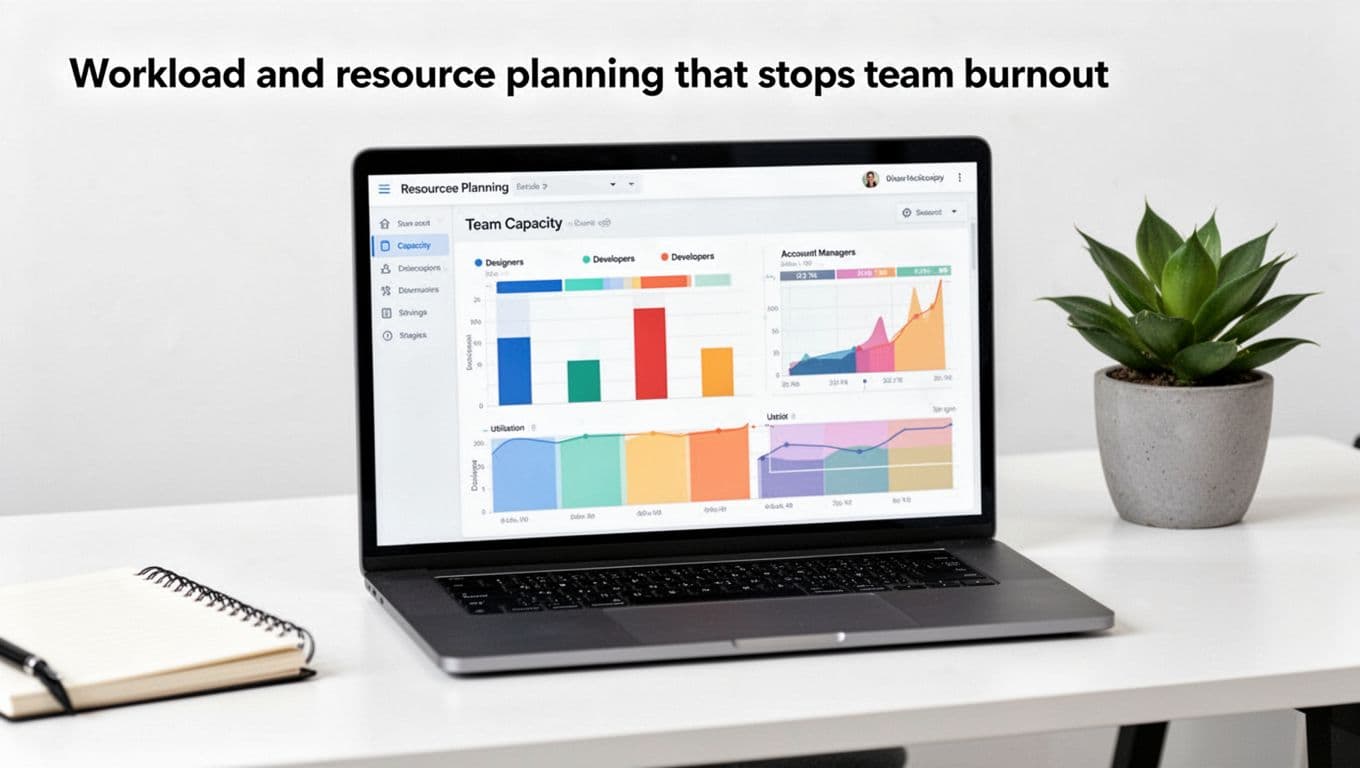
That’s why workload planning matters. A solid platform shows who has room, who is overloaded, and what upcoming work will do to the schedule. Managers can then spread tasks across designers, writers, developers, and account leads before things pile up.
Forecasting is part of this too. If a large campaign starts next month, you should see the strain now, not after people are already working late. Some agency software guides focus heavily on overwork for that reason, including Resource Guru’s agency software roundup, which highlights how common overtime is in agency teams.
Capacity tools also help with hiring and subcontracting decisions. If one role stays overloaded for weeks, that’s not a fluke. It’s a signal.
Client approvals, proofing, and feedback tools that reduce revision chaos
Revision chaos usually comes from one problem: feedback lives everywhere. Some comments sit in email, some in chat, some in a PDF, and some on a call no one wrote down.
A better system keeps approvals and comments tied to the work itself. That could mean file sharing, markup tools, comment threads, version history, and approval steps that show who signed off and when.
This is where agency project management software separates itself from a standard project board. Creative teams need proofing. Account teams need a record of client feedback. Project leads need to know whether a file is ready, rejected, or waiting.
When feedback stays in one place, review cycles get shorter. People stop fixing old versions by mistake. Clients also feel more confident because they can see what changed. Lists of agency-ready tools, like The Digital Project Manager’s creative software roundup, often treat proofing and approvals as a deciding factor for exactly this reason.

Automations and integrations that save time on repeat work
Agencies repeat a lot of motion. New project setup, recurring retainers, status updates, handoff alerts, invoice prep, and file storage all follow patterns.
So the right tool should automate those patterns. Templates can create tasks in seconds. Recurring projects can launch on schedule. Rules can move work to the next stage when an approval comes in.
Integrations matter just as much. Slack keeps alerts visible. Google Drive or other file tools reduce document hunting. Calendar sync helps deadlines stay real. CRM and invoicing connections cut duplicate entry.
If your team spends more time updating the system than using it, the setup is too heavy.
How to choose the right platform for your agency size, services, and workflow
There isn’t one best platform for every agency. The right fit depends on your team size, service mix, reporting needs, and how you sell work.
A branding studio, a paid media shop, and a full-service agency may all need different things.
Questions to ask before you start comparing tools
Start with your workflow, not the demo. A polished sales call can hide a poor fit.
Use these questions to narrow the field:
- What work do we run every week? Retainers, campaigns, web builds, content production, or a mix.
- What must the tool handle on day one? Time tracking, approvals, budgeting, client access, or resource planning.
- Who needs to use it daily? Project managers, creatives, leadership, finance, or clients.
- What reports do we need monthly? Utilization, budget burn, profitability, overdue work, or team capacity.
- How much change can the team absorb now? A tool that needs months of setup may stall adoption.
- What’s our budget limit? Include training and migration time, not only license cost.
A general project management software selection guide can help frame the process, but agency fit comes down to real workflows. Test your shortlist with a live project, not a fake sample.
Red flags that signal a tool will create more work than it saves
Some warning signs show up fast. Weak reporting is one. If you can’t pull clean data on budgets, time, or workload, managers will go back to spreadsheets.
Poor usability is another red flag. If basic actions take too many clicks, teams will avoid the tool. Limited permissions can also cause trouble, especially when clients need visibility without seeing internal notes.
Watch out for tools with no built-in time tracking if billable hours matter to your model. Also be careful with systems that need heavy customization for simple agency needs. Too much setup can turn a useful platform into a side job.
Common agency project management software mistakes to avoid after you buy
Buying the tool is only step one. A bad setup can sink a good platform in a month.
Success comes from simple rules, clean habits, and steady use.
Using too many views, fields, and workflows from the start
It’s tempting to build the perfect system on day one. Most teams regret that move.
When every project has custom fields, unique stages, and five different views, people stop trusting what they see. New users get lost. Managers spend more time explaining the system than managing work.
Start with one core workflow per service type. Keep statuses plain. Add fields only when they improve decisions or reporting. Then expand after the team proves it needs more.
Skipping onboarding, naming rules, and reporting standards
A shared tool needs shared rules. Without them, data turns messy fast.
If one team logs time by task, another by project, and a third not at all, reports become noise. The same happens when project names, status labels, and due date habits vary by person.
Set simple standards early. Decide how to name projects, when to log time, what each status means, and which reports leadership will review. Then train people on those rules with real client examples. Many adoption issues come from process gaps, not software flaws, a point echoed in Agency Authority’s project management tool pitfalls.
The best agency project management software is the one your team will use without friction. It should match how your agency sells, plans, reviews, and bills work.
Shortlist a few options, test them with real projects, and pay close attention to ease of use, visibility, and budget control. If the system helps your team stay on schedule and protect profit, it’s doing the job that matters.