




A/B testing tools help you compare two versions of a page, offer, or feature to see which one performs better. That matters because small changes can lift sign-ups, sales, and user satisfaction without a full redesign.
Still, picking from the best a/b testing tools isn’t simple. Some work well for lean marketing teams. Others fit large product organizations with engineers, analysts, and strict reporting needs. The right choice depends on your traffic, goals, tech skills, and budget.
Before you pay for a platform, it helps to know what separates a useful testing tool from one that only looks good in a demo.
What makes an A/B testing tool worth using
Good A/B testing software should help you move from idea to result without turning every test into a mini software project. If setup is slow, reporting is hard to trust, or the tool drags down your site, you won’t use it often enough to learn anything useful.
For a broad view of what modern platforms include, Amplitude’s roundup of top A/B testing platforms gives helpful context on the current market.
Features that matter most for testing and reporting
Start with the basics. A strong visual editor lets marketers change headlines, buttons, layouts, and images without waiting on developers for every small test. At the same time, code-based testing matters for teams that want to test deeper product changes, app flows, or server-side logic.
You should also look for audience targeting, split URL tests, and multivariate testing. Those features let you test landing pages, different page templates, and more than one element at once. Clear analytics matter too. You need to see conversion lift, confidence levels, revenue impact, and segment-level results without guesswork.
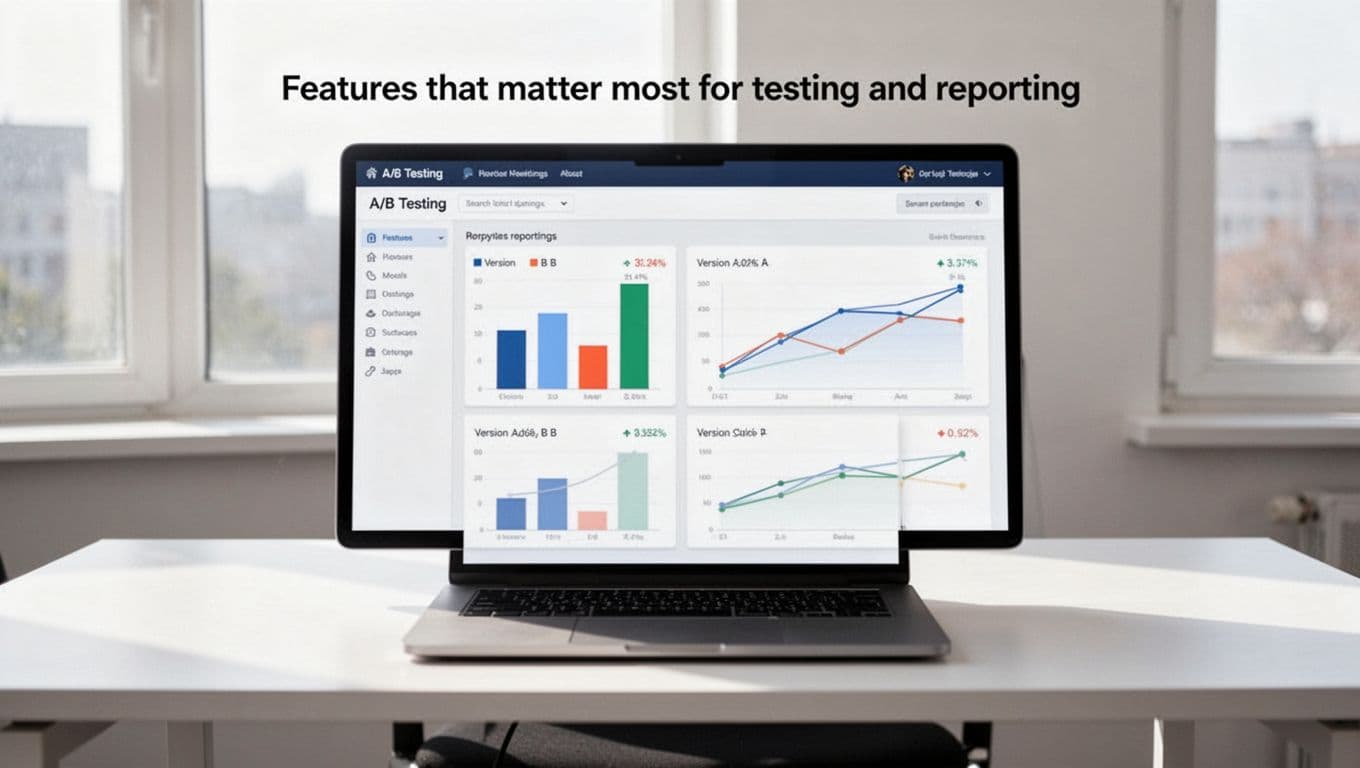
Some teams also want heatmaps or session insights. Those don’t replace A/B testing, but they help explain why users react the way they do. Most importantly, the data has to be trustworthy. A tool that’s easy to launch but hard to trust is like a speedometer that guesses.
Common deal breakers to watch for before you commit
Performance is a big one. If the testing script slows page load times, your results can get messy and your conversions can drop. That’s even worse on mobile, where delays hit harder.
Support is another blind spot. Many tools look polished during the sales process, but support quality changes once you’re live. Weak integrations can also cause trouble. If the platform doesn’t connect well with analytics, your CRM, or your e-commerce system, reporting becomes patchy.
A testing tool should reduce friction, not add a new layer of it.
Watch pricing closely as well. Some platforms look affordable at first, then get expensive when traffic rises, features unlock, or extra users join. Limited traffic allowances can block growth right when testing starts to pay off.
Best A/B testing tools for most websites
Once you know what to look for, the field gets easier to sort. The best choice usually comes down to how advanced your team is and how much control you need.

VWO, Optimizely, and AB Tasty for teams that need depth
VWO is a strong all-around option for businesses that want testing, behavior insights, and personalization in one place. Its visual tools are approachable, and many marketing teams like that they can run tests without constant developer help. VWO also fits teams that want heatmaps and session data next to experiment results. The trade-off is that costs can climb as needs grow.
Optimizely is often the choice for larger teams that run a serious experimentation program. It stands out for feature management, server-side testing, and workflow control across teams. If product, engineering, and growth all share the same testing process, Optimizely has real appeal. On the other hand, setup is more involved, and pricing tends to sit at the higher end.
AB Tasty sits in an interesting middle ground. It offers strong testing and personalization features while staying more marketer-friendly than some enterprise-heavy tools. Teams that want broad campaign control without a full engineering-first setup often like it. Still, it may feel like more platform than a smaller site needs.
If you’re comparing these side by side, Amplitude’s guide to the best A/B testing tools for growth teams is a useful starting point.
Convert, Zoho PageSense, and Adobe Target for different budgets and needs
Convert works well for teams that care about privacy, flexibility, and solid testing without the flashiest interface. It has a good reputation among experienced optimizers, and it’s often a smart fit for teams that want control without stepping into enterprise pricing right away. It may not feel as beginner-friendly as lighter tools, but it’s dependable.
Zoho PageSense is easier to recommend to smaller teams or businesses that already use Zoho products. It covers core A/B testing needs, plus funnels and behavior tracking, at a more approachable price point. That’s helpful when you want to test quickly and keep software costs in line. The downside is that it won’t match the depth of higher-tier platforms.
Adobe Target is powerful, but it makes the most sense for large organizations with complex stacks and dedicated support. It shines when personalization, large-scale segmentation, and Adobe ecosystem ties matter. For many mid-size teams, though, it’s too heavy, too costly, or both.
A wider market snapshot from ABTestResult’s comparison guide can help if you’re weighing pricing models and platform depth.
Best A/B testing tools for e-commerce websites
E-commerce teams face a different kind of pressure. A test on a blog signup form is useful, but a test on a product page or checkout can change revenue fast. That also means mistakes cost more.
Tools that help online stores test product pages and checkout
For most online stores, VWO and Convert are practical starting points. They can test product titles, image order, button color, shipping messages, bundle offers, and cart layouts without making daily work too complex. If your store has moderate traffic and you want fast wins, those tools make sense.
Optimizely becomes more attractive when the store is large, custom-built, or tied to a bigger product team. It handles deeper experiments, stronger segmentation, and more complex rollout control. That’s useful if you want to test pricing presentation, merchandising rules, or checkout flow across many user groups.
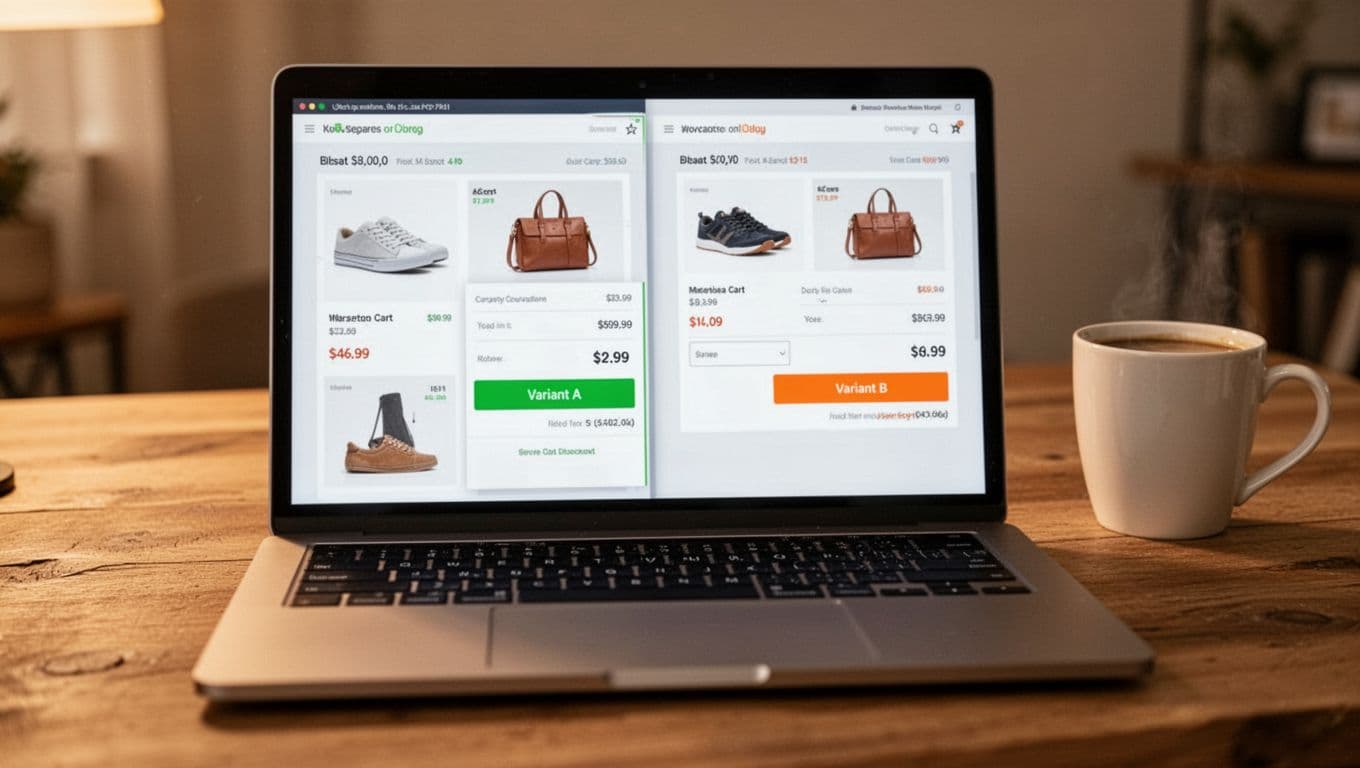
Teams on Shopify, WooCommerce, BigCommerce, or custom stacks should also think about how the testing tool fits their storefront setup. A helpful outside read is this overview of A/B testing tools for boosting conversions, which covers how different platforms support store growth.
What e-commerce teams should look for before choosing a tool
Speed matters more in e-commerce than many teams expect. A tiny lag on product pages can reduce conversions and also distort your test data. Mobile performance deserves extra attention because so much store traffic comes from phones.
Look for clean analytics ties, product data access, and support for revenue-based goals. You also want targeting that separates first-time visitors from returning shoppers. Those groups behave differently, so mixing them can blur results.
Above all, don’t start with five-page funnel tests if your tracking isn’t solid. Fix measurement first, then test high-impact pages.
How to pick the right tool for your budget and skill level
A well-known brand isn’t always the best fit. Sometimes the right tool is the one your team can launch this month, understand next week, and still afford next year.
Best picks for beginners, growing teams, and large companies
This quick view can help narrow the field:
| Team stage | Best fit | Good examples |
|---|---|---|
| Beginners | Lower-cost, easier visual testing | Zoho PageSense, lighter VWO use |
| Growing teams | Better targeting and reporting | VWO, Convert, AB Tasty |
| Large companies | Governance, support, deep integrations | Optimizely, Adobe Target |
Beginners usually need a simple editor, decent reporting, and a price they can live with. Growing teams often need cleaner segmentation and stronger experiment tracking. Large companies usually care more about permissions, workflows, and system connections across many teams.
The takeaway is simple: match the tool to your current stage, not the stage you hope to reach in three years.
Questions to ask before you start your first test
Before you sign a contract, answer a few plain questions. What page has the biggest upside? How much traffic does it get? What counts as a win, leads, orders, clicks, or revenue? Who will build the test, review it, and watch for tracking errors?
Those answers shape the right tool more than any feature grid does. A team with low traffic and no developer support shouldn’t start with a heavy enterprise platform. In the same way, a large product team shouldn’t outgrow its tool in six months because it picked only on price.
Start with one page, one goal, and one clear change. Simple tests teach faster.
The best first experiment is often the least flashy one. A cleaner headline, a stronger product image, or a clearer call to action can teach more than a giant redesign.
Picking from the best a/b testing tools comes down to fit, not hype. The strongest platform for your site is the one that matches your traffic, team skills, budget, and test goals.
If you’re still deciding, start with one high-impact page and a simple experiment. Learn from that first result, then build from there.
The best testing program doesn’t begin with a huge platform. It begins with a clear question and the discipline to test it well.