




A photography site has to do three jobs at once. It needs to look beautiful, load fast, and make it easy for clients to reach out.
That’s why picking the best website builder for photographers can feel harder than picking a lens. Some photographers want a simple portfolio. Others need client galleries, print sales, proofing, blog posts, and full booking pages. In 2026, the strongest options are FORMAT, Squarespace, Pixieset, Wix, SmugMug, Showit, and WordPress.
The right pick depends less on hype and more on how you work every week.
What photographers need most from a website builder
Before you compare brands, it helps to know what matters most. A slick homepage means little if your galleries lag, your contact form gets buried, or your site looks messy on a phone.
Most photographers need the same foundation. They need mobile-friendly templates, clean gallery layouts, simple editing tools, basic SEO controls, and fast image delivery. If you write blog posts, then a solid blog matters too. If you sell prints or downloads, you also need store tools that don’t feel bolted on.
Your photos should look sharp without slowing the site down
Photography sites live or die by image handling. Files need to stay crisp, but pages still need to open quickly. That balance matters because visitors won’t wait around for a gallery to crawl into view.
A good builder compresses images well, uses responsive layouts, and keeps galleries easy to browse on small screens. Mobile matters more than ever, because many people first see your work on a phone. If the site pinches, crops badly, or stacks images in odd ways, the whole brand feels off.
Page speed also affects search visibility. Slow pages can hurt both rankings and inquiries. Even a stunning portfolio loses power if a potential client leaves before the hero image appears.
Pretty design helps, but fast galleries and clear navigation win more trust.
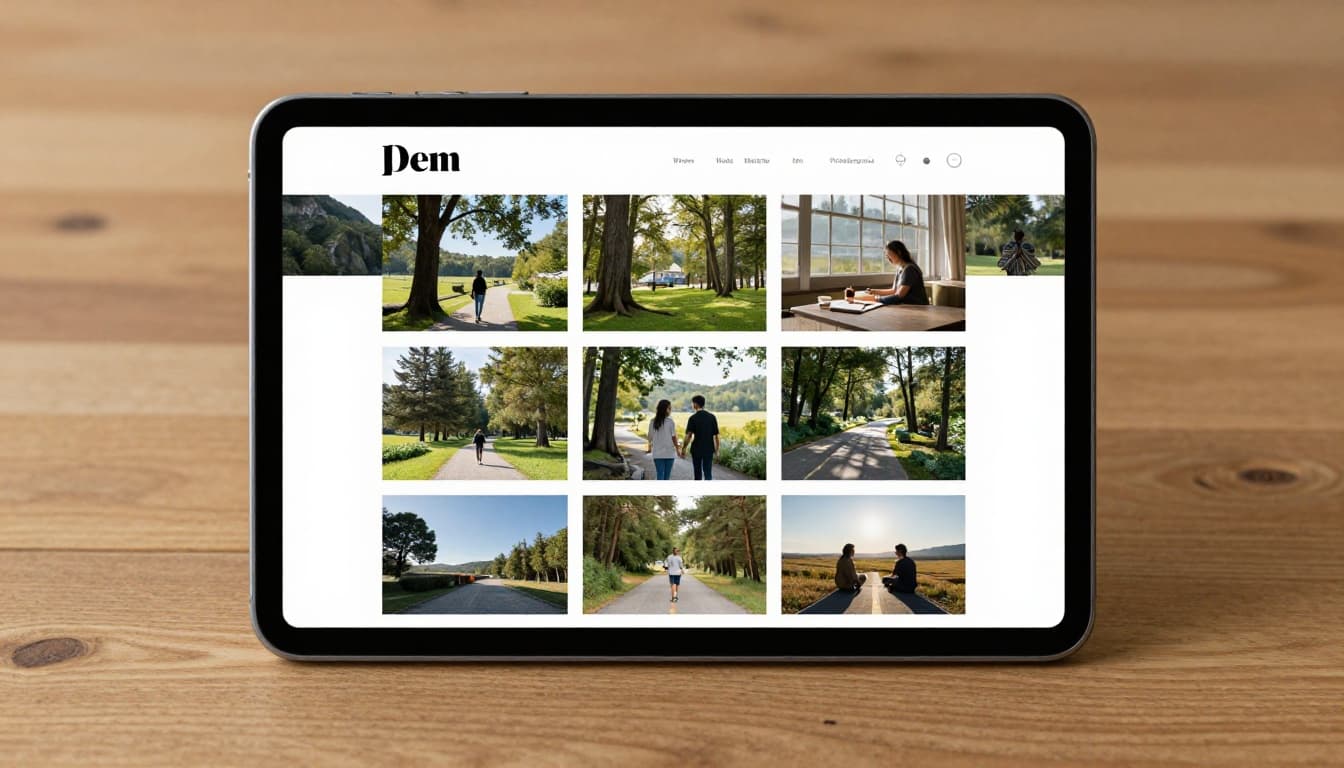
The right tools can help you book more clients
A photography website should do more than show finished work. It should guide people toward the next step.
That means strong contact forms, focused inquiry pages, and room for social proof. Testimonials, pricing guidance, and a short “about” page often matter as much as the portfolio itself. A site that answers common questions saves you time before the first email even lands.
For business-heavy photographers, the best builders also support bookings, private galleries, proofing, and simple stores. Wedding, family, and portrait work often needs all of that in one place. If you want a photo-first platform, Format’s photography website builder shows the kind of portfolio and client tools many image-based businesses look for.
The best website builders for photographers right now
Current reviews and hands-on comparisons keep circling back to the same names. That’s a good sign. It means there are a few reliable winners, but each one shines for a different reason.
If you want the short version, FORMAT, Squarespace, and Pixieset are the strongest all-around picks in 2026. Wix, SmugMug, Showit, and WordPress also make sense when you have a more defined goal.
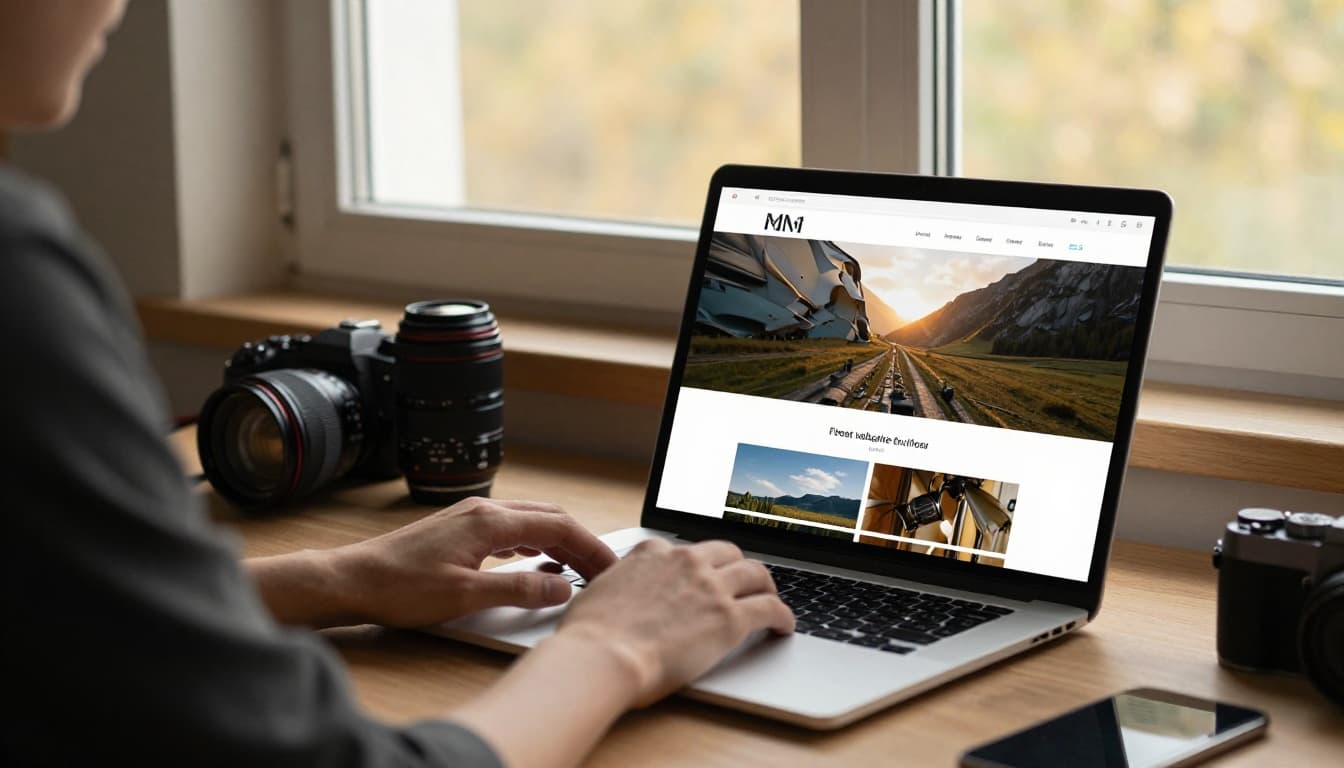
FORMAT, Squarespace, and Pixieset are the strongest all-around picks
FORMAT stands out because it feels built for photographers first. Its templates are clean, image-led, and easy to tune without much fuss. It’s a strong pick if you want a portfolio that looks polished without spending weeks on setup. It also offers client-focused tools, which helps if your site needs to do more than display photos. The trade-off is that it’s less of a broad website ecosystem than WordPress or Wix.
Squarespace remains one of the safest picks for most photographers. Its templates still look better than most out of the box, and its editor is easier to learn than a full custom platform. You also get blogging, commerce, scheduling options, and solid mobile presentation in one system. Current pricing starts around $16 per month, based on recent 2026 reviews. Its weak spot is that client proofing and delivery aren’t as photography-centered as Pixieset or SmugMug.
Pixieset is the practical choice for client-heavy work. It’s known for private galleries, favorites, proofing, and business tools that fit real studio workflow. That makes it a top choice for portrait and wedding photographers. On the other hand, its site design side can feel less flexible than Squarespace or Showit if brand control is your top goal.
If you want an outside snapshot of where the market sits, Site Builder Report’s 2026 photography builder review also places Squarespace and Format near the top.
Wix, SmugMug, Showit, and WordPress make sense for specific goals
Wix is easy to recommend to beginners. It offers drag-and-drop editing, lots of templates, and a free plan if you want to test ideas first. Paid plans start around $17 per month in current pricing. It’s flexible, which helps if you want to mix portfolio pages, service pages, and booking tools. Still, that flexibility can become clutter if you keep tweaking everything.
SmugMug is a better fit when print sales, storage, and image protection matter most. Its Direct plan starts around $34 per month, and it’s strong for galleries, favorites, watermarks, and print fulfillment. The downside is that its site design feels more functional than brand-rich. It’s a business tool first, portfolio canvas second.
Showit works best for photographers who care deeply about art direction and custom page design. If your brand depends on a highly styled homepage, layered layouts, and a more editorial look, Showit is hard to ignore. The flip side is that it asks more from you during setup, and it may not feel as all-in-one as Squarespace.
WordPress gives you the most control. Hosting can start around $5 per month, but your total cost depends on theme, plugins, and maintenance. That freedom is powerful, especially when you want custom galleries, advanced SEO, or room to grow. It also comes with the steepest learning curve.
For a beginner-friendly take on one flexible option, Wix’s guide for photographers lays out why many photographers start there.
Best website builder for wedding photographers
Wedding photographers need more from a site than most niches. A nice portfolio helps, but the real work starts after the booking.
Why wedding photographers need more than a pretty portfolio
Wedding work has layers. You may shoot engagement sessions, send sneak peeks, deliver full galleries, collect favorites, guide album picks, and offer print orders. That means your website has to support both marketing and client care.
Private galleries matter because couples want a secure, easy way to share images with family. Favoriting tools matter because album selection gets messy fast without them. Print sales matter because they can add revenue without much extra effort.
At the same time, the front end still has to sell trust. Couples want warm branding, clear pricing cues, testimonials, a strong contact page, and examples that match the kind of wedding they’re planning. A wedding site is part portfolio, part sales page, and part delivery system.
Top picks for weddings, based on design, proofing, and sales
For most wedding photographers, the best balance comes from Squarespace or Pixieset.
Squarespace wins when brand and presentation come first. It’s excellent for elegant homepages, blog posts, vendor features, and inquiry pages that feel high-end. If your main goal is to attract the right couples and keep your whole site under one roof, it’s a strong default.
Pixieset wins when client workflow matters more. It handles private galleries, proofing, and favorites with less friction. That makes life easier after the wedding, when couples want to review and share images without confusion.
SmugMug is a smart alternative if print sales and protection sit high on your list. FORMAT works well if you want a clean, photo-led site with less setup pain. Wix suits newer wedding photographers who want flexibility and a lower barrier to entry. Zenfolio is also worth a look if you want another long-running photo business platform with gallery and sales tools.
For a wider 2026 roundup, Gizmodo’s photography website builder picks echo many of the same strengths around design, gallery tools, and business use.
How to pick the right platform for your budget and skill level
The smartest choice is the one you’ll keep updated. A powerful builder means little if you dread logging in.
Choose the builder that matches how you work today
If you’re new, start simple. Wix and Squarespace are usually the easiest places to begin because setup is fast and editing feels less intimidating.
If your site is mostly a portfolio, FORMAT makes a lot of sense. It keeps the focus on images and doesn’t bury you in extra settings. If your business runs on client galleries and delivery, Pixieset is often the better match.
For advanced users, WordPress and Showit offer more freedom. That freedom pays off when brand control, custom pages, or long-term growth matter more than speed of setup. It also takes more time.
A free plan or trial is often the best next move. Build one homepage, one gallery, and one contact page. Then view them on your phone. The right choice usually becomes obvious once you stop comparing features on paper.
No single builder wins for everyone, and that’s the point. The best website builder for photographers depends on whether you need a pure portfolio, a polished business site, or strong client tools after the shoot.
If you want the clearest path, pick FORMAT for portfolio-first work, Squarespace for a refined all-around site, Pixieset for client-heavy jobs, and SmugMug for sales and storage.
Test one or two platforms this week, publish a small version of your site, and keep the one that makes updating feel easy.