




A law firm website isn’t a digital brochure. It’s your front desk, intake desk, and first impression rolled into one.
When someone needs legal help, they’re often stressed and short on time. They want signs of trust, clear answers, and an easy way to contact you. That’s why a lawyer website builder has to do more than make pages look polished.
Lawyers also have needs that other small businesses don’t. Practice area pages, attorney bios, local search visibility, intake forms, privacy basics, and ethics-minded content all matter. The right setup helps solo lawyers, small firms, and growing practices manage their site without looking homemade.
What makes a lawyer website builder different from a general website tool
A general website builder can help almost any business get online. But law firms have a different job to do. They must build trust fast, explain services clearly, and turn visitors into consultations.
A bakery can win people over with photos. A law firm has to answer doubt. Is this attorney credible? Do they handle my issue? Can I call right now? A builder that isn’t set up for those questions will slow you down.
A strong legal website should answer “Can I trust you?” before it asks for a call.
Trust features that help turn visitors into clients
Trust comes from many small signals working together. Reviews, awards, bar memberships, office photos, attorney bios, and secure contact forms all reduce friction. So do click-to-call buttons on mobile and clear office location details.
Testimonials and case results can help too, if your state rules allow them and your wording stays careful. You also need disclaimers in the right spots. Promises like “best outcome” or “guaranteed win” can create trouble.
Many firms use trusted website elements because they lift conversions, as shown in these law firm website must-haves. The lesson is simple: people contact firms that feel safe, clear, and easy to reach.

Practice area pages, attorney bios, and local pages that a law firm actually needs
Legal sites need structure, not filler. A homepage and contact page won’t carry the load. Most firms need separate pages for each practice area, each office, and each attorney.
That structure helps in two ways. First, visitors find the right answer faster. Second, search engines and AI tools can better understand what your firm does and where you work.
A family law page should not compete with a criminal defense page for space. Likewise, a Chicago office page should not be buried under a generic services menu. If you want inspiration, these practice area page examples show how legal content can stay organized without feeling stiff.
Attorney bio pages matter too. People hire people, not templates. A good bio shows background, bar admissions, focus areas, and a human voice.
Features to look for before you pick a lawyer website builder
The best platform isn’t always the fanciest one. It should save time, help capture leads, and leave room to grow.
This quick comparison shows what matters most:
| Feature | Why it matters | Good sign |
|---|---|---|
| Easy editing | You can update content fast | No developer needed for basic changes |
| Mobile design | Most visitors come from phones | Pages stay readable and tappable |
| Lead tools | More inquiries turn into consultations | Forms, scheduling, and tracking are built in |
| Search controls | People can find your firm | Clean URLs, meta fields, and FAQs are supported |
A builder that checks those boxes gives you a better shot at turning traffic into real conversations.
Easy editing, mobile design, and fast page speed
If changing a phone number takes a support ticket, the platform is working against you. Lawyers need to update bios, add new pages, publish articles, and post office changes without a long wait.
Mobile design matters just as much. Many people search for legal help from a phone, often in the middle of a stressful day. If your buttons are too small or your form is hard to use, they’ll leave.
Speed also affects trust. A slow page feels old and neglected. It can also hurt search visibility. These law firm website design tips show why mobile use and page performance tie directly to consultation rates.

Built-in lead tools like forms, scheduling, chat, and call tracking
A website should help you collect and follow up on leads, not dump them into an inbox black hole. That’s why built-in intake tools matter.
Look for flexible contact forms, consultation request forms, and scheduling options that don’t create extra steps. Live chat or AI chat can help after hours, as long as it doesn’t sound robotic or overpromise. Call tracking can show which pages drive the most calls. Basic reporting helps you see what’s working.
Connections to a CRM or intake system also save time. When a form can trigger follow-up, assign a lead, or sort by practice area, your site becomes part of your business process, not a side project.
Search visibility, schema, and content tools that help people find your firm
A good lawyer website builder should let you control page titles, meta descriptions, image alt text, URLs, and headings. Those basics still matter.
Local search features matter too. You want space for office addresses, maps, service areas, FAQ sections, and location pages. Structured data, often called schema, can help search engines understand attorneys, offices, reviews, and services.
Content tools matter because law firms often grow by answering common questions. A built-in blog, simple page templates, and good internal linking make that easier. Many of the ideas in these law firm website feature tips still come down to clarity: answer real questions, organize pages well, and show why your firm is credible.
That same clarity helps AI-driven search. Clear headings, direct answers, named attorneys, and trustworthy facts give your content a better chance of being surfaced.
Common mistakes lawyers make when using a website builder
Most law firm website problems don’t come from bad intentions. They come from choosing the wrong priorities.
Choosing a pretty template that does not support client intake
A beautiful template can still fail. If the phone number is hidden, the contact button blends in, or the navigation is confusing, the site won’t do its job.
Law firms often get pulled toward style over substance. Large hero images, trendy animations, and fancy layouts may look expensive, yet they can bury the call to action. Visitors shouldn’t have to hunt for a form.
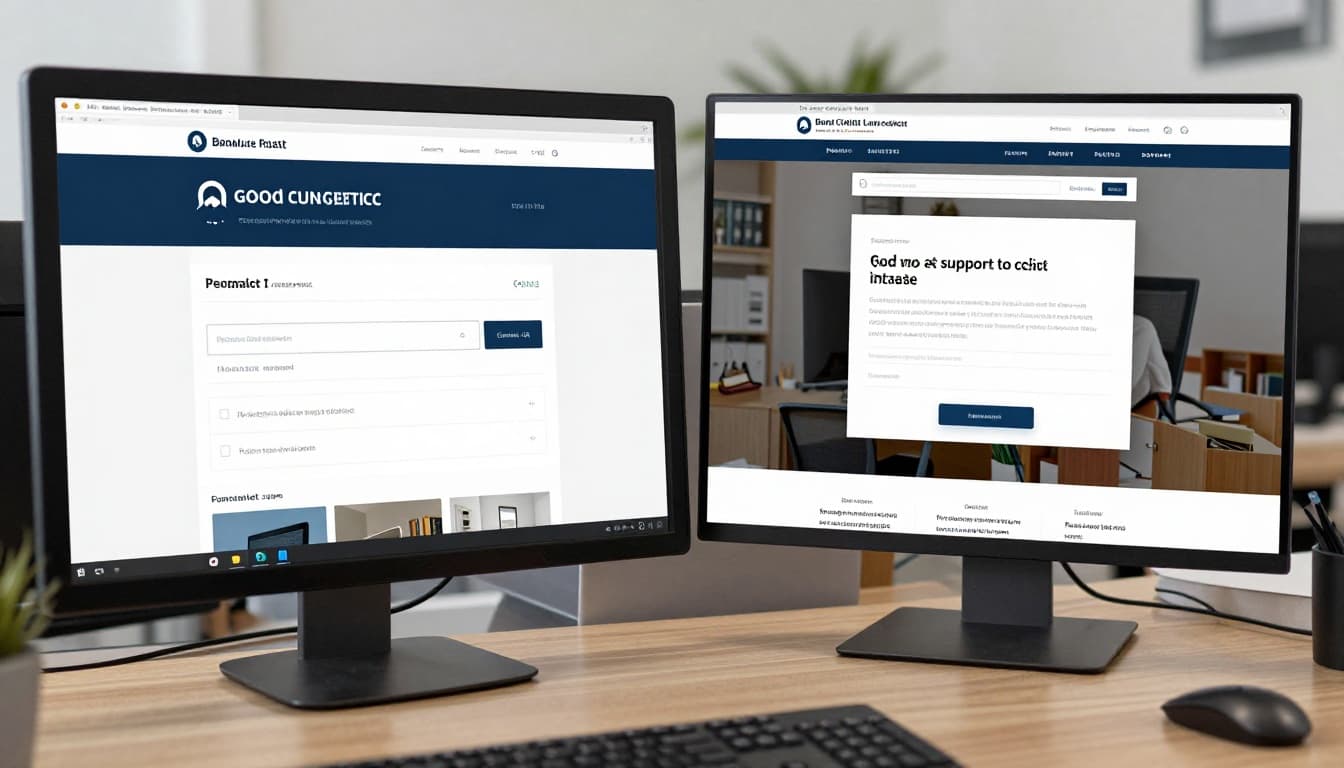
A good legal template feels more like a well-run reception area than an art project. It guides people where they need to go.
Publishing thin content that sounds generic or overly technical
Thin legal content hurts twice. It fails to rank well, and it fails to connect with people.
Visitors want plain English. They want to know what you handle, who you help, and what happens next. They don’t want copied text, vague claims, or long blocks of legal jargon. A person dealing with an arrest, injury, divorce, or visa issue is looking for clarity, not a law review summary.
Generic content also makes firms sound interchangeable. Specific local references, common client concerns, and useful answers give your pages more weight.
Ignoring ethics, accessibility, and privacy basics
This is where many DIY sites slip. The builder may let you publish fast, but you still need to check basics.
Use ADA-minded design, readable contrast, alt text, keyboard-friendly forms, and clear page structure. This ADA website compliance guide gives a plain-English look at common issues small businesses face online.
Privacy also matters. Forms should be secure. A privacy notice should be easy to find. Disclaimers should explain that site content isn’t legal advice and that contacting the firm may not create an attorney-client relationship.
If a form isn’t secure, it isn’t a convenience feature, it’s a risk.
How to choose the best lawyer website builder for your budget and growth plans
The right choice depends on your firm size, how hands-on you want to be, and how many leads you plan to manage.
Best fit for solo lawyers, small firms, and multi-location practices
Solo lawyers often need simplicity. A platform with easy editing, strong templates, and solid contact forms may be enough. Low upkeep matters when you’re handling both cases and marketing.
Small firms usually need more. Better intake workflows, call tracking, blog tools, and user permissions become more useful as volume grows. A builder that saves a few hours each month can pay for itself.
Multi-location firms need scale. They often need location pages, role-based access, shared templates, and clean ways to manage many attorney bios and service pages. If you’re comparing options, this small firm website builder comparison can help you think through the trade-offs.

Questions to ask before you commit to a platform
Before you sign up, ask direct questions:
- Do you own the site and content? You should be able to move later if needed.
- Can you export pages, blog posts, and images? Lock-in gets expensive.
- What extra fees apply? Ask about support, templates, forms, hosting, and add-ons.
- How strong is support? Fast help matters when a page breaks.
- What tools connect easily? Intake, CRM, scheduling, analytics, and call tracking should fit.
- How simple is publishing? If posting a new page feels hard, it won’t happen often.
The best answers are boring in a good way. Clear ownership, fair pricing, solid support, and simple publishing beat flashy demos.
A good lawyer website builder balances trust, ease of use, lead capture, and room to grow. That’s what turns a website from a cost into a working part of your practice.
Don’t pick a platform based on price or template style alone. Make a short must-have list first, then compare builders against how your firm works today and where you want it to go next.