




Security, privacy, and industry rules keep piling up, but headcount rarely grows at the same pace. That leaves many teams stuck in a loop of screenshots, spreadsheets, reminders, and last-minute audit panic.
Compliance automation tools help break that loop. They collect evidence, track controls, organize tasks, and keep your team closer to audit-ready all year, not only when an auditor asks for proof.
The hard part is knowing what these tools do well, where they fall short, and how to pick one that fits your business. That’s where this guide comes in.
What compliance automation tools do, and where they help most
Compliance automation tools are software platforms that reduce the manual work tied to compliance programs. They don’t replace legal advice, internal judgment, or control owners. Instead, they act like a well-run operations system for compliance work.
That matters because many compliance tasks repeat every month, quarter, or audit cycle. Teams need to prove access reviews happened, policies were acknowledged, devices were encrypted, tickets were resolved, and vendors were reviewed. Doing that by hand eats time and creates gaps.
Most platforms support common needs tied to SOC 2, ISO 27001, HIPAA, PCI DSS, and GDPR. Some also help with vendor reviews, risk registers, policy management, employee onboarding checks, and audit prep. If you want a sense of how broad the category has become, this recent roundup of compliance software shows how many tools now compete on similar promises.
The manual tasks these tools take off your team’s plate
A good platform removes the work nobody wants to do twice. That includes gathering screenshots, exporting logs, chasing spreadsheet updates, sending review reminders, and packaging evidence for auditors.

Many tools also track access reviews, policy acknowledgments, ticket status, asset inventories, and onboarding or offboarding checks. So, instead of asking five people for the same file, your team can pull evidence from one place.
The payoff is simple: less busywork and fewer errors. When controls are tied to live systems, teams spend less time proving work happened and more time fixing what didn’t.
Who gets the most value from using them
Startups often get the biggest lift first. A company preparing for its first SOC 2 audit can save weeks by using a tool that organizes controls, evidence, and auditor requests in one place. Many SOC 2 automation examples show this pattern clearly.
Growing SaaS companies also benefit because their stack changes fast. New apps, new hires, and new customer demands can break a manual process almost overnight.
Larger businesses gain value too, especially when they manage many systems, business units, or vendors. Lean IT and security teams tend to feel the win fastest, because the software gives them a clearer view without adding more admin work.
The features that make a compliance platform worth paying for
Not every company needs the biggest, most complex platform. Still, strong compliance automation tools share a core set of features that save time after the demo ends.
The best ones connect to your existing systems, map one control to many frameworks, flag gaps early, and give auditors cleaner access to evidence. In other words, they help your team stay organized between audits, not only during them.
Integrations, control mapping, and real-time monitoring
Integrations are the engine. If a platform can’t connect to your cloud provider, identity system, HR tool, ticketing platform, and device management stack, much of the work stays manual.
That’s why native connections matter so much. A platform that links to AWS, Google Workspace, Okta, Jira, GitHub, or your MDM can pull evidence on a schedule instead of waiting for someone to remember. Many automated compliance platforms lean heavily on this model because it turns compliance from a one-time project into an ongoing process.
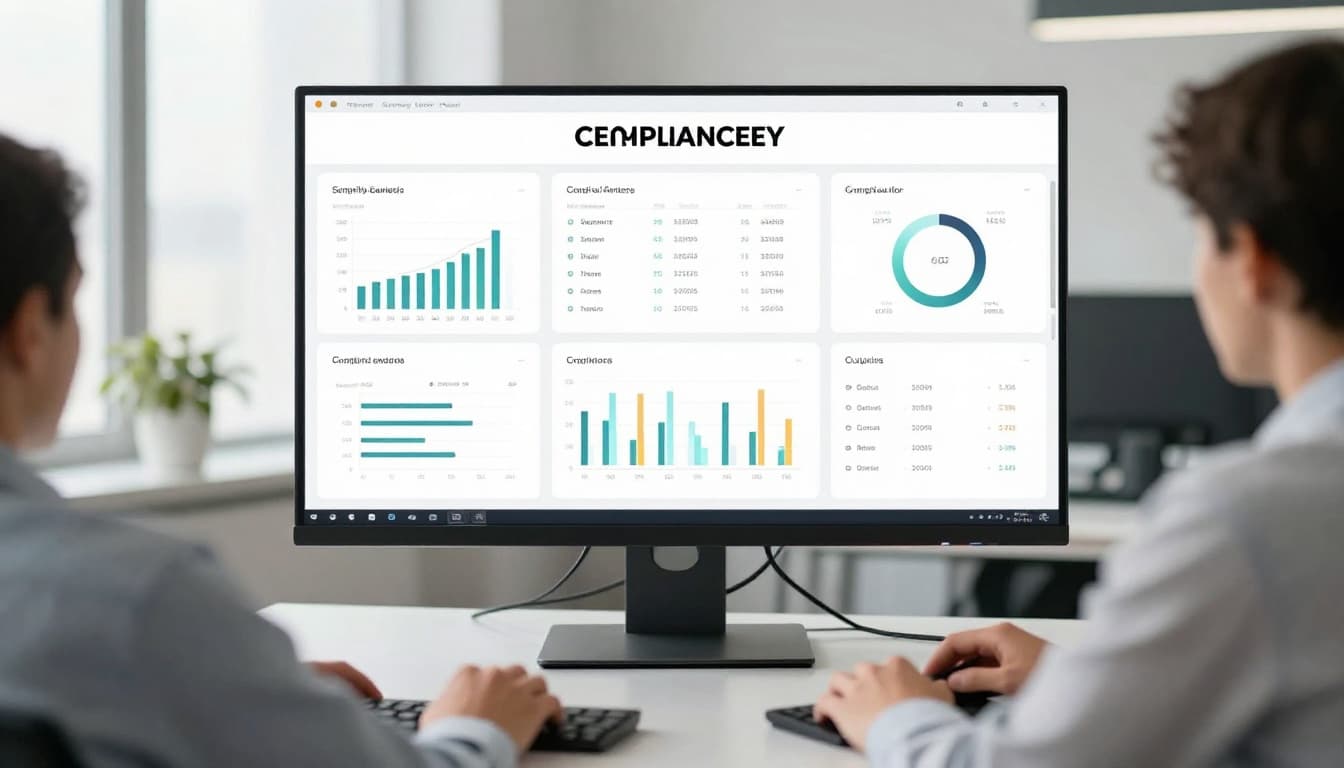
Control mapping matters too. If one password rule supports several frameworks, you shouldn’t have to document it three different ways. Good tools let you connect one control to SOC 2, ISO 27001, HIPAA, or other frameworks so the same work counts more than once.
Real-time monitoring is the other piece buyers often miss. Alerts for failed controls, missing evidence, or new risky assets help teams fix issues while they’re small.
Audit workflows, reporting, and team collaboration
Audit prep falls apart when ownership is fuzzy. One person thinks legal has the policy. Someone else thinks IT has the evidence. Meanwhile, the auditor waits.
That’s why workflow features matter. Look for task assignment, due dates, approvals, evidence libraries, dashboard views, and exportable reports. These features give security, compliance, HR, and leadership one shared picture of progress.

Auditor portals can also reduce friction. Instead of passing files through email, teams can give outside auditors controlled access to the evidence they need. For companies handling sensitive data, especially under GDPR, HIPAA, and PCI workflows, that cleaner handoff can reduce confusion and keep records easier to track.
How to compare compliance automation tools without getting distracted by flashy demos
A polished demo can make every platform look easy. The real test is whether your team can use it day after day without creating new work.
Start by measuring fit, not feature volume. A smaller tool with solid integrations and clear workflows may serve you better than a bigger platform packed with options your team will never touch. If you want a broad sense of the market before shortlisting vendors, this 2026 market roundup is a useful reality check.
A simple scorecard helps keep the evaluation grounded:
| Area | What to check | Red flag |
|---|---|---|
| Framework fit | Supports current and near-term needs | Great for one audit, weak beyond it |
| Integrations | Connects to your actual stack | Key systems need manual uploads |
| Usability | Clear tasks and low admin burden | Steep setup, confusing ownership |
| Cost over time | Fair pricing as scope grows | Big jump for each added framework |
The takeaway is plain: buy for your next two years, not only your next audit.
Match the tool to your compliance goals and current stack
First, list the frameworks you need now. Then add the ones you may need next, based on customers, industry, and contract pressure. A startup aiming for SOC 2 today may need ISO 27001 or HIPAA next year.
After that, map your current systems. Which identity provider do you use? Where do tickets live? How do you manage devices, HR records, and vendors? The closer the platform fits your stack, the less manual cleanup your team will do later.
Also look at implementation effort. Some tools work well for self-serve teams. Others assume you’ll have hands-on support or an in-house compliance lead. Pricing structure matters here too. A platform can look affordable at first and become painful once you add entities, frameworks, or vendors.
Ask the questions that reveal real limitations
Sales calls often focus on what a tool can do in perfect conditions. Your job is to find out what happens in messy ones.
Ask how much evidence collection is truly automated. Ask how often integrations sync. Ask what support comes with onboarding and audits. Then ask how the tool handles custom controls, exceptions, and systems that don’t connect natively.
You should also ask who keeps content current. If a policy template or control mapping changes, does the vendor update it, or does your team own that work? For regulated environments, healthcare teams may also want to review how a platform approaches HIPAA compliance automation before assuming a general-purpose tool will fit.
The best questions are boring on purpose. Boring questions uncover the work you’ll still have to do.
Common mistakes to avoid when rolling out a compliance tool
Buying software doesn’t create compliance. It gives your team a better way to run the system you already own.
That’s why rollout matters as much as selection. When teams skip ownership, review cycles, and clear policies, even expensive tools turn into fancy filing cabinets.
Treating automation like a shortcut instead of a system
Automation works best when your controls already make sense. If nobody agrees on who approves access, reviews vendors, or signs off on policies, the tool can’t fix that.
Automation supports a compliance program. It does not replace one.
Set owners for each control. Decide how often reviews happen. Make leadership part of the process, especially when another team must complete tasks on time. Then the software can reinforce those habits instead of exposing the gaps every quarter.
Choosing a platform that your team will not actually use
Adoption is where good plans go sideways. A tool may look polished but still feel heavy in day-to-day work.
Watch for steep learning curves, weak integrations, too many manual uploads, and clunky onboarding. If control owners avoid the system, reminders get ignored and evidence goes stale.
Usability matters because compliance is recurring work. The right platform should feel like a helpful checklist with memory, not another inbox people dread opening.
Pressure won’t slow down. That’s why the best compliance automation tools cut busywork, improve visibility, and keep your team prepared throughout the year.
Focus on fit, useful integrations, and daily usability before you chase the longest feature list. A tool should support your process, not force a new one.
Before you evaluate vendors, write down your must-have frameworks, system integrations, owners, and reporting needs. That short list will save you more time than any demo ever will.