




Running a business without clear security rules is a bit like leaving the front door locked but the windows wide open. You may think you’re covered, yet weak passwords, phishing emails, lost devices, and simple employee mistakes can still lead to real damage. Data loss, downtime, and customer trust issues often start with small gaps in day-to-day habits.
A cybersecurity policy template gives you a starting framework for those rules. Instead of building a policy from scratch, you begin with a structure that already covers common areas like access, devices, passwords, and incident reporting. That saves time, but only if you shape it to fit your business.
In this guide, you’ll see what a good template should include, how to tailor it to your tools and risks, and how to put it into use so people actually follow it. If you want a practical reference point, Workable’s company cyber security policy template shows the kind of starter document many teams begin with.
What a cybersecurity policy template does, and what it should not do
A cybersecurity policy template gives you a baseline. It helps you set rules, assign responsibility, and explain safe behavior in plain terms. It is not a magic fix, and it is not a one-size-fits-all legal document.
That difference matters. A template should help your team reduce risk and make better choices. It should not sit in a folder, untouched, while your staff uses cloud apps, home Wi-Fi, and personal phones in ways the policy never mentions.
This quick comparison helps keep terms straight:
| Document type | What it does | Example |
|---|---|---|
| Policy | Sets the rule | Staff must use MFA on company accounts |
| Procedure | Explains the steps | How to turn on MFA in Microsoft 365 |
| Guideline | Offers recommended behavior | Avoid public Wi-Fi when handling company data |
The takeaway is simple: policy sets direction, procedure shows how, and guideline gives advice.
How a policy helps teams make safer choices
A written policy reduces guesswork. Staff don’t have to wonder whether they can forward files to personal email, reuse passwords, or store customer data on a USB drive.
It also improves accountability. Managers know what to enforce, IT knows what to support, and employees know where the line is. In daily work, that clarity matters more than long technical language.
Why copying a generic template can create gaps
A generic template often misses the details that matter most. Maybe your team uses Slack, Google Workspace, and a cloud CRM, but the template only talks about office desktops. Maybe contractors access files, but the policy only mentions full-time employees.
A template is a starting line, not the finish line.
If you copy and paste without editing, you can create false comfort. The document looks complete, yet the real risks stay exposed.
The core sections every cybersecurity policy template should include
A strong policy template should cover the basics in a logical order. It doesn’t need to read like a law textbook. It should read like a clear set of rules your team can follow.
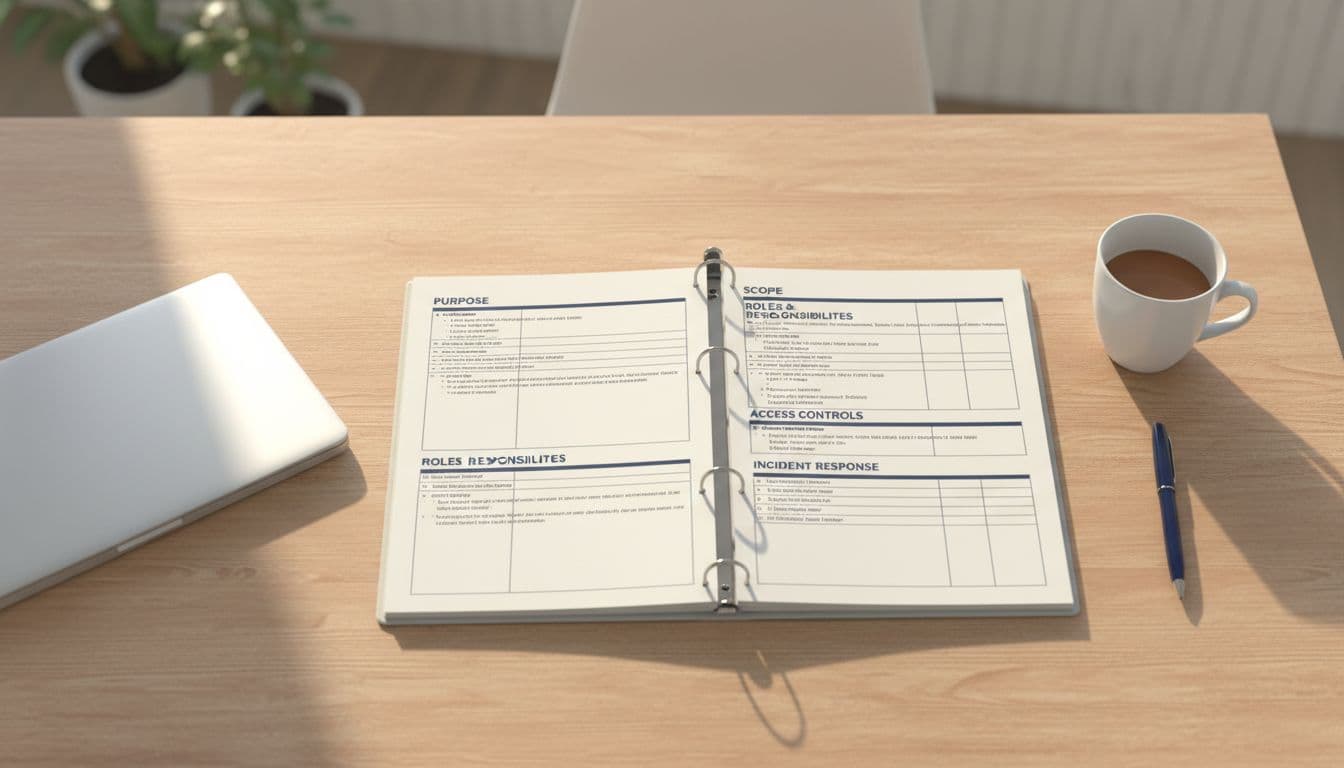
Purpose, scope, and who the policy applies to
Start with the purpose. In one short section, explain why the policy exists. For example, you may want to protect customer data, reduce business risk, and support secure daily work.
Then define the scope. Name the systems, accounts, devices, and data types the policy covers. Include email, cloud apps, shared drives, mobile devices, and any remote access tools your team uses. If vendors or contractors can log in or handle company data, say so clearly.
This section keeps people from saying, “I didn’t know it applied to me.”
Roles and responsibilities for leaders, IT, and staff
Every cybersecurity policy template should show who owns what. Without that, rules become suggestions.
Leadership should approve the policy and support enforcement. IT or your managed service provider should handle technical controls, such as account setup, access limits, patching, and monitoring. Employees should follow the rules, protect passwords, report suspicious activity, and use approved tools.
When roles are clear, security stops feeling like “someone else’s job.” It becomes shared work with named owners.
Rules for access, passwords, devices, and data handling
This is the heart of the document. Keep it direct and practical.
Access rules should follow least privilege. In other words, people should only have the access they need for their jobs. Remove access when roles change, and review it on a schedule.
Password rules should require strong, unique passwords and multi-factor authentication for important systems. If you want a simple benchmark for common controls, CISA’s cybersecurity best practices give solid, plain-language guidance.
Device rules should cover both company-owned and personal devices. Say whether employees can use personal phones or laptops for work. If they can, define the limits. You may require screen locks, updates, antivirus, and the ability to wipe company data if the device is lost.
Data handling rules should explain where files can be stored, how they can be shared, and which data needs extra protection. Sensitive files should stay in approved storage, not personal drives or random apps. Sharing should happen through approved channels, with access controls in place.
A good policy doesn’t drown people in detail here. It gives firm rules and points to procedures when needed.
Incident reporting, response, and policy reviews
People need clear steps for bad moments. If someone clicks a suspicious link, loses a phone, or notices strange account activity, what happens next?
Your policy should name the reporting path. That could be an IT email address, a help desk ticket, a phone number, or a manager. It should also explain how fast people must report issues. “As soon as possible” is better than silence, but “within one hour” is even clearer.
Response rules should cover basic actions, such as isolating devices, resetting passwords, preserving evidence, and notifying the right people. If you want another example of a broad starter structure, Heimdal’s information security policy template shows how these sections often fit together.
Review dates matter too. A policy should be reviewed at least yearly and after major system changes, growth, or security incidents.
How to customize a cybersecurity policy template for your business
A template becomes useful when it reflects how your company actually works. That sounds like a big job, but it usually starts with a few honest questions: What systems do you use, where does your data live, and who touches it every day?
Start with your real systems, data, and daily workflows
Map your current setup before you edit the document. List your email platform, file storage tools, business apps, devices, and remote access methods. Then note who uses them and what kind of data each system holds.
This step matters because many older templates still read like every employee works on one office desktop. That’s not how most teams operate now. Remote work, cloud storage, messaging apps, and mobile devices change the risk picture.
If the policy ignores your real workflow, people will ignore the policy.
Match the policy to your risks and compliance needs
Different businesses face different pressure points. A medical office may focus more on patient data and privacy rules. A retailer may care more about payment systems and third-party vendors. A small law firm may need tighter controls around case files and remote access.
That doesn’t mean you need a 40-page document. It means your cybersecurity policy template should reflect your industry, the type of data you hold, and any rules you must follow. For a wider look at common policy categories and update habits, Splunk’s overview of cybersecurity policies is a useful reference. If you work in a regulated field, get legal or compliance review before final sign-off.
Write in plain language your team can follow
Clear writing wins. Short sentences, direct rules, and common words help people act without second-guessing.
Instead of writing “users shall maintain authentication secrecy,” write “employees must keep passwords private.” That sounds obvious, but many policies fail because they read like they were written for auditors, not staff.
Define terms when needed, add a few simple examples, and cut anything that doesn’t help someone make a better choice.
Common mistakes that make a cybersecurity policy fail
Good-looking policies fail all the time. The usual reason is simple: the document doesn’t match real behavior.
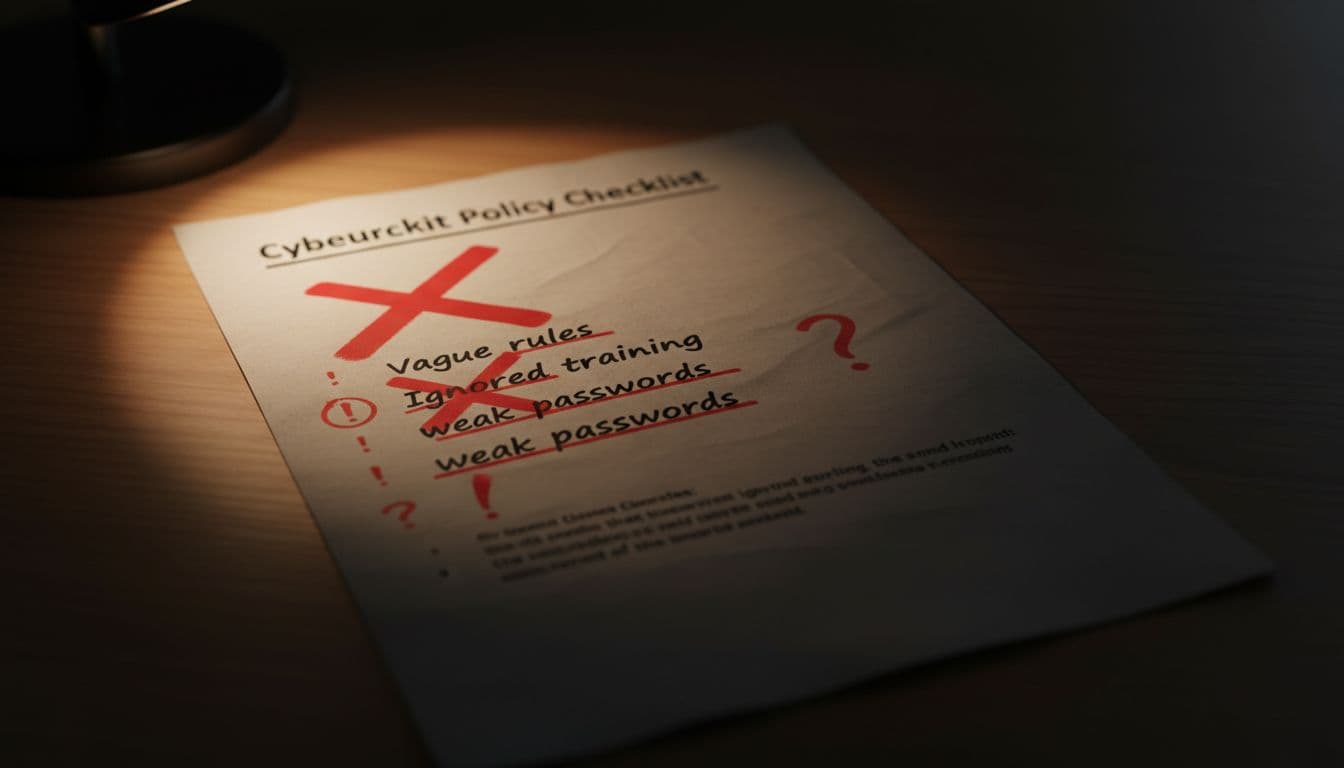
Making the policy too vague, too long, or too technical
Vague rules create loopholes. If a policy says employees should use “appropriate security measures,” most people won’t know what that means. Long documents also get skipped, while technical jargon pushes nontechnical staff away.
A useful policy feels readable, not heavy. People should find an answer in minutes, not hunt through pages of formal language.
Forgetting training, enforcement, and regular updates
A policy without training is like a playbook no one has practiced. Staff need short, repeatable reminders. Managers need to back the rules. IT needs to follow through on access reviews, password settings, and device controls.
Policies also age fast. A merger, new cloud tool, or phishing incident can make last year’s document outdated overnight.
Ignoring vendors, remote work, and personal devices
Many templates still focus only on internal employees. That leaves out vendors with system access, remote workers on home networks, and staff using personal phones for email or file sharing.
Those gaps matter because attackers often look for the easiest path, not the most dramatic one. A weak home router or a forgotten vendor account can become that path.
How to roll out your cybersecurity policy template and keep it useful
The real test starts after the document is approved. A policy only works when people can find it, understand it, and use it in daily work.

Get approval, share the policy, and confirm employees understand it
Start with leadership sign-off. That shows the policy has support, not just IT interest. Then publish it somewhere easy to access, such as your intranet, shared handbook, or HR portal.
Ask employees to acknowledge that they read it. Add the policy to onboarding, then bring it back during annual review. Those small checkpoints help turn a document into a known standard.
Turn the policy into everyday habits and simple checks
Keep reinforcement light but steady. Short training sessions work better than long lectures. Phishing tests, access reviews, and device checklists help people connect the rules to real actions.
Small teams can start with a monthly check. Review who has access to key systems, confirm devices are updated, and remind staff how to report suspicious activity. Over time, these habits make the policy feel normal instead of optional.
Conclusion
A cybersecurity policy template saves time, but only when you treat it as a framework, not a finished answer. The best policy is clear, matched to your real systems, and updated as your business changes. It tells people what to do, who owns each task, and how to respond when something goes wrong.
Start with a solid structure, tailor each section to your tools and risks, and keep the language simple enough for everyone to follow. Then put the policy into daily use through training, access checks, and regular review. A policy that lives in the real world will protect your business far better than one that only looks good on paper.