



A landscaping company can do great work and still lose money from simple chaos. A missed text, a double-booked crew, a change order buried in someone’s phone, that’s often where the trouble starts.
Landscaping project management software pulls those loose pieces into one place. It helps you keep jobs, people, schedules, notes, and costs connected, so the office and field stay on the same page. If you’re an owner, office manager, or ops lead, this guide will help you spot what matters most.
What landscaping project management software actually helps you manage
Most people hear “project management” and think of a calendar. In landscaping, it goes much further than that. Good software covers the full path from first inquiry to final invoice.
That means it can hold customer details, build estimates, assign crews, track job status, log time, record materials, manage change requests, and push billing forward without lost handoffs. In plain terms, it becomes the shared job file your whole team can use.
From estimates and job scheduling to crews, materials, and billing
A typical landscaping job has more moving parts than it seems. Sales may quote the work. Operations schedules it. A crew leader needs notes, photos, and site access details. Then billing needs the right labor, materials, and any extras added on site.
When those steps live in separate tools, people re-enter the same details again and again. That’s where errors creep in. A proposal says one thing, the work order says another, and the invoice misses the extra mulch or drainage change.
Landscaping project management software connects those steps. A signed estimate can become a scheduled job. Crew notes can feed job status. Field updates can flow back to the office, so invoices go out faster and with fewer surprises. If you want a plain-English look at how these tools fit together, this practical breakdown of software for landscapers is a helpful reference.
Why landscaping businesses outgrow spreadsheets and group texts
Spreadsheets work for a while. So do whiteboards, paper folders, and group texts. But growth exposes every weak spot.
One estimator changes a scope sheet, and the old version still sits in a shared drive. A crew shows up with yesterday’s notes. Office staff spend half the morning calling people to confirm where trucks are going. Meanwhile, no one can see labor costs until payroll is done.
For small and mid-sized companies, that lag is expensive. You can’t fix a bad job after the week is over. You need updates while the work is happening. That’s why many teams move away from manual systems once jobs, crews, and service lines start piling up.
The features that matter most when you run landscaping jobs in the real world
The best platform isn’t the one with the longest feature page. It’s the one your team will use every day, under pressure, with muddy boots, ringing phones, and weather delays.
Scheduling and dispatch tools that keep crews on time
Landscaping schedules change fast. Rain hits. A customer asks for a later arrival. A truck breaks down. One crew finishes early, while another gets stuck on a hard install. So the software needs to make changes simple.
Look for drag-and-drop scheduling, easy crew assignments, recurring service setup, and route awareness. Those basics help office staff move work around without rebuilding the whole day.
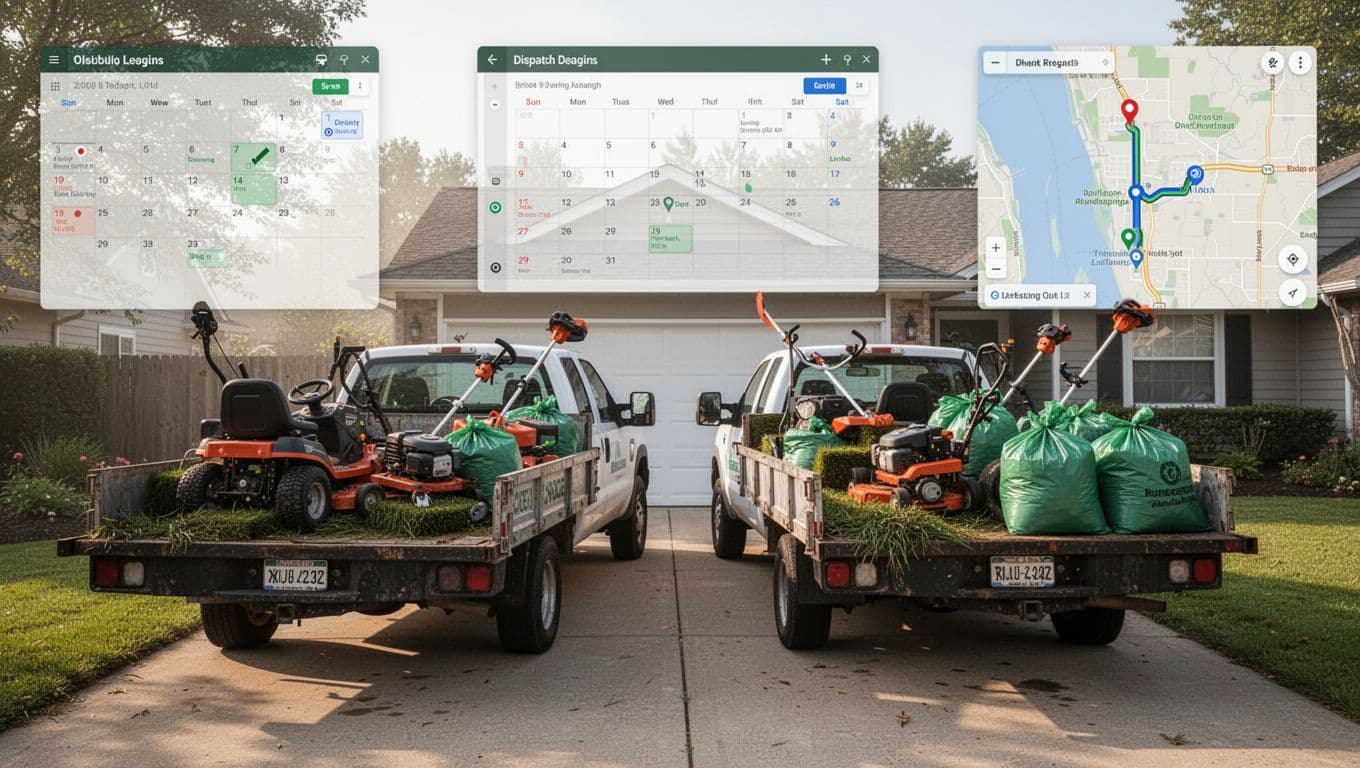
Fast rescheduling matters because landscaping isn’t a fixed-floor trade. Crews move across neighborhoods, properties, and job types. A schedule tool should help dispatch work in minutes, not force your team into a puzzle that takes an hour to solve.
Mobile access for field teams who are rarely at a desk
Your crew leaders don’t sit behind monitors. They need job info where the work happens. That usually means a mobile app or, at minimum, a mobile-friendly system that loads well on a phone.
Field access should cover the basics: clock-ins, job notes, task lists, material usage, photos, and customer signoff. Real-time updates help the office answer customer questions without calling the crew every time.
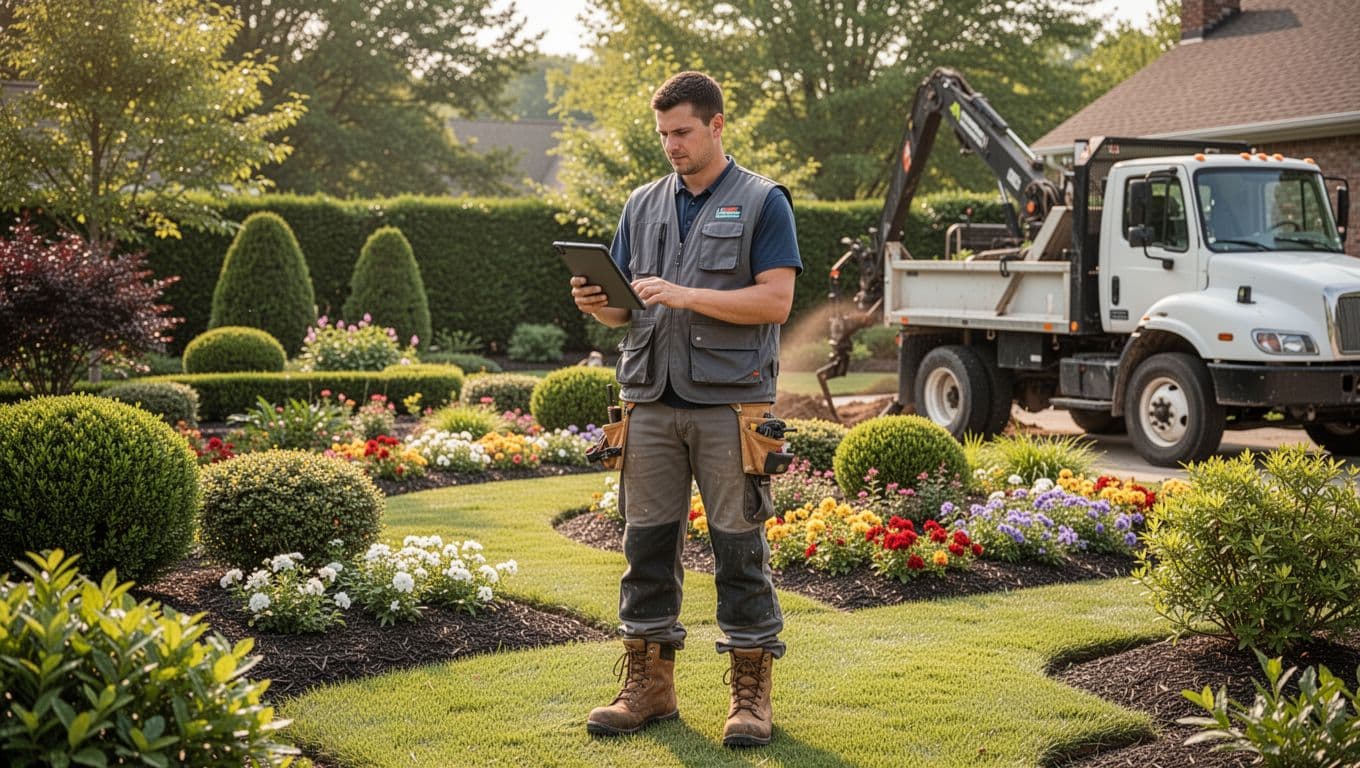
Photo capture can matter a lot here. Before-and-after images, damage records, and progress photos reduce arguments later. For teams that rely on visual proof, these photo-first landscaping apps and software show why image capture has become part of the job file, not an extra step.
Job costing and reporting that show which work is truly profitable
Revenue can look healthy while profit slips away. That’s why job costing matters. You need to see labor, materials, equipment time, and change orders at the job level, not only at the end of the month.
Good reporting helps you spot patterns. Maybe install jobs look impressive but lose money on overtime. Maybe recurring maintenance routes are your most stable margin. Maybe one crew needs stronger time estimates or better material planning.
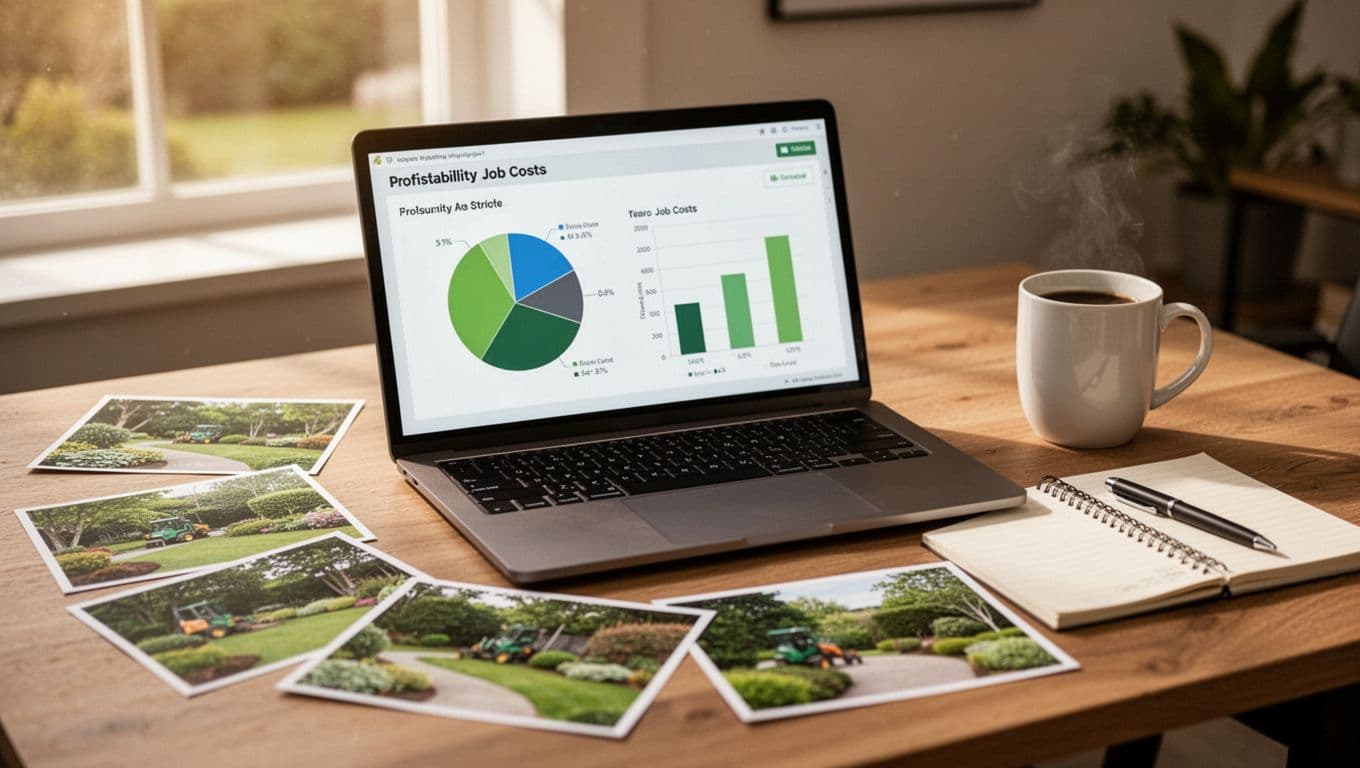
A good report shouldn’t feel like tax season. It should help you price better next week. This landscape management software buying guide gives a useful overview of the kinds of cost and reporting features growing teams tend to prioritize.
The best system is the one your crew will open before the first stop of the day, not the one that looks best in a sales demo.
How the right software can improve daily operations and customer experience
Features matter, but outcomes matter more. When software fits the way your company works, the day gets quieter in the best way.
Less back and forth between the office, the field, and the customer
Shared job records cut down on repeat calls and mixed messages. If everyone sees the same scope, notes, site photos, and status, fewer people need to “check on that and call back.”
That helps with arrival windows, too. The office can update a customer without texting three crew leaders. If a scope change happens on site, the crew can log it once and move on. Later, billing and customer service see the same update.
This also helps after the work is done. A quick photo upload, a completed checklist, and a timestamp can close the loop fast. For many companies, that kind of visibility is why 2026 landscape management software comparisons focus so heavily on communication, not only scheduling.
Faster estimates, cleaner handoffs, and fewer missed details
Templates save time, but they also protect accuracy. If your team builds estimates from saved service items, standard labor assumptions, and repeatable scopes, quotes get out faster and stay more consistent.
Then the handoff improves. Sales doesn’t need to explain the same job three times. Operations gets the approved scope. The crew sees the work order. Billing pulls from the same record. That chain matters because every handoff is a chance for a detail to disappear.
Think of it like passing buckets in a line. If each person has a different label on the same bucket, water spills everywhere. Good software keeps the label attached from quote to closeout.
How to choose landscaping project management software without making an expensive mistake
Buying software without a clear plan is like buying a new truck because the cupholders look nice. It may be useful, but it won’t fix the real problem.
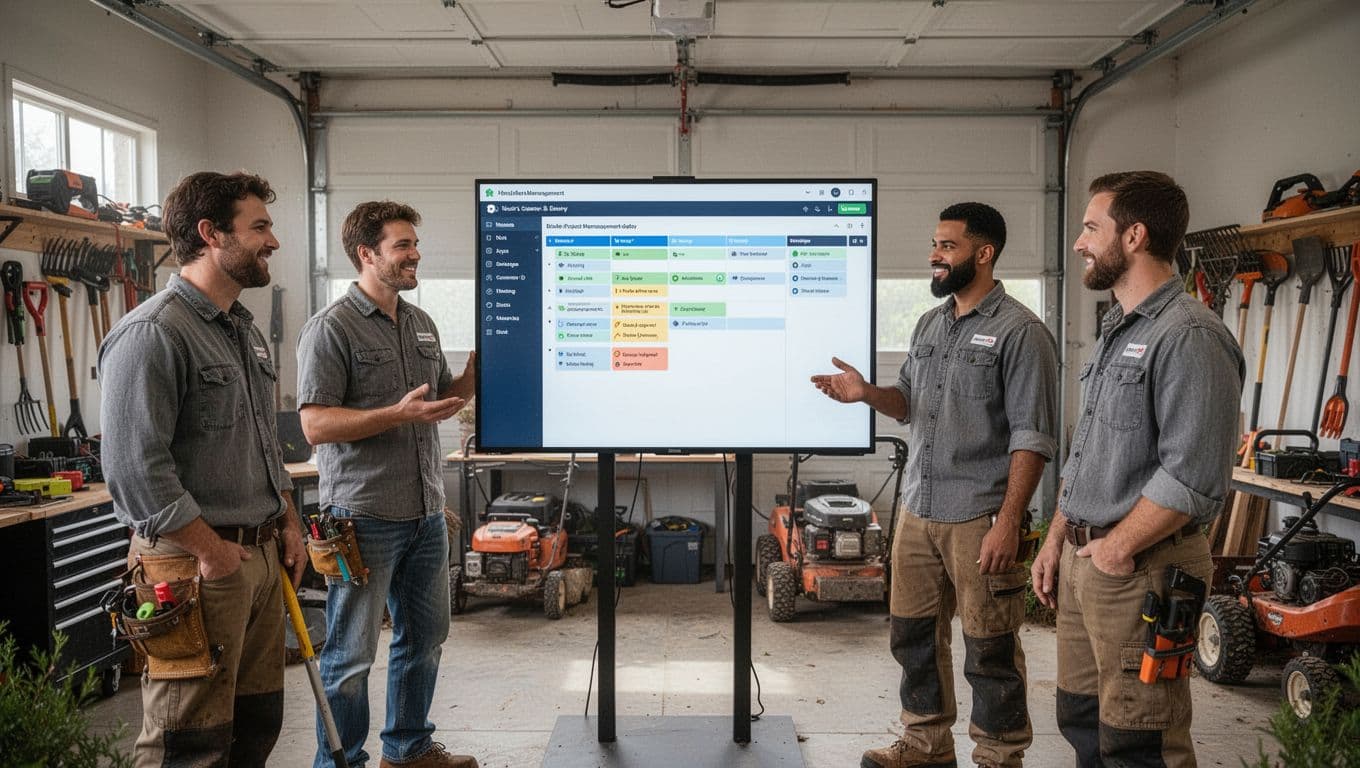
Start with your biggest bottleneck, not the longest feature list
First, name the pain that costs you the most time or money. Maybe it’s scheduling chaos. Maybe invoices go out late. Maybe you still can’t tell which jobs are profitable. Or maybe crew communication falls apart once trucks leave the yard.
Once you know the main problem, the search gets simpler. A company doing recurring maintenance routes has different needs from a design-build firm handling larger installs. Software should match your work mix, not force your team into someone else’s process.
Questions to ask before you commit to a demo or free trial
Ask practical questions, not broad ones. How fast can a dispatcher move jobs around? Can a crew leader use the mobile app with little training? Does the report show labor and materials by job? Can it work for maintenance, installs, or both? What happens during onboarding if your team gets stuck?
Pricing needs a close look, too. Some tools charge per user, some by feature tier, and some add costs for support or setup. Before you book a demo, it helps to review a practical buyer’s guide for contractors or a 2026 comparison of landscaping software to see how vendors frame these tradeoffs.
A short internal checklist can keep your team honest:
- Must solve: the top one or two pain points
- Must fit: your service mix and crew setup
- Must be easy: for office staff and field users
- Must show value: in time saved, faster billing, or better margins
The right choice often feels a little boring, and that’s a good sign. It means the tool fits the work instead of asking the work to fit the tool.
The best landscaping project management software helps your team schedule better, communicate faster, and protect profit without adding more friction. It gives the office and field one source of truth, so fewer details fall through the cracks.
Keep your focus on fit, adoption, and daily usefulness. If the system makes Monday morning easier, helps crews stay informed, and gives you clearer numbers, it’s doing its job.
Start with your biggest bottleneck, then test software against that one problem first. That’s usually where smart buying begins.