



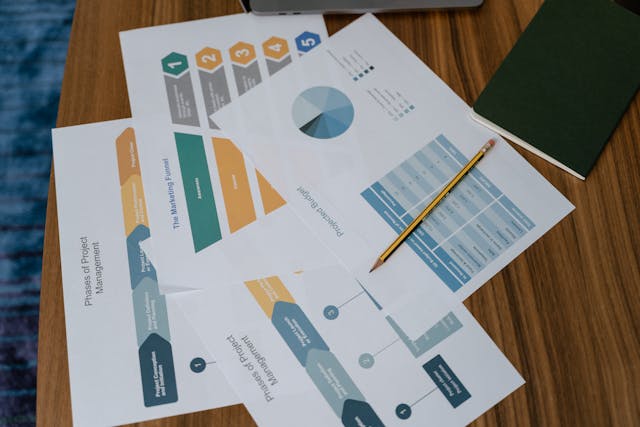
Spreadsheets, email threads, and generic task apps break down fast when client work gets busy. You can track tasks in one place, time in another, and invoices somewhere else, but that patchwork hides delays, missed hours, and shrinking margins.
That’s where professional services project management software comes in. It gives consulting firms, accountants, law offices, IT services teams, and agencies one system for planning work, assigning people, tracking time, watching budgets, and billing clients.
If your team sells expertise instead of products, that difference matters. The sections below explain what this software does, why it pays off, how to compare leading options in 2026, and how to choose a tool without buying a shiny mistake.
What professional services project management software actually does
Basic project tools help teams organize tasks. Professional services software goes much further because it connects delivery work to the business side of the firm.
Instead of asking people to jump between calendars, timesheets, finance tools, and status decks, it ties those pieces together. That means fewer blind spots and better control over client work from kickoff to invoice.
It brings projects, people, and money into one system
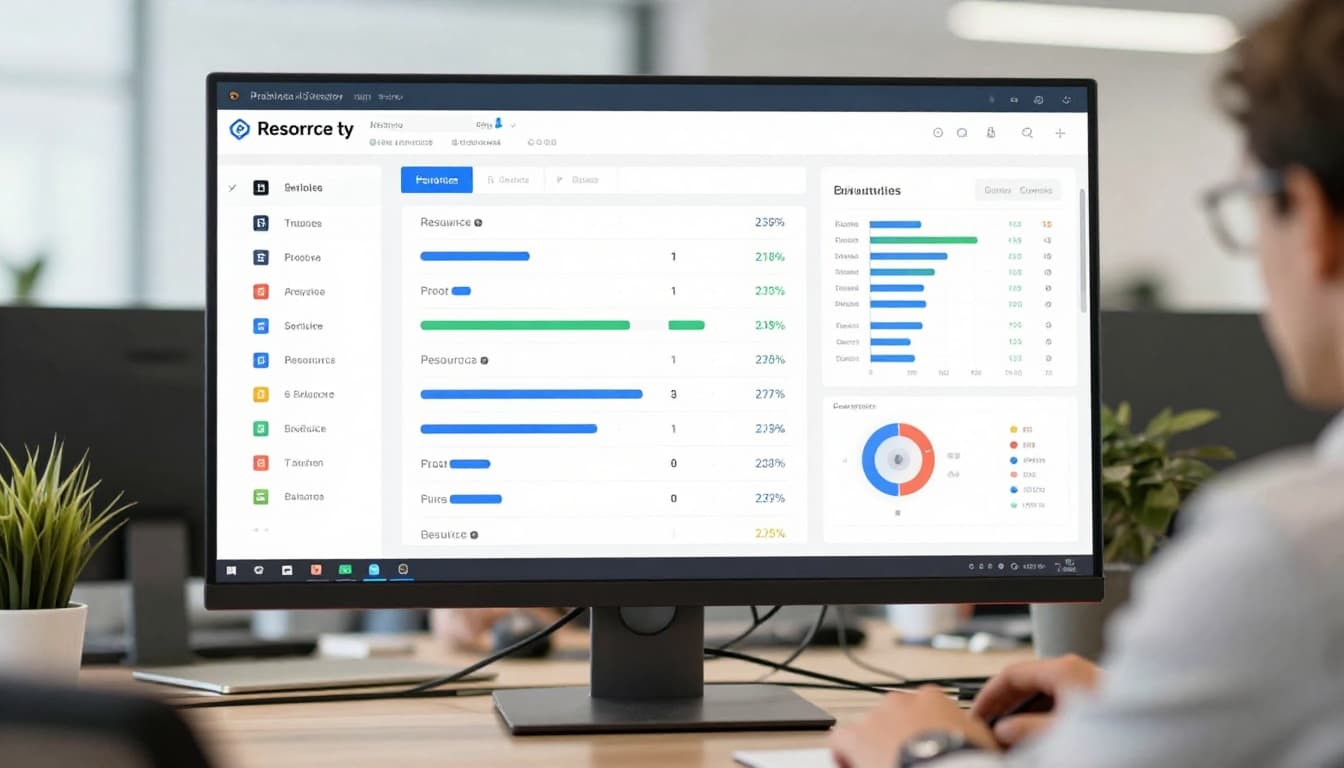
A strong platform handles task planning and deadlines, but it also manages team schedules, billable time, non-billable work, expenses, invoices, and project profit. That matters because service firms sell hours, skill, and outcomes. When time slips through the cracks, revenue does too.
Think of it like replacing a box of loose receipts with a live dashboard. You can see who is booked, which projects are drifting, and whether the work is still profitable before the damage is done.
Many firms start by reviewing current PSA options and realizing how wide the market has become. A current look at top PSA platforms for 2026 shows how much the category now centers on finance, staffing, and delivery in one workflow.
The features that matter most for service firms
The most useful features are practical, not flashy. Resource planning helps managers assign the right people at the right time. Time and expense tracking feeds billing and payroll. Budget monitoring shows if a fixed-fee job is turning into a loss.
Utilization reporting also matters because it shows how much of your team’s time goes to paid work. Client collaboration tools can reduce status-chasing, while accounting links help data move into systems like QuickBooks without re-entry.
Live dashboards and workflow automation are now expected. Teams want alerts when budgets drift, when approvals are stuck, or when someone is overbooked next week. In other words, the tool should help people act sooner, not report problems after the month closes.
The biggest benefits for consulting, accounting, legal, and agency teams
Features are only useful if they change daily work. The real value shows up in fewer surprises, tighter billing, and stronger control over how client work turns into revenue.
For firms with several active accounts, that visibility can feel like turning on the lights in a crowded room.

Better visibility leads to better decisions
When managers can see workloads, deadlines, and budgets in one place, they spot problems earlier. One consultant may be booked at 130 percent while another has open capacity. A legal matter may be burning more hours than planned. An agency retainer may look busy but produce weak margin.
Planned versus actual time is one of the most useful views in the system. It shows whether estimates were realistic and whether the same type of project keeps running long. Over time, that improves pricing, staffing, and scoping.
This is one reason the market keeps growing. Recent 2026 data shows PSA software is worth about $15.21 billion and growing at roughly 12.6 percent a year. Buyers want a better link between delivery work and financial results. If you want a broader snapshot of vendors in this space, these professional services software rankings offer a useful starting point.
Less admin work, faster billing, and healthier profit margins
Manual admin steals time twice. First, staff spend too long entering hours and chasing approvals. Then finance teams spend more time cleaning up bad records before invoices go out.
Good software cuts that drag. Time capture can happen as work happens. Expense entries move through approvals faster. Invoices pull from approved hours and costs instead of being built from scratch. As a result, bills go out sooner and cash comes in faster.
Missed billable hours rarely look dramatic. They pile up quietly, then show up as margin loss.
That quiet loss is why firms care about revenue leakage. A few untracked hours each week, across a 40-person team, turns into real money. Better systems reduce those misses and make write-offs easier to spot before they become routine.
How to compare the best professional services project management software in 2026
Not every buyer needs a full PSA platform. Some firms need deep resource planning and billing. Others only need solid project tracking plus a separate finance system.
That split matters more in 2026 because the market is moving in two directions at once. General project tools keep adding automation, dashboards, and time tracking. Meanwhile, PSA platforms keep tightening the link between project delivery, staffing, billing, and profit.
When a PSA platform makes more sense than a general project tool
If your business bills by time, manages utilization, or needs strong margin reporting, a PSA tool usually fits better. Platforms such as Kantata, BigTime, Scoro, Teamwork.com, Accelo, Celoxis, Productive, and Projectworks are built for that kind of work.
General tools still have a place. Asana, ClickUp, monday.com, Wrike, Smartsheet, and Jira can work well for lighter service needs, especially if your finance stack is already strong.
This quick comparison helps frame the choice:
| Situation | Better fit | Why |
|---|---|---|
| Complex resourcing across many clients | PSA platform | Stronger scheduling, utilization, and margin views |
| Fixed-fee and hourly billing in one system | PSA platform | Better support for time, expenses, invoicing, and profit |
| Small team with simple client work | General PM tool | Faster setup and lower admin burden |
| Firm with solid accounting tools already in place | General PM tool | PM tool can handle delivery while finance stays elsewhere |
The takeaway is simple: buy for your operating model, not for the longest feature list. Broader project management software reviews for 2026 can help you benchmark the general tools before you decide.
Key trends shaping buying decisions right now
AI is now part of the buying conversation, but buyers are asking better questions. They want AI-assisted planning, risk alerts, smart scheduling, automatic time suggestions, and stronger reporting. They also want automation that reduces handoffs between project leads, team members, and finance.
At the same time, firms want all-in-one workflows. They don’t want project data living in one app and profitability in another. That push is showing up across both PSA and broader PM software. Recent project management trends for 2026 point to more AI support, better real-time reporting, and tighter links between project work and business outcomes.
AI works best when your data is clean and your process is clear.
If timesheets are late, roles are vague, or budgets are inconsistent, AI won’t fix that. It may only hide the mess behind nicer charts.
How to choose a tool your team will actually use
A great demo can fool smart buyers. Software often looks polished in a sales call, then feels heavy and awkward once real projects, real clients, and real billing rules hit the system.
That’s why the best buying process starts with your workflow, then tests the tool against daily use.
Start with your workflows, not the vendor demo
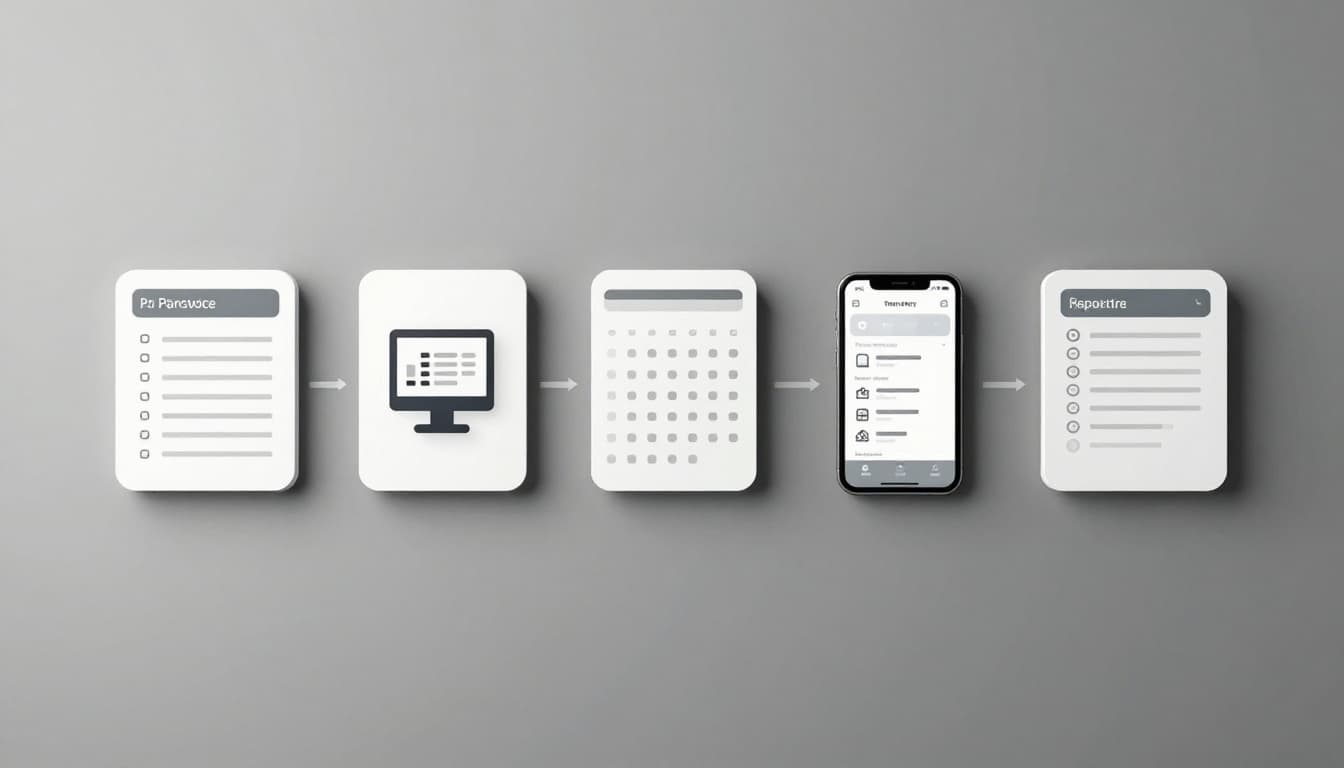
First, write down what your team must do every week. That usually includes project planning, resource scheduling, time tracking, billing, reporting, client access, and links to QuickBooks, email, and calendars.
Then narrow the field by team size, service mix, and budget. A 12-person design studio doesn’t need the same depth as a 300-person consulting firm. Likewise, a legal team with strict matter tracking will care about different details than an IT services shop.
Look for proof in the trial, not the pitch. Can a manager rebalance workloads fast? Can staff enter time without friction? Can finance trust the billing data? If those basics feel clumsy, the tool will sit on the shelf.
Roll it out in phases to avoid a messy launch
Big-bang rollouts often create confusion. A phased launch gives the team time to learn and gives managers time to fix bad settings before the software spreads across the firm.
A simple rollout usually works best:
- Clean up old project, client, and rate data.
- Set up core fields, roles, bill rates, and approval rules.
- Train a small pilot team first.
- Go live on one or two active projects.
- Review dashboards weekly and adjust fast.
Common mistakes are easy to spot in hindsight. Firms import bad data, add too many custom fields, skip training, or copy old messy processes into a new system. Start smaller. A tool people use every day beats a complex system nobody trusts.
The best professional services project management software isn’t the one with the most tabs. It’s the one that matches how your firm plans work, uses staff time, bills clients, and tracks profit.
Shortlist two or three tools, then run a real trial with live projects and real users. Watch for ease of use, visibility, and financial control, because those are what protect margins when work gets busy.
Spreadsheets can limp along for a while. A connected system helps you grow without losing the plot.