




A missed filing date rarely starts with one big mistake. It usually starts with ten small ones, a task buried in email, a review stuck on one person’s desk, a client request lost in a spreadsheet, or a deadline nobody saw soon enough.
That daily pressure is why project management software for accounting firms matters. When work is visible, owners can spot risk earlier, staff know what comes next, and clients get fewer last-minute surprises. The right system won’t remove busy season, but it can make the work far less frantic.
Here’s what this software actually fixes, which features deserve your attention, and how to pick a tool your team will use.
What project management software for accounting firms actually solves
Most firms don’t struggle because people aren’t working hard. They struggle because work moves through too many places at once. A tax return starts in email, source docs sit in shared storage, status lives in someone’s head, and due dates hide in a separate list.
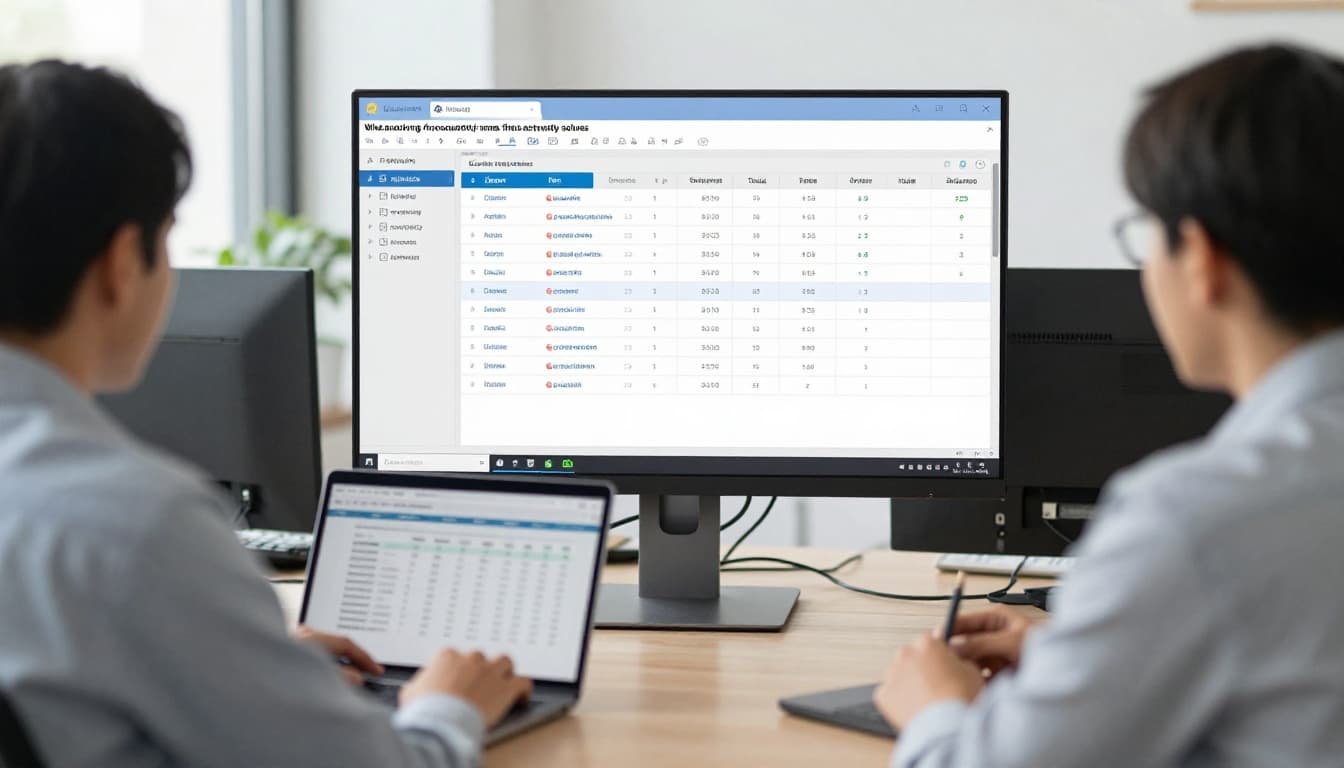
It gives every job a clear owner, due date, and status
When each job has an owner, a due date, and a visible stage, work stops feeling like a relay race in the dark. Everyone can see who has the ball.
That matters for repeat work. Monthly bookkeeping, payroll runs, sales tax filings, and month-end close all depend on timing. If one step stalls, the next one slips too. Good software shows the full chain, from prep to review to final delivery.
It also helps with handoffs. A staff accountant can finish bank recs, route the file to review, and mark the task complete. Then the reviewer sees it right away. No follow-up email needed.
Approvals become clearer too. Instead of asking, “Did anyone send that return?” the team can check status in seconds. That’s a simple change, but it saves a surprising amount of stress.
It replaces scattered spreadsheets, email chains, and sticky note systems
Many firms still run work through a patchwork of tools. One spreadsheet tracks tax returns. Another tracks bookkeeping jobs. Email holds client requests. Sticky notes handle the rest.
That setup works until volume rises. Then small gaps turn into missed steps, duplicate work, or late responses. One source of truth fixes a lot of that. Tasks, files, comments, and deadlines live together, so the team doesn’t waste time hunting for context.
Accounting-specific tools can help here because they mirror how firms already work. For example, Canopy’s practice management software is built around client work, deadlines, and firm operations rather than generic office projects.
If your team has to ask where work stands, your system isn’t doing its job.
The features that matter most in an accounting workflow
A generic project tool can track tasks. That doesn’t mean it fits accounting work. Firms need software that respects repeat deadlines, review steps, billable time, and client document collection.
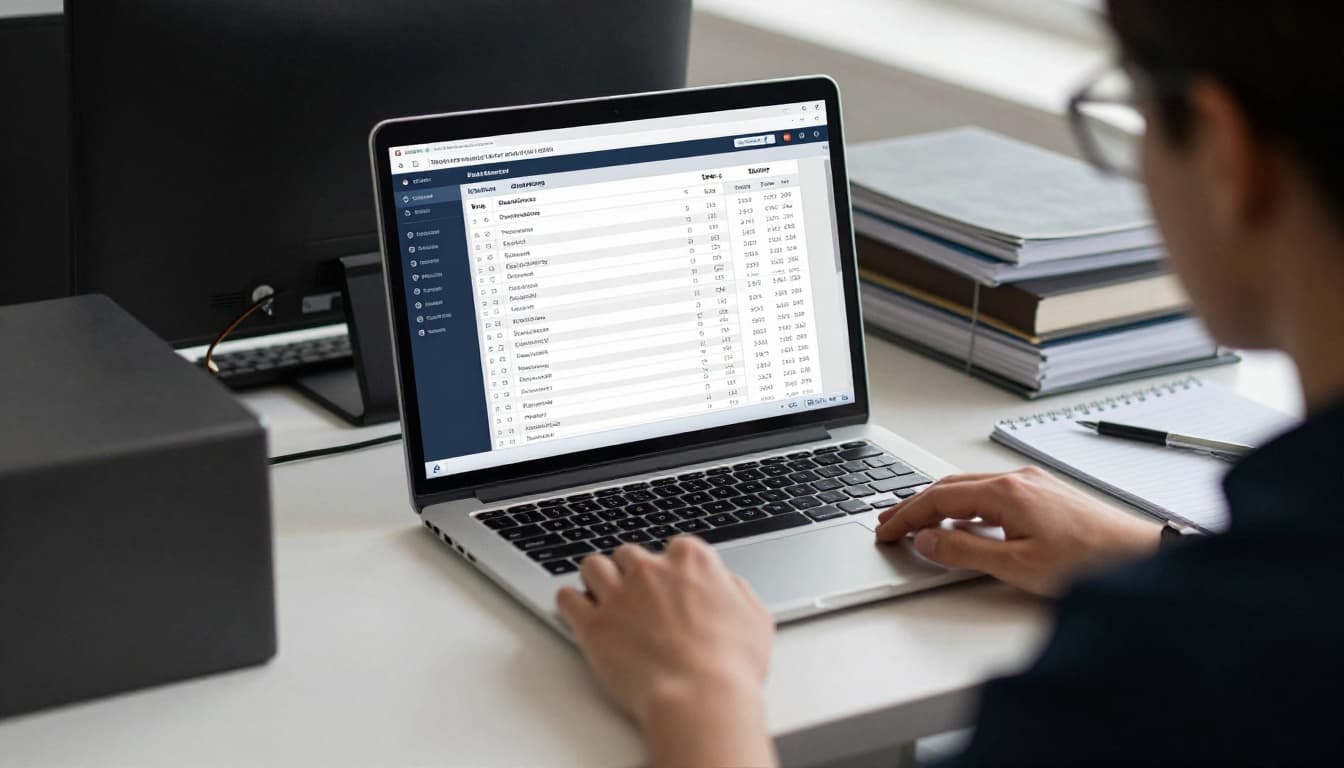
Recurring task templates keep monthly and annual work on track
Accounting work repeats, but errors repeat too when every job starts from scratch. Templates solve that problem. They give the team the same steps, in the same order, every time.
That works well for monthly bookkeeping, payroll, sales tax, year-end close, and annual tax returns. Instead of rebuilding each workflow, the firm clones a proven process with dates, assignees, and review points already in place.
Templates also protect quality. When a task list is built once and improved over time, fewer steps get skipped during busy periods. Many firms like tools that include ready-made accounting workflows, such as the accounting workflow templates from Financial Cents, because they reduce setup time.
Time tracking, capacity planning, and deadlines help teams stay realistic
A full pipeline looks healthy until you realize three people carry half the work. That’s where capacity planning matters.
Good software shows who is overloaded, who has room, and which due dates are starting to wobble. Managers can rebalance work before it becomes a late-night fire drill. That makes staffing decisions better, especially during tax season or month-end peaks.
Time tracking adds another layer. It helps firms compare planned hours to actual hours, spot jobs that keep running over, and price future work more accurately. Some accounting-focused platforms, including Ravetree’s accounting project management tools, combine resource planning, billing, and project visibility in one place.
Client collaboration tools reduce back and forth
Client work slows down when firms spend half their day chasing missing files. A better client workflow keeps requests organized and easy to follow.
Useful tools often include document requests, client checklists, reminders, and status updates. That way, clients know what’s still needed without sending four separate emails. Meanwhile, the firm sees which requests are open and which jobs are blocked.
This matters more than it seems. A faster client response cycle means returns move to review sooner, payroll gets approved on time, and bookkeeping jobs don’t linger for days waiting on one bank statement.
How to choose the right software for your firm
Buying software is the easy part. Picking a system that fits your firm is harder. The best option depends on your service mix, team size, and how work already flows today.
Start with your biggest workflow bottlenecks
Don’t begin with feature lists. Start with pain.
If tax season tracking breaks down every year, fix that first. If recurring bookkeeping work feels messy, start there. If reviews back up on one manager’s desk, map that process before you look at demos. The best tool is the one that removes your biggest source of friction first.
This quick view can help frame the decision:
| Bottleneck | What to look for |
|---|---|
| Tax return tracking | Recurring jobs, due date roll-forward, review stages |
| Monthly bookkeeping | Templates, recurring tasks, workload view |
| Client document collection | Requests, reminders, client status visibility |
The point isn’t to score every feature. It’s to match software to the work that hurts most.
Check integrations, ease of use, and support before you commit
A polished demo can hide a clumsy daily experience. So ask simple questions. Can staff update jobs fast? Can managers see risk in one view? Can new team members learn it without a week of training?
Also check the nearby tools your firm already uses. That may include accounting platforms, document storage, email, e-signature, or other practice systems. Fewer manual handoffs usually mean better adoption.
Ease of use matters as much as power. A simple system people use every day beats a complex one nobody updates. If you’re still comparing options, this roundup of project management software for accountants can help you see how different tools approach deadlines, workload, and collaboration.
What a successful rollout looks like in a real accounting firm
Software doesn’t fix a messy process by itself. It gives structure to a process your team agrees to follow. That’s why rollout matters so much.

Build a few core workflows first, then expand
Start small. Pick one or two high-volume services, such as monthly close or tax return prep, and build those first.
A phased rollout works because it keeps the project manageable. The team learns the system on familiar work, leaders can fix rough spots early, and the firm avoids changing every process at once. After that, it’s easier to add payroll, audit work, or advisory services.
This also builds trust. When staff see one workflow working well, they’re more willing to move the next one into the system.
Use simple rules, training, and dashboards to keep everyone aligned
Consistency beats complexity. Set basic rules for naming jobs, assigning owners, updating status, and closing tasks. Keep stages clear, such as waiting on client, in progress, ready for review, and complete.
Then train the team on those rules, not only on buttons and menus. People need to know how the firm expects work to move. Weekly dashboard reviews help reinforce that habit. Managers can spot overdue tasks, blocked jobs, and overloaded staff before small issues spread.
A visible dashboard creates shared awareness. That’s why accounting-focused tools like Mango Practice’s project management software put so much attention on due dates and firm-wide visibility.
Project management software for accounting firms should make work clearer, faster, and calmer. If the system fits your workflow, your team spends less time chasing status and more time finishing client work on time.
The strongest buying rule is simple: choose software that solves your biggest process problem first, then roll it out in a focused way. Fancy features matter less than daily use.
Map one workflow this week, maybe tax prep or monthly close, and test every tool against that process. Clarity is the real win, because clear work is easier to manage under pressure.