



Manufacturing projects break down when one missed update ripples across the plant. A late part delivery can push production, quality checks, packaging, and shipping off schedule in a single day.
That’s why project management software for manufacturing matters more than a basic task board. The right system helps you keep work visible, control cost creep, and connect office planning with shop floor reality.
What project management software for manufacturing actually helps you manage
In manufacturing, projects rarely move in a straight line. They pass through engineering, purchasing, production, quality, and logistics, and each team depends on the last one getting its part right.
A good platform ties those moving parts together. As a result, teams spend less time chasing updates and more time fixing real problems.
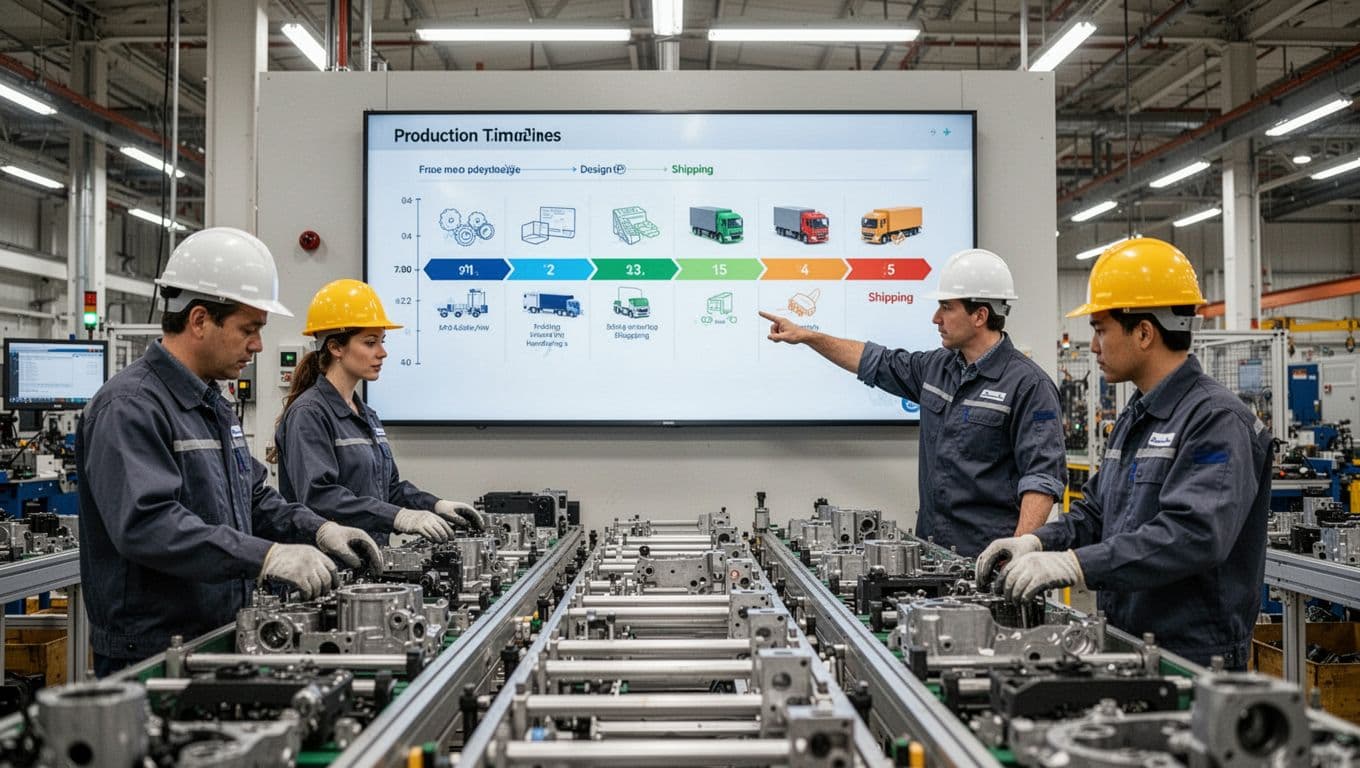
Production timelines, jobs, and cross-team handoffs
Manufacturing projects run on handoffs. Engineering releases drawings, procurement orders materials, production schedules machines, quality signs off, and shipping prepares the order. If one step slips, the next team feels it fast.
Project software helps map those milestones in one place. That gives planners, supervisors, and managers a shared view of what’s on track, what’s blocked, and who owns the next move.
Instead of passing status around in meetings or spreadsheets, teams can see dependencies right away. That matters because a delayed approval is not only an office problem, it can turn into idle labor and missed ship dates.
Inventory, purchasing, and supplier-dependent work
A project timeline looks great until one missing component stops the line. That’s why manufacturing teams need more than task due dates. They also need visibility into stock levels, purchase orders, lead times, and vendor updates.
The best tools flag material risk early. For example, if a supplier pushes a delivery date, the software should show how that change affects build dates and labor plans. Many of the same problems show up in broader manufacturing project management strategies, where purchasing and production often drift apart.
When materials and schedules live in separate systems, teams react late. When they connect, planners can adjust before shortages become downtime.
Quality control, compliance, and change requests
Quality work is part of project work, not a separate side task. In many plants, that means inspections, nonconformance reports, corrective actions, approvals, and controlled documents.
Project management software for manufacturing should track revisions clearly. If a drawing changes or a process step gets updated, the right people need that update right away. Otherwise, the shop may build from an old version, and the rework bill lands later.
This matters even more in regulated and high-precision environments. Medical, aerospace, electronics, and food manufacturers often need approval trails and clean document history. Without that, small changes can create big risk.
The features that matter most when choosing a manufacturing project platform
Some tools look polished in a demo but fall apart on real plant work. A simple project app may handle deadlines, yet it won’t help much if you can’t tie tasks to machine time, labor, materials, or shop status.
So, when you compare platforms, focus on what helps your team act faster and with fewer surprises.
Real-time scheduling and capacity planning
Manufacturing schedules change every day. Machines go down, rush orders appear, operators call out, and suppliers miss dates. Your software should reflect those shifts without forcing planners to rebuild everything by hand.
Look for live scheduling views, capacity loads, and resource balancing. Those features help teams see where bottlenecks are forming and where extra slack exists. If you’re building a shortlist, these scheduling features manufacturers look for give a useful benchmark.
Better scheduling doesn’t only speed work up. It also reduces idle time, overtime spikes, and last-minute firefighting.
Dashboards, reporting, and cost tracking that support better decisions
Plant leaders need more than a green or red project label. They need to see which jobs are slipping, where money is going, and what risk is building across orders.
Good dashboards pull together job status, labor use, budget versus actual cost, late tasks, and supplier issues. That helps managers act before a small delay turns into a customer problem. Clear reporting also makes project reviews less about opinions and more about facts.
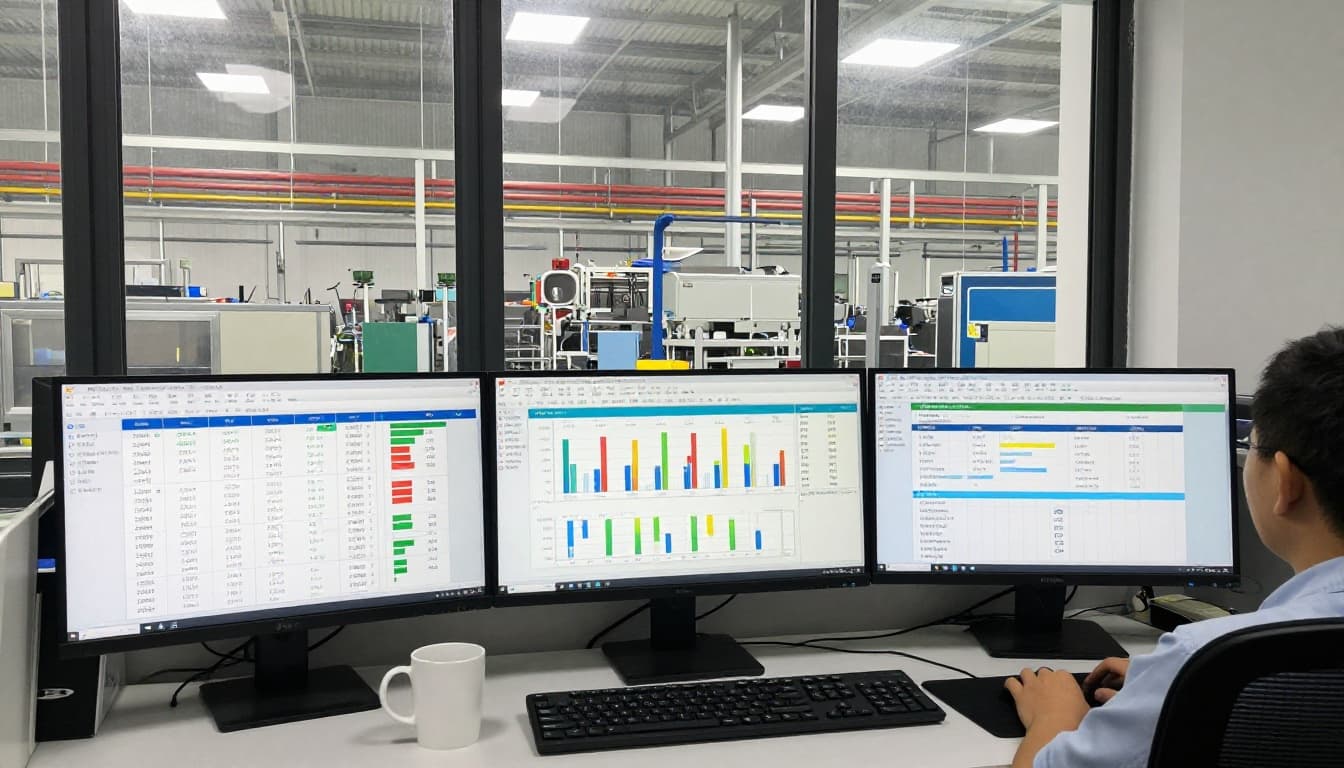
If reporting takes hours to assemble, people stop trusting it. Fast, readable dashboards keep attention on action.
ERP, MES, and inventory system integrations
Disconnected systems create duplicate work. A planner updates one date in the project tool, but ERP still shows the old schedule. Meanwhile, the shop floor sees something else in MES. That’s how teams lose confidence.
Strong integrations reduce those gaps. Project data should sync with ERP, MES, inventory, accounting, CRM, and shop tools where it makes sense. A solid MES and ERP integration guide shows why shared data matters so much in production settings.
When systems talk to each other, updates travel faster. That means fewer manual entries, fewer missed changes, and better decisions across teams.
How to compare software options without wasting time or budget
Buying software for a plant isn’t like picking a new chat tool. The wrong choice can waste months, frustrate users, and leave you with one more disconnected system.
A simple scorecard helps. Start with your actual workflow, then judge each option against that.
Match the software to your plant size, process, and workflow
Different manufacturers need different tools. A job shop with custom orders won’t evaluate software the same way as a batch processor or a multi-site producer.
This quick view helps frame the fit:
| Manufacturing setup | What the software should handle well |
|---|---|
| Job shop | Custom jobs, quote-to-build visibility, changing priorities |
| Discrete manufacturing | Dependencies, revision control, production milestones |
| Batch production | Recipes, lot tracking, quality holds, schedule shifts |
| Multi-site operations | Shared reporting, permissions, cross-plant coordination |
The takeaway is simple: buy for the work you do most often, not the demo that looks nicest.
Ask vendors the questions that reveal real fit
A polished sales call can hide weak fit. So ask vendors for examples tied to your kind of work, not generic project cases.
Keep your questions practical:
- Setup time: How long does a normal manufacturing rollout take?
- Training: How much support will planners, supervisors, and buyers need?
- Shop floor use: Does it work well on tablets or shared stations?
- Permissions and workflows: Can you control approvals, revisions, and role access?
- Integrations and price: What’s included, and what costs extra later?
It also helps to review a current comparison of manufacturing project tools before booking demos. You’ll spot patterns faster and ask better questions.
Watch for adoption risks before you commit
Many software rollouts fail for a simple reason: the tool asks too much of the people who must use it every day. If supervisors, buyers, or operators find it slow or confusing, they’ll go back to email, paper, and side spreadsheets.
Watch for bloated features, poor data cleanup, and weak rollout plans. Also involve shop floor users early, because office teams don’t see every pain point.
If the system only works for managers, it won’t work for the plant.
Ease of use matters more than a long feature list. Software should fit how your team already thinks and works, then improve it.
What better software looks like in day-to-day manufacturing operations
Once the right system is in place, the change is usually practical, not dramatic. People stop hunting for updates. Issues surface earlier. Ownership gets clearer.
That kind of improvement shows up in daily work first, then in delivery and margin later.
Less downtime, fewer delays, and clearer accountability
Shared visibility helps teams catch risk before it spreads. If a material shortage appears, purchasing sees it, planning reacts, and production adjusts sooner. If a quality hold lands, managers can see what else it affects.
That clarity also tightens accountability. Each task has an owner, each hold-up has a reason, and each project has a visible path forward. Plans still change, because manufacturing always changes, but teams respond with less chaos.
Stronger on-time delivery and more confident planning
Better software improves promises in two directions. Customers get more reliable ship dates, and internal teams get schedules they can trust.
When supplier tracking, production progress, and reporting stay current, planners make fewer guesses. Sales can set expectations with more confidence. Operations can commit labor and machine time with less risk. Over time, project management software for manufacturing becomes less like a calendar and more like a control tower.
The best choice won’t be the flashiest platform. It will be the one that fits your workflow, connects your systems, and people will use every day.
Start with a short list of must-have needs. Bring in planning, purchasing, production, and quality before any final decision.
Then test two or three options against a live project. That’s the fastest way to find the tool that supports real manufacturing work.