




Missed updates, change orders, jobsite delays, crew scheduling issues, lost paperwork, and slow billing can wreck a subcontractor’s week. When your team is moving between jobs, small gaps turn into real costs fast. That’s why project management software for subcontractors has to do more than track tasks, it has to keep field crews, office staff, general contractors, and suppliers on the same page.
General project tools often fall short because they weren’t built for trade work. They may look clean on the surface, but they can struggle with RFIs, daily logs, cost tracking, purchase orders, labor hours, and fast schedule changes across several active jobs. As a result, you end up chasing texts, emails, paper notes, and spreadsheet updates instead of running the work.
The right system can tighten communication, speed up billing, and help you catch problems before they hit profit. Still, the best fit depends on your company size, trade, workflow, and budget, because what works for an electrical subcontractor may not work for a concrete or HVAC team. With that in mind, here’s how to choose a tool that matches the way your business runs.
What subcontractors should look for before choosing a platform
Before you compare demos or pricing, start with the buying criteria that affect the field first. Good project management software for subcontractors should help crews move faster, not create more taps, logins, or duplicate entry. If the app is hard to use on a phone, slow in the field, or weak on core construction workflows, your team won’t stick with it.
Look for tools that cover the work you manage every day: scheduling, daily logs, RFIs, submittals, change orders, time tracking, job costing, document control, photo tracking, billing support, and accounting sync. Just as important, the platform should keep office and field teams working from the same set of facts. That’s where time gets saved and mistakes get caught early. For a practical look at how centralized tools improve coordination, see CMiC’s overview of subcontractor software.
The must have features that save time on active jobs
The best platforms cut down on back and forth. They let you assign tasks by jobsite, crew, or trade, so people know what needs attention right away. Mobile access matters here, because a superintendent in the field won’t wait to get back to the trailer just to check a task or upload a note.
Updated plans should be easy to share, with version control that keeps old sheets from floating around. You also want RFIs, submittals, and change orders tied to the job record, not buried in email threads. Add daily logs, site photos, and punch lists, and you get a clear timeline of what happened and when.
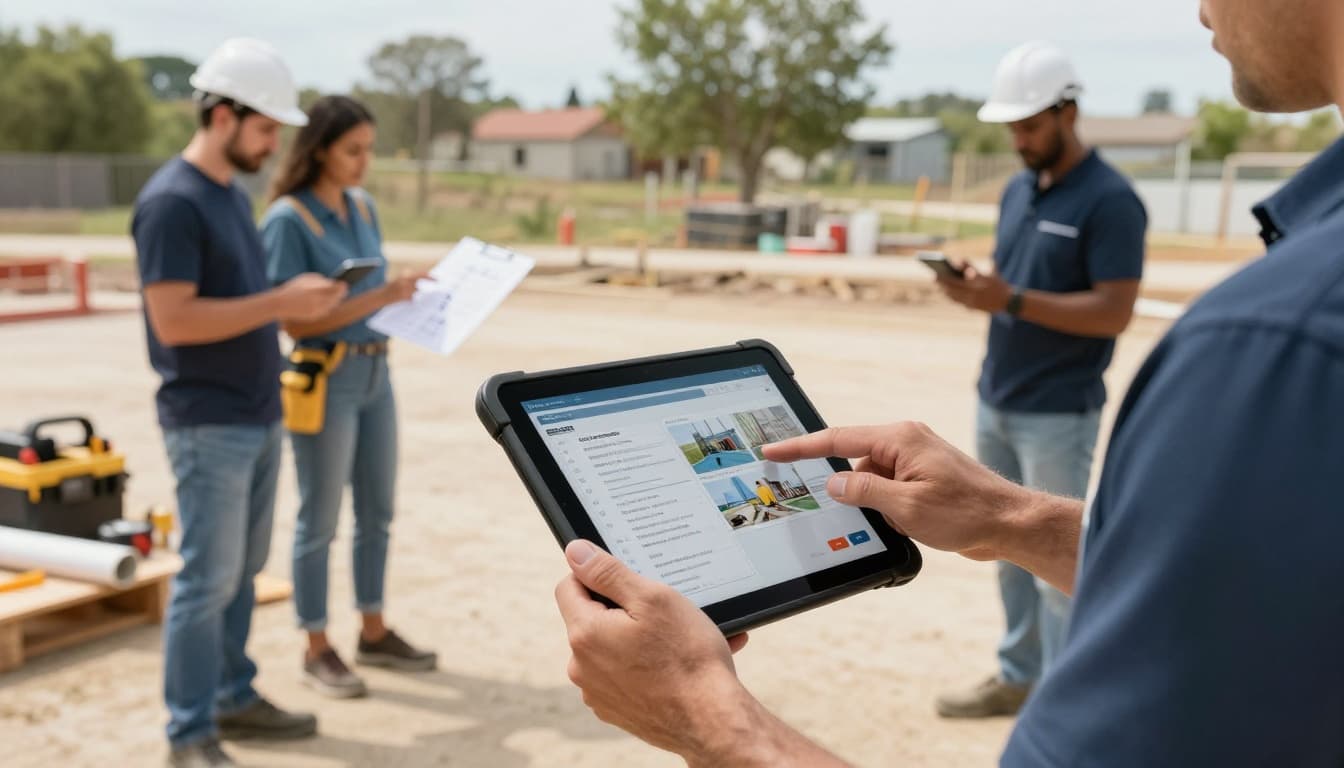
The strongest systems also support field signatures, time tracking, and job-cost updates without extra paperwork. In other words, the app should work like a shared job binder in your pocket, only faster and easier to search.
If a crew can’t update it from the field in under a minute, it will probably fall out of use.
Questions to ask before you sign a contract
A polished demo doesn’t tell you how the tool will hold up on a real job. Before you commit, ask direct questions about cost, setup, support, and growth.
A short list keeps the buying process grounded:
- How does pricing work per user? Ask whether field-only users cost less and whether you pay for inactive seats.
- Does offline mode work well? Weak cell service can break a process fast.
- How long does setup take? Find out who handles imports, templates, and workflow setup.
- What training is included? Crews need simple onboarding, not a long learning curve.
- Will it scale with us? Make sure it can handle more jobs, more users, and deeper accounting links later.
Also ask about integrations with your accounting system, because double entry slows billing and raises the chance of errors. For a helpful checklist, review Rhumbix’s construction software buyer questions. A platform should fit the way you build today, while still leaving room to grow tomorrow.
The biggest benefits of project management software for subcontractors
For subcontractors, profit rarely disappears in one big mistake. It slips away in small misses, late updates, extra trips, and labor that gets billed wrong. That’s where project management software for subcontractors earns its keep, because it helps your team spot trouble sooner and keep work moving with less confusion.
How better coordination protects profit on every job
When crews work from old information, margins shrink fast. An electrical team might rough in rooms from an outdated plan, then spend half a day moving boxes after a layout change. A plumbing crew may show up before framing is ready, lose hours, and still carry the labor cost. In roofing or HVAC, one missed delivery update can leave a full crew waiting on site.
Good software helps catch those problems earlier. Foremen can see schedule changes right away, office staff can flag missing approvals, and project managers can track open issues before they become rework. As a result, you waste fewer labor hours and make fewer return trips.
That matters because subcontractors don’t just lose time, they lose billable production. Every avoidable delay eats into the money you expected to make on the job.
Rework is expensive because you pay for the same task twice, once to do it, and again to fix it.
Why one source of truth helps office and field teams stay aligned
Most job confusion starts when people work from different versions of the same story. The office has one schedule, the foreman has another in a text thread, and payroll is still waiting on paper timecards. Then billing goes out late, or worse, it goes out wrong.
A shared system fixes that by keeping schedules, notes, photos, costs, and job records in one place. So, when a framing foreman logs a delay, the PM sees it, the office updates labor planning, and billing can match what actually happened. In other words, everyone works from the same facts.
The payoff is simple:
- Fewer mistakes because teams stop chasing updates across calls, texts, and email
- Faster decisions because the latest job info is easy to find
- Cleaner billing because labor, materials, and changes are easier to verify
When the field and office stay aligned, jobs stay tighter, paperwork stays cleaner, and profit is easier to protect.
How to compare project management software based on your trade and team size
The best choice depends on how your company actually works. A three-person specialty crew doesn’t need the same system as a multi-crew subcontractor juggling labor, costs, and approvals across several jobs. When you compare project management software for subcontractors, start with your current team size, then match the tool to the work your field and office handle every day.
Best fit for small subcontractors that need simple scheduling and communication
Small teams usually win with software that’s easy to start, easy to teach, and easy to use on a phone. If setup takes weeks or every task needs three clicks, people will go back to calls and texts. For a lean crew, the basics matter most: simple scheduling, fast updates, task lists, photo sharing, and light invoicing support.

A lightweight tool can feel like a good belt pouch, everything you need, nothing that gets in the way. That’s why low monthly cost, mobile access, and quick crew adoption should rank high. Resources like subcontractor scheduling software comparisons can help you spot tools built around day-to-day coordination instead of bloated admin features.
Too many advanced features can slow a small team more than they help.
Best fit for growing subcontractors managing multiple crews and job costs
Once you have several crews, more active jobs, and office staff handling approvals, a basic app starts to crack. Growing subcontractors need stronger process control, because missed handoffs now affect payroll, billing, and profit. At this stage, compare software on workload planning, crew scheduling, approval flows, forecasting, job costing, dashboards, and accounting sync.
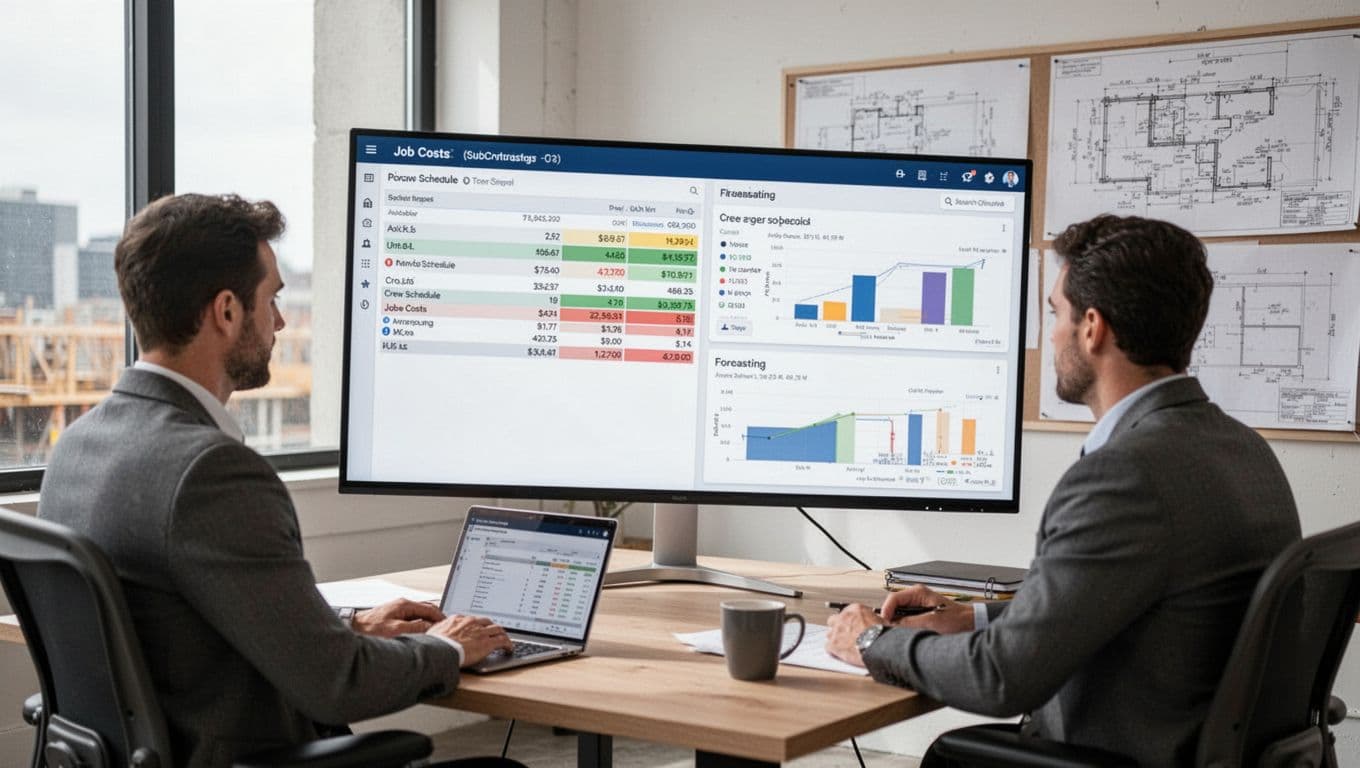
If your PMs are running jobs from spreadsheets, whiteboards, and inboxes, it’s time for more structure. Good systems help you see where labor is going, which jobs are drifting, and what needs approval before work stalls. For example, construction job costing software for subcontractors shows how deeper cost tracking can support tighter control as the business grows.
Trade specific needs that can change which software makes sense
Team size matters, but trade workflow can matter just as much. Electrical and low-voltage teams may need strong drawing markup and field documentation. HVAC and plumbing service groups may care more about dispatch, recurring maintenance, and equipment history. Other trades may need compliance records, asset tracking, or heavy photo documentation.
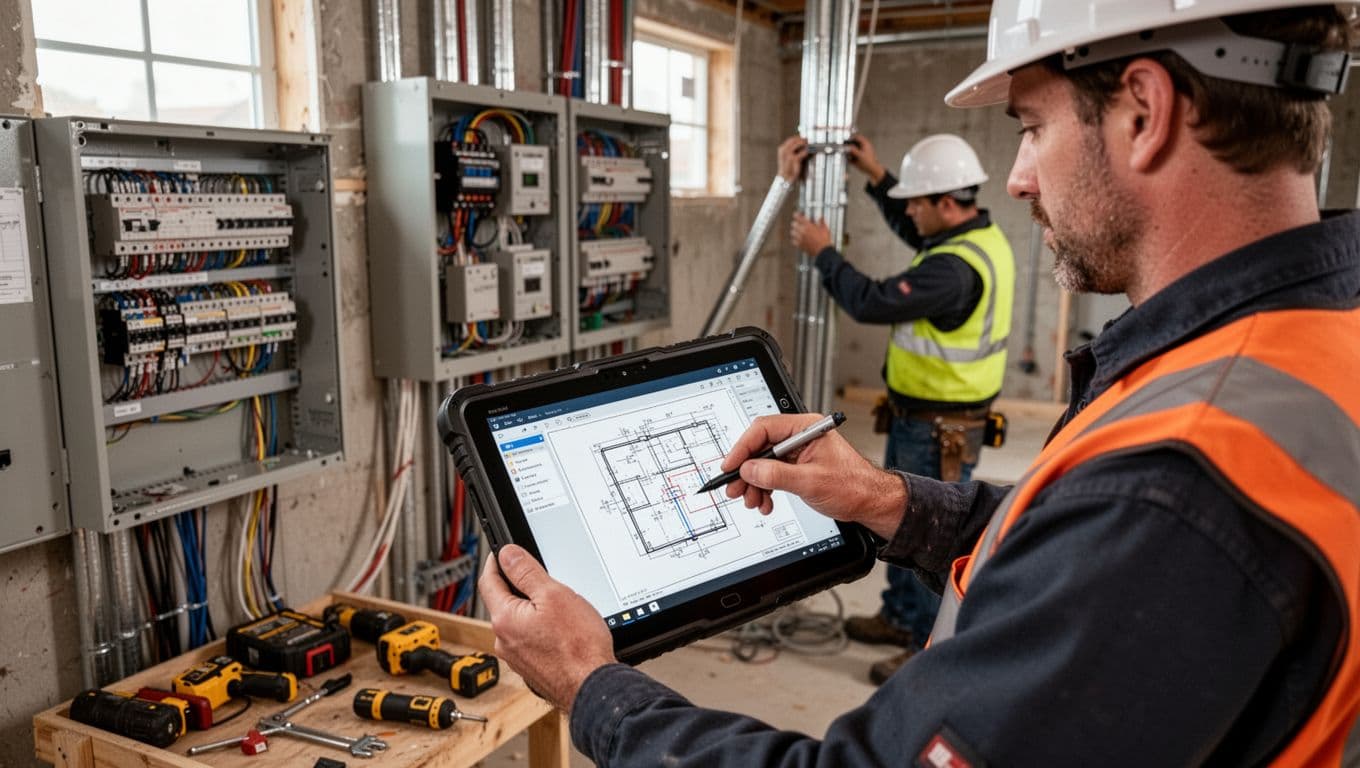
So, don’t buy based on a feature list alone. Map the software to your real field process: how crews receive updates, log work, track equipment, handle markups, and close out jobs. A platform built for trade contractors, such as eSUB’s subcontractor-focused software, may fit better than a general project tool if your workflow depends on field-first construction records.
Common mistakes to avoid when picking project management software
Even strong teams can make a poor software choice when the demo looks polished and the price looks safe. For subcontractors, the wrong fit usually shows up later, in slower field updates, missed handoffs, and extra office cleanup. The goal isn’t to buy the most software. It’s to choose project management software for subcontractors that your crew will actually use, and that still works when your business grows.
Why the cheapest option can cost more later
Low pricing can look smart at first. However, cheap software often pushes costs into places you don’t notice during the trial.
The biggest one is poor adoption. If the app feels clunky in the field, foremen stop using it, and your team slides back to calls, texts, and paper notes. Then the office has to re-enter updates by hand, which creates duplicate data entry and more mistakes.
You can also get boxed in by limited reporting. A basic tool may track tasks, yet fall short when you need job-cost views, labor trends, or clean records for billing. Weak support creates another hidden bill, because every delay during setup or troubleshooting burns time your team can’t spare. As this guide on buying mistakes points out, a low sticker price can hide bigger long-term costs.
Brand name buying causes trouble too. A well-known platform isn’t always right for trade work. If it’s too complex, or not built for mobile-first crews, you’ll outgrow it or abandon it.
The cheapest tool can become the most expensive one if your team won’t use it.
How to roll out a new system without disrupting active projects
A messy rollout can make good software look bad. So, keep the process simple and practical.
Start with one team or one active workflow, not the whole company. That gives you room to fix gaps before everyone depends on it. Next, clean up your templates, job names, and file structure so you don’t import old clutter into a new system.
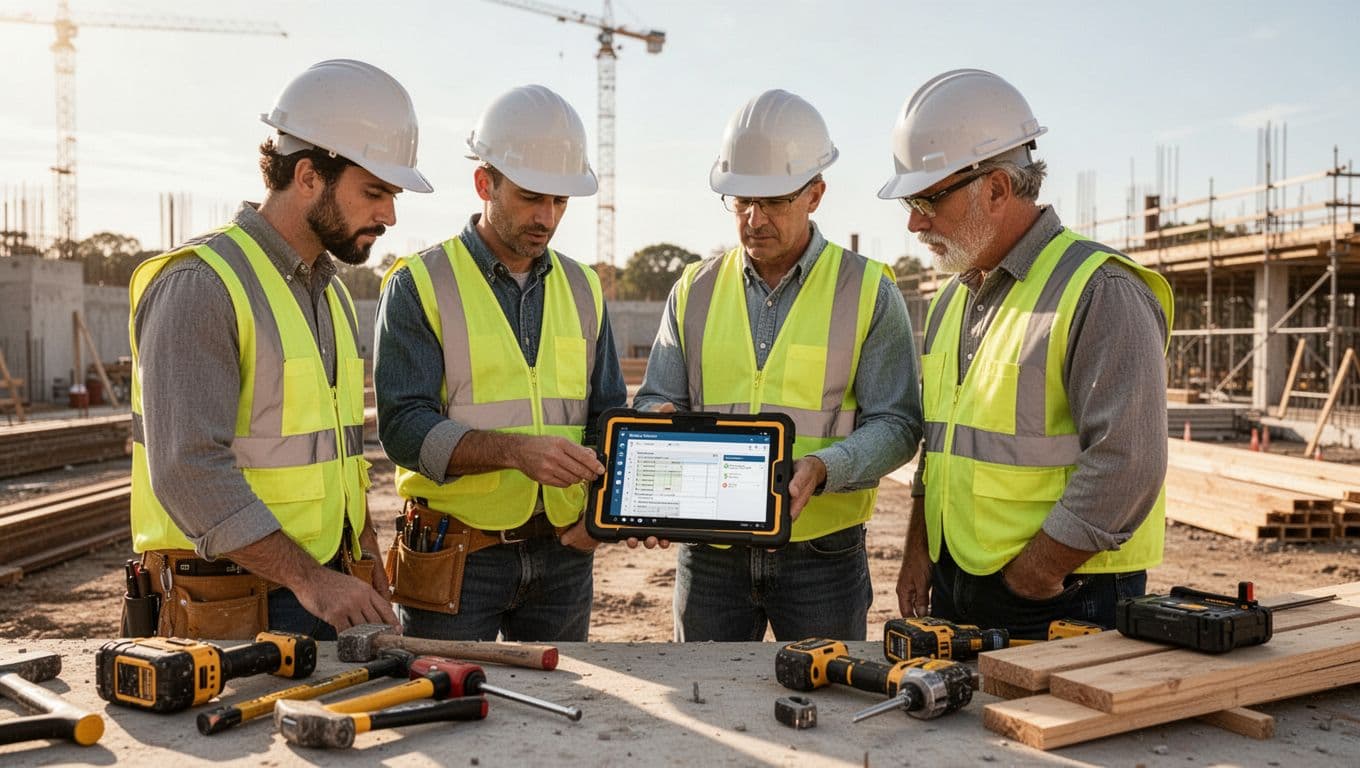
Then train field leaders first. If foremen and supers can log updates fast, the rest of the crew will follow. Also, check integrations before launch, especially payroll, accounting, and time tracking, because broken links create double work right away.
A simple rollout often looks like this:
- Pick one pilot team or a few live jobs.
- Standardize templates, permissions, and naming.
- Train field leaders, then office staff.
- Track adoption after the first few jobs.
- Adjust the setup before expanding company-wide.
After the pilot, measure what changed. Look at login rates, daily log use, photo uploads, and time saved in the office. If adoption is weak, fix the process early instead of forcing a full rollout.
Project management software for architects, freelancers, consultants, creatives, accounting firms, engineers, manufacturing teams, and startups
If you’re comparing software across industries, the gaps show up fast. Many teams need planning, collaboration, and budget visibility. Still, project management software for subcontractors has a different job. It has to support field crews, live jobsite changes, and fast handoffs between office and site.
How architects, engineers, and manufacturing teams use project management tools differently
Architects and engineers usually work around design review, drawing coordination, approvals, and compliance. Their tools need clean version control, markups, consultant feedback, and long review cycles. In many firms, the work moves from concept to permit set to revision, so the software acts like a shared design file cabinet with deadlines attached. Resources like project tools for architects often highlight those planning-heavy workflows.

Manufacturing teams also think differently. They care more about production planning, lead times, procurement, quality checks, and repeatable processes. A delay often starts upstream, with materials, machine time, or supplier timing, not a crew waiting in the field.
Subcontractors live closer to the fire. They need faster updates because work changes by the hour, not by the week. A field-ready platform should help crews react to revised drawings, document site conditions, and keep labor moving. In short, architects and manufacturers manage review and production flow, while subcontractors need stronger jobsite execution tools.
What freelancers, consultants, creatives, accounting firms, and startups usually prioritize
Freelancers, consultants, creatives, accounting firms, and startups usually focus on client communication, time tracking, collaboration, budgeting, and workflow automation. Their software often centers on billable hours, deadlines, approvals, and keeping client work organized. Platforms built for freelance businesses, like Moxie for freelancers, reflect that office-based model.
Creative and startup teams may also want task boards, content reviews, and flexible workflows. Accounting firms care about utilization, due dates, and clean handoffs. Consultants often want reporting and capacity planning, similar to what general project management platforms emphasize.
That sounds useful, and some of it is. But subcontractors still need more. They need crew scheduling, site documentation, daily logs, photo records, mobile access, and change order control. If a consultant misses a task, a deadline may slip. If a subcontractor misses a field update, labor, material, and margin can all take a hit the same day.
Conclusion
The best project management software for subcontractors isn’t the one with the longest feature list. It’s the one your team will actually use, both in the office and in the field, because that’s where better updates, cleaner records, and tighter job control start. When the system fits your day-to-day work, it helps protect profit without adding more admin.
So, build your shortlist around real workflows, not sales demos. Match each tool to your trade, your crew size, your must-have integrations, and how easy it is to use on a phone during a busy day. Then test it on live jobs, watch how your team uses it, and see where it saves time or creates friction.
A practical choice beats a flashy one every time. Pick the platform that helps your people work faster, communicate clearly, and keep jobs moving without guesswork.