




Contracts rarely fail because the wording is terrible. They fail because they’re buried in inboxes, lost in shared drives, or tracked in a spreadsheet nobody updates. That leads to missed renewals, slow approvals, and risk that stays hidden until it hurts.
SaaS contract management software fixes that mess with one cloud-based system for drafting, reviewing, signing, storing, and tracking contracts. If you’re comparing tools, the goal isn’t more software for the stack. It’s fewer delays, better visibility, and less manual chasing. Here’s what these platforms do, where the value shows up, and how to pick one that fits your team.
What SaaS contract management software actually does for a business
At its core, SaaS contract management software handles the full contract lifecycle in one place. A team member requests a contract, starts from a template, routes it for approval, sends it for e-signature, stores the final file, and tracks what happens next. That includes renewals, notice periods, pricing terms, and obligations after signature.
Because it’s cloud-based, legal, sales, procurement, finance, and leadership can all work from the same record. Instead of asking, “Which version is final?” the answer is already there. This is why many buyers compare tools in the broader CLM reviews on Gartner, where the focus is lifecycle coverage, not storage alone.
The common contract problems it solves
Most contract pain is boring, repetitive, and expensive. A sales rep grabs an old template. Legal reviews the wrong draft. Procurement misses a termination window. Finance can’t tell which vendor agreements auto-renew next month.
These aren’t rare edge cases. They’re normal when contracts live in five places at once. Teams also struggle with weak reporting. If leadership asks how many contracts renew in Q3, someone often has to pull data by hand. That turns a simple business question into a half-day task.
A good system cuts that friction. It gives every contract a home, every approval a path, and every key date a reminder.
How cloud-based tools make contract work easier
Cloud delivery matters because contract work rarely sits with one team. Sales needs quick access to approved terms. Legal needs version control and audit trails. Finance needs billing dates and payment terms. Leadership wants clear reporting without asking three departments.
SaaS tools make that easier with shared workflows, automatic reminders, role-based access, and updates that don’t depend on a heavy IT project. They also scale better as a company grows. A startup might begin with simple templates and alerts. A larger business may later add integrations, obligation tracking, and AI review without replacing the whole system.
The biggest benefits teams get after switching
The business case is simple. Good contract software saves time, reduces avoidable risk, and helps teams make better calls with real data instead of guesswork. That payoff shows up across the whole company, not only in legal.
In March 2026, many platforms also add practical AI features, such as contract summaries, risk flags, natural-language search, and key term extraction. That’s useful when it shortens review time or catches issues humans miss. It’s less useful when it’s a flashy add-on that doesn’t fix the daily bottlenecks.
Faster approvals, fewer delays, and less manual work
Templates, clause libraries, workflow rules, and e-signatures can shrink contract cycle time fast. Sales stops reinventing documents. Legal reviews fewer low-value edits. Procurement gets a clear path for sign-off. Meanwhile, reminders and routing rules reduce the need for status-check emails.
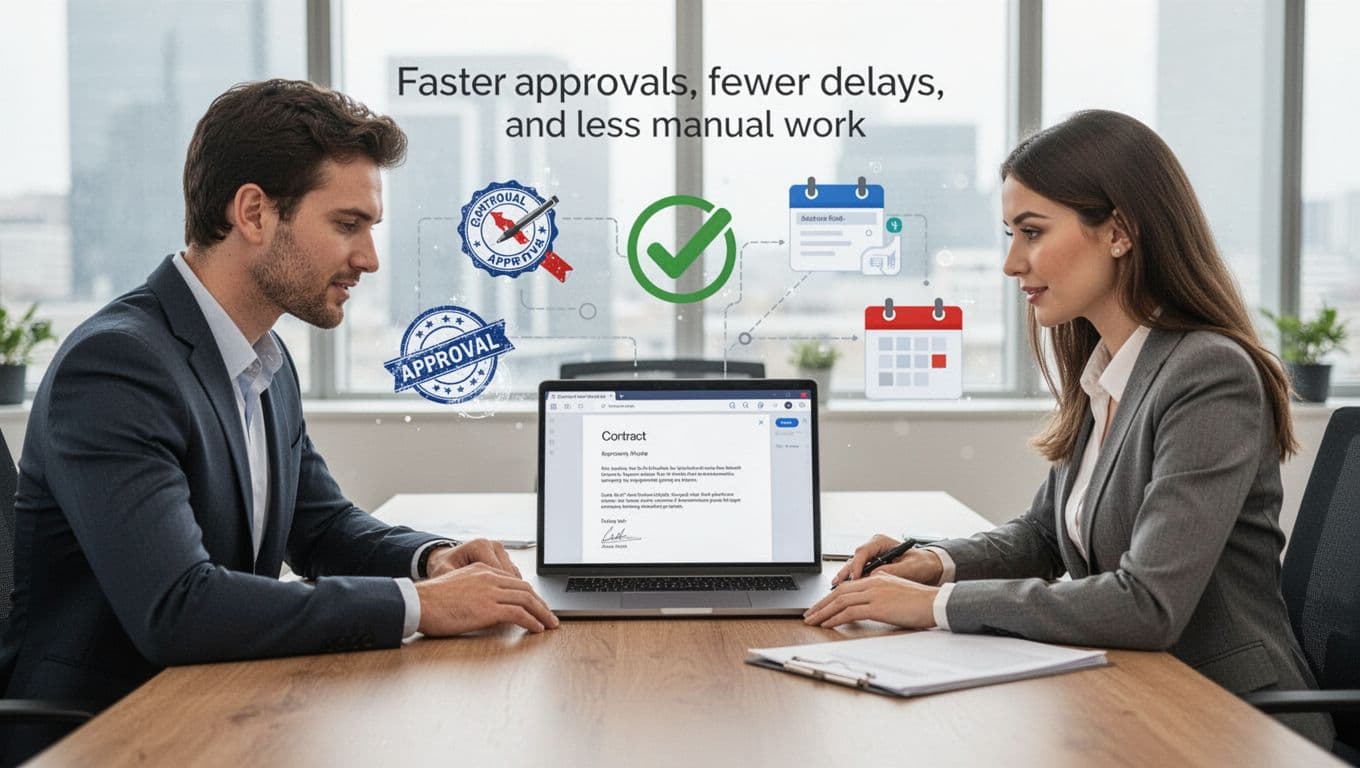
For growing SaaS companies, time matters twice. Slow contract flow delays revenue on the sell side and slows cost control on the buy side. That is why many teams start with approval automation before they worry about advanced analytics. A useful comparison of tools built around renewal tracking and contract speed is this 2026 SaaS contract tracking software guide.
Better visibility into renewals, spend, and obligations
Once contracts sit in one system, you can finally see what you own and what you owe. Dashboards make renewals, notice periods, vendor terms, and contract values easier to spot. That matters because auto-renewals often slip through when nobody owns the date.
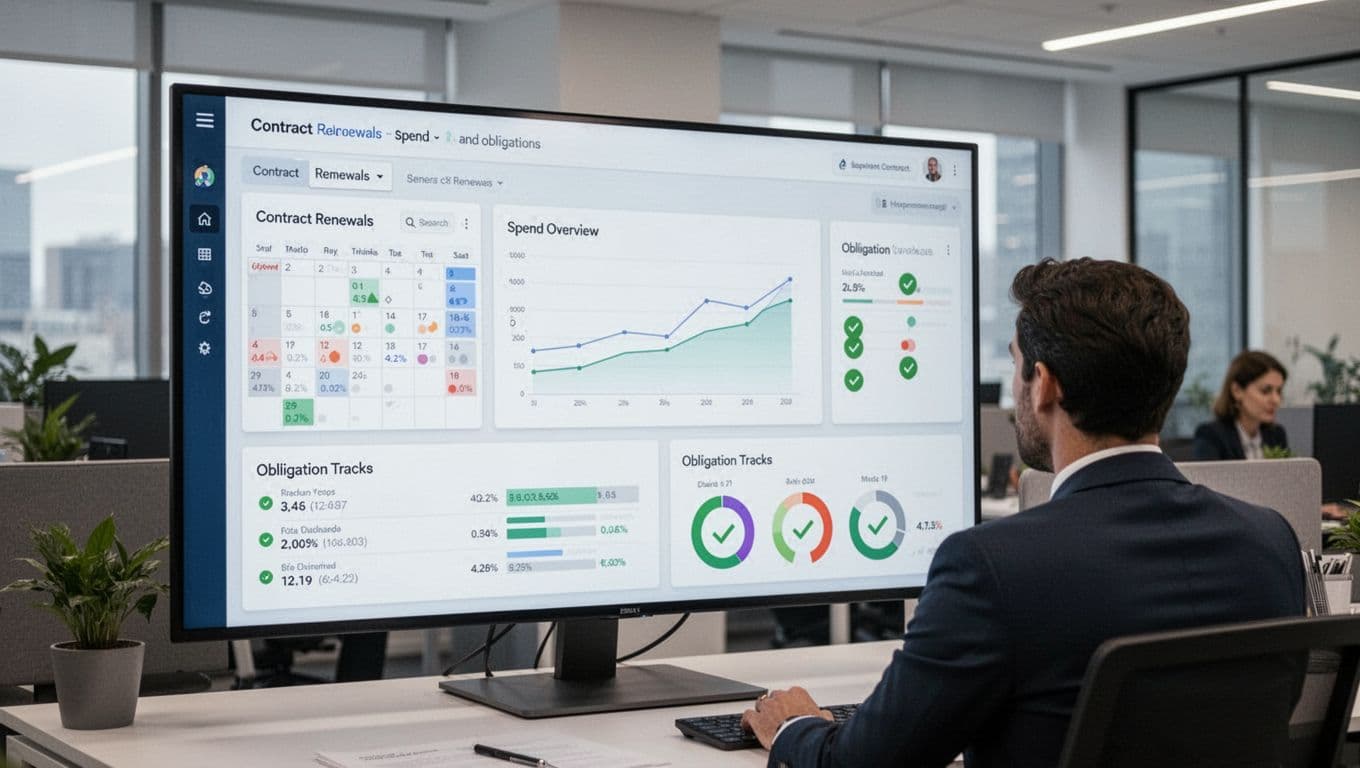
This visibility also helps with SaaS spend. Some companies now use contract tools alongside procurement or spend platforms to catch duplicate subscriptions, wasted licenses, and usage-based deals that no longer fit real needs. In 2026, that matters more because software pricing is shifting toward mixed seat and usage models, which are harder to track in spreadsheets.
The hidden win isn’t storage. It’s knowing what renews, what costs more than expected, and what obligations are still open.
Features worth paying for, and the ones that matter most
Vendors love long feature lists. Buyers need a shorter lens. Start with the must-haves that remove daily friction. Then look at advanced features only if they solve a clear problem.
Core features every strong platform should include
A strong platform should give you a central repository, fast search, and some form of OCR or data extraction so scanned PDFs don’t become dead files. You also want templates, a clause library, approval workflows, e-signatures, reminders, reporting, permissions, and audit logs.

Integrations matter too. If the tool can’t connect to Salesforce, your ERP, billing platform, or procurement system, someone will re-enter data by hand. Then the “single source of truth” breaks fast. A recent roundup of CLM software for 2026 highlights how often search, workflow, and integration quality separate strong tools from average ones.
Advanced features that can give growing teams an edge
Advanced features can be worth the extra spend, but only when the basics already work. That includes AI drafting help, redlining support, risk spotting, short contract summaries, obligation tracking, compliance controls, and analytics that show trends across vendors, customers, or contract types.
Some of these features are powerful for larger teams. Others are easy to oversell. For example, AI summaries are helpful if your team reviews high contract volume. They matter less if your real issue is messy approval routing. In other words, buy the feature that solves the bottleneck you already have, not the one that sounds smartest in a demo.
How to choose the right SaaS contract management software
The best SaaS contract management software isn’t always the most advanced. It’s the one your team will use, your systems can support, and your budget can justify. Enterprise-heavy tools like Icertis, Ironclad, DocuSign CLM, Sirion, and Agiloft often fit complex workflows. Easier-to-adopt options such as LinkSquares, Gatekeeper, and Signeasy can be a better match for mid-market teams. If your main issue is SaaS spend and renewals, a tool like Vendr may belong on the list too.
This quick table helps narrow the field before demos:
| Your situation | What to prioritize |
|---|---|
| Small team, low contract volume | Fast setup, easy templates, simple reminders |
| Mid-size company, cross-team approvals | Workflow rules, search, integrations, reporting |
| Large company, complex risk needs | Permissions, audit trails, obligation tracking, compliance controls |
| Spend-heavy SaaS environment | Renewal alerts, vendor visibility, usage and cost tracking |
The takeaway is simple: match the tool to the pain, not to the marketing.
Start with your process, not the product demo
Before talking to vendors, map your current workflow. Where do requests start? Who approves what? How many contracts do you handle each month? Which dates create the most risk? If you skip this step, every demo looks polished and every promise sounds useful.
Write down success metrics in plain business terms. That may be cycle time, approval turnaround, renewal visibility, contract search speed, or fewer missed notice deadlines. Once those metrics are clear, product tradeoffs become easier to judge. If you want examples of how different vendors stack up in 2026, this contract management software comparison is a useful reference point.
Ask the questions that prevent a bad software fit
Usability should come first. If sales, legal, or procurement won’t use the tool, the rollout stalls. Ask how long setup takes, how deep the integrations go, and whether the reporting works without custom help from the vendor every time.
Security matters too. Ask about SOC 2, permissions, audit logs, and data handling. Then test customer support, pricing structure, and renewal terms with the same care you’d use on any other software buy. AI deserves hard questions as well. Does it actually flag risky language, or does it mostly summarize text you still have to read line by line?
Run a pilot with real contracts and real users. A polished demo proves very little.
Closing thought
If contracts are scattered, slow, and hard to track, the problem usually isn’t your team. It’s the system around them. The right saas contract management software gives you one place to work, one process to trust, and one view of risk and renewals.
Start with ease of use, core workflow needs, integrations, and security. Then add advanced features only when they solve a problem you already know you have.
Review your current contract process this week, then build a shortlist based on the delays and risks you need to fix first.