




Most teams now run dozens, sometimes hundreds, of SaaS apps, and that sounds manageable until no one can say who owns each tool, who still uses it, what it costs, or when the contract renews. In 2026, companies use more than 300 SaaS apps on average, and that sprawl often leads to shadow IT, missed renewals, and wasted spend that quietly adds up.
A saas management platform gives you one place to track, control, and improve all that cloud software. It helps you see every app, match licenses to real users, assign ownership, catch renewals early, and cut waste before it turns into a budget problem. That’s why these platforms matter more now, especially as AI tools multiply and software stacks keep growing.
So if you need a clear way to make sense of your app stack, you’re in the right place. Next, let’s look at what a SaaS management platform does, why it matters, which features count most, how to choose one, and what trends are shaping the space in 2026.
What a SaaS management platform does, and why it matters now
A saas management platform is the system companies use to get their software stack under control. Instead of chasing details across finance reports, admin consoles, HR workflows, and scattered spreadsheets, you get one place to see what apps exist, who uses them, what they cost, when they renew, and where risk is building.
That matters a lot more in 2026. Teams are still spread across remote and hybrid work, new apps enter the business every month, and software spend faces more scrutiny. As a result, IT, finance, and operations leaders need a clearer view of the stack, not just a bigger budget.
The simple definition, without the jargon
SaaS means software as a service. In plain English, it’s software you access online by subscription instead of installing it on a company server. Think of tools your team already knows, like Slack, Zoom, Microsoft 365, Google Workspace, Dropbox, or Asana.
A saas management platform is the control center for all of that subscription software. It helps a company discover, manage, secure, and optimize its apps from one place. In other words, it acts like an air traffic tower for software that would otherwise fly in every direction at once.

Here’s what that usually looks like in practice:
- Discovery: It finds the apps your company is paying for and, in many cases, the ones employees adopted on their own.
- Management: It shows users, licenses, owners, contracts, and renewal dates in one view.
- Security: It helps flag risky apps, over-permissioned accounts, and accounts that should have been removed.
- Optimization: It highlights wasted spend, unused seats, and overlapping tools.
The best way to think about it is simple. A saas management platform doesn’t replace every app. It helps you see the whole picture so your team can make better calls. If you want a basic category overview, Cloudflare’s explanation of SaaS management platforms lines up with this idea of central visibility and control.
The problems teams face without one
Without a shared system, most companies fall back on patchwork management. One team owns a spreadsheet. Another keeps contract notes in email. Finance has invoice data, but not usage data. IT has admin access for some apps, but not all. That setup works for a while, then it quietly breaks.
The first problem is spreadsheet chaos. A spreadsheet can list app names and renewal dates, but it gets stale fast. New software gets added, plans change, and employees come and go. Before long, no one trusts the file, yet everyone still depends on it.

Then comes duplicate software. Marketing buys one tool, sales buys another, and product picks a third that does nearly the same job. Each tool may look justified on its own. Together, they create waste, scattered data, and more training overhead.
Another issue is hidden apps, often called shadow IT. Employees sign up for tools with a company card or free trial because they need to move fast. That sounds harmless until sensitive data ends up in an unapproved app. Recent coverage on how SaaS sprawl overloads IT support shows how quickly this problem grows once app adoption spreads across teams.
Unused licenses are another silent drain. Companies often keep paying for seats assigned months ago to people who rarely log in, changed roles, or left the company. A few wasted seats may not seem like much. Across dozens or hundreds of apps, though, that turns into real money.
Surprise renewals hit next. Auto-renew contracts are easy to miss when ownership is fuzzy. By the time finance spots the charge, the renewal window may have closed. So the business keeps paying for a tool nobody actively chose to keep.
Weak offboarding adds a more serious risk. When an employee leaves, you need more than laptop return and payroll updates. You also need to remove app access, revoke tokens, reassign files, and confirm no orphaned admin accounts remain. If that process depends on memory, things slip through.
For most teams, the pain shows up in different ways:
- IT struggles with access, visibility, and risk.
- Finance struggles with surprise spend and poor forecasting.
- Operations struggles with process gaps and unclear ownership.
- Leadership struggles to answer a basic question: are these tools worth what we pay?
When nobody owns the software stack end to end, waste and risk both rise.
Why demand keeps growing in 2026
Demand keeps rising because the problem keeps getting bigger. Companies run more SaaS tools than they did a few years ago, and each app adds users, costs, permissions, and contract terms to manage. At the same time, budgets are tighter, so leaders want proof that software spend delivers value.
Exact market numbers vary by source, but the direction is clear. Growth is strong, and adoption is moving from optional to expected. Recent market reporting points to continued expansion for SaaS management through the rest of the decade, driven by app sprawl, security concerns, and cost pressure. The broader trend is simple: businesses want more control because software stacks keep expanding.
Remote and hybrid work also changed the stakes. People can buy and use software from anywhere, often without much friction. That flexibility helps teams move faster, but it also makes it easier for apps to spread beyond formal review. As a result, companies need a better way to connect software decisions to security, compliance, and budget planning.
Modern platforms are also doing more than basic inventory. Early tools focused on tracking what apps existed. Today’s platforms go further by helping teams act on what they find. That shift matters because visibility alone doesn’t cut waste or reduce risk.
Now, many platforms support work like this:
- Automation, such as onboarding and offboarding tasks across connected apps.
- Security checks, including risky integrations, inactive accounts, and excessive permissions.
- Spend control, with usage insights that show where licenses don’t match real demand.
- Smarter decision support, using patterns and recommendations to help teams keep, cut, or consolidate tools.
One recent data point sums up the shift well: the market is growing quickly, and security-focused use cases are rising even faster. That tracks with what companies face every day in 2026. They don’t just want a list of apps. They want a system that helps them control cost, reduce risk, and make cleaner decisions across the business.
In short, a saas management platform matters now because software is no longer a side issue. For most companies, it’s a major operating cost, a security surface, and a daily dependency all at once.
The biggest benefits, from lower spend to better security
A good saas management platform pays off in ways that show up fast. You spend less on software you do not need, you reduce access risk, and you save teams from hours of manual follow-up.
That matters because SaaS problems rarely stay in one lane. A wasted license becomes budget drag. A missed offboarding step becomes a security gap. A forgotten renewal becomes an expensive surprise. When you manage the stack with one shared system, those small leaks stop turning into bigger problems.
How it helps cut waste and control software spend
The first win is usually money. Most companies have more waste in their SaaS stack than they think, because subscriptions pile up quietly over time.

Start with unused licenses. People switch roles, stop using a tool, or leave the company, yet the seat stays active. One extra seat is easy to ignore. Fifty across multiple apps is not. A saas management platform helps you spot low or no usage, recover those licenses, and stop paying for software that no one touches.
Then there are duplicate apps. One team buys a note-taking tool, another buys a project tracker with the same feature, and a third adopts an AI add-on that overlaps with both. Each purchase can seem reasonable on its own. Put them together, and you get overlap, scattered data, and inflated spend.
Overpaid plans are another common issue. Many companies buy premium tiers “just in case,” then use only a small slice of what they pay for. With better usage data, you can right-size plans, move some users to lower tiers, and keep advanced licenses only where they earn their keep.
Renewals are where a lot of money slips away. If no one reviews usage before the contract date, you renew the old deal by default. That means you may lock in too many seats, the wrong plan, or terms that no longer fit your team. A shared platform gives you time to act early, not after the invoice lands.
Here is where savings often come from:
- Dormant accounts: Seats assigned to inactive users can be reclaimed.
- Redundant tools: Overlapping apps can be consolidated.
- Tier mismatch: Light users can move off high-cost plans.
- Missed negotiation windows: Early visibility gives you room to push for better terms.
Many organizations report meaningful savings, often in the 20 to 30 percent range, when they actively manage SaaS usage and renewals. Recent reporting on enterprise SaaS cost optimization points to that same pattern, especially when teams regularly review licenses, remove overlap, and fix auto-renew sprawl.
The biggest cost win is not one dramatic cut. It is the steady removal of waste you were paying for every month.
In short, better SaaS management does not just trim the edges. It gives you a cleaner budget, stronger renewal timing, and more confidence that software spend matches real business use.
How it improves access, security, and compliance
Cost gets attention first, but security is often the deeper reason companies adopt a saas management platform. You cannot control what you cannot see, and most SaaS risk grows in the dark.
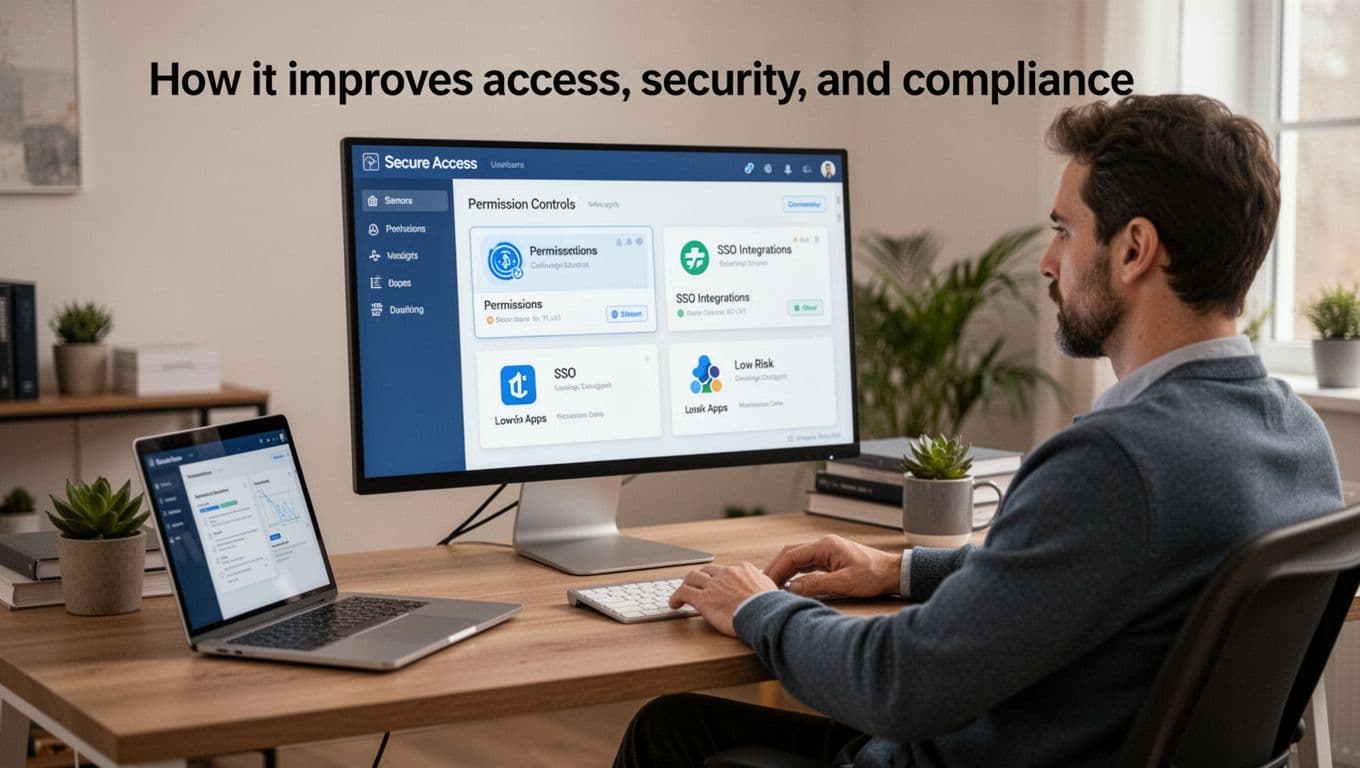
Better visibility leads to faster offboarding. When someone leaves, access should disappear right away. That sounds simple, but it often breaks when apps are spread across departments. A centralized system helps teams revoke access faster, remove tokens, and catch accounts that would otherwise stay open.
Permissions also get tighter. Over time, people collect access like keys on an old keyring. They keep admin rights they no longer need, or they still have access to tools from a past project. A saas management platform helps flag those cases so teams can reduce permissions to what is actually required.
Single sign-on matters here, too. The more apps you can bring under SSO, the easier it becomes to control login behavior, apply security rules, and disable access from one place. That cuts down on loose passwords and scattered login methods. It also gives IT a much clearer picture of who can reach what.
Another benefit is finding risky apps before they become a bigger problem. Some tools enter the company through a team trial, a company card, or a quick self-serve signup. Those apps may hold sensitive files or customer data without proper review. Better discovery helps you spot them, assess the risk, and decide whether to approve, replace, or block them.
Compliance improves for the same reason. This is not only about passing audits. It is about reducing exposure and proving you have control over your software environment. When you know which apps are in use, who owns them, and who can access them, you are in a much better position to support internal policy and outside requirements. Practical guidance from Zylo’s SaaS compliance overview reflects this broad, day-to-day approach to control.
Think of it like locking a building at night. If you do not know how many doors exist, you cannot secure them well. A saas management platform helps you count the doors, check the keys, and close the ones that should not be open.
How it saves time for IT, finance, and ops teams
The third major benefit is time, and that time adds up across every department involved in software. Without a shared system, IT, finance, and ops spend too much of the week chasing answers that should be easy to find.
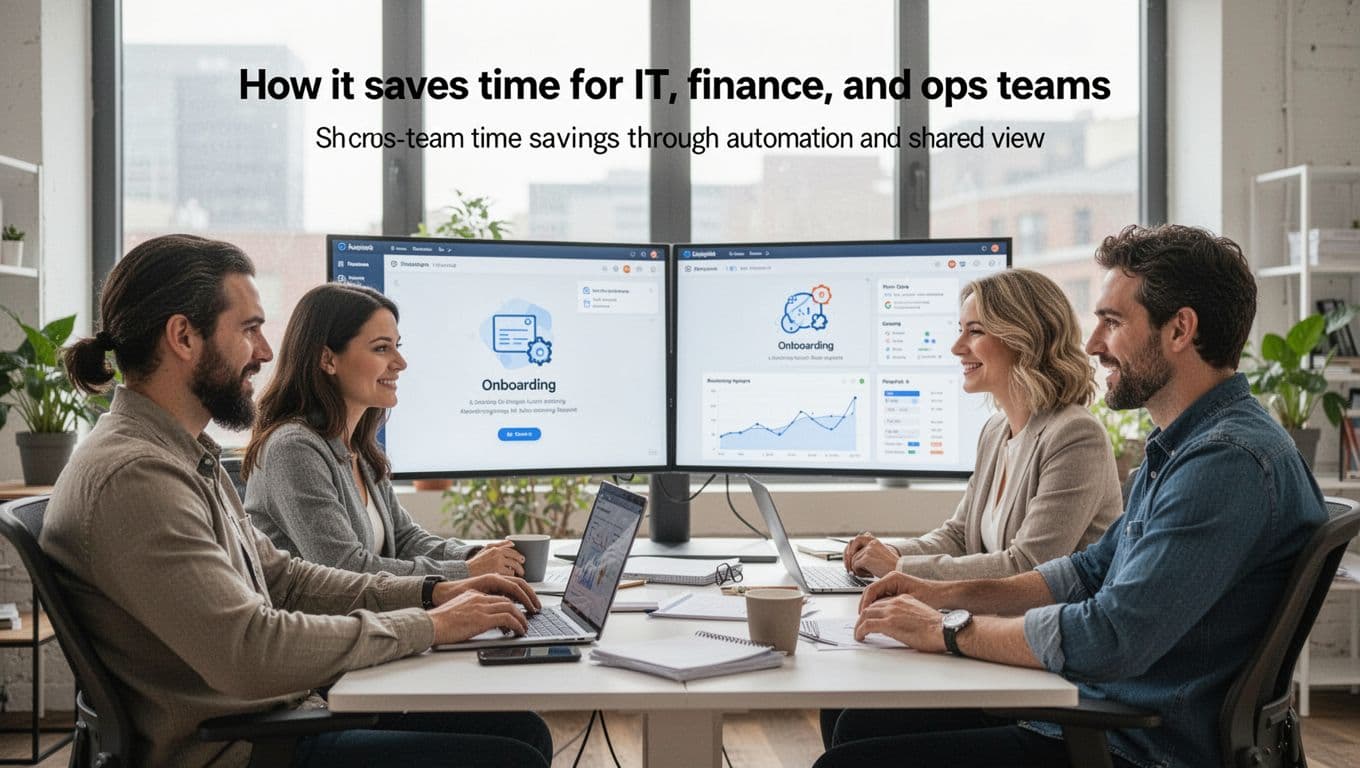
Take onboarding. A new hire needs access to the right apps, with the right level of permission, on the right day. When that process is manual, requests bounce between managers, IT, and app owners. Automation speeds that up and reduces mistakes.
The same goes for offboarding. Instead of relying on a checklist in email, teams can trigger a repeatable workflow that removes access, reclaims licenses, and reassigns ownership where needed. That saves time and lowers risk at the same time.
Approval flows get easier as well. If a team wants a new app, the request can move through a defined path instead of getting lost in chat threads. Finance can review spend, IT can review risk, and ops can confirm fit. Everyone sees the same request history, so there is less back-and-forth and fewer surprises later.
Reporting is another big time saver. Leaders often ask simple questions that take hours to answer manually:
- Which apps are underused?
- What renewals are coming up next quarter?
- Who owns each contract?
- Where are we paying for duplicate software?
With a saas management platform, those answers are easier to pull because the data already lives in one place. That helps finance forecast better, gives IT cleaner oversight, and lets ops keep processes moving without chasing spreadsheets. For a practical view of these workflow gains, BetterCloud’s look at time and cost savings shows why automation matters once app counts start growing.
Renewal reminders may sound small, but they remove a lot of stress. Instead of discovering a renewal after it hits the card, teams get notice early enough to review usage, compare options, and decide with context. That is less firefighting, fewer rushed decisions, and a better shot at controlling both spend and risk.
When the system is shared, each team does less detective work. IT handles access. Finance tracks cost. Ops keeps process and ownership clear. Everyone works from the same map, and that alone can save hours every month.
The features that matter most when comparing platforms
When you compare any saas management platform, start with the features that change day-to-day operations, not the longest feature list. A tool can look impressive in a demo and still fall flat once it meets your stack, your approval flow, and your team size.
The best fit depends on how your company works today, and how much control you need tomorrow. Some teams need strong discovery first. Others care most about renewals, access, or workflow automation. In practice, the highest-value platforms do four things well: they help you see your apps, track spend and use, control access, and connect with the systems you already rely on.
App discovery and shadow IT visibility
Discovery is the starting point because you can’t manage software you can’t see. If an app never shows up in the platform, it won’t show up in your renewal review, your offboarding process, or your risk checks.
That matters because most software stacks grow in messy ways. Some apps come through IT, some through department budgets, and some through an employee with a credit card and a deadline. A strong saas management platform pulls those threads together so you can build a real inventory, not a hopeful one.

Look for platforms that use more than one discovery method. The most useful ones combine signals from several places, because no single source tells the full story. For example:
- Direct integrations show connected apps and admin-level details.
- Finance data surfaces vendors, charges, and subscriptions tied to cards or invoices.
- SSO data helps reveal which apps people sign into through identity tools.
- Browser or network signals can expose tools that never went through formal approval.
A platform that blends these inputs gives you a wider lens. That’s especially important for shadow IT, where the risk is often not the app itself, but the fact that nobody knew it existed. Market roundups like Josys’ 2026 platform overview reflect how central discovery has become, because visibility still drives every other use case.
License tracking, usage data, and renewal management
Once you know what apps exist, the next question is simple: are you paying for the right amount, for the right people, at the right time? That’s where license tracking and usage data start to pay off.
A solid saas management platform should show seat counts, assigned users, activity levels, contract terms, invoices, internal owners, and renewal dates in one place. Without that, you’re still stitching together answers from finance, IT, and email threads. With it, you can see which apps are healthy, which are bloated, and which are heading toward an avoidable renewal.

Usage data matters because it changes the tone of vendor talks. Instead of saying, “We think we need fewer seats,” you can say, “Only 42 of 80 seats were active last quarter.” That’s a much stronger position. It also helps when deciding whether a team should downgrade, consolidate, or keep a tool as is.
Alerts matter just as much. Auto-renewals are where wasted spend likes to hide, so early reminders can save real money. The best platforms warn you well before the contract date, which gives you time to review adoption, confirm ownership, and prep for the conversation. Current buyer guides such as Corma’s 2026 SaaS platform comparison highlight renewal visibility and spend control for that reason.
A renewal alert without usage data is a calendar reminder. A renewal alert with usage data is a decision tool.
User lifecycle automation and access control
Provisioning and deprovisioning sound technical, but the idea is simple. Provisioning gives people access to the apps they need. Deprovisioning removes that access when they leave, change teams, or no longer need the tool.
This matters at three points in the employee lifecycle. New hires need the right apps on day one. People changing roles need old access removed and new access added. Exits need fast shutoff, so former employees don’t keep access they shouldn’t have. If those steps happen by hand, mistakes pile up fast.
A good saas management platform can tie these actions to HR and identity systems, so the process follows the employee record instead of someone’s memory. That reduces back-and-forth for IT and shortens the time between a status change and the access update. It also helps reclaim licenses automatically, which keeps waste from building in the background.
Strong access controls do more than save time. They cut security risk, too. Orphaned accounts, leftover admin rights, and excessive app access are like spare keys floating around the office. The fewer you have, the better. So when you compare platforms, check how well they handle role-based access, approval logic, and offboarding at scale.
Reporting, workflows, and integrations
Reporting is where a platform proves its value to more than one team. IT wants risk and access views. Finance wants cost and renewal reports. Ops wants ownership and process tracking. Leadership wants a clean summary, not a scavenger hunt.
That means dashboards should do more than look good. They should help you answer practical questions fast, such as where spend is rising, which apps overlap, and which renewals need action this quarter. Some platforms also offer benchmark views, which can help you judge whether a contract or license pattern looks out of line.
Workflows matter because software decisions rarely belong to one team. A new app request may need manager approval, finance review, IT review, and a ticket before anything gets bought or deployed. When those steps live inside the platform, work moves with less confusion and far fewer loose ends.
Still, integrations often decide whether a saas management platform becomes useful or ignored. The more cleanly it connects with HR systems, identity providers, finance tools, and ticketing platforms, the more accurate and actionable it becomes. If those links are weak, the platform turns into another dashboard people have to maintain by hand. Reviews like InvGate’s SaaS platform guide keep coming back to this point, because integrations are often what make or break real value.
In short, don’t buy based on surface polish alone. Pick the platform that fits your stack, supports your workflows, and gives your team the clearest path from visibility to action.
How to choose the right SaaS management platform for your business
Choosing a saas management platform gets easier when you stop looking for the “best” tool and start looking for the best fit. Your size, app count, team setup, and buying goals all shape that fit. A 150-person company with a lean IT team needs something very different from a global enterprise with strict governance rules.
So keep the process simple. Define the problem, match it to platform strengths, and ask hard questions before you sign. That approach cuts through flashy demos and helps you pick a system your team will actually use.
Start with your biggest pain point
Most companies don’t buy a saas management platform for every reason at once. They buy because one problem is hurting enough to force action. Maybe software spend keeps creeping up. Maybe shadow IT is everywhere. Maybe offboarding is messy, renewals sneak up, or security reviews lag behind app adoption.
Start there, not with a giant vendor checklist. If your main issue is cost waste, focus on license usage, spend visibility, and renewal controls. If it’s shadow IT, discovery depth matters more. If you’re dealing with security gaps, look harder at access controls, SSO ties, and offboarding workflows. For renewal chaos, contract tracking and alerts should carry more weight. If daily work is the problem, especially onboarding and offboarding, then user lifecycle automation deserves top billing.

A quick ranking exercise helps before any demo:
- List your top three SaaS problems.
- Estimate the business cost of each one, money, risk, or lost time.
- Pick the one that must improve first in the next 6 to 12 months.
- Score vendors against that priority, not against every possible feature.
This matters because platforms often look similar on the surface. Underneath, they’re built with different priorities. As Nudge Security’s 2026 guide explains, visibility, control, and security may all sit in the same category, but tools still vary a lot in where they go deepest.
Compare platform strengths, not just feature lists
Feature lists can mislead you. Almost every vendor says it handles discovery, spend, renewals, and access. The real question is, which job does it do best for a business like yours?
Some platforms stand out for one clear reason. Zylo is often a strong fit when visibility, spend insight, and renewal planning come first. Rippling makes more sense when your HR and IT workflows are tightly linked, especially for onboarding and offboarding. USU and Flexera tend to appeal to larger organizations that need heavier governance, optimization, and hybrid asset control. ManageEngine SaaS Manager Plus can fit teams that want centralized oversight without a huge learning curve. Calero is worth a look when analytics, invoice management, and compliance matter, especially in communication-heavy environments.
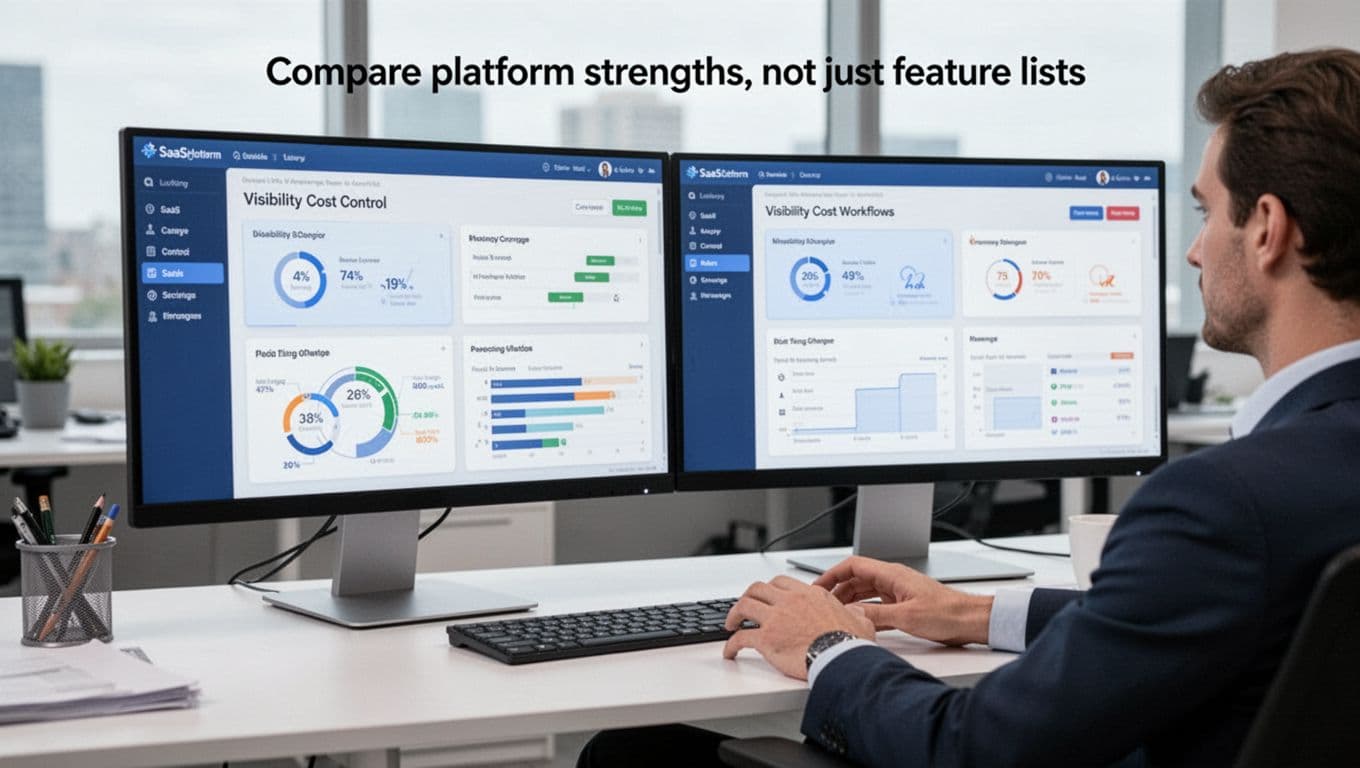
Company size should guide the shortlist, too. Smaller teams often need ease of use, fast setup, and broad coverage. Mid-market companies usually need stronger reporting and better renewal discipline. Large enterprises often care more about governance, audit trails, and mixed environments that include SaaS, cloud, and on-prem assets. Recent market roundups, including Josys’ 2026 platform list, reflect this split between ease-of-use tools and enterprise-focused systems.
Think of vendor comparison like hiring specialists. A great accountant isn’t always a great lawyer, and a strong workflow tool isn’t always the best spend optimizer. So compare platforms by their strongest use case first, then check whether the rest of your needs are “good enough.”
The right platform is not the one with the most boxes checked. It’s the one that solves your most expensive problem with the least friction.
Questions to ask before you commit
Once the shortlist is down to a few options, shift from marketing claims to buying questions. This is where a polished demo either holds up or starts to wobble.
Begin with integrations. Ask which apps the platform connects with today, not which ones are “on the roadmap.” Then ask how discovery works. Does it rely on SSO, finance data, browser signals, direct API connections, or a mix? That answer tells you how much of your stack it can really see.
Next, test the quality of the data and the work needed after purchase. Useful questions include:
- How accurate is the usage data?
- How long does onboarding take for a company our size?
- What work falls on our team during setup?
- How are renewals tracked, alerted, and assigned to owners?
- Which security controls are included, such as role-based access, offboarding automation, and risky app detection?
- How does pricing scale as users, apps, or modules grow?
- Who should own this system internally after launch, IT, finance, ops, or a shared group?
Also, look past the first 90 days. A saas management platform can start strong, then stall if ownership is fuzzy. If no one owns the data, the workflows, and the renewal process, the tool becomes another dashboard nobody trusts. That’s why some buying guides, such as Zluri’s platform selection advice, put so much weight on post-launch ownership and fit.
A final gut check helps here. If the platform needs enterprise-level admin time, but your company has one overstretched IT manager, that’s a mismatch. If it handles simple oversight well, but your legal and security teams need deeper governance, that’s a mismatch too. Pick the tool your team can support, not just the one that looks strongest in a demo.
How to roll out a SaaS management platform and see results fast
A saas management platform does not need a big-bang rollout to prove its value. In fact, the fastest wins usually come from a narrow, practical start. Get the basics visible, fix the obvious waste, and build trust with results your team can see in the first few weeks.
That approach works especially well for lean teams. You do not need to map every workflow on day one. Instead, focus on actions that cut spend, reduce confusion, and make ownership clear. Short rollout cycles also help people adopt the platform because they can see why it matters.
Start with visibility, then act on easy savings
Start with a simple goal: build a clean picture of what you already have. That means app discovery, ownership mapping, and usage reporting first. If you skip that step, every savings project turns into guesswork.

A smart first pass looks like this:
- Connect your main identity, finance, and HR systems.
- Pull a list of active apps and assigned users.
- Add an internal owner for each tool.
- Review basic usage data for the last 30 to 90 days.
From there, go after the low-effort wins. Reclaim idle licenses, merge obvious duplicate tools, and set renewal reminders before dates sneak up on you. These moves are often the fastest path to ROI because they remove waste you are already paying for. Current rollout advice from Stitchflow’s implementation guide and broader planning resources like Vendr’s SaaS implementation plan both support this phased approach.
Think of it like cleaning out a garage. First, turn on the light. Then toss what no one uses.
Early wins usually come from better visibility, not deeper complexity.
Bring IT, finance, HR, and department leaders together
Software ownership works best when it is shared, not dumped on one team. If IT owns security, finance owns spend, HR owns people changes, and department leaders own real usage, you get a much stronger system with less chasing.

Here is the simplest way to split the work:
| Team | Main role in the rollout |
|---|---|
| IT | Connect systems, manage access, review risky apps, support automation |
| Finance | Track spend, confirm contracts, monitor renewals, validate savings |
| HR | Trigger joiner and leaver changes, help keep user records accurate |
| Department leaders | Confirm who needs each app and whether it still delivers value |
This does not need a big steering committee. A monthly check-in with these owners is often enough early on. The key is that everyone sees the same data and agrees on who acts next. If one team tries to carry the whole rollout alone, the platform turns into another half-kept dashboard.
A good rule is simple: IT can tell you who has access, but business leaders can tell you if the app still matters. You need both answers.
Use automation and reviews to keep the system useful
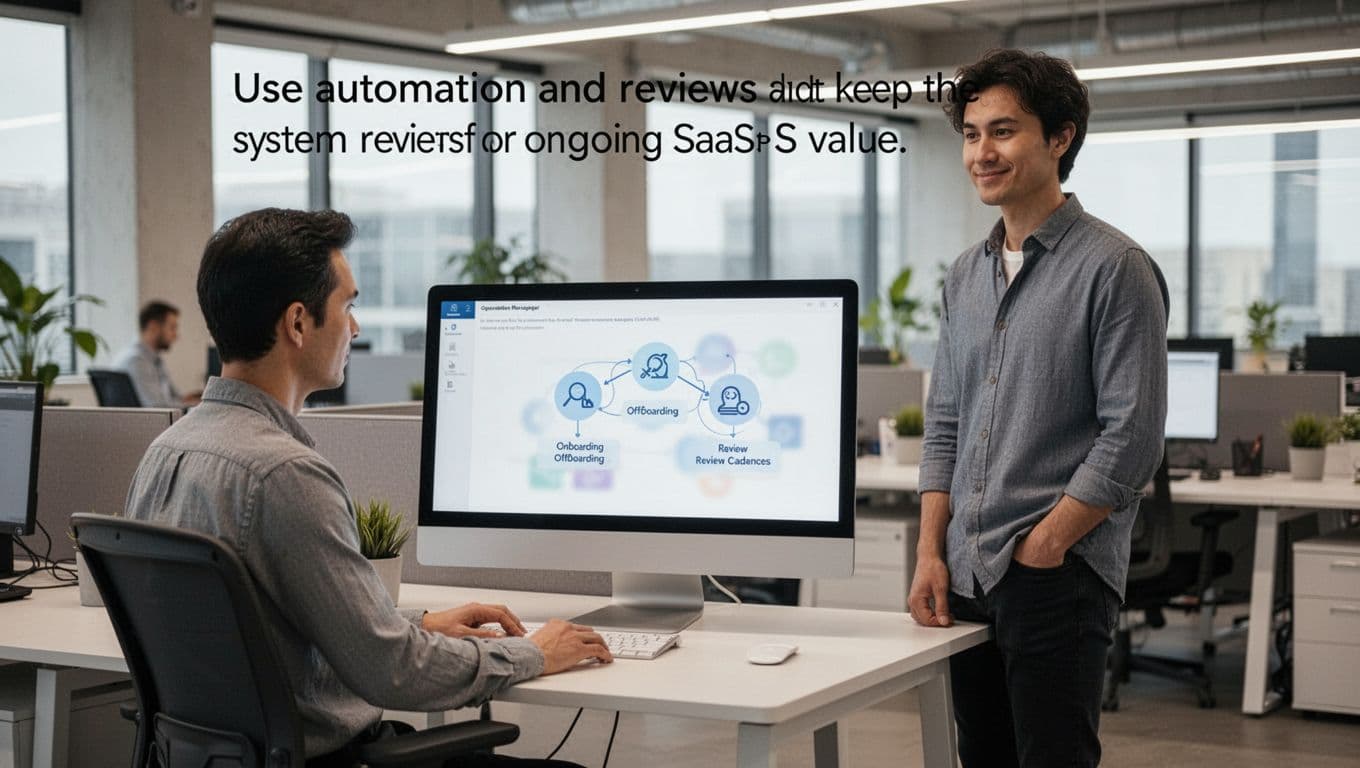
Once the platform is live, build a few habits that keep it useful. The best place to start is with onboarding and offboarding workflows, plus basic approval rules for new software requests. That takes repeat work off your plate and cuts down on missed steps.
Keep the review rhythm light but consistent:
- Weekly or monthly dashboard checks: Look for inactive users, new apps, and upcoming renewals.
- Quarterly vendor reviews: Check adoption, seat counts, contract fit, and overlap with other tools.
- Joiner and leaver audits: Confirm access changes happened as planned.
This matters because a saas management platform loses value when no one tends it. The good news is that the upkeep does not need to be heavy. A short review cadence and a few automations can keep your data fresh and your spend under control. Recent rollout guidance from Spendflo’s SaaS implementation checklist and 2026 ROI reporting both point to the same pattern: teams see results faster when they measure early, automate the repeatable work, and review dashboards often.
In other words, treat the platform like a thermostat, not a fire alarm. Check it often, make small adjustments, and you will avoid bigger problems later.
Conclusion
A saas management platform gives companies a clearer grip on software that often grows faster than anyone expects. When app stacks spread across teams, costs rise quietly, access gets messy, and renewals slip by, one shared system brings that chaos back into view.
Most importantly, the value comes from better visibility. Once you can see every app, owner, license, and renewal in one place, it’s much easier to cut waste, tighten security, and make software operations simpler for IT, finance, HR, and department leaders.
The smart next step is practical, not complicated. Audit your current app stack, find the biggest source of SaaS waste or risk, and use that as your starting point before you compare vendors.