




SaaS tools run daily work now. Your team uses them for email, docs, finance, HR, support, and now GenAI too. But every new app, login, and integration opens another door.
That risk is not abstract. Recent 2026 reporting shows 75% of organizations dealt with a SaaS security incident last year. Weak MFA, shadow IT, over-permissioned apps, and risky third-party connections keep showing up in real breaches. The good news is that strong saas security best practices do not have to slow people down.
Start with a few moves that cut the most risk first, then build from there.
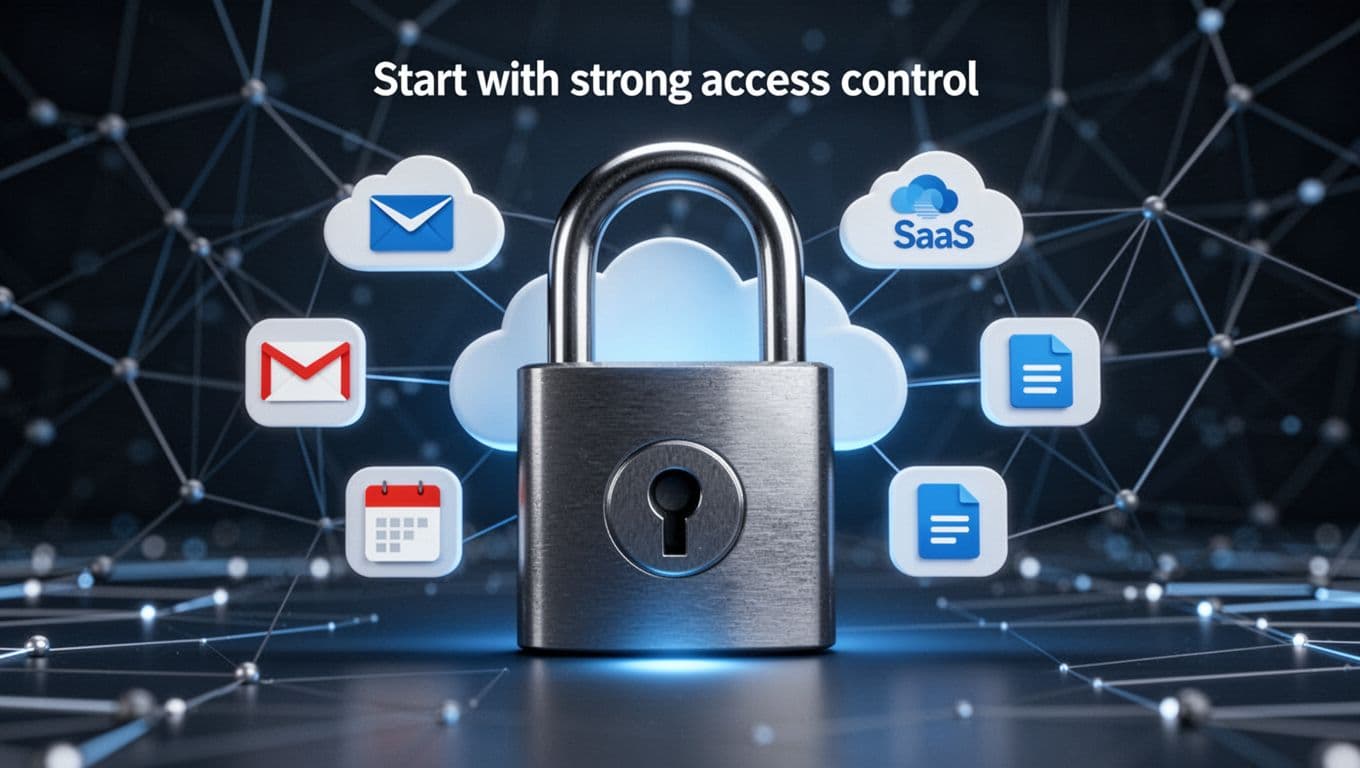
Start with strong access control, because most SaaS risk begins with who can get in
Most SaaS problems start with identity. If the wrong user, device, or app gets access, the rest of your controls matter less. That is why access control sits at the center of good SaaS security.
The goal is simple. Give people only the access they need, and only for as long as they need it. That means using role-based access, limiting admin rights, and removing old permissions before they turn into blind spots. Recent industry data shows 85% of users have more access than they need, which tells you how common access sprawl has become.
Use SSO, MFA, and passwordless login to make sign-ins safer
Single sign-on helps because it pulls account control into one place. Your team signs in through one identity provider, and security teams get better visibility across many apps. That makes onboarding faster and offboarding far less messy.
MFA also needs to be mandatory for everyone, not only admins. Recent data points to weak MFA in 46% of SaaS breaches, while 61% of accounts still lack it. If users can bypass MFA with SMS fallback, weak recovery steps, or old exceptions, the control is weaker than it looks.
Passwordless sign-ins raise the bar again. Passkeys and WebAuthn make phishing much harder because there is no password to steal. A recent technical SaaS security guide also stresses central identity control for the same reason, it reduces hidden account risk.
Review user roles and third-party app permissions on a regular schedule
Quarterly access reviews catch the slow creep that happens in real teams. People change roles. Contractors stay longer than planned. Service accounts stick around after old projects end. Meanwhile, old privileges pile up like spare keys in a junk drawer.
Pay close attention to offboarding, orphaned accounts, dormant accounts, and third-party app permissions. Automation tools and GenAI assistants often ask for broad access to files, mailboxes, calendars, or CRM data. Many teams click “approve” and move on. Months later, no one remembers what that app can still read or export.
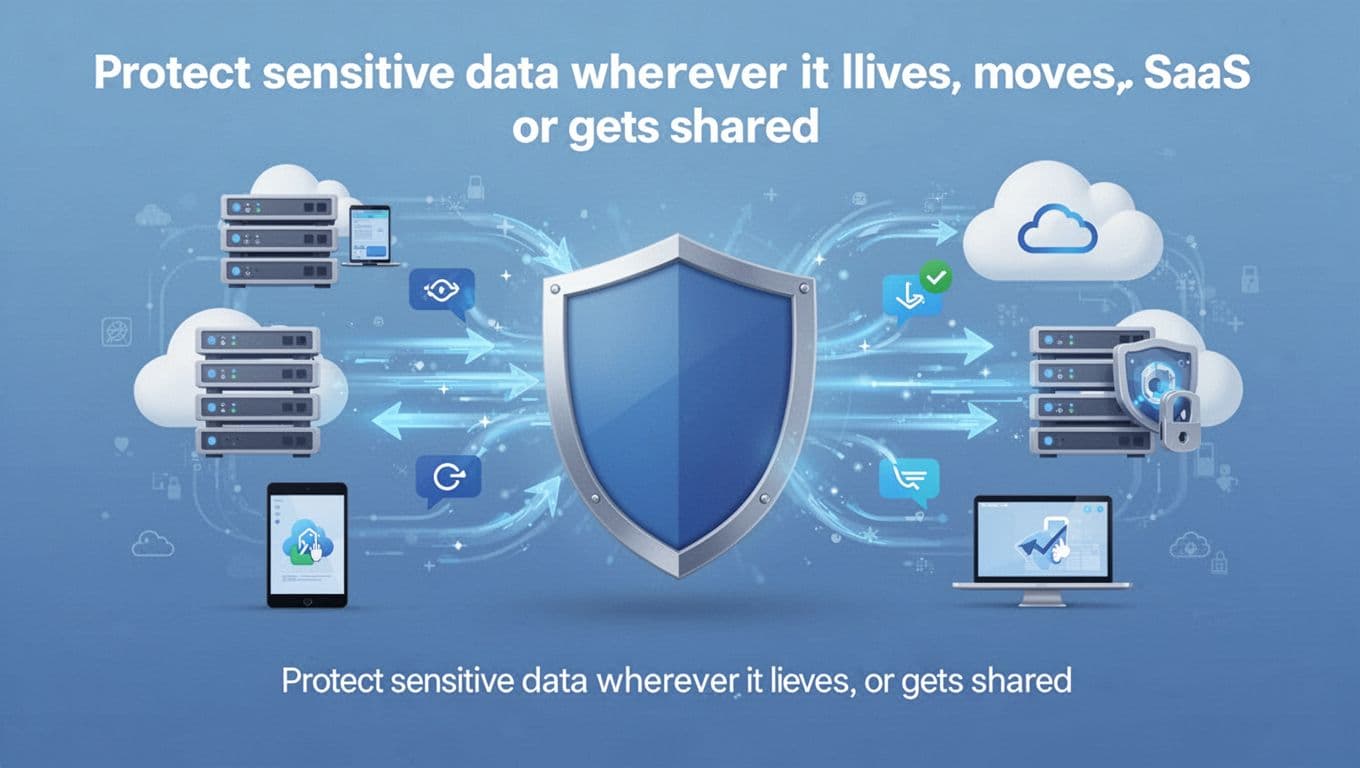
Protect sensitive data wherever it lives, moves, or gets shared
Access control lowers the odds of a breach. Data protection lowers the damage when something still slips through. In SaaS environments, sensitive data spreads fast across shared drives, chat tools, ticketing systems, finance apps, and synced devices.
That means you need a clear view of what data matters most. Customer records, contracts, payroll data, support tickets, internal plans, and shared docs all deserve different levels of protection. Once you know where that data lives, you can set the right controls around it.
Encrypt data in transit and at rest, then pay attention to key settings
Encryption sounds technical, but the idea is easy. Data in transit is protected while it moves between systems, usually with TLS. Data at rest is protected while stored in the provider’s systems, backups, or synced storage.
Those basics matter, but settings matter too. Check provider standards, key management options, backup handling, and where data gets copied or cached. Sensitive files often end up in more places than teams expect. A practical 2026 SaaS security checklist highlights this problem well, many leaks start with simple storage or sharing mistakes, not advanced attacks.
Set sharing rules that stop data from leaking by accident
A lot of data loss comes from normal work. Someone creates a public link to speed up review. A sales rep forwards files to a personal email. An outside contractor keeps access after a project ends. None of that looks dramatic, yet the result can be the same as a breach.
Set file sharing rules that match your risk. Limit public links, restrict external sharing by group, and require approval for sensitive downloads. You can also block personal email forwarding and use data loss prevention style rules to flag items like SSNs, payment data, or customer lists. When sharing stays inside clear guardrails, people still move fast, but they stop handing out copies of your data without meaning to.
Monitor your SaaS environment continuously, so you can catch problems early
Security is not a one-time setup. People change roles, apps change defaults, vendors add new features, and integrations pile up. If no one is watching, small gaps grow into big ones.
Continuous monitoring gives you that visibility. Watch logins, file activity, admin changes, data exports, and app-to-app connections. This is also where SaaS security posture management, or SSPM, can help. In plain terms, SSPM tools scan your SaaS stack for risky settings, misconfigurations, and compliance gaps across many apps at once. That matters because recent reporting still points to customer-side errors as a major cause of cloud incidents.

Watch for unusual behavior, not just failed logins
Failed logins are useful, but they are only one clue. The better signal often comes from behavior that breaks the usual pattern. Think impossible travel, unknown devices, large exports, sudden permission changes, or an app connecting at odd hours.
Those signals matter even more now because shadow AI and shadow IT are growing. Recent 2026 data shows 55% of organizations let employees add unapproved SaaS apps, and GenAI tools can sharply raise breach odds when no guardrails exist. A broader 2026 SaaS security best practices overview makes the same point, the danger often sits in overlooked app activity, not only login failures.
AI-based detection can help here, if you keep it practical. It is useful for spotting patterns humans miss across large volumes of events. It is not magic. Your team still needs clear rules for what counts as risky.
Use alerts, logs, and response steps your team can actually follow
Too many alerts create their own problem. If every event looks urgent, people stop trusting the system. Build alerts around actions that need a response, such as impossible travel, mass downloads, new admin creation, or a third-party app requesting broad access.
Keep audit logs long enough to investigate what happened. Then write a short response plan for common SaaS incidents, account takeover, exposed files, or a bad integration. Who disables the account? Who reviews file access? Who talks to the vendor?
Good security alerts tell people what to do next, not only that something happened.
Build a SaaS security program that stays strong as your stack grows
Point fixes help, but growth changes the problem. A company with five apps can manage by hand. A company with fifty cannot. As your SaaS stack expands, security needs an operating model, not a pile of one-off settings.
Apply zero trust rules to every user, device, and connected app
Zero trust is a simple idea. Never trust by default. Always verify based on context. That includes the user, the device, the app, the location, and the risk level.
In practice, that means using least privilege, checking device health, and stepping up controls when something looks off. Maybe a finance admin signing in from a managed laptop gets normal access. The same admin signing in from an unknown device in another country gets blocked or challenged. Zero trust works best when it ties identity, device, and app permissions together.
Train employees, check vendors, and revisit controls as risks change
People still play a huge part in SaaS security. Train them to spot phishing, avoid shadow IT, and think twice before approving new integrations. Keep the training short and tied to real workflows, or people will tune it out.
Vendors matter too. Before adding a new app, review its security posture, data access, breach history, and admin controls. A useful vendor evaluation checklist can help teams ask better questions before they connect another tool to core systems.
Frameworks like SOC 2 can support better habits, but paperwork is not the same as safety. Real protection comes from regular reviews, good defaults, and fast cleanup when risk changes.
SaaS risk grows one permission, one app, and one exception at a time. Strong habits stop that drift before it turns into an incident.
Start with the highest-risk apps and highest-risk users first. Turn on SSO and MFA, cut extra permissions, lock down sharing, monitor activity, and review every integration that touches sensitive data.
Pick three core apps this week and audit access in each one. That single step can do more for your SaaS security than another year of hoping nothing goes wrong.