
Work gets messy when tasks live in one app, time logs in another, and invoices in a spreadsheet. Hours get missed, expenses slip through, and profit turns into a guess.
That is why project management and invoicing software matters for freelancers, agencies, consultants, and service teams. When one system handles the work and the billing, you save time, cut errors, and see which projects actually pay well.
The goal is not more software. The goal is a cleaner workflow that helps your team finish work and get paid without friction.
What project management and invoicing software actually helps you do
At its best, this software pulls project planning and billing into the same flow. Your team tracks tasks, deadlines, hours, expenses, and approvals in one place. Then that data moves into invoices without extra copying and pasting.
That matters because admin work grows fast. A useful overview from this 2026 roundup of tools with invoicing shows how many teams now expect time tracking and billing to live together, not in separate systems.
Keep projects, tasks, and billable hours in one place
When project details sit in one system, people stop hunting for answers. Managers can see deadlines, owners, and workload. Team members can log time against the exact task or project they worked on.
That link between work and time is where the value starts. If a designer spends three hours on revisions, those hours should attach to the client job right away. If a consultant works across two accounts in one day, the software should split time cleanly.
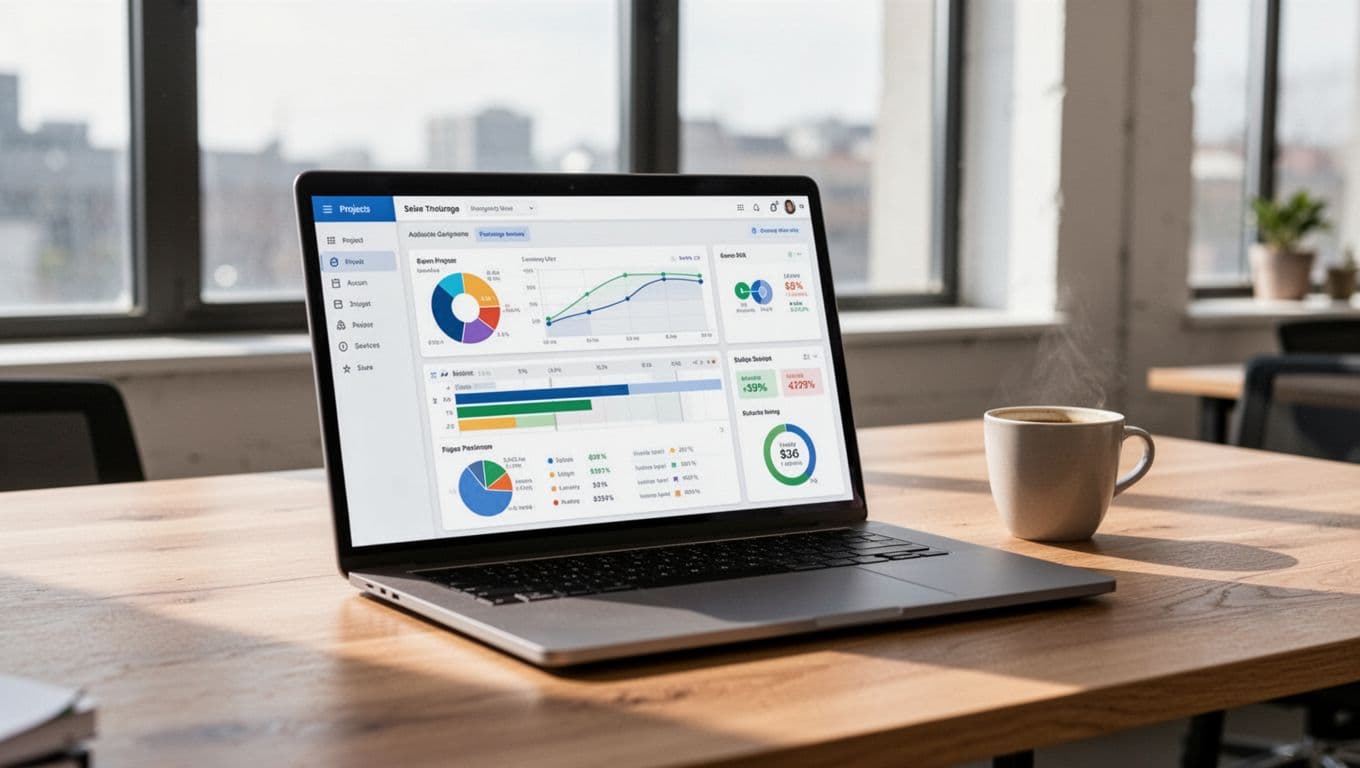
Many teams start looking for project tools because of missed deadlines. They stay for the billing link. Good project management and billing software makes each hour easier to capture, review, and charge.
Turn tracked work into invoices with fewer mistakes
Manual invoicing invites trouble. Someone forgets an expense receipt. A rate is outdated. A task gets marked done, but the time never makes it to the invoice.
Integrated software reduces those gaps. Logged hours can pull in employee or contract rates. Approved expenses can attach to the right client. Fixed-fee milestones can sit next to hourly charges, so mixed billing is easier to manage.
If time lives outside your billing process, some of your revenue will stay there too.
This also helps cash flow. Teams can send invoices faster because the data is already there. Instead of rebuilding the month from memory, they review, adjust, and bill.
The features that matter most before you choose a tool
Feature lists can get long fast. For most small and mid-sized service businesses, a few functions shape daily results more than anything else. Those are the ones worth comparing first.
Time tracking, budgeting, and invoice automation
These three pieces are the backbone of good software in this category. First, time tracking should be easy enough that people use it. If logging hours feels like a chore, data quality drops. Then every report and invoice gets weaker.
Next, look at budgeting. A healthy system shows planned hours, actual hours, and remaining budget while work is still in progress. That helps you catch scope creep before it eats the margin.
Invoice automation is the third piece. You should be able to turn approved time and expenses into draft invoices, set recurring invoices for retainers, and schedule payment reminders for late bills.
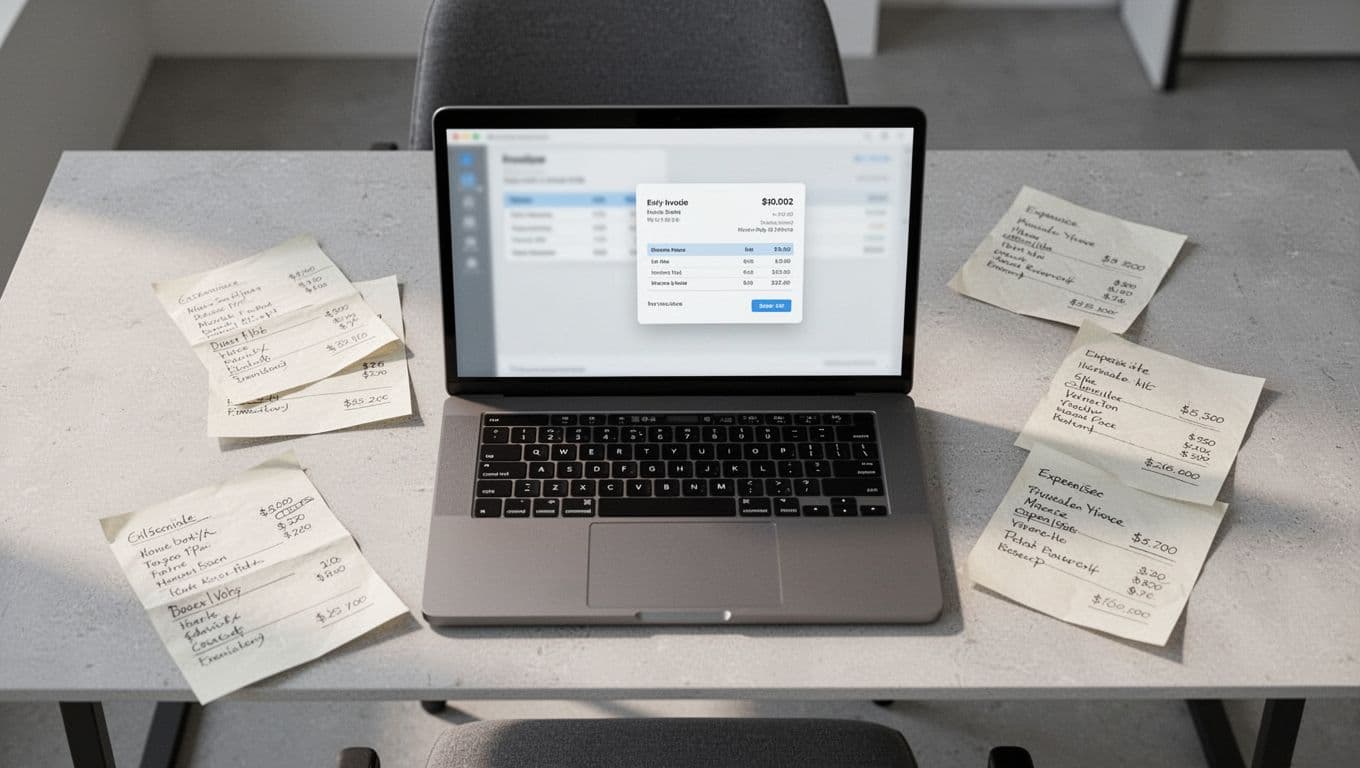
Billable and non-billable time matters here too. Teams need both. Billable hours drive revenue, while non-billable work shows where internal time goes. Without that split, you cannot judge project health clearly.
Reporting, client access, and accounting integrations
Reports should answer basic business questions fast. Which projects are over budget? Which clients pay well? Who is overbooked, and who has room for more work?
Client access can help as well, especially for agencies and consultants. A portal for approvals, files, or invoice history cuts back-and-forth email and gives clients a cleaner experience.
Accounting links also matter because fewer app handoffs usually mean fewer errors. If your software syncs with tools like QuickBooks or Xero, invoices and payments move into accounting with less re-entry. That saves time, but it also helps with tax records and month-end close.
Best project management and invoicing software options in 2026
As of April 2026, a handful of tools keep showing up for US service businesses. They do not all fit the same team, which is why “best” depends on your workflow more than the feature count.
This quick view helps narrow your shortlist.
| Tool | Best fit | Starting price |
|---|---|---|
| BigTime | Professional services, agencies, consultants | $10/user |
| Ravetree | Agencies wanting an all-in-one setup | $19/user |
| Kantata | Larger service teams with resource planning | Custom, from $45/user |
| Paymo | Small teams and freelancers | $9.95/user |
| Harvest | Simple time tracking and billing | $10.80/user |
The main takeaway is simple. Bigger teams usually need stronger planning and reporting, while smaller teams benefit more from speed and ease of use.
Best picks for service businesses, agencies, and consultants
BigTime is a strong fit for professional services teams that care about budget-to-invoice visibility. It combines time tracking, billing, expenses, and profitability reporting in a way that suits consulting, accounting, IT, and similar firms. Current market data also points to skills-based staffing and revenue forecasting, which helps growing teams plan ahead. A recent BigTime review for 2026 also highlights its strength for firms that bill a lot of client hours. The trade-off is that it makes more sense once you have a structured process and at least a small team.
Ravetree works well for agencies that want planning and billing in one place. It brings together project views, resource planning, budgets, and invoicing. For creative or marketing teams juggling many client jobs at once, that all-in-one approach can reduce app switching. It starts at a higher price than entry-level tools, but the broader feature set may replace several separate apps.
Kantata fits larger teams that need deeper resource planning, stronger utilization tracking, and more finance detail. It is often a better match for mature consulting groups than for solo users or small studios. The downside is setup. More power usually means more configuration, and that can slow adoption if your team wants something light. If you are comparing the mid-market and enterprise end of the category, a BigTime vs Kantata comparison can help frame the difference between flexibility and depth.
Best simple options for small teams and freelancers
Paymo is a solid choice for small teams that want project tracking, time logs, and invoices tied together without a steep learning curve. It is especially useful if you bill by the hour and want straightforward time-to-invoice workflows. Current 2026 research shows it still appeals to teams that want task views like Kanban or Gantt along with billing. That mix makes it more complete than many basic time trackers.
Harvest is easier to start with if your needs are simpler. It is well-known for quick time entry, clean invoicing, and low setup friction. Solo consultants and freelancers often prefer it because they can start billing fast without building a full project system first. Recent reviews also point to helpful extras like expense handling and online payment support. If you are deciding between these two lighter options, this Harvest vs Paymo comparison gives a useful side-by-side look at how they differ.
How to pick the right software for your team without overbuying
Buying too much software feels a lot like renting office space you never use. It looks good on paper, but the waste shows up every month.
The best choice is the one your team will use every day, with enough reporting and billing control to support growth.
Match the tool to your team size, workflow, and billing model
A freelancer usually needs speed, easy invoicing, and simple reports. A small agency may need task management, multiple client budgets, approvals, and recurring invoices. A consulting firm often wants utilization, forecast views, and stronger role-based rates. Larger service teams may need resource planning across many projects at once.
Your billing model matters just as much. Fixed-fee work needs milestone or budget tracking. Hourly billing needs accurate time capture and rate control. Retainers need recurring invoices and clear limits on included hours. Multi-project teams need strong filtering, portfolio views, and a fast way to see profit by client.
If you are comparing lighter tools against deeper PSA-style platforms, a Paymo vs Kantata comparison shows how wide that gap can be.
Start with a trial and test your real process
A demo can look polished and still fail your team in daily use. During a trial, run one real project through the system. Do not test only the happy path.
Check these parts in order:
- Log time from desktop and mobile.
- Review approvals for hours and expenses.
- Create an invoice from that approved work.
- Export or sync the result into accounting.
Bring in the people who will use it most. Project leads, finance staff, and billable team members often spot different issues. If they struggle during the trial, the problem rarely disappears after rollout.
The best test is simple. Can your team move from task to tracked time to paid invoice without extra spreadsheets?
Projects feel hard enough already. Your software should make the money side clearer, not heavier.
When project data, time logs, budgets, and invoices live together, teams work with fewer blind spots. That leads to faster billing, better margin tracking, and less cleanup at the end of the month.
The right project management and invoicing software is the one that fits how your team already works, then removes friction from it. Look for clean workflows, strong reports, and invoicing that does not make you start over.