
Cybercriminals hit small businesses hard. In fact, 43% of all cyberattacks target small firms, and 80% of them faced at least one attack last year. Those numbers come from recent reports, and they explain why so many SMBs deal with ransomware or data breaches that cost an average of $254,000.
You run a business, so weak protection means real pain. Data loss affects 40% of victims, downtime kills productivity, and 60% of hit companies shut down within six months. Without strong defenses, one phishing email or malware slip can wipe out years of work.
That’s where the best antivirus software for business steps in. Tools like Norton Small Business, Bitdefender GravityZone, and ESET PROTECT offer central dashboards for easy management, AI-powered threat detection, and low-impact scans. They handle everything from team laptops to special setups, such as best antivirus software for gaming PCs in creative agencies or best antivirus software for Ubuntu servers in tech ops.
Stick around, and you’ll get our top picks for 2026, plus tips to pick the right one for your size and needs.
Key Features That Make the Best Antivirus Software for Business Stand Out
Businesses need antivirus that goes beyond basic scans. In 2026, top picks like Bitdefender GravityZone and ESET PROTECT shine with EDR, cloud dashboards, AI threat detection, ransomware rollback, and light system loads. These features stop attacks fast, manage teams remotely, and keep work flowing without slowdowns. Free tools fall short; they lack central control and advanced response, leaving gaps for pros like gamers or server admins.
Free options handle simple viruses. Paid business software adds layers. For example, AI spots new malware patterns that lists miss. Ransomware shields block encryption in real time. Low-impact scans mean no lag during video edits or server tasks.
Here’s how leading tools stack up:
| Feature | Bitdefender GravityZone | ESET PROTECT | Norton Small Business | Sophos Intercept X |
|---|---|---|---|---|
| EDR | Yes, cross-endpoint | Yes, AI-native | Basic behavioral | Yes, full response |
| Cloud Management | Full console | Cloud-first | Simple dashboard | Centralized |
| AI Detection | Advanced ML | Proactive | Real-time | Behavioral AI |
| Ransomware Rollback | Automated recovery | One-click | File protection | Exploit prevention |
| Low System Impact | Minimal CPU use | Lightweight | Background scans | Efficient agent |
This table shows why business-grade tools win. They scale for teams and integrate defenses.
Endpoint Detection and Response (EDR) Explained
EDR watches endpoints for odd actions, not just virus signatures. It flags ransomware trying to encrypt files or hackers moving laterally. Your team stays safe because it responds in seconds.
Take ransomware. It creeps in quietly. EDR spots the behavior, isolates the device, and alerts IT. Bitdefender GravityZone leads here with cross-endpoint correlation that links threats across machines (see Bitdefender’s EDR details). Sophos Intercept X adds hunting tools for deeper checks (Sophos EDR overview).
Businesses gain visibility into attacks. Downtime drops. Recovery speeds up. In contrast, basic antivirus waits for known threats. EDR handles zero-days that hit small firms hard.
Cloud Management for Easy Team Control
Cloud consoles put control in your pocket. IT admins oversee hundreds of devices from any browser. No servers needed; updates roll out instantly.
Remote work thrives with this setup. Employees log in from home or coffee shops. You monitor scans, push policies, and fix issues fast. Norton Small Business suits small teams with its straightforward dashboard. ESET PROTECT excels for growing ops, offering AI-driven alerts anywhere (ESET PROTECT platform).
Benefits pile up. Costs drop without hardware. Teams stay protected during travel. Free tools force manual checks per device. Cloud versions save hours weekly, so you focus on growth instead of patches.
Our Top Picks for the Best Antivirus Software for Small Businesses
Small businesses with under 50 users need antivirus that packs power without complexity. These three rise above the rest because they deliver best antivirus software for business essentials like AI detection and cloud control at fair prices, often $20 to $50 per user per year. Norton leads for beginners, Bitdefender suits IT-savvy shops, and ESET keeps things speedy. All offer trials, so test them risk-free. Here’s a quick comparison:
| Software | Key Strengths | Price (per user/year, est.) | Trial Length |
|---|---|---|---|
| Norton Small Business | Easy dashboard, VPN, low false alarms | $20–$40 (first year) | 30 days |
| Bitdefender GravityZone | AI zero-day blocks, perfect lab scores | $30–$50 | 30 days |
| ESET PROTECT | Lightweight scans, 99.5% detection | $25–$45 | 30 days |
Prices scale with devices; check sites for exact quotes. Users love quick setups that cut IT time.
Norton Small Business: Simple Power for Tiny Teams
Norton Small Business fits teams of 1 to 20 perfectly. You get a clean dashboard that shows all devices at a glance. Firewall blocks intruders, and scans run quietly with few false alarms. Setup takes minutes; no IT degree required.
Premium adds VPN for remote work and 250GB cloud backup. It scored 9.5/10 in recent tests for ease. Real users report fast threat blocks without crashes during busy days. At $59.99 yearly for five devices, it saves cash too.
“The dashboard changed how we manage security; alerts come straight to my phone.” – SMB owner review.
Start with the 30-day trial to see it shine.
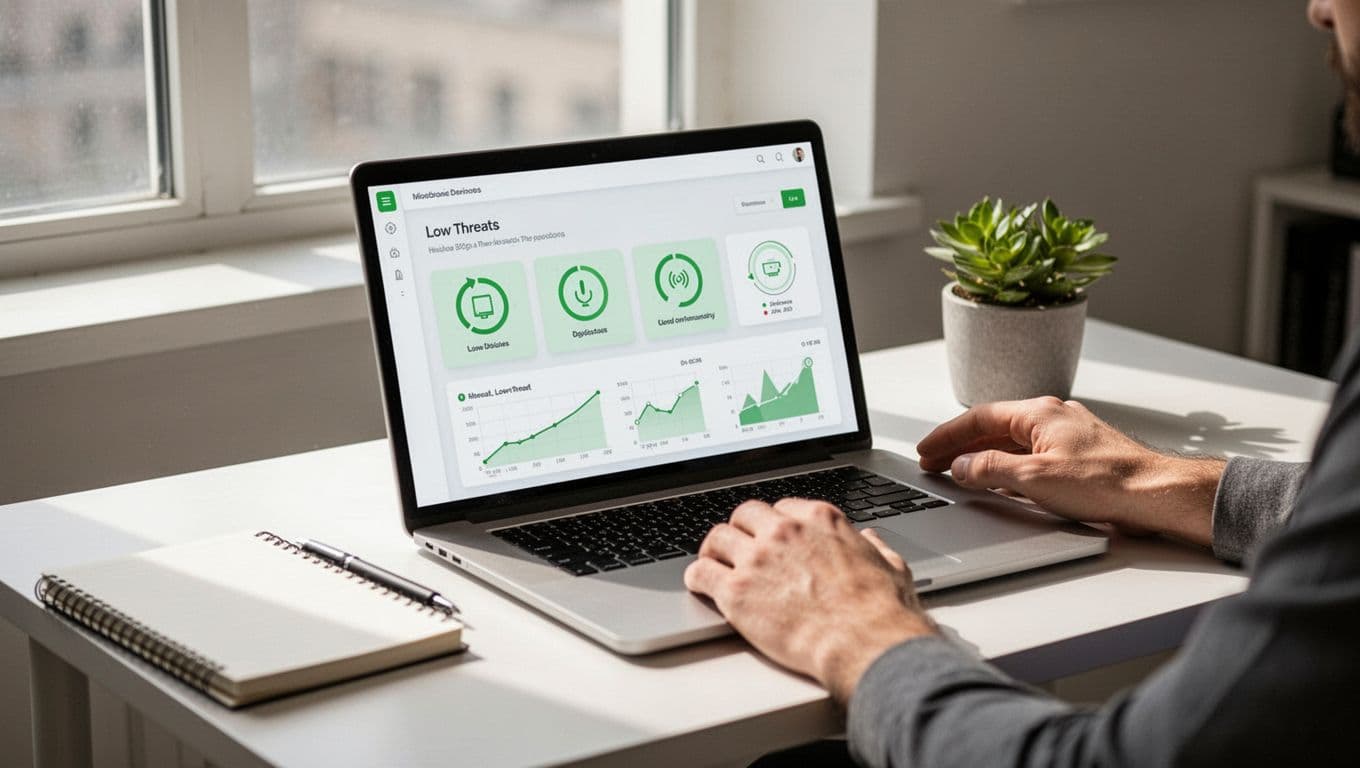
Pros: Effortless management, strong identity protection.
Cons: Renewals cost more after year one.
Bitdefender GravityZone: AI Shield for Growing Shops
Bitdefender GravityZone uses AI to stop zero-day threats before they spread. The cloud console lets you set policies for 10 to 50 users easily. It earned perfect scores from labs like AV-Test for malware blocks.
Your team works without lag because scans use minimal CPU. Roll back ransomware hits automatically. IT pros praise detailed reports that spot risks early. For example, one shop blocked a phishing wave in seconds.
In addition, granular controls grow with your business. Pricing starts around $150 yearly for small packs.
Users say it outperforms free tools on unknown attacks. Try the 30-day trial for proof.
Pros: Top detection rates, scalable console.
Cons: Steeper learning for non-tech users.
ESET PROTECT: Fast and Error-Free Scans
ESET PROTECT scans fast and skips slowdowns entirely. Encryption tools secure files, and 99.5% detection catches almost everything. Perfect for busy teams under 50 who hate interruptions.
The cloud setup deploys in minutes; no heavy agents bog down old PCs. Free trial lets you test on real workloads. Gamers and creators note zero lag during tasks.
Meanwhile, one-click fixes handle issues remotely. At $25 to $45 per user, it fits tight budgets. Reviews highlight reliable protection without constant alerts.
Pros: Super light on resources, high accuracy.
Cons: Fewer extras like VPN compared to Norton.
Pick based on your setup; all beat basic options for small business security.
Best Antivirus Software for Gaming PCs and Gamers Without Killing Performance
Design firms and esports teams rely on gaming PCs for smooth creative work. A single scan lag can ruin deadlines or matches. That’s why the best antivirus software for business must protect without touching FPS. Recent 2025 tests confirm Norton 360, McAfee, and Bitdefender handle threats while keeping rigs fast. Norton even boosts frames. Businesses gain secure sessions for rendering or streaming.
These tools fit teams with high-end setups. They block malware 100% in labs, add VPNs for safe remote play, and skip pop-ups. For example, creative agencies test designs without interruptions. Here’s how they compare on gaming rigs:
| Software | FPS Impact (Tests) | Key Gaming Perk | Business Bonus | Drawback |
|---|---|---|---|---|
| Norton 360 | Improves FPS, low overhead | Game Optimizer shifts RAM | Full device protection | Higher renewal price |
| McAfee | 2% dip max | Ultra-low daily scans | Unlimited devices | CPU spikes on scans |
| Bitdefender | Minimal to none | Auto quiet mode | Ransomware rollback | Setup needs tweaks |
Norton tops for boosts. McAfee suits non-stop use. All offer trials to check FPS yourself.
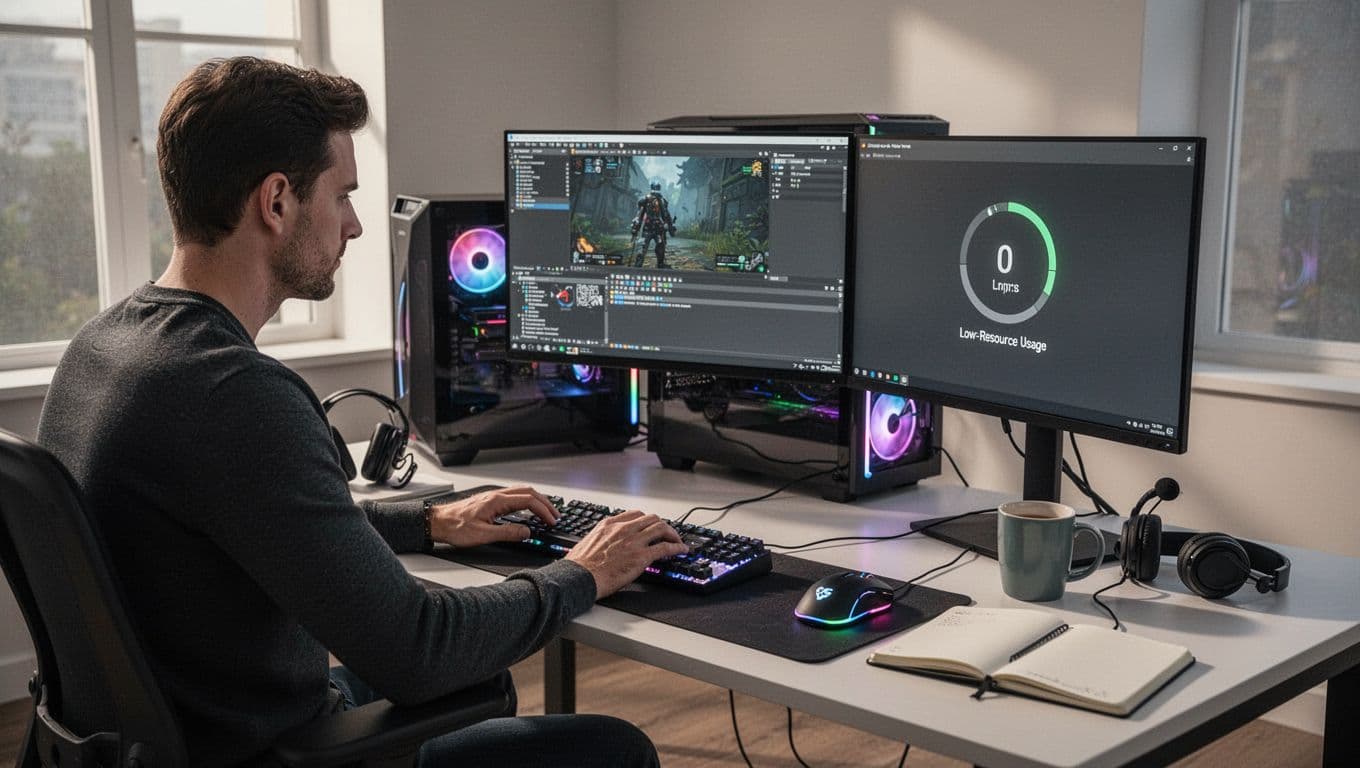
Norton 360: Gamer-Optimized with Full Business Protection
Norton 360 stands out for gamers in business. Its Game Optimizer detects games and boosts FPS by reallocating RAM. Tests show no lag; it even improves performance over bare systems. No pop-ups interrupt raids or renders.
It blocks top malware with perfect AV-Test scores. Plus, the VPN secures team connections during travel. Businesses protect laptops and desktops easily. Scans run quiet in the background. One design firm reported zero slowdowns on dual-GPU rigs.
Pricing fits small teams at around $50 yearly per device. The Norton 360 for Gamers review praises its balance. Grab the 30-day trial. Test FPS in your games first.
Pros: FPS boosts, strong scam blocks.
Cons: Extras add cost.
McAfee: Ultra-Light for Non-Stop Gaming Sessions
McAfee keeps gaming PCs humming for business pros. It barely slows systems, with just a 2% FPS dip in tests. Daily scans stay light, so you grind sessions without hiccups.
Unlimited devices cover whole teams. Scam block stops phishing fast. CPU hits peak only during full scans, but games run steady. Creative teams love it for video edits or streams. VPN adds safe browsing perks.
At $40 to $60 yearly, it scales well. Users confirm low impact on high-end hardware. Check the McAfee gamer performance blog for details. Use the trial to verify no lag on your setup.
Pros: Covers all devices, quick threat stops.
Cons: Scans need scheduling.
Best Antivirus Software for Ubuntu in Business Servers and Desktops
Linux setups like Ubuntu power many business servers and desktops. Developers and IT teams love its stability. However, malware still targets them. Crypto-miners hit servers, and shared files with Windows spread threats. Email attachments bring risks too. Even secure Ubuntu needs antivirus for best antivirus software for business protection. Free ClamAV catches known malware via hashes. Yet it skips real-time scans and behavior checks. Paid tools fill those gaps with 100% detection and central management.
Top picks shine on Ubuntu. They handle servers and desktops, block zero-days, and manage mixed networks. Bitdefender leads overall. Avast suits servers. Sophos adds deep behavior analysis. All support Ubuntu with low impact.
Here’s how they compare:
| Antivirus | Best For | Starting Price (per device/year, est.) | Detection Rate |
|---|---|---|---|
| Bitdefender GravityZone | Ransomware, full coverage | $20–$25 | 100% |
| Avast Business | Linux servers | $260 (check quotes) | 100% |
| Sophos Intercept X | Behavior threats | $28–$48 (quotes needed) | 100% |
Prices vary by devices; trials help test fits.

Bitdefender GravityZone: Top Choice for Ubuntu Business Protection
Bitdefender GravityZone tops Ubuntu lists for businesses. It delivers real-time scans that catch threats instantly. Cloud control lets you manage servers and desktops from one dashboard. Deploy on 1 to 100 devices easily.
Machine learning spots new malware fast. Firewalls block intrusions, and quick scans run light. Labs confirm 100% detection across Linux, Windows, and macOS. Your team shares files safely without slowdowns.
At around $25 per device, it scales for small ops. IT admins praise web filters and ransomware rollback. For details, see Bitdefender GravityZone pricing. Grab the 30-day trial.
Pros: Perfect scores, easy console.
Cons: Setup tweaks for large fleets.
Avast and Sophos: Strong Server Defenders
Avast Business guards Ubuntu servers well. Behavior monitoring watches for odd actions. AI hunts zero-days before damage. Full and targeted scans support Red Hat, Debian, and Ubuntu. It covers 1 to 999 devices with hybrid web tools. Pricing starts high at $260 per device yearly, but quotes adjust for volume (Avast Linux Antivirus page).
Sophos Intercept X excels at server defense too. Its AI analyzes behaviors to stop exploits. Web-based GUI simplifies management. Detection hits 100% in tests. Get quotes for exact costs, around $28 per user (Sophos Intercept X pricing).
Both beat ClamAV on real-time protection. Servers stay fast during heavy loads. Businesses with mixed OS gain peace of mind. Test trials first.
How to Choose and Compare the Best Antivirus Software for Your Business
You face tough choices with so many antivirus options. The right best antivirus software for business matches your team size, workloads, and wallet. Start by matching tools to your setup. Then compare scores and prices side by side. This process cuts risks and picks winners like Norton or Bitdefender.

Step 1: Assess Your Business Size and Needs First
Count your devices and users. Small teams under 20 need simple dashboards like Norton Small Business. Larger groups want scalable clouds from Bitdefender GravityZone.
Next, check workloads. Gamers or creators pick low-impact scans from ESET PROTECT or McAfee. Ubuntu servers call for Linux support in Sophos Intercept X or Avast Business. Mixed OS? Go for cross-platform strength. In short, list your pain points. Does remote work demand VPNs? Do servers need behavior monitoring? This step narrows choices fast.
Step 2: Set a Realistic Budget and Test Trials
Budgets range from $20 to $50 per user yearly. Norton charges by devices, so five laptops cost $60 first year. Bitdefender hits $30 per user. Always grab 30-day trials. Run them on real tasks. Watch for lag or false alerts.
Free tools tempt, but skip them for business. They lack central management and miss zero-days. One breach costs thousands. Paid options save more in the long run.
Step 3: Compare Scores, Prices, and Features in Labs
Labs like AV-TEST business tests reveal true performance. ESET hit 100% protection recently. Bitdefender scored 99.8%. Use this table for quick side-by-side views:
| Software | Est. Price (per user/year) | Detection Rate (2026 Tests) | Key Features | Best For |
|---|---|---|---|---|
| Norton Small Business | $20–$40 (device-based) | High (real-time behavioral) | Easy dashboard, VPN | Tiny teams, beginners |
| Bitdefender GravityZone | $30–$50 | 99.8% | AI zero-day, rollback | Growing shops, ransomware |
| ESET PROTECT | $25–$45 | 100% | Lightweight, fast scans | Speedy rigs, gamers |
| Sophos Intercept X | $28–$48 (quotes) | 99.5% | EDR, behavior analysis | Servers, deep threats |
| McAfee | $12–$24 | Strong | Unlimited devices, low FPS hit | Multi-device teams |
| Avast Business | $260+ (quotes) | 99.8% | Linux servers, AI | Ubuntu-heavy ops |
Scores come from AV-Comparatives and AV-TEST. High marks mean fewer misses.
Step 4: Check Extras Like MDR and Support
Managed Detection and Response (MDR) add-ons help non-IT teams. Bitdefender and Sophos offer them. Review support options too. 24/7 chat beats email. Finally, read user feedback on scalability. Your pick grows with you. Test two top ones. The best fit protects without hassle.
Conclusion
Norton Small Business, Bitdefender GravityZone, and ESET PROTECT stand out as the best antivirus software for business. They deliver AI detection, cloud control, and low-impact scans that fit small teams, gaming PCs, or Ubuntu servers. You get full protection without the hassles.
These tools bring real peace of mind. Cyberattacks hit 43% of small firms, but strong defenses like EDR and ransomware rollback stop threats cold. Your business runs smooth, so you focus on growth instead of worries.
Start a 30-day trial today to match one to your setup. What needs do you have, or which one worked for you? Share in the comments below. In 2026, solid antivirus keeps you ahead.