
Architecture projects can go sideways fast. One missed revision, one buried email, or one stale budget sheet can throw off a deadline that took weeks to build.
Most firms juggle design phases, client feedback, fee tracking, consultant coordination, and document control at the same time. When that work lives in spreadsheets, inboxes, and scattered apps, people lose time hunting for answers instead of moving the project forward. Architectural project management software brings those moving parts into one place, so teams can see what is due, what it costs, and who owns the next step.
That sounds simple, but the right system does much more than hold a task list.
What architectural project management software actually helps you manage
Keeping project phases, tasks, and deadlines on track
Good software mirrors the way architects already work. That starts with phases such as programming, schematic design, design development, construction documents, bidding, and construction administration. When a platform lines up with those phases, teams spend less time forcing architecture work into a generic template.
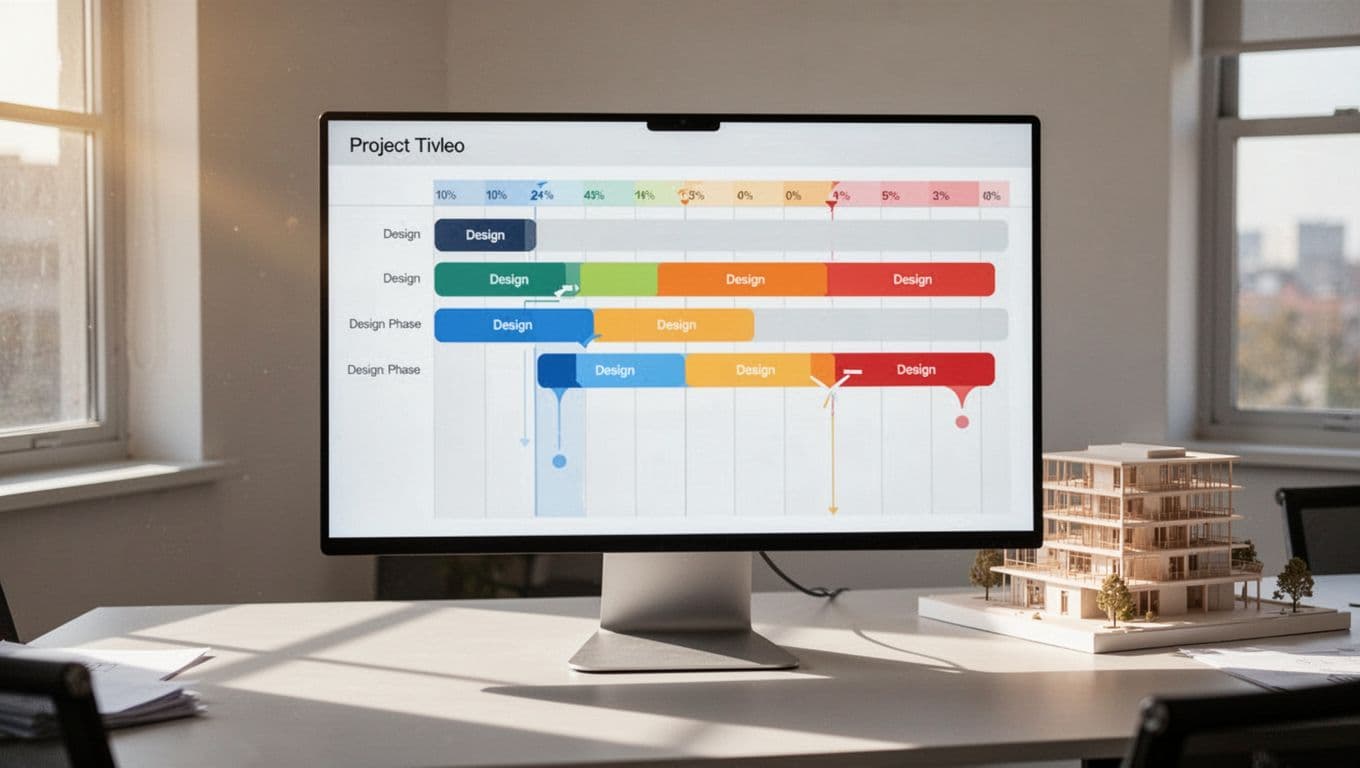
Daily control matters just as much as the big picture. Project managers need task assignments, milestone dates, shared calendars, and timeline views that show delays before they spread. Gantt charts are helpful here because they make dependencies visible. If permit drawings slip, everyone can see what moves with them.
Many architecture-focused tools now build phase-based planning into the product. That matters because a design project is not a simple checklist. Work loops back, reviews stack up, and outside consultants affect timing. As Wrike’s 2026 guide for architects points out, firms usually need phase tracking, approvals, and team coordination in the same system, not in separate tools.
A solid platform also helps during closeout. Punch lists, final invoices, archived files, and remaining action items all stay connected to the same record. That continuity saves time on the next project.
Controlling budgets, billing, and team workload
Deadlines are only half the job. Firms also need to know whether the work is still profitable.
That means tracking hours by phase, comparing spent fees to planned fees, and seeing when a project is burning too hot. If construction documents are eating half the fee earlier than expected, the software should show that in plain view. Waiting until the end of the month is too late.
Workload planning matters for the same reason. One architect might be buried while another has open hours, yet firms often miss that until deadlines slip. Resource views help managers rebalance staffing before overtime and write-offs pile up.
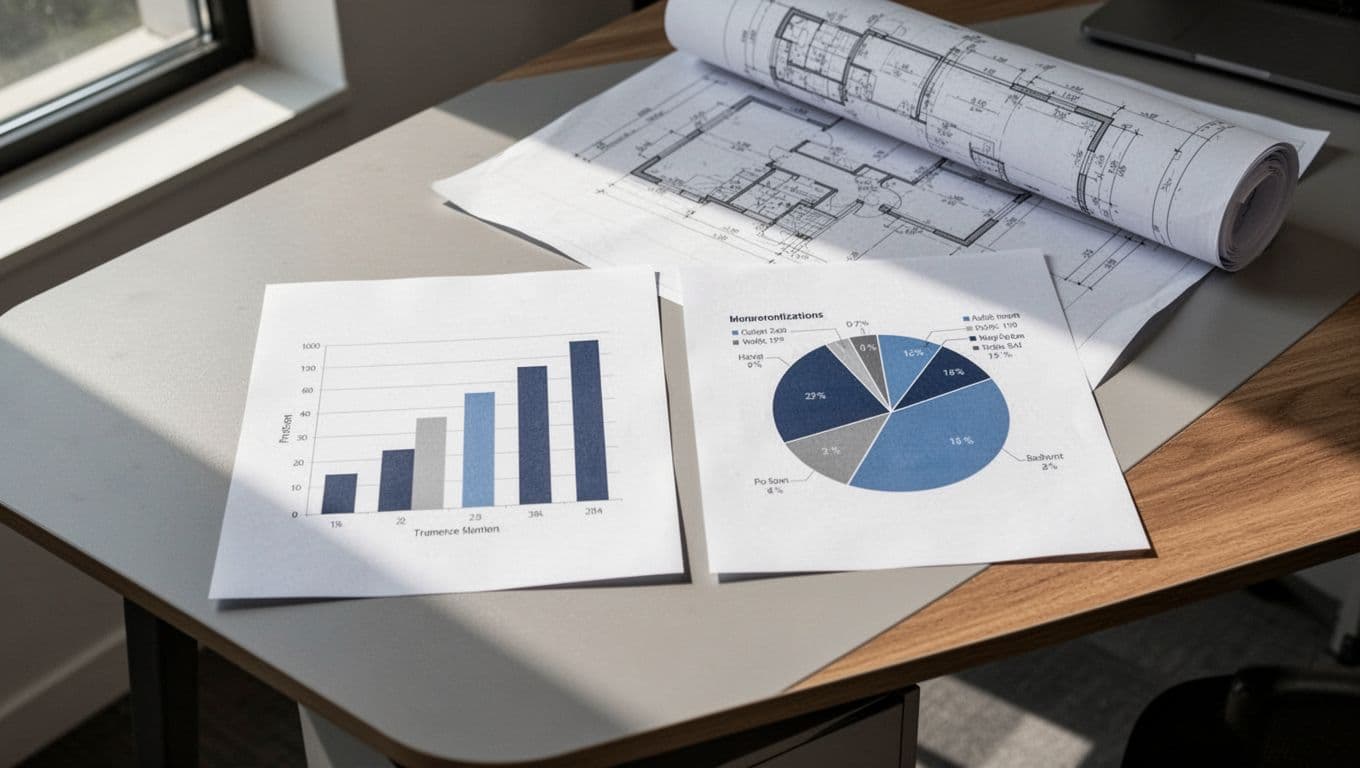
Billing tools also matter more than many teams expect. Time tracking, consultant costs, invoicing, and fee forecasts connect project health to cash flow. If your firm bills by phase or uses AIA-style billing, those workflows should not feel bolted on.
The features that make a tool worth using for architecture firms
Document control, collaboration, and real-time updates
Architecture runs on documents, and document confusion is expensive. Teams need one source of truth for drawings, submittals, RFIs, meeting notes, and approvals. Version control is a core feature because “latest_v7_final_FINAL” is not a system anyone should trust.
The best tools make updates visible right away. When someone uploads a revised drawing, marks up a sheet, or logs an approval, the project team should see it without digging through email. Shared dashboards help, but mobile access matters too. Site teams and office teams need the same current information.
Platforms built for AEC firms often put this front and center. A broader look at project management systems for AEC firms shows why document-heavy workflows need more than simple task boards. Clear records reduce rework, protect the team, and cut down on avoidable client friction.

Integrations and workflows built for the way architects work
A project platform should connect with the rest of your stack. That usually means CAD or BIM tools, accounting software, CRM, email, and file storage. Without those links, teams enter the same data twice, and mistakes creep in.
Architecture-friendly workflows matter too. Phase templates, consultant tracking, percent-complete billing, and architect-focused field names save setup time. So does terminology that matches how your staff already talks about projects. If a platform uses labels your team has to translate all day, adoption drops.
This is where generic software often needs extra setup. That is not always a deal-breaker. Still, firms should weigh flexibility against the time it takes to build custom workflows.
How to choose the right architectural project management software for your firm
Best fit for small firms, growing studios, and large practices
The best tool depends on how your firm works today, not on the biggest feature list.
Small firms usually need fast setup, fair pricing, and low training time. If five people are trying to manage active jobs and still design, a simpler platform often wins. Clear task tracking, time capture, and basic invoicing can solve most pain points without adding overhead.
Growing studios need more visibility. At that stage, staffing gets harder, projects overlap, and fee burn becomes harder to read by instinct. Resource planning, portfolio dashboards, and better reporting start to matter because leaders can no longer keep everything in their heads.
Large practices need deeper control. Advanced reporting, finance tools, CRM links, proposal tracking, and multi-team coordination become part of daily operations. That usually points toward more robust firm management systems.
The best platform is the one your team updates without being chased.
Ease of use should carry real weight in the decision. Reviews like PCMag’s 2026 project management software guide often rate products on usability and value, which matters when adoption can make or break the rollout.
Questions to ask before you commit to a platform
Start with your own bottlenecks. Are you losing time in scheduling, document control, billing, or staffing? Buy for the pain you already feel, not for a future workflow you may never need.
Then pressure-test each option with practical questions:
- Does it match your project phases without heavy customization?
- Can it track budgets, time, and fee burn by phase?
- Does it handle document reviews, approvals, and version history?
- Will it connect with your current accounting, CRM, or design tools?
- How long does setup take, and who owns it internally?
- What training is included, and is pricing clear after the first year?
Demos help, but trials tell the truth. Give a short list to the people who will use the system every day, not only firm leaders. If project managers, architects, and finance staff all hit walls in week one, that is useful information.
Popular software options in 2026 and what each one does best
Several products keep showing up in 2026 comparisons. This quick view helps narrow the field.
| Software | Best known for |
|---|---|
| Factor A/E | AIA-aligned workflows and phase-based planning |
| Project Flow by Milient | Detailed AEC project planning and familiar industry terms |
| Monograph | Design-firm planning with clear project and staffing visibility |
| Deltek Vantagepoint | Large-firm management, CRM, and finance integration |
| Wrike | Flexible planning, dashboards, and resource views |
| Scoro | All-in-one visibility across projects, teams, and business data |
| Zoho Projects | Lower-cost task and timeline management |
Architecture-focused tools for firms that want industry-specific workflows
Factor A/E is a strong fit for firms that want familiar architecture phases and AIA-friendly workflows. Project Flow by Milient is often chosen for detailed planning in AEC environments. Monograph appeals to design firms that want a cleaner architecture-first experience for staffing and project health. Deltek Vantagepoint is built for firms that need broader business management, from CRM through project delivery.
Current market roundups, including The Digital Project Manager’s 2026 architect software list, keep highlighting these tools because they map more closely to how architecture firms bill, plan, and report.
General project management platforms that can still work well
Wrike and Scoro are strong options for firms that want broad visibility and flexible workflows. They can work well for growing studios, especially when project management needs overlap with operations and team planning. Zoho Projects is the budget-friendly option in this group, and it can cover core scheduling and task management at a lower cost.
The tradeoff is setup. General platforms often need more tailoring to match architecture phases, billing logic, and document habits. That extra work can be worth it, but only if the team has time to configure it well.
When every deadline, revision, and fee update lives in one reliable place, projects get calmer. That is the real value of architectural project management software.
Focus on your biggest pain point first. Test a short list against your real workflow, not a polished demo. The right system should make decisions clearer, handoffs cleaner, and project health easier to see on an ordinary Tuesday.