
Engineering deadlines rarely slip because people don’t care. They slip because tasks live in one app, files in another, approvals hide in email, and no one sees the whole job at once.
The best engineering project management software fixes that, but there isn’t one perfect tool for every team. A software group shipping code every week needs something different from a mechanical team handling design reviews, or a civil team coordinating field work, permits, and stakeholders.
Picking well comes down to fit. The right platform should match your process, your project size, and the amount of control you need, without burying engineers in admin work. The guide below focuses on the features that matter, the tools worth a close look in 2026, and a simple way to choose without overbuying.
What engineering teams need that general project tools often miss
Basic task apps can handle to-do lists. Engineering work is more demanding. One missed dependency can push a release, delay a prototype, or hold up a site milestone.
Most engineering teams also work across functions. Software engineers need product and QA in the loop. Mechanical teams need purchasing, testing, and manufacturing. Civil groups often coordinate with operations, consultants, and leadership. That means the software has to track decisions, documents, handoffs, and changes, not only due dates.
Good tools create one place for schedules, reviews, and status. They also make it easier to see risk before it turns into rework. If you want a broader market view, this 2026 roundup of engineering PM tools shows how many products now target engineering-specific workflows.
The must-have features that make complex projects easier
The right features reduce noise. They also help engineers spend less time reporting and more time building.

- Timelines and dependencies help teams see what blocks what. That’s essential when one design review or code merge affects the next phase.
- Workload views show who is overloaded and who has room. Without that, a project plan can look fine while one engineer quietly becomes the bottleneck.
- Custom workflows matter because engineering approval paths vary. A bug fix, a CAD revision, and a field change request rarely follow the same route.
- Document sharing and version history keep drawings, specs, and notes tied to the work. That cuts down on “which file is current?” confusion.
- Dashboards and reports give managers quick visibility without asking engineers for duplicate updates.
- GitHub, Bitbucket, or other integrations connect planning to real execution, so status reflects code, not guesswork.
- Agile and hybrid support helps teams that mix sprint work with longer milestone plans.
Common signs your current system is slowing engineers down
You can usually spot a weak system before you measure it. Status meetings keep growing because the tool doesn’t show clear progress. Engineers update the same task in chat, email, and a project board. Approvals sit in someone’s inbox, then block the next handoff.
Visibility problems also show up in small ways. Leaders ask for manual reports every Friday. Designers don’t know whether operations approved a change. Developers learn too late that a dependent task slipped three days ago.
If your team spends more time explaining work than moving work, the software is part of the problem.
Many teams reach this point after stretching a general tool beyond its limits. A wider look at project management software for engineers makes the gap clear, especially for review-heavy or multi-team projects.
Best engineering project management software worth considering in 2026
No tool wins every category. Pricing and features also change, so treat current numbers as a starting point and confirm details before you buy.

This quick table sets the field before the closer look.
| Tool | Best fit | Entry pricing context | Main trade-off |
|---|---|---|---|
| Jira | Software engineering teams | About $7.75 to $10 per user/month annually, plus free plan for small teams | Setup takes time |
| Wrike | Complex multi-team engineering programs | Team plan from about $10, Business around $25 per user/month | Can feel heavy |
| Asana | Clear task coordination | From about $10.99 per user/month annually | Less depth for complex engineering controls |
| monday.com | Visual planning and fast rollout | From about $9 per user/month annually | Advanced structure can take tuning |
| Shortcut | Fast-moving software teams | Pricing varies by plan, often best confirmed directly | Narrower fit outside software |
The short version is simple: Jira and Shortcut lean software-first, Wrike handles more formal and cross-functional programs, while Asana and monday.com are easier to adopt.
Jira, best for software engineering teams that need deep workflow control
Jira still makes the most sense for software teams that live in backlogs, sprints, releases, and issue tracking. It handles Agile boards well, and its workflow rules can match complex engineering processes. GitHub and Bitbucket connections also help teams tie planning to commits, pull requests, and deployment work.
That depth has a cost. Jira takes more setup than lighter tools, and smaller teams sometimes overbuild it. Still, larger engineering groups often accept that trade-off because the control is worth it. In early 2026, entry pricing sits around $7.75 to $10 per user per month with annual billing, and small teams can usually start on a free tier.
Wrike, best for complex cross-functional engineering programs
Wrike is a strong option when engineering work crosses departments and formal reporting matters. Timelines, dashboards, resource views, and workload planning are all strong. That’s useful for mechanical and civil teams managing design phases, vendor coordination, approvals, and executive updates.
It also supports both Agile and waterfall styles, which helps hybrid environments. A design team can run phase-based planning while another group tracks shorter execution cycles. The downside is weight. Simple projects may feel buried under options and admin setup. Pricing starts lower on team plans, but many engineering teams will need features closer to the Business tier, around $25 per user per month. This broader best engineering project management software 2026 comparison is useful if you’re weighing Wrike against tools built for service-heavy engineering firms.
Asana and monday.com, best for teams that want clarity and fast adoption
These two tools often win on speed of rollout. Asana is clean, easy to follow, and strong for task coordination, timelines, and dependencies. Small to mid-size engineering teams can get going quickly, which matters when nobody wants a six-week setup project before work even starts.
monday.com pushes harder on visual planning. Its dashboards, flexible boards, forms, and workload views suit teams that want fast status checks and adaptable workflows. Civil and mechanical teams often like that because work can be organized by phase, site, discipline, or owner without much friction.
Neither tool matches Jira for software-specific issue tracking, and neither matches Wrike for deep process control. Still, both fit many real teams better because people will use them. Asana starts around $10.99 per user per month annually, while monday.com starts around $9 annually billed.
Shortcut, best for fast-moving software teams that want less admin work
Shortcut keeps the focus tight. Sprint planning, stories, epics, roadmaps, velocity reports, and real-time GitHub links cover what many software teams need, without a heavy admin layer.
That makes it attractive for teams that want engineering-friendly workflow control but don’t want to spend weeks tuning fields, automations, and permissions. The trade-off is scope. Shortcut is less common for mechanical or civil work, and it doesn’t try to be an all-purpose program hub. Pricing can vary by plan, so it’s smart to confirm current details through a demo or direct quote.
How to choose the right tool for your engineering team
Buying the most famous tool is easy. Buying the one your team will use well takes more discipline.
Match the software to your team size, process, and project type
Larger software organizations usually land on Jira because they need stronger workflow control and deep engineering integrations. Big cross-functional programs often fit Wrike, especially when reporting, approvals, and resource planning drive the work.
Small to mid-size teams that need quick rollout often do better with Asana or monday.com. They reduce training friction, and that matters more than feature depth when project complexity is moderate. Shortcut fits software teams that move fast and want a cleaner setup.
Mechanical and civil groups should pay close attention to document handling, phase planning, and stakeholder visibility. A lightweight tool may feel nice at first, then break down when reviews, dependencies, and approvals pile up. This 2026 guide for engineers is helpful if your team sits between simple task management and full portfolio control.
Ask these questions before you commit to a paid plan
Before signing anything, test the software against a real project and ask a few direct questions:
- Will it connect to the tools your engineers already use, such as GitHub, file storage, or CAD-related systems?
- Can managers get reporting without asking the team for manual updates every week?
- How much admin work does setup require, and who will own it?
- How long will onboarding take for engineers, project leads, and stakeholders?
- Does the pricing still make sense when your team grows or needs better reporting?
- Will people use it daily, or will they work around it?
Run one live project in a trial first. A polished demo never shows the friction your team will feel in week three.
A simple shortlist for different engineering use cases
If you’ve read this far, you probably don’t need ten more options. You need a short list you can act on.
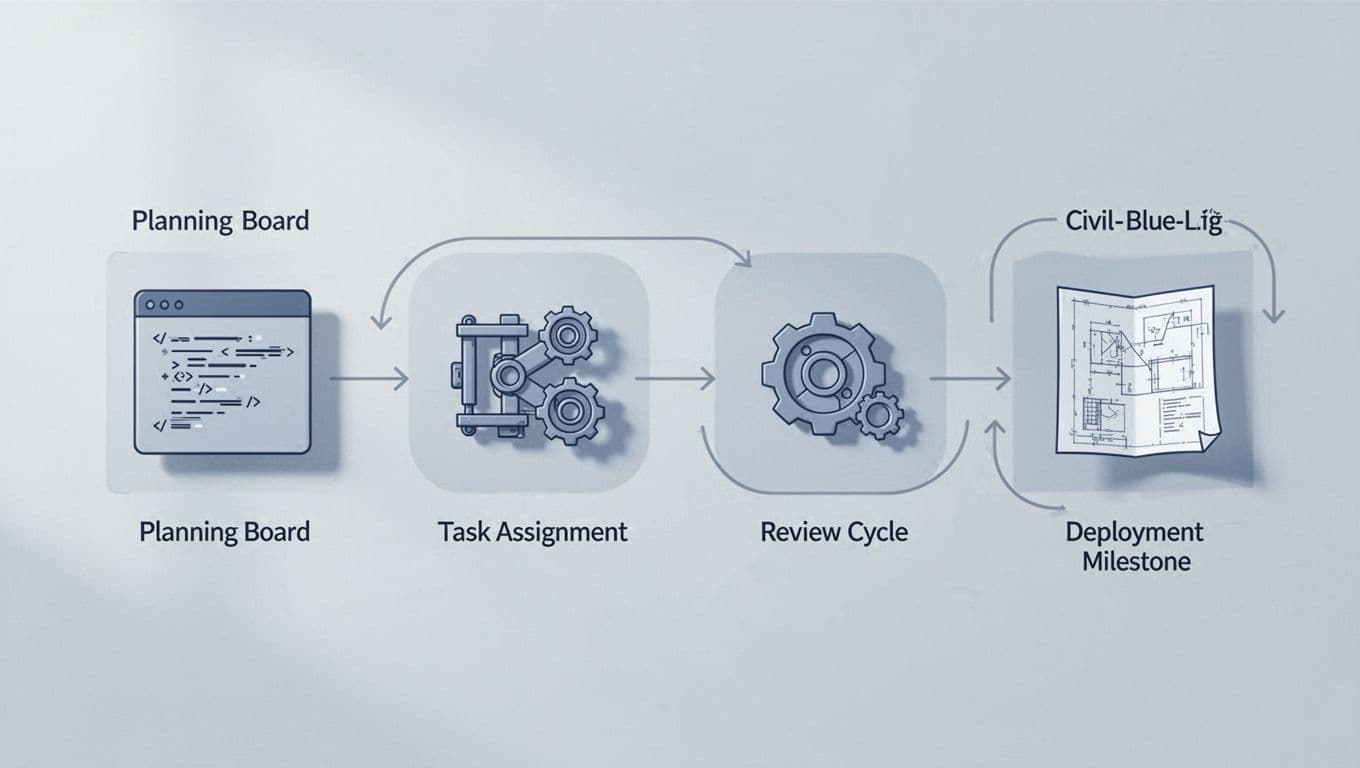
Best picks by use case, from software sprints to civil project coordination
- Jira is the best fit for software teams that need detailed workflows, sprint control, and tight engineering integrations.
- Wrike is the strongest pick for complex multi-team programs, especially in mechanical or civil environments with heavy planning and reporting.
- Asana works well for teams that want clarity, light training, and dependable task coordination.
- monday.com is a smart choice for visual workflow planning, dashboard-heavy tracking, and fast adoption across mixed roles.
- Shortcut is the best quick-start option for software teams that want less admin and a cleaner Agile workflow.
If you want one more outside view before choosing, this engineering software shortlist for 2026 lines up well with the same pattern: team fit matters more than brand size.
The best engineering project management software is the one that matches how your team already works, while fixing the blind spots that slow projects down. A bigger feature list won’t help if engineers avoid the tool or if reporting still depends on manual updates.
Shortlist two or three options, run one live project in each, and judge them on ease of use, visibility, and reporting quality. One team will land on Jira, another on Wrike, and another on monday.com or Asana. The winner is the tool your engineers trust enough to use every day.