
Too many texts, missed updates, old drawings, lost paperwork, and slow approvals can wreck a job before the real work gets moving. When the office runs on email and the field runs on memory, small mistakes turn into delay costs fast.
Good subcontractor project management software gives general contractors and trade partners one place to handle tasks, plans, RFIs, change orders, photos, and payment visibility. In 2026, tools like Procore, Buildertrend, Autodesk Construction Cloud, Fieldwire, and HardHat ERP are shaping what buyers expect, especially around mobile access and field-to-office coordination.
The hard part is not finding software. It’s picking the one your crews, PMs, and subs will use every day.
What subcontractor project management software actually helps you do
At the basic level, this software replaces scattered communication with one shared workflow. Instead of digging through email, texts, shared drives, and paper folders, teams can check one system for the latest schedule, plan set, task list, and project record.
That changes day-to-day work more than most buyers expect. A superintendent can post a schedule update once. A foreman can see it on a phone. A project manager can tie that update to drawings, photos, and a follow-up task. Meanwhile, the office can track whether the issue is still open.
For subcontractors, that matters because work moves fast and changes often. Crews need current information, not a recap sent hours later. Office staff need proof of work, accurate records, and a clear trail for billing. General contractors want fewer phone calls asking for the latest file.
A broad 2026 software roundup for subcontractors shows how much this category now overlaps with document control, field reporting, and payment tracking. That overlap is useful because jobs don’t break into clean boxes. Scheduling affects labor. RFIs affect production. Photos affect closeout and disputes.
Keep plans, RFIs, and change orders in one shared system
One source of truth reduces rework. When crews pull drawings from old email threads, they build from the wrong version. When RFIs live in personal inboxes, clarifications get missed. When change orders sit in a spreadsheet no one checks, the field keeps working on stale assumptions.
A shared system fixes that by putting current plans, marked-up sheets, RFIs, submittals, and change records in the same place. Everyone sees the same update history. That gives project teams fewer surprises and a better paper trail when scope shifts.
Give field crews mobile access to updates, photos, and punch lists
Field use matters as much as office use. If the app works only at a desk, crews fall back to text messages and verbal updates. Then the record gets weak again.
Mobile access helps crews check drawings, upload photos, close punch items, and flag issues without leaving the jobsite. Offline access matters too, especially on concrete structures, rural sites, and early-phase jobs with poor service.

Faster updates cut delays because crews stop waiting for someone back in the trailer to answer basic questions. That speed also helps with punch work, daily reports, and safety follow-up.
The features that make the biggest difference for subcontractors
Long feature lists can distract buyers. What matters most is whether the software connects field work and office work without extra admin. The best platforms in 2026 win because they reduce friction, not because they pile on tools.
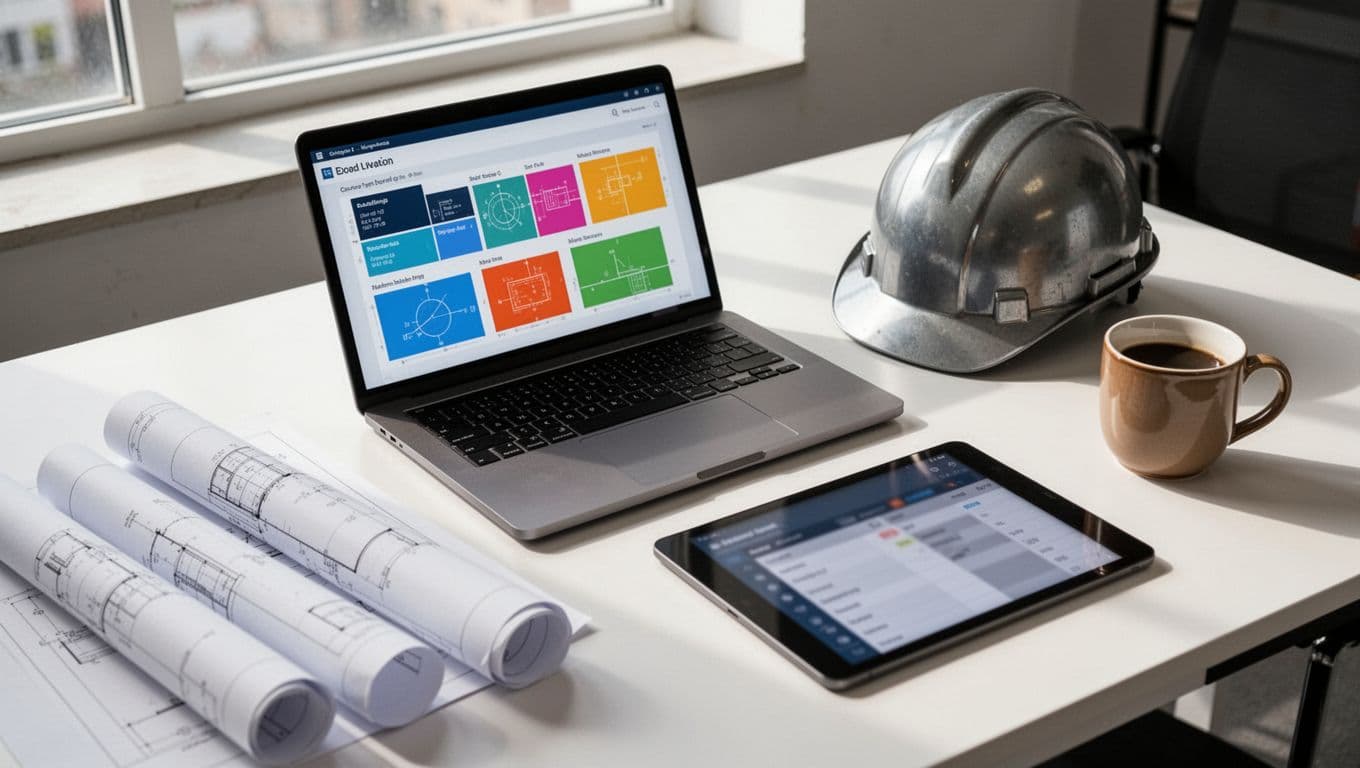
Start with scheduling. Subcontractors need to know what changed, who changed it, and how that affects labor. Next comes document control, because every active job depends on current drawings, RFIs, and change records. Daily logs and photo capture matter because they create proof, and proof matters when billing, disputing delays, or explaining site conditions.
Task management is another big one. Crews need clear assignments, due dates, and accountability. A subcontractor portal or collaboration hub also helps, especially when multiple trades and the GC need access to the same records. Then look at invoicing or payment tracking. Not every project management tool handles full accounting, but even basic visibility into pay apps, approvals, and change status can save hours.
Look for tools that cut back on double entry and manual follow-up
Double entry sounds minor until it hits every job, every day. A PM updates a schedule in one app, re-enters labor notes in another, then emails accounting so billing can catch up. That wastes time and creates mismatched records.
The better option is software that links with accounting tools, calendars, and other construction systems. If job data flows cleanly, office staff spend less time fixing avoidable errors. Buyers comparing job-cost-heavy systems often look at 2026 subcontractor software comparisons focused on costing and operations for that reason.
Choose software that supports compliance, safety, and subcontractor records
Compliance is no longer a side task. In 2026, buyers want stronger visibility into insurance status, prequalification records, safety checks, and risk history. That’s true on large commercial jobs, and it’s spreading into mid-sized work too.
A useful platform won’t make those records hard to find. It should show who is approved, what has expired, and where follow-up is needed. That helps project teams avoid slowdowns tied to missing certificates, incomplete forms, or weak subcontractor records.
How to compare the best subcontractor project management software options
Most buyers don’t need a giant product roundup. They need a short list based on company size, project type, and daily workflow.
Procore is often the choice for broad project control on larger commercial jobs. It works well when many stakeholders need access to RFIs, schedules, financial workflows, and document history. Buildertrend fits many residential builders and trade partners that need easier client-facing workflows and simpler setup. Autodesk Construction Cloud makes more sense when design coordination, model-based work, and deeper BIM links are part of the job. Fieldwire is strong for task-heavy field coordination, especially when crews live in plans, punch lists, and daily issue tracking. HardHat ERP appeals to firms that want field-first operations with stronger ties to production, labor, and equipment records.
This quick view helps frame the trade-offs:
| Software | Best fit | Main strength | Watch for |
|---|---|---|---|
| Procore | Larger commercial teams | Broad control across docs, RFIs, and financial workflows | Higher cost, longer rollout |
| Buildertrend | Residential and remodeling work | Easier adoption, client-facing tools | Less depth for complex commercial jobs |
| Autodesk Construction Cloud | Design-heavy and BIM-connected firms | Strong design-to-field coordination | More than some small teams need |
| Fieldwire | Field-driven teams | Fast task and plan management on mobile | Less complete for accounting-heavy needs |
| HardHat ERP | Field-first subcontractors | Labor, production, and offline field workflows | Smaller ecosystem than larger brands |
The takeaway is simple: popular doesn’t always mean practical.
Best fit for small teams, growing contractors, and larger commercial jobs
Small teams usually need speed, clear pricing, and low training overhead. They often do better with a simpler platform that covers scheduling, documents, daily reports, and mobile task tracking. Growing contractors need more structure, especially around change management, billing visibility, and reporting. Larger commercial firms often need stronger controls, permissions, and deeper integration.
If you’re weighing residential against commercial needs, this Procore vs Buildertrend comparison gives a useful frame for who each platform suits. For smaller contractors looking for affordable all-in-one options, a recent Contractor Foreman review is also worth a look.
Questions to ask before you commit to a demo or annual contract
Go into demos with real job scenarios. Ask whether subs can use it without much training. Check how well it works on phones, not only laptops. Review how documents are version-controlled, how reporting works, and what integrations are available. Then ask how pricing scales as you add users, jobs, or modules.
If the rep can’t show your actual workflow, the demo is too polished to trust.
Common mistakes to avoid when rolling out a new platform
Buying the tool is only part of the job. Rollout decides whether it helps or turns into another login nobody opens.
The common problems in 2026 are familiar: cost surprises, steep learning curves, slow setup, and weak integrations. Teams also underestimate process cleanup. If naming rules, file storage, and approval steps are messy before launch, software won’t fix that by itself.
New software fails when teams treat it like storage, not the place where work happens.
Training matters because adoption is uneven. Office staff may learn quickly, while field crews stick with texts unless the app is fast and useful. Subcontractors may resist too, especially if they already use another system. Set clear rules for where schedules, plans, RFIs, and photos belong, then hold the line.
Start with scheduling, documents, and communication before adding everything else
A phased rollout works better. Start with the few workflows that affect every project: schedules, current drawings, daily communication, and basic issue tracking. Once the team trusts the system, add forms, billing steps, safety records, and deeper reporting.
That approach gives quick wins and lowers stress. It also makes training easier because people learn one habit at a time. If you want a wider view of the current market before narrowing your shortlist, this 2026 subcontractor management tools directory is a useful reference point.
The best subcontractor project management software is the one that helps people work faster, communicate clearly, and avoid preventable jobsite issues. Flashy extras matter less than ease of use, strong mobile access, and a workflow that fits the way your team already builds.
Start small and stay practical. Shortlist two or three tools, bring real project examples into the demo, and see which one your field and office teams can use without friction.