
Using one app to manage projects and another to bill clients sounds manageable, until hours go missing, expenses sit in a spreadsheet, and invoices go out late. That split creates extra admin work, and it also makes mistakes more likely.
Good project management and invoicing software fixes that by keeping work, time, budgets, and billing in one system. You can see what the team is doing, what the client owes, and whether the project is still profitable, without stitching reports together by hand.
This matters most for freelancers, agencies, consultants, and service businesses that sell time or project work. Once delivery and billing connect, the whole business runs with less friction. That connection starts with knowing what this type of software is supposed to do.
What project management and invoicing software actually does
Project management and invoicing software combines delivery tools with billing tools. In plain terms, it helps you plan work, assign tasks, track time, record expenses, watch budgets, and turn approved work into invoices.
That sounds simple, but the difference matters. A basic project tool may help your team manage tasks, yet it often needs add-ons for time tracking, invoicing, or accounting. A more integrated platform ties those steps together from the start.
For service businesses, that link is where the value lives. When the software knows who worked on what, how long it took, and what the billing rule is, invoicing becomes much faster and more accurate. If you’re comparing categories, this roundup of software with invoicing shows how broad the market has become in 2026.
How it connects daily work to client billing
The workflow usually starts with planned work. A manager assigns tasks, sets deadlines, and tags the project with a budget or billing type. Team members then log billable or non-billable time as they work.
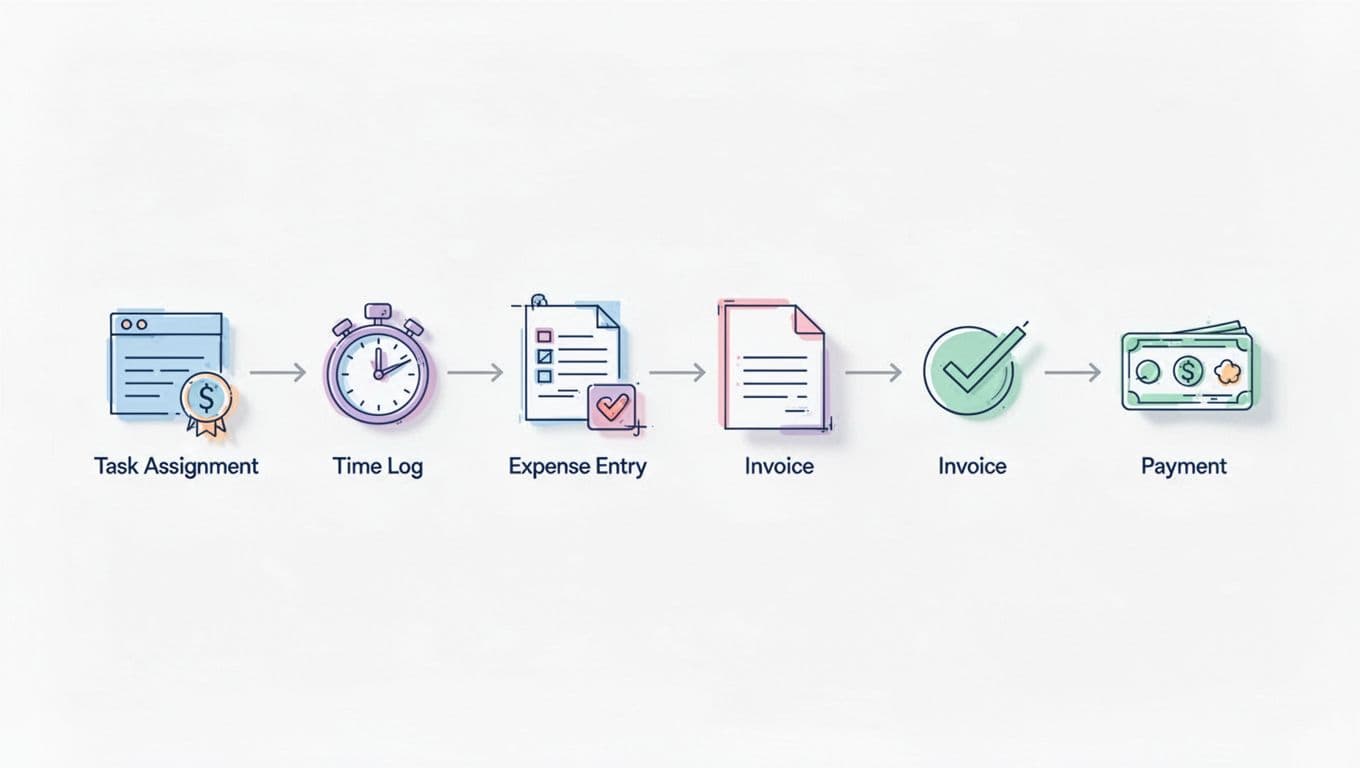
Later, that data feeds billing. Approved time can move into an invoice, along with expenses, fixed-fee milestones, or monthly retainers. In other words, the invoice reflects the actual work record instead of someone’s memory.
That doesn’t only help finance. It also gives project leads a live view of what has been earned, what is still unbilled, and whether a project is drifting off plan.
Why one system is easier than using separate apps
Separate apps create handoffs, and handoffs create errors. Someone exports time from one tool, copies expenses from another, checks the numbers in email, and then builds the invoice somewhere else. Each step takes time and adds risk.
One connected system removes much of that duplicate entry. The team logs work once. Managers approve it once. Billing pulls from the same source. Because the data stays in one place, the numbers are easier to trust.
There’s also a visibility benefit. Project leads can see work progress and billing status together, so they spot problems sooner. Finance teams can see what is ready to invoice, while owners can watch both cash flow and workload without chasing updates across apps.
The features that make a real difference
Not every tool that claims to do both jobs does them well. Some give you task lists plus a basic invoice screen. Others support the full path from planning through payment. The second group is where most service teams save time.
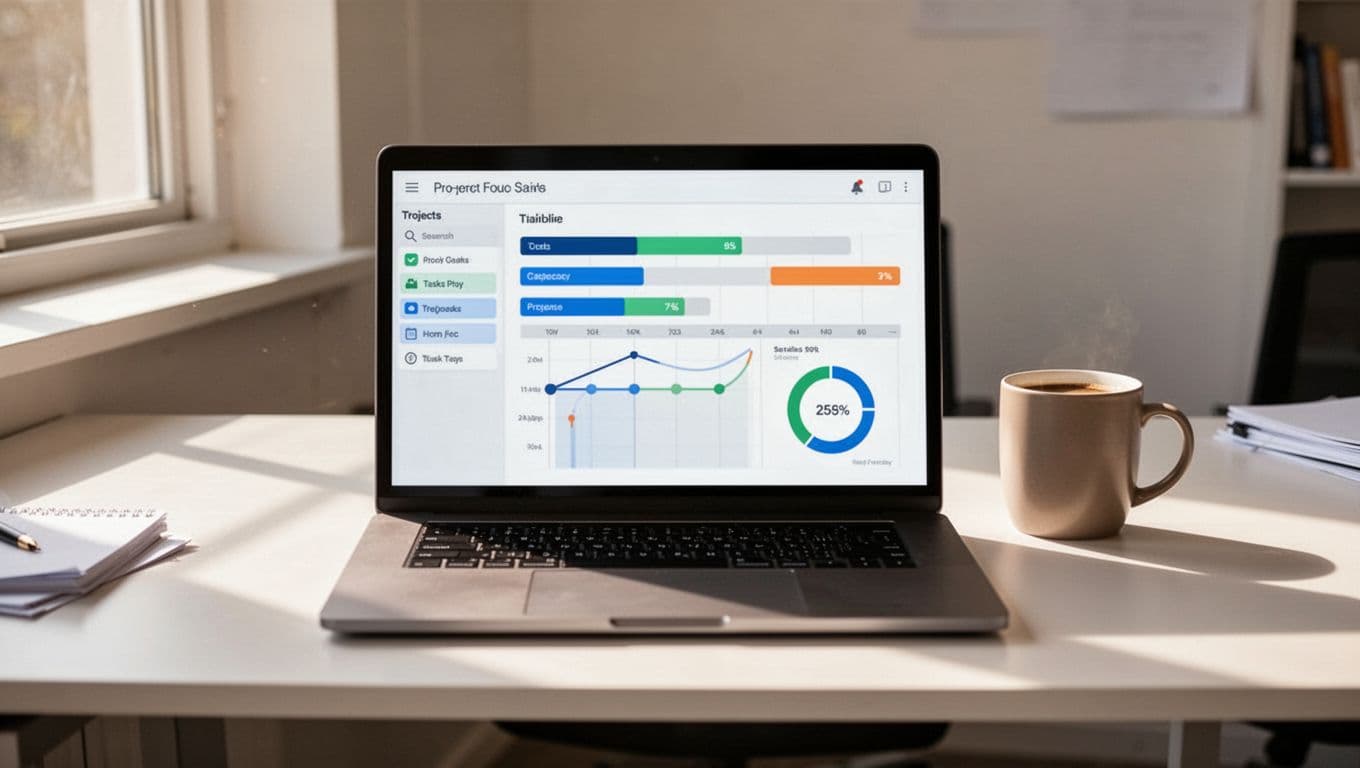
A helpful way to judge software is to ask one question: does it support the way you plan, track, approve, and bill work, or does it only cover part of that chain? The answer shows whether you are buying a real operating system for client work or a patchwork tool.
Project planning, task tracking, and team scheduling
Strong project features keep work moving before billing even starts. Look for task lists, boards, timelines, Gantt charts, and workload views. These help teams see deadlines, dependencies, and who has room for more work.
Collaboration tools matter too. Comments, file sharing, approvals, and status updates reduce back-and-forth in email. As a result, tasks move faster and fewer details get lost.
Some teams need simple boards. Others need resource planning across many active jobs. A broad view of project management formats, including Kanban and Gantt use cases, appears in Paymo’s project management software overview. The best choice depends on how your team already works.
Time tracking, budgets, and profit visibility
For service businesses, built-in time tracking is rarely optional. If you bill by the hour, it feeds invoices. If you bill fixed-fee, it still shows whether the work is profitable.
Timesheets should be easy to submit and easy to review. Budget tools should compare planned hours or costs against actuals. Profit dashboards should show whether a project still makes money before the job is over.

This is where many teams get surprised. Revenue can look healthy while margins quietly shrink because more hours were spent than planned. When time, labor cost, and budget data live together, that problem shows up early.
Invoice automation, payment options, and accounting links
The invoicing side should do more than create a PDF. It should pull approved time and expenses into invoices with little manual work. Recurring invoices help with retainers, while custom templates keep billing polished and consistent.
Tax support and approval workflows matter as a business grows. So do payment options. Clients want easy ways to pay, often through Stripe, PayPal, ACH, or card links.
Accounting links are another practical must-have. If invoices sync with QuickBooks or Xero, finance teams avoid retyping totals and reconciling by hand. That saves time, but it also keeps records cleaner at tax time.
Who gets the most value from these tools
The best fit is usually a business that earns revenue from time, projects, milestones, or monthly service agreements. If work needs to be planned and then billed, integrated software has a clear job to do.
Freelancers and small teams that need simple billing
Freelancers often start with separate apps because each one looks cheap and easy. Over time, the admin cost grows. Hours sit in notes, invoices wait until Friday, and follow-ups take too long.
An all-in-one tool brings order back to the week. You can track time while working, attach expenses to the right client, and send a polished invoice quickly. That means less time doing office work and more time doing paid work.
Small teams also benefit because everyone sees the same project record. One person doesn’t have to play detective to figure out what should be billed.
Agencies, consultants, and growing service businesses
Larger service teams feel the pain more sharply. Multiple people may touch the same account. Hours need approval. Client changes affect scope, schedule, and margin all at once.
That is why many firms look at PSA-style tools, not only simple project apps. Comparisons like Ravetree vs. BigTime for service firms reflect that shift toward platforms built around utilization, profitability, and billing control.
When several people contribute billable work, disconnected systems stop being an inconvenience and start becoming a revenue risk.
Integrated systems help managers plan capacity, track approvals, and spot over-servicing before it hurts the account.
How to choose the best project management and invoicing software
Choosing well has less to do with the longest feature list and more to do with fit. A smaller team with simple hourly billing needs something different from a consulting firm managing retainers, milestones, and resource plans.
Start with your workflow, not the feature list
Map your real process first. How do you estimate work, assign tasks, log hours, approve time, send invoices, and collect payment? Then compare tools against that path.
If the software forces extra steps, your team won’t keep it updated. That breaks the reporting, and billing suffers next. The right tool should reduce handoffs, not add them.
Compare a few strong options in today’s market
The market splits into true all-in-one tools and broader work tools that rely more on integrations or add-ons.
This quick view helps frame the options:
| Tool or group | Best fit | What to know |
|---|---|---|
| Ravetree, BigTime | Service firms | Often evaluated for PSA-style work, billing, and profitability needs |
| Paymo | Small teams and agencies | Commonly considered for project tracking, time tracking, and invoicing together |
| Harvest, Clockify | Time-first workflows | Often compared on tracking billable hours, then paired with other PM or billing tools |
| Wrike, Smartsheet | Larger organizations | Stronger for complex planning, reporting, and cross-team coordination |
| Asana, Monday.com | General work management | Flexible and popular, though invoicing may depend more on integrations |
Current 2026 market coverage also shows Wrike leaning toward enterprise work management, Asana offering multiple project views and many integrations, Smartsheet focusing on portfolio visibility, and Monday.com standing out for visual dashboards and automation. If you’re deciding between time-first tools, the Harvest vs Clockify comparison is useful because it highlights how similar products can differ once billing needs enter the picture.
Watch for 2026 trends that can save even more time
AI is starting to help with scheduling, resource planning, and risk spotting. In several 2026 platforms, it also assists with prioritizing tasks and flagging budget trouble earlier.
Cloud-based all-in-one systems are also gaining ground. Teams want fewer disconnected tools, better approvals, and billing tied more closely to project progress. That trend is practical, not flashy. It saves time because the software does more of the admin work in the background.
The best project management and invoicing software is the one that matches how your team plans work, tracks time, and gets paid. Fancy features won’t help if the daily workflow still depends on exports, manual fixes, and late approvals.
For most service businesses, the biggest win comes from putting delivery and billing in the same system. That reduces mistakes, shortens the path to invoice, and gives you a clearer view of profit while the work is still in motion.
Shortlist a few tools, then test them with one real project. A live trial will tell you more than any feature page, and it will show whether the software fits your business in practice.