
Most companies run far more software than they realize. A few apps come through IT, more show up on team cards, and soon nobody knows who owns what.
That creates three expensive problems at once: wasted spend, weak security, and messy access control. SaaS management tools fix that by giving you one place to find, track, secure, and optimize cloud apps like Slack, Zoom, Salesforce, and hundreds more.
If your app stack keeps growing, a simple dashboard can save more trouble than another spreadsheet ever will. The sections below explain what these tools do, which features matter most, how to choose one, and which platforms stand out in 2026.
What SaaS management tools do for your business
SaaS management tools are built to answer a basic question: what software is your company paying for, who can access it, and is it worth the cost?
In plain terms, they pull scattered software data into one view. That usually includes apps, users, licenses, spending, renewals, security risks, and workflows tied to onboarding or offboarding. Gartner describes this category as a centralized way to discover, manage, optimize, and automate SaaS apps, which matches how most buyers use these platforms today, as shown in Gartner’s SaaS management platform reviews.
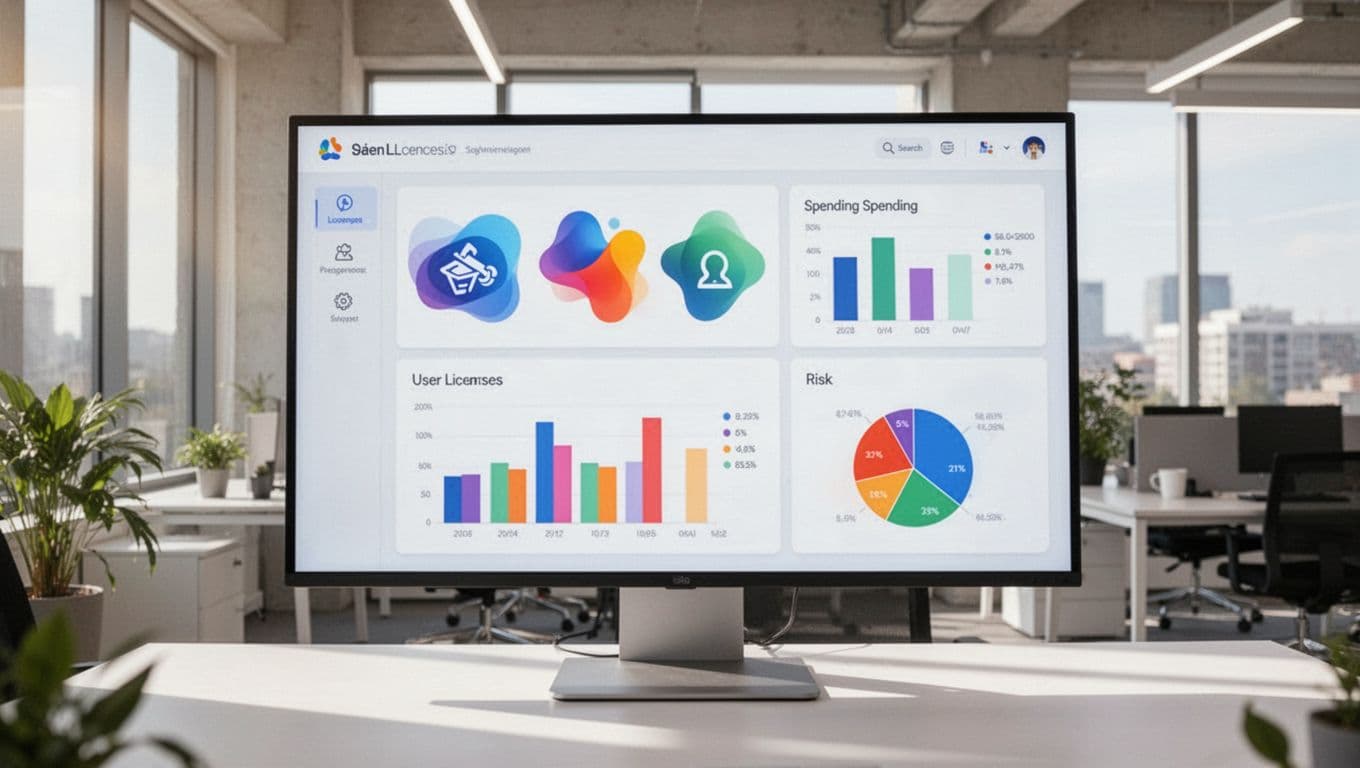
That matters because SaaS grows in quiet ways. Sales buys one tool, HR buys another, and marketing signs up for five trials that later become paid plans. Before long, finance sees a bloated software bill, while IT sees blind spots.
A strong tool helps with visibility, cost control, employee access, compliance support, and renewal planning. It gives finance a clearer budget picture. It gives IT better control over risk. It also gives ops a way to cut manual work.
If you can’t see every app, you can’t manage spend or risk.
They uncover hidden apps and shadow IT
Shadow IT is the software your teams use without formal approval. It often starts with good intent. Someone needs to solve a problem fast, so they sign up with a company card.
The risk shows up later. Those apps may hold customer data, connect to business systems, or stay active after the buyer leaves. Good SaaS management tools use auto-discovery to scan logins, browser activity, finance records, or SSO data. Platforms focused on discovery, such as Torii’s SaaS visibility engine, highlight how much software hides outside the approved stack.
They help cut waste from unused licenses
Many companies pay for seats nobody touches. Others buy enterprise plans when only a small team uses the product. Renewals then roll over because nobody has clean usage data.
A management tool flags low adoption before renewal dates hit. That gives you time to reclaim licenses, downgrade plans, or cancel apps you no longer need. Even one round of cleanup can uncover savings that were sitting in plain sight.
The features that separate a good tool from a great one
A basic tool shows your apps. A great one helps you act on what it finds.
In 2026, buyers expect more than a static inventory. They want AI-powered insights, better spend tracking, clear renewal views, and automation that removes routine admin work. Recent 2026 market roundups, including this overview of SaaS tools from Block64, show that the strongest platforms now combine discovery, optimization, and security in one workflow.

When you watch a demo, don’t focus on how pretty the dashboard looks. Focus on whether the tool makes decisions easier. Can it tell you which apps overlap? Can it flag unused licenses before you renew? Can it show who still has access after leaving the company?
The best products also work across teams. Finance needs spend and renewal data. IT needs app discovery and access controls. Security needs alerts and audit trails. If the platform only solves one slice of the problem, you’ll end up stitching together more tools.
Auto-discovery, spend tracking, and renewal alerts
These are the visibility features that matter most.
Auto-discovery helps you find apps that slipped through procurement. Spend tracking ties those apps to real invoices, contracts, or card charges. Renewal alerts then give you time to act before money goes out again.
Good platforms also show usage against cost. That makes budget planning easier because you can forecast software spend with more confidence. It also helps during planning season, when every team claims its tools are essential.
Access control, offboarding, and compliance support
User access is often the bigger risk than the app itself. If former employees still have access to docs, CRM data, or admin settings, your exposure grows fast.
Strong SaaS management tools support automated provisioning and deprovisioning. They can add access when someone joins and remove it when they leave. They also create audit trails, which helps with internal reviews and policies tied to frameworks such as GDPR. You don’t need a legal deep dive here. You need clean records and fewer forgotten accounts.
How to choose the right SaaS management tool
Buying the right platform starts with one hard truth: your biggest problem should shape the shortlist.
Some companies need visibility first. They don’t know how many apps they have, so discovery matters most. Others already know the stack but need stronger offboarding and access control. Another group wants savings, which means license data, contract tracking, and renewal workflows should lead the evaluation.
Start by mapping your environment. Count your major apps, identity providers, finance systems, and procurement workflows. Then decide who owns the project. If finance leads, cost control may come first. If IT leads, access and governance may matter more. If procurement leads, vendor management and contract support may decide the winner.
Start with your biggest problem, not the longest feature list
Feature-heavy demos can distract you. A tool might show workflow builders, deep reports, and AI summaries, but still miss the issue hurting you most.
Keep the outcome simple. If you want savings, ask for proof of license reclamation and renewal support. If you want security, test offboarding and access reviews. If you want better procurement, look at contract data and approval flows.
This is also where company size matters. Smaller teams often want a platform that’s easy to roll out and simple to use. Larger teams may need broader integrations, deeper controls, and more detailed reporting. Recent 2026 comparisons like Zylo’s software asset management guide reflect that split, especially as AI apps and usage-based billing add new cost pressure.
Ask about integrations, pricing, and time to value
During demos, ask direct questions.
Which apps connect out of the box? Does the tool integrate with your SSO, HRIS, ERP, and finance stack? How is pricing set, by employee count, app count, spend under management, or contract size? What setup work falls on your team?
Also ask how long it takes to get useful data. Some tools shine after weeks of setup. Others show savings or risk findings much sooner. A good vendor should explain the rollout clearly, not hide it behind vague promises.
Ease of use matters too. If only one admin can understand the reports, adoption will stall. The best platform is one your finance, IT, and ops teams can all use without constant hand-holding.
Top SaaS management tools to know in 2026
The SaaS management market is crowded, but a handful of names keep showing up in 2026 buying discussions. Based on current visibility across market roundups and reviews, these six tools are among the strongest options for US teams evaluating the space.
Best picks for visibility, savings, and all-around management
Josys is a strong fit for teams that want broad visibility and clear prioritization. It stands out for its SaaS Management Score, license tracking, and growing AI support. You can see its current market positioning in Josys’ 2026 SaaS platform roundup.
Zluri works well for companies that want an all-in-one feel. It combines discovery, spend visibility, workflows, and employee lifecycle tasks in one product. That makes it appealing for mid-sized teams that want fewer moving parts.
Zylo remains one of the best-known options for enterprise-grade visibility and spend control. Its standout strength is software discovery tied to usage and license optimization. For larger companies with serious renewal pressure, that’s a meaningful edge.
Best picks for procurement, security, and cloud cost control
Vertice is a strong choice for procurement-led teams. It brings buying workflows, vendor negotiation support, and spend oversight into the same process. If your goal is better purchasing discipline, Vertice deserves a close look.
BetterCloud is often the better fit when security and automation matter most. It has a strong reputation for SaaS operations, user lifecycle workflows, and policy-based admin control. That makes it useful for IT teams that need tighter day-to-day governance.
Binadox stands out for teams that want SaaS and cloud cost control in one place. If you’re tracking both app subscriptions and broader cloud spend, that combined view can save time and reduce reporting gaps.
No tool is perfect for every company. Still, these platforms cover the main buyer needs in 2026: visibility, savings, procurement control, and security automation.
Your software stack won’t get simpler on its own. It usually grows faster than anyone expects, and that growth gets expensive when nobody owns it end to end.
The best saas management tools help you save money, reduce risk, and bring order to a messy app stack. Start with a quick audit of the software you already use, name your biggest pain point, and then shortlist platforms built for that exact job.