
Your website should do more than look fit and polished. It should bring in leads, answer common questions, and help people book without waiting on your reply.
That is why the best personal trainer website builder depends on your business, not on hype. Some trainers need a clean five-page site. Others need booking, payments, memberships, and online coaching tools in one place.
The goal is simple: pick a platform that fits your budget, your comfort level, and the way you train clients today, while still giving you room to grow.
What a personal trainer website builder should help you do
A trainer’s website is part sales page, part front desk, and part proof that you know your stuff. People land on your site with one thing in mind: “Can this coach help me?” If the answer is hard to find, they move on.
That is why a builder should help you turn visitors into booked clients, not only publish a homepage. Recent fitness website builder reviews from Trainerize make the same point: your site is often the first real contact a client has with your business.
Show your services clearly so people know how you can help
Most trainers do more than one thing. You might offer one-on-one sessions, online coaching, small group classes, nutrition support, or a specialty program for fat loss, strength, or postnatal fitness.
Your site should separate those offers clearly. Each service needs a short description, who it’s for, what’s included, and the next step. That next step might be “book a consult,” “buy a package,” or “join the waitlist.”
A visitor should not have to guess whether you train beginners, athletes, busy parents, or older adults. Clear service pages do that work for you. They also help you avoid long back-and-forth messages with people who are not the right fit.
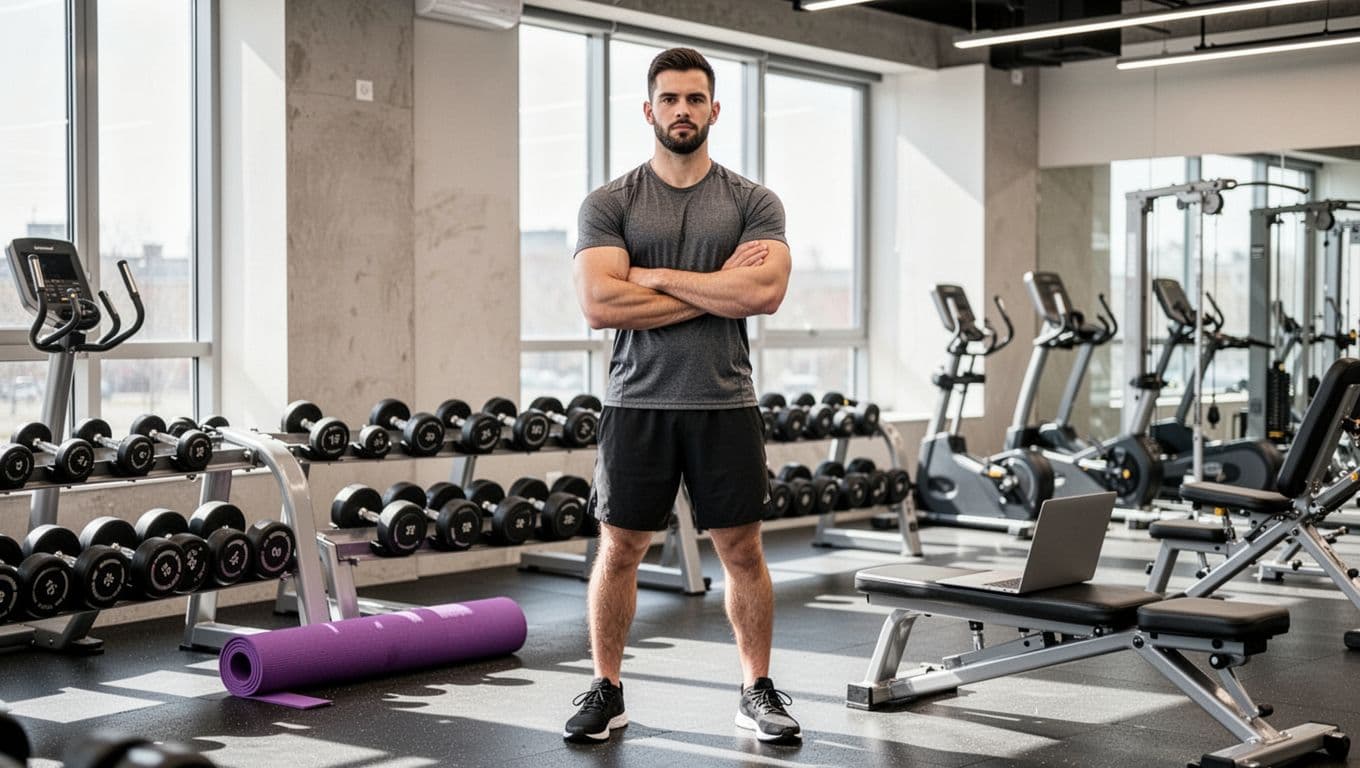
Place your strongest offer near the top of the site. Then add social proof nearby, such as testimonials, simple results, or photos that show your style. A pretty homepage helps, but a clear offer sells.
If people cannot understand your offer in under 30 seconds, your website is working against you.
Make booking and payments simple from the start
Many trainers lose leads because their process starts with, “Email me for details.” That adds friction right away. People are busy, and attention fades fast.
A good personal trainer website builder should support contact forms, scheduling, and payment collection without extra steps. Mobile checkout matters too, because a lot of visitors will find you on Instagram, Google Maps, or TikTok, then tap through on their phone.
When booking is built in, clients can choose a session, pick a time, and pay in one flow. That saves time on both sides. It also reduces no-shows when confirmations and reminders go out automatically.

The features that matter most before you pick a builder
Every platform promises easy setup. The real difference is how much you can do after launch, and how much it costs once you add the tools you need.
Templates, design control, and how fast you can launch
Some builders give you near-total freedom. Others keep you on rails so the site still looks polished. Neither approach is wrong. It depends on how hands-on you want to be.
Wix gives you a lot of design control, which is great if you care about brand details. Squarespace is more guided, so it is easier to keep a clean look. SITE123 is even simpler, which helps if speed matters more than custom design.
Independent fitness website builder comparisons from Sitebuilder Report often rank ease of use and design quality as the main tradeoff. That matches real life. More flexibility usually means more choices to manage.
Tools for leads, client trust, and online coaching
Local trainers and online coaches often need different tools. A local trainer may care most about maps, service area pages, testimonials, and an easy booking form. An online coach often needs video delivery, memberships, email capture, and a client portal.
Still, some tools matter for both. You want strong contact forms, clear calls to action, and proof that you get results. Testimonials, before-and-after photos, trainer bios, and FAQ sections all help people trust you faster.
If you coach online, check whether the builder supports gated content, recurring payments, and member access. If you train in person, look at local search basics, mobile speed, and how easily someone can request a consult after work from their phone.
Pricing, hidden costs, and how to choose a realistic budget
In 2026, starter pricing is all over the place. Hostinger starts around $3.99 per month on longer plans. Squarespace starts around $15 per month, and Wix starts around $17 per month, based on recent published pricing comparisons. SITE123 has a free plan, with paid plans starting around $12.80 per month. Fitune is more of a fitness business platform, so pricing can be less simple to pin down from public summaries.
The monthly plan is only part of the bill. You may also pay for a custom domain, transaction fees, email tools, premium scheduling, memberships, or third-party apps. That is why “cheap” can become expensive fast.
If your budget is tight, start with the few tools that directly help you sell. A recent roundup of free and low-cost website builders for personal trainers is useful if you want to compare entry-level options before you spend more.
The best budget choice is the one that covers your booking flow without forcing four extra add-ons.
Best personal trainer website builder options in 2026
These are the strongest options right now for most trainers. The quick comparison below keeps the focus on fit, not feature overload.
| Builder | Best for | Starting price | Watch for |
|---|---|---|---|
| Wix | Most trainers who want flexibility | $17/month | Can feel busy at first |
| Squarespace | Clean, premium-looking brands | $15/month | Less design freedom |
| Hostinger | Tight budgets | $3.99/month | Fewer advanced fitness tools |
| Fitune | Trainers who want business tools in one place | Varies | Weaker design control |
| SITE123 | Fast, simple setup | About $12.80/month | Basic customization |
For most trainers, the decision comes down to how much design freedom you want, and whether you need coaching tools beyond standard pages.
Wix, best for most personal trainers who want flexibility
Wix is the strongest all-around pick for many trainers. It offers drag-and-drop design, a big template library, AI tools, booking features, memberships, blog support, and app add-ons when you need more.
That mix makes it a smart choice for local trainers, hybrid businesses, and coaches who want one website to handle a lot of jobs. The official Wix fitness website builder also shows how the platform supports bookings, payments, and memberships in one setup.
The catch is simple. New users can feel lost because there are many choices. If you like control, that is a plus. If you want the fastest clean launch, another builder may feel easier.
Squarespace, best for a clean and premium brand look
Squarespace is strong when appearance matters a lot. Its templates look polished with less work, and the mobile layouts tend to hold up well out of the box.
That makes it a good fit for trainers who sell a high-end service, such as private coaching, niche programs, or premium small-group training. It also works well if you want a simple blog, lead form, class booking, and membership pages without too much tinkering.
The tradeoff is less freedom once you want a very custom layout. You can still build a strong site, but Wix gives you more room to move things around.
Hostinger, Fitune, and SITE123 for budget or fitness-specific needs
Hostinger is a good starting point if money is tight. It is affordable, simple, and includes AI help for setup and copy. For a new trainer who needs a clean online home fast, it can do the job.
Fitune is different. It is better for trainers who want more than a website. If your business relies on memberships, automations, classes, and client management, Fitune can make more sense than a standard site builder. The downside is that its website design tools are not the main reason to choose it.
SITE123 works for people who want to get online quickly with very little setup pain. It is useful if most of your leads come from social media and you mainly need a simple site, clear service info, and a contact path. You can also browse SITE123 personal trainer templates to see whether the style fits your brand.
How to choose the best builder for your training style and growth plan
The right platform depends on how you sell, how you coach, and where your next year is headed.
Best fit for local trainers, online coaches, and hybrid businesses
Local trainers usually need strong service pages, local trust signals, maps, reviews, and a booking tool that works on mobile. If your main goal is getting nearby clients to book a consult, keep the site simple and action-focused.
Online coaches need more support behind the scenes. Video delivery, memberships, recurring payments, lead capture, and client access matter more than map embeds or location pages. In that case, Wix or Fitune often make more sense than a bare-bones builder.
Hybrid businesses need both. You may train some clients in person and sell plans online. That calls for flexible pages, payments, booking, and room to add digital products later.
Questions to ask before you commit to any platform
Before you choose, test the builder against your real workflow, not a demo fantasy.
- Can clients book and pay with as few steps as possible?
- Will the site still fit if you add classes, memberships, or online coaching later?
- Can you change templates or redesign without rebuilding everything?
- How easy is it to update prices, photos, and schedules on your own?
- Is customer support good enough when a payment form or booking page stops working?
Use the free trial if there is one. Add one real service, one payment step, and one booking page. That small test tells you more than any feature list.
A good personal trainer website builder fits your offer, your budget, and the way you work. It should make booking easy, look good on phones, and give you space to grow without turning every update into a chore.
Pick your top two options and build a rough version of your site this week. The platform that feels easiest to launch is usually the one you will keep using.