
Slow queries rarely send a warning. Most teams find out something is wrong when users complain, jobs fail, or an app starts timing out.
That is why sql server database monitoring tools matter. SQL Server can look fine at a glance while waits pile up, blocking spreads, or tempdb starts to choke. The pain often shows up first in the app, not in the database console.
A good tool helps you spot trouble early and fix it fast. That matters even more now, because many teams run a mix of on-premises SQL Server, Azure SQL, and hybrid workloads.
What a good SQL Server monitoring tool should actually help you do
A strong monitoring tool should answer simple questions quickly. What is slow right now? What changed? Is the problem the query, the server, the disk, or the app calling the database? If the tool can’t guide you to those answers, the dashboard polish doesn’t matter.
At the core, good monitoring means real-time performance tracking, clear alerts, and enough history to explain recurring issues. It should show waits, blocking, deadlocks, job failures, memory pressure, disk latency, and query behavior in one place. For mixed estates, it should also handle Azure SQL or hybrid environments without making you stitch together three separate views.
The metrics that help you catch problems before users complain
The best signals are usually boring, and that’s a good thing. CPU, memory, storage I/O, wait stats, query duration, failed Agent jobs, tempdb pressure, and storage growth tell the story before users open a ticket.
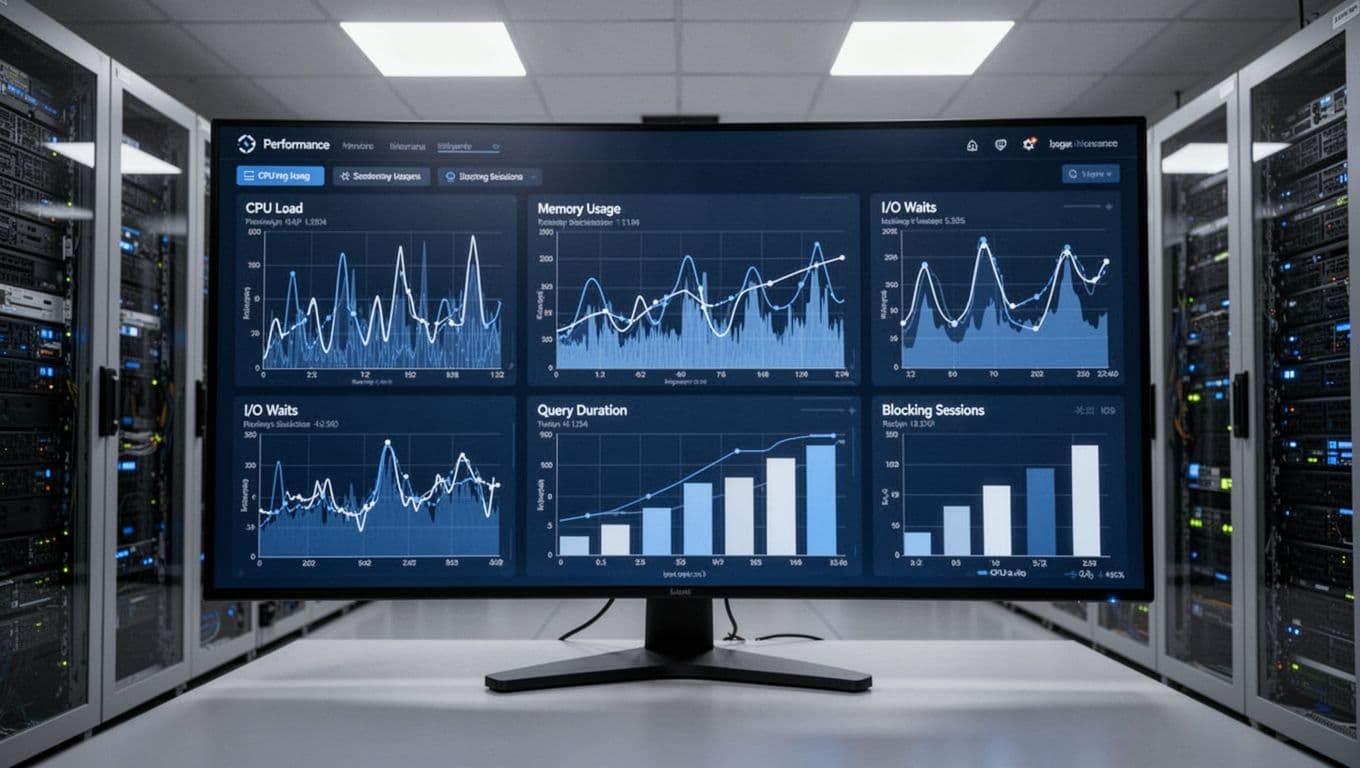
Historical data matters just as much. A single spike may mean nothing, but a pattern tells you when a nightly ETL job collides with backups, or when a monthly report always drags query latency up. Baselines turn noise into context, so you can tell the difference between a bad day and a real trend. For a current market snapshot, Bytebase’s 2026 overview of SQL Server monitoring tools is a handy reference.
Features that save time for small teams and busy DBAs
Small teams need tools that cut work, not add more of it. Smart alerts, custom thresholds, query plan insight, and low overhead all matter because most DBAs already wear too many hats.
Setup should be straightforward. Reports should be easy to share with developers and managers. A tool that can explain why a query slowed down is far more useful than a flashy wallboard. The same goes for alert quality. If every minor blip fires an email, people stop trusting the system.
The best monitor is the one your team checks before users start emailing.
A quick look at the top SQL Server database monitoring tools in 2026
As of April 2026, the leading options still split into two camps: paid platforms with deeper automation and free tools that give strong value if you’re willing to do more setup. The right choice depends less on brand name and more on your environment, workload, and staffing.
This table gives a quick comparison before the short summaries.
| Tool | Best fit | Main strength | Tradeoff |
|---|---|---|---|
| SolarWinds Database Performance Analyzer | Busy DBAs, mixed estates | Wait-based analysis, trend views | Premium cost |
| Redgate SQL Monitor | SQL Server-heavy teams | Clear dashboards, alerts, baselines | Less broad than full-stack tools |
| Idera SQL Diagnostic Manager | Larger estates | Real-time diagnostics, reporting | Can feel heavy |
| Datadog Database Monitoring | Cloud-first teams | Database plus app visibility | Usage-based pricing |
| SQLWATCH | Value-focused teams | SQL Server and Azure SQL coverage | More hands-on |
| DBA Dash | Small shops, SQL Server admins | Free health checks and performance views | Less polish than paid suites |
ManageEngine Applications Manager and dbForge Monitor are also worth a look when you want broader app monitoring or a lighter commercial option.
Best paid tools for deep performance insight and easier alerting
SolarWinds Database Performance Analyzer remains a strong choice for root-cause work. It is well known for wait-based analysis, historical trends, and helping you tie a slowdown to the exact period when pressure started. The SQL Sentry product page from SolarWinds also points to Azure SQL support and fast drill-down workflows. It fits teams that need depth, but it sits in the premium tier.
Redgate SQL Monitor is easier to like on day one. Its dashboards are clean, the alerting is practical, and the tool does a good job with baselines, top queries, waits, and estate-wide visibility. The official Redgate Monitor overview shows its multi-platform angle, but it still feels most natural in SQL Server-heavy shops. Pricing is usually mid-range to premium, depending on estate size.
Idera SQL Diagnostic Manager continues to show up in 2026 lists for a reason. It gives strong real-time monitoring, alerting, and reporting across many servers. That makes it a good fit for medium to large companies, especially where one DBA team watches a lot of instances. The tradeoff is weight. There is more to learn, and some teams may only use part of what they buy.
Datadog Database Monitoring is the outlier in this group because it works best when the database is only part of the story. If your team already uses Datadog for apps, traces, and infrastructure, bringing SQL Server into the same view can speed up triage. You can connect a slow query to an app deploy or service spike faster. Pricing is usage-based, so costs can climb if you collect too much without clear goals.
Best free and lower-cost options for teams that need value first
If budget comes first, start with DBA Dash and SQLWATCH. Both can give real value without the cost of enterprise suites.
DBA Dash is a practical free tool built for daily SQL Server work. It tracks CPU, I/O, blocking, running queries, backups, agent jobs, and config changes. For smaller teams, that coverage is hard to ignore. You won’t get the same polish or guided analysis as the big paid tools, but you can get a lot done.
SQLWATCH deserves attention too, especially for teams with SQL Server and Azure SQL together. It focuses on observability, real-time dashboards, and a more affordable path than traditional enterprise products. Depending on the version and setup, it may still require more hands-on work than a plug-and-play SaaS tool.
If you want a lower-cost commercial option, Devart’s database monitoring tools comparison is a useful place to size up dbForge Monitor against broader platforms. Free tools can absolutely work, but expect more tuning, more manual care, and fewer built-in shortcuts.
How to choose the right tool for your team, budget, and SQL Server setup
A tool should fit the team you have, not the team you wish you had. One DBA handling 40 servers needs automation and alert control. A small shop with five instances may need simple health checks and historical trends more than anything else.
Cloud-first teams often benefit from tools that connect database, app, and infrastructure data. On the other hand, SQL Server-focused teams may move faster with a product built mainly for database work.
Questions to ask before you buy or roll out a monitoring tool
Start with scope. How many servers do you manage today, and how fast is that number growing? Do you monitor only on-premises SQL Server, or do you also need Azure SQL Database and Managed Instance support?
Then look at operations. How much history do you need to keep? Who gets alerts, and how much alert noise can the team tolerate? Does the tool need read-only access, agent installs, or elevated rights? Also ask whether you need deep query tuning or simple health checks.
Trials matter here. Test the product against your real workload, not a quiet lab server. A monitor that looks great in a demo can become a burden when the alerts start firing.
Common mistakes that lead to a poor monitoring choice
Teams often buy based on reputation alone. That can lead to paying for advanced features nobody uses, or skipping a lighter tool that fits the environment better.
Another common mistake is ignoring overhead. Monitoring itself uses resources, so test collection load before a full rollout. Also bring developers into the conversation. They often need query-level clues, while DBAs need server-wide context.
Alert fatigue is the quiet killer. If every threshold is set too low, the inbox fills and trust drops. The best tool is the one your team will use every day, because it helps people act fast.
What trends are shaping SQL Server monitoring tools right now
The market in April 2026 points in a clear direction. Tools are pushing harder on AI-assisted alerting, deeper query visibility, cloud support, and tighter links with full-stack observability platforms.
That shift makes sense. More teams now run hybrid estates, and more apps depend on shared services, APIs, and cloud data flows. A slow query rarely lives in isolation anymore.
Why cloud visibility and smarter alerts are becoming standard
Modern monitoring has moved past uptime checks and simple CPU alarms. Teams want fewer false alarms, better root-cause hints, and a view that follows a request from app to database.
That is where AI-assisted alerting can help, when it is used well. The goal is not magic. The goal is better signal quality, better baselines, and faster triage. Recent market snapshots also show stronger demand for platforms that combine SQL Server data with app traces and infrastructure metrics. Datadog leans hard into that model, while SQL Server-focused tools are adding more cloud and hybrid support to keep up.
At the same time, query-level visibility is getting sharper. That matters because AI-generated SQL, reporting tools, and heavy analytics can create odd load patterns. Teams need monitors that catch those patterns early and explain them clearly.
A healthy-looking SQL Server can still hide a line of blocked sessions and slow plans. The right monitor helps you see that before users feel it.
Pick based on your team size, your budget, and where your workloads run. Then start with a trial, test against real problems, and keep the tool that gives clear signals and fast next steps. Visibility matters most when it leads to action.