Video AI used to mean motion detection and not much else. That has changed fast. In March 2026, modern systems can review visuals, speech, sounds, on-screen text, and patterns over time to describe what happened in a clip with surprising detail.
So, what can AI analyze in videos today? Quite a lot, but not everything. This guide breaks down what these tools can detect, where they work well, and where human judgment still matters most.
What AI can analyze in videos today
Most strong video analysis systems are now multimodal. In plain English, that means they don’t look at pixels alone. They combine image data, audio, and text for a better read on the scene.
That shift matters because video is more than a stack of pictures. A person may look calm in one frame, but their voice, pace, and later actions can tell a very different story.
Objects, people, and movement across a scene
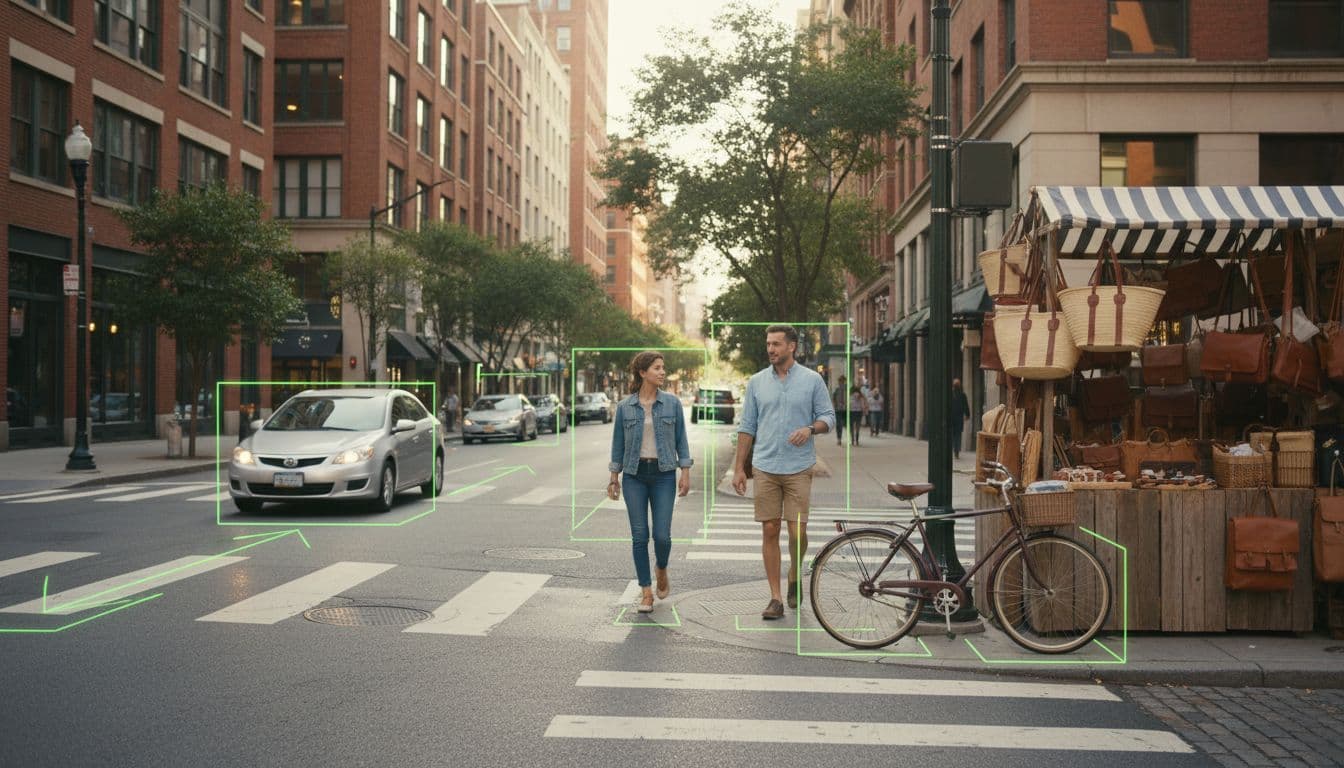
AI can spot and label objects like cars, bags, bikes, animals, phones, and tools. It can also count them, locate them in the frame, and track where they move over time.
That tracking is a big step forward. Instead of treating each frame like a new photo, many systems can follow the same person or object across many frames, even in a busy setting. As a result, teams can measure crowd flow, vehicle paths, repeated motion, and handoffs between people.
In practice, that helps with traffic analysis, retail movement, warehouse activity, and public safety reviews. It also helps AI flag patterns, such as a bag left in one spot or a vehicle moving the wrong way.
Faces, expressions, and basic emotion signals
Some tools can detect faces and tell when the same face appears again in a video. In settings where it’s legal and allowed, they may also compare a face against a known database. However, that enters sensitive territory fast, especially in public spaces or high-stakes decisions.
AI can also read visible expressions such as happy, sad, angry, or surprised. That sounds useful, and sometimes it is, but this area needs caution. A raised eyebrow isn’t a full truth. Lighting, culture, camera angle, and personal habits can all distort the result.
Expression analysis can suggest a signal, but it should not stand in for intent, truth, or mental state.
Because of that, responsible teams treat emotion detection as a weak clue, not a final answer.

Actions, events, and unusual behavior
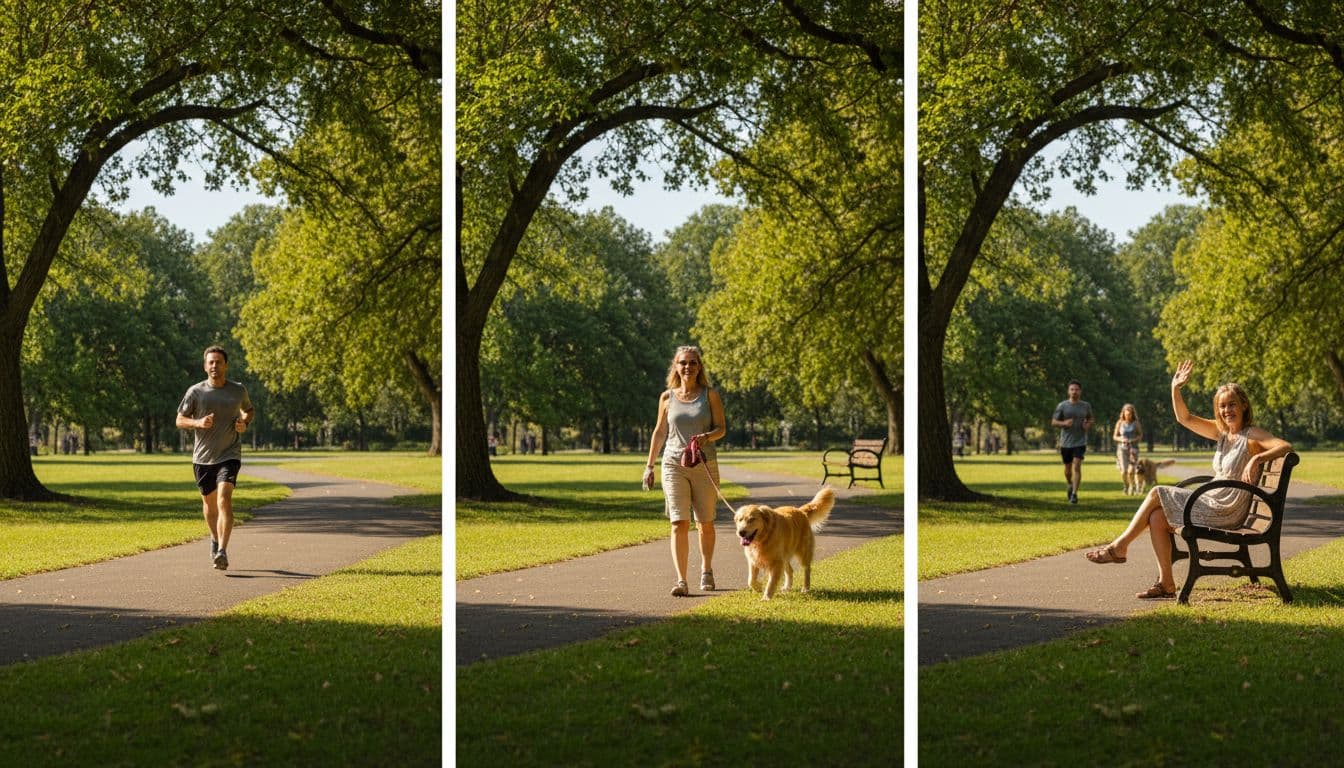
This is where video AI becomes much more useful than a basic camera search. Many tools can recognize actions such as walking, running, falling, waving, fighting, climbing, entering a room, or leaving an item behind.
They can also detect events, which are bigger than a single action. For example, a system might flag a person crossing a boundary, a crowd suddenly forming, or someone staying in a restricted zone longer than expected.
Anomaly detection goes one step further. Instead of looking for one exact action, it learns what “normal” looks like in a place, then flags behavior that seems unusual. That could mean a person moving against traffic, activity after hours, or a machine line stopping at the wrong time.
Speech, sounds, and text that appears on screen
Video AI doesn’t stop with images. It can turn spoken words into text, separate speakers in some cases, and tag sound events like glass breaking, alarms, applause, barking, or engine noise.
It can also read text inside the video through OCR, short for optical character recognition. That includes signs, slide decks, captions, labels, dashboards, serial numbers, and product packaging.
The best part is how these signals connect. A system can match the moment a speaker mentions a product with the exact frame where the package appears. That makes long videos searchable in a way that felt out of reach a few years ago.
How video AI understands more than a single frame
A single frame can tell you what is visible. It usually can’t tell you what is happening. That’s why strong video models look across time, not just at one still image.
This is the key to understanding what AI can analyze videos for in real work. The model looks for change, order, and context.
Why timing and context change the result
Picture one frame of a person reaching toward a bag. That moment alone is unclear. Are they picking it up, moving it, or leaving it behind? When the AI watches several seconds before and after, the event becomes easier to classify.
The same thing happens in sports and safety footage. A single frame may show a player in midair. Only the next frames reveal whether it’s a jump, a fall, or a collision.
Time also helps with trends. Instead of asking, “What’s in this image?” the system can ask, “What changed over the last 20 seconds?” That matters for tracking queues, crowd build-up, lane use, and repeated behavior.
How multimodal AI combines video, audio, and text
Newer systems link what they see with what they hear and read. That means the AI can search for a topic by speech, then confirm it with slides, captions, or product shots on screen.
For example, a media team can ask for the moment a CEO talks about pricing. The system can search the transcript, spot the executive on camera, and align the answer with the right scene. In the same way, a training team can find the part of a lecture where the presenter explains a chart shown on the screen.
By 2026, long-video understanding has improved, although short clips still tend to produce the cleanest results. Newer models built for longer context are getting better at answering questions about extended footage, chaptering it, and summarizing the key moments.
Where AI video analysis is used in real life
The value of video AI shows up when it saves time or catches something people might miss. Different fields use it in different ways, but the core idea stays the same, turn raw footage into searchable insight.
Security, safety, and operations
Security teams use video AI for intrusion alerts, perimeter activity, unattended objects, and restricted-area access. In warehouses or job sites, it can also watch for falls, blocked exits, unsafe movement, or traffic build-up.
Edge AI cameras make this faster in many cases. Instead of sending every frame to the cloud, the camera or on-site device processes footage locally and sends an alert only when something important happens. That cuts delay and can lower bandwidth costs.
Operations teams use the same ideas for flow, not just threats. They measure line length, dock activity, loading patterns, and bottlenecks in real time.
Marketing, content, and customer insight
Content teams often sit on hundreds of hours of footage. AI helps them tag scenes, detect brand logos, generate highlight clips, and create usable summaries from long recordings.
That makes search much more practical. Instead of scrubbing through a 90-minute webinar, a team can search for a product mention, a slide topic, or a guest speaker and jump to the right moment.
Marketing teams also use video analysis for ad testing and audience studies. They look at scene pacing, visible reactions, logo timing, and which moments tend to hold attention.
Sports, healthcare, and other high-value uses
Sports systems track players, ball movement, spacing, and repeated plays. Coaches then review clips faster, because the AI has already tagged transitions, shots, runs, and defensive patterns.
In healthcare, video analysis can support patient monitoring, rehab review, and movement checks. It may spot gait changes, missed exercises, or sudden behavior shifts. Still, medical use needs extra care, because false alarms and missed signs carry real risk.
Other high-value cases include training review, insurance footage review, manufacturing checks, and research archives. In each case, the win is the same, less manual watching, faster search, and more consistent tagging.
What AI still struggles with, and how to choose the right tool
Video AI is useful, but it is not magic. The best systems still fail when the footage is messy or the question is too subtle.
Common limits, errors, and privacy concerns
Low light hurts accuracy. So do blocked views, bad camera angles, heavy compression, and shaky footage. Rare events are also harder to classify because the model has seen fewer examples.
Bias remains a real concern, especially in face-related tasks. Emotion detection is even less reliable, because expression does not equal meaning. False positives can also create noise in security and safety systems, which is why human review still matters.
Consent and privacy matter just as much as accuracy. Facial recognition, speaker analysis, and always-on monitoring can cross legal and ethical lines if teams use them carelessly.
If the stakes are high, let AI narrow the footage, then let a person make the call.
Features to look for in a video analysis platform
When comparing tools, start with the job you need done. A security team needs fast alerts and reliable tracking. A media team needs search, transcription, summaries, and scene tags.
Look for core features such as object and action detection, OCR, speech transcription, real-time alerts, search across long videos, API access, and support for both cloud and edge setups. Also check whether the vendor shares accuracy reporting for your use case, not just generic claims.
Google Cloud Video AI and AWS Rekognition remain well-known options for broad analysis workflows. At the same time, newer long-video systems, including tools like VideoLLaMB and TimeExpert, point to where the field is going. The right choice depends less on brand name and more on whether the model fits your footage, speed needs, privacy rules, and budget.
Conclusion
If you’ve wondered what AI can analyze in videos, the short answer is this, far more than objects alone. It can connect scenes, speech, text, actions, and unusual events into useful signals that help people search, review, and respond faster.
The smart move is to match the tool to the job. Know the limits, test it on your own footage, and keep humans in the loop when the stakes are high. That’s where video AI is most useful in 2026, not as a replacement for judgment, but as a strong filter for finding what matters.