
People want sharp, usable visuals fast. Most don’t want to learn pro design software first. That’s why the Akool AI image generator stands out right now.
It lets you create images from text prompts or turn an existing image into something new. Better yet, it does that with native 4K output, quick generation times, and a layout that feels friendly to beginners. This review takes a practical angle, covering what it does well, how it works, where it fits, where it can miss, and whether it’s worth trying in 2026.
What the Akool AI image generator does best
At its core, Akool helps people turn ideas into polished images without much setup. You can start with a sentence, a reference image, or both. Then the tool builds visuals that range from realistic product shots to anime-style art and cinematic concept pieces.
That makes it useful for more than just hobby use. Marketers can build ad concepts. Social teams can test post graphics. E-commerce brands can mock up product scenes. Designers can sketch early concepts without waiting on a full photo shoot.
Create images from text or start from an existing image
Most users will use Akool in two ways. First, they type a prompt and generate from scratch. Second, they upload an image and use it as a base for edits or style changes.
That second option matters because it gives you more control. A rough product photo, character sketch, or portrait can become a cleaner version with different lighting, mood, or background. You can also refine results by choosing a model and adjusting style choices.
For more detail on its image model and identity control, the Akool Image model page gives a useful look at how the platform handles realism and repeatable characters.
Native 4K output makes a big difference
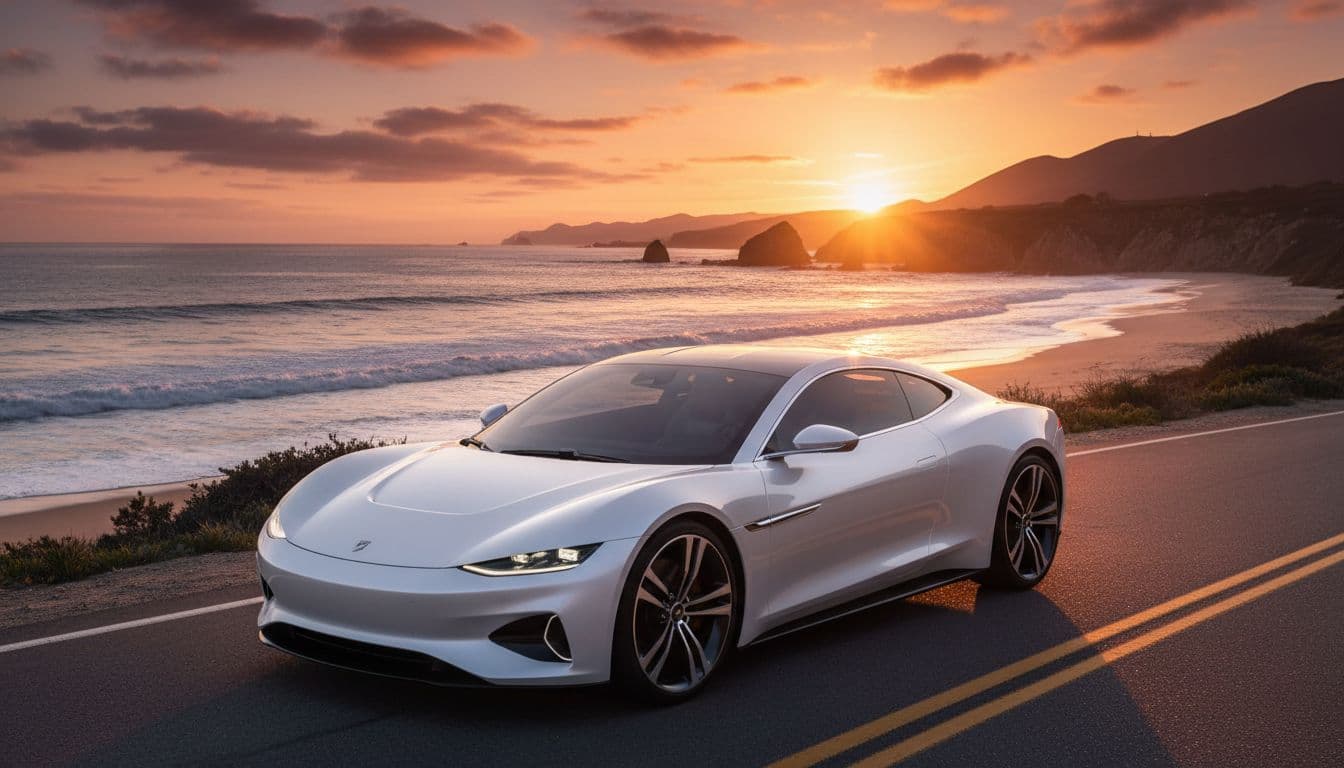
Native 4K isn’t just a spec for the sales page. It changes how the final image holds up. Details look sharper, edges stay cleaner, and the result needs less extra upscaling.
Native 4K matters most when the image has to work beyond a small social post.
That means better output for landing pages, print pieces, pitch decks, and ads.
How Akool AI image generator works, step by step
Akool keeps the workflow simple, which is a big part of its appeal. Most people can go from idea to result in under a minute. Current information points to image generation often landing in the 30 to 60 second range, depending on the model and job.
The basic flow looks like this:
- Choose a model based on the kind of image you want.
- Write a prompt or upload an image to guide the result.
- Generate and review the outputs.
- Refine the image with new wording, style changes, or another model.
That process feels closer to editing a draft than starting from zero every time, which saves time fast.
Choose the right model for the kind of image you want
Akool currently offers several model options, including 4K, Nano Banana, Seedream, Flux, and Qwen. You don’t need to know the deep tech behind them to get started.
Instead, think in plain terms. Some models feel better for realism. Others favor speed, creative looks, or experimentation. If you need a polished marketing image, the 4K model makes sense. If you want to test a more stylized look, another model may fit better.
Write better prompts for cleaner results
Prompt quality still matters. Short prompts can work, but clearer prompts usually produce better images faster.
Include the subject, style, lighting, camera angle, background, and mood. For example, “minimal skincare bottle on marble counter, soft daylight, clean luxury ad style” will usually beat “make a product photo.”
Small changes help, too. Add the setting. Describe the color feel. Say whether you want studio light, outdoor light, or a dark cinematic scene. A prompt works like giving directions. The clearer the route, the fewer wrong turns.
Features that make Akool useful for creators and marketing teams
Speed is one of the main reasons people try Akool, but it’s not the only one. The platform also supports batch image creation, style control, image editing, and broader creative tools like avatars, face swap, and video features.
That wider tool set matters for teams. Instead of bouncing between separate apps, they can create a visual, edit it, and connect it to a larger campaign workflow. An outside overview on Futurepedia’s Akool profile also highlights that broader mix of uses.
Fast image generation and batch creation save time
Fast output helps when you’re testing ad angles, thumbnails, or product scenes. Batch creation helps even more. Rather than generating one image at a time, teams can produce several variations and compare what works.
That speeds up creative review. It also helps agencies and in-house teams make more options without dragging out timelines.
Consistent characters and styles help with repeat content
Consistency is where many AI image tools start to wobble. A character looks one way in image one, then oddly different in image two. Akool has built a stronger reputation here, especially for keeping faces and general identity more stable across poses, outfits, and scenes.

That’s useful for brand mascots, storyboards, recurring ad talent, and social campaigns that need a steady visual thread.
Akool AI image generator pricing, pros, cons, and who should use it
Akool is free to try, which lowers the risk for curious users. Exact plan details weren’t consistently listed in current public sources, so it’s smart to verify them on the official AKOOL site before signing up.
This quick table shows where it fits best:
| User type | Good fit? | Why |
|---|---|---|
| Beginners | Yes | Easy workflow and fast results |
| Marketers | Yes | 4K visuals, batches, campaign use |
| Agencies | Yes | Strong for concept testing and repeat content |
| Niche art creators | Maybe | Some rivals offer deeper style control |
The short version is simple. Akool shines when you want speed, high-quality output, and practical controls. It may fall short when you need perfect style consistency from the same prompt every time, or flawless faces at hard angles. Some users also report occasional slow renders.
Compared with tools like Midjourney, Firefly, or other image generators, Akool feels more marketing-ready. It pairs strong realism and native 4K with broader avatar and video tools. Still, some rivals remain stronger for highly specific art styles or deeper experimental workflows. For another outside take, AllAboutAI’s Akool review is a useful read.
If you want polished images without wrestling with a complex setup, Akool makes a strong case. It’s especially good for beginners, marketing teams, e-commerce brands, and agencies that need usable visuals fast. The best next step is simple: try the free version, test a few prompt styles, and compare the output against the tool you already use.