
Renters, owners, and investors size up your company online before they ever call. If your site feels slow, thin, or hard to use, many of them won’t wait around.
A strong property management website builder helps turn visits into leads, applications, payments, and service requests. It can also save your team from doing the same admin work all day. The tricky part is picking a platform that fits how you actually manage properties, not how a software demo looks for five minutes.
This guide keeps it simple. You’ll see what these tools do, which features matter most, and how to choose a setup that works for your portfolio.
What a property management website builder actually does
A property management website builder helps you create and run a site built for leasing and resident service. That sounds basic, but the best ones do much more than help you place photos and text on a page.
A general website builder focuses on design. A property management platform adds workflows that matter in daily operations. That can include rental listings, online applications, tenant portals, maintenance requests, rent collection, and owner updates.
In plain English, it closes the gap between marketing and management. Your site becomes more than an online brochure. It becomes part of how your business runs.
How it is different from a basic website builder
A standard drag-and-drop builder can make a good-looking site. For some owners, that’s enough at first. Still, the minute you need live vacancy feeds, screening steps, portal access, or payment tools, that simple setup starts to feel like a stack of patches.
You may end up adding form tools, payment tools, calendar tools, and separate maintenance systems. As a result, staff spends more time moving data between systems. Prospects also hit more friction, which means fewer completed applications.
Property management-focused platforms pull these jobs into one place. That makes the site easier to update and easier for residents to use. If you want to see what strong sites look like in practice, this roundup of top-performing property management websites in 2026 is useful because it shows how design and function work together.
Who gets the most value from these platforms
Solo landlords often need a simple site with listings, a contact form, and online rent payment. In that case, a lightweight setup may work fine.
Small property management companies usually get more value from an all-in-one system. They need lead capture, applications, maintenance tracking, and resident communication without hiring extra staff.
Growing residential teams benefit even more because one system can support more units without adding chaos. Larger firms, especially those with mixed portfolios, often need stronger reporting, role controls, and owner-facing tools. In 2026, mobile-first layouts and built-in communication tools are now common across better platforms, because most renters and residents start on a phone and expect self-service.
The features that make the biggest difference
The best platform isn’t the one with the longest feature list. It’s the one that removes friction for prospects, residents, and your staff.
Two areas usually matter most first: how fast you can fill units, and how well residents can help themselves after move-in.
Listings, search tools, and online applications that help fill units faster
Good listings do more than display photos. They help people decide, fast, whether a unit fits their budget, location, and needs.
That means clean property pages, strong photo galleries, map views, filters, and vacancy feeds that stay current. Mobile-friendly applications matter just as much. If an interested renter has to pinch, zoom, or re-enter the same details three times, you’ll lose them.

Better builders keep the path short. A prospect sees the unit, checks details, applies, and hears back without chasing your office. That saves time for both sides. It also helps you attract more qualified leads, because people can filter before they contact you.
Some current platforms put this front and center. For example, DoorLoop’s 2026 roundup of property management website builders highlights how built-in listings and leasing workflows can reduce manual follow-up.
Tenant portals that cut down phone calls and manual work
Once a resident signs, the website still matters. A portal can handle rent payments, maintenance requests, lease documents, account history, and community updates.
That changes the day-to-day experience in a big way. Residents get answers faster. Your team gets fewer repeat calls about balances, payment links, service status, or basic forms.
A good portal should feel simple on a phone. It should also make common actions obvious. Paying rent, uploading a file, or sending a repair request should take seconds, not a hunt through menus.
If resident self-service is a core need, choose a builder that includes portals, payments, and maintenance from the start.
That point matters because many teams buy for appearance first, then discover the real work still happens somewhere else.
How to choose the right platform for your portfolio and budget
The right choice depends on how your business operates. Some teams need a polished website first. Others need a website plus a full operating system.
This quick comparison helps frame the trade-offs.
| Platform | Best fit | What stands out |
|---|---|---|
| DoorLoop | All-in-one use | Website tools plus portals, leasing, and payments |
| Yardi Breeze | Beginners | Familiar setup for teams that want a simpler start |
| ResMan | Larger multifamily or commercial | Stronger controls for bigger portfolios |
| Buildium | Reporting-focused residential teams | Solid owner and accounting reporting |
| AppFolio | Marketing and leasing-heavy teams | Strong vacancy marketing and lead handling |
| Wix | Lower-cost, design-first setup | Easy site building, but often needs add-ons |
| Lodgify | Vacation rentals | Booking-focused features for short-term stays |
The takeaway is simple: buy for your property type and workload, not for a flashy demo. A recent guide to website builders for property management companies makes the same point, especially when comparing all-in-one systems with design-first tools.
Questions to ask before you commit
Start with your portfolio. Does the platform support residential, multifamily, commercial, mixed-use, or vacation rentals in a way that fits your actual process?
Then look at scale. A system that works for 25 units may feel cramped at 250. You should also ask how setup works, how long migration takes, and whether listings update without manual entry.
Resident experience matters just as much as admin features. Try the portal on your phone. Submit a test lead if the demo allows it. Look at the application flow from the renter’s side, not only the manager dashboard.
Finally, check the full monthly cost. Add-ons can change the math fast. Payments, screening, website hosting, premium templates, texting, and reporting upgrades may cost extra.
Common mistakes to avoid when comparing builders
The first mistake is choosing based on design alone. A polished homepage can hide weak leasing and service tools.
Another problem is ignoring mobile use. Most prospects browse rentals on their phones, and residents often pay rent there too. If mobile feels clumsy, conversions drop.
Support quality also matters more than many buyers expect. When listings break or payments need help, fast support isn’t a bonus. It’s part of the product.
Some firms also overbuy. Enterprise software can be the wrong fit if you manage a small portfolio and only need a site, applications, and payments. On the other hand, going too cheap creates pain if you need portals, maintenance tracking, and owner communication. If you’re leaning toward a website-plus-operations setup, DoorLoop’s property management website builder overview shows the kind of bundled approach many growing teams now prefer.
How to launch a website that brings in leads and supports residents
A good launch doesn’t need months of polish. It needs clear pages, useful tools, and a path that makes sense for the people visiting your site.
Start small if you need to, but launch with the pages and actions people expect.
The must-have pages every property management site should include
Your homepage should explain who you serve and what action to take next. Available rentals should make it easy to browse, filter, and apply. Owner services pages should show what you manage and why owners should trust you.
Tenant resources should point residents to rent payments, maintenance requests, and common forms. Your about page should put real people, local knowledge, and company history in plain view. The contact page should offer more than one way to reach you. A short FAQ helps answer common questions before they turn into calls.
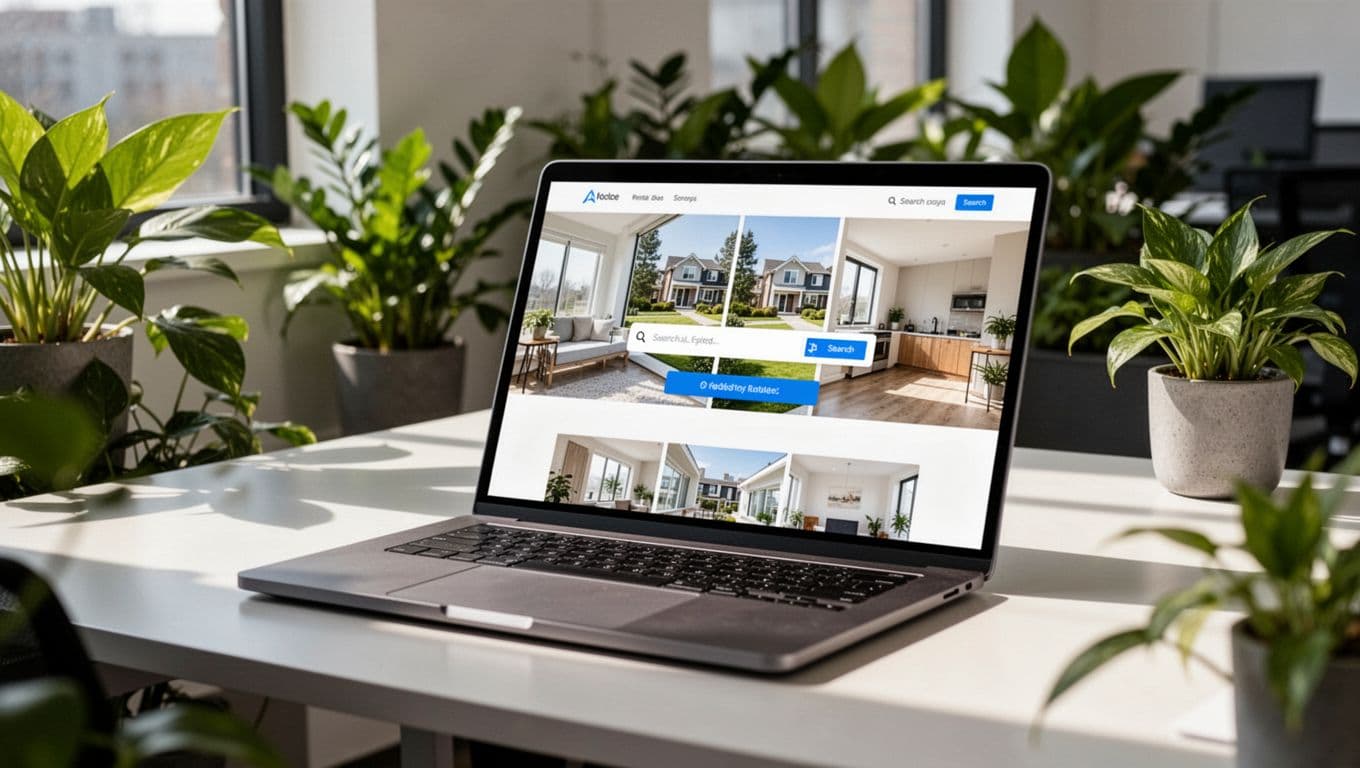
Each page should do one job well. That’s how you build trust and keep visitors moving.
Simple ways to make the site easier to find and easier to trust
Speed matters. So does clear wording. People should know within seconds whether you manage in their area and how to take the next step.
Use real photos when possible. Add reviews where they fit naturally. Create local service area pages if you cover more than one city or neighborhood. Keep calls to action simple, such as “View Rentals,” “Request Management Info,” or “Submit Maintenance Request.”
Content also helps search visibility and AI-driven discovery. Write pages that answer actual renter and owner questions, such as application requirements, pet rules, maintenance response times, and fee structures. Plain language wins here because it matches how people search and how AI tools summarize answers.
The best property management website builder isn’t the one with the most buttons. It’s the one that fits your business model, helps prospects act quickly, and gives residents useful self-service tools.
If your site can capture leads, support payments and maintenance, and still feel easy to manage, you’re on the right track. Focus on ease of use, strong resident features, and room to grow. That’s what turns a website into a working part of your property management business.